7 Creative Project Management Software Options Ranked for 2026
Weighing the best creative project management software? We lined up 7 products by cost, free access and fit. Limits and pricing notes included. Pick by budget.
- Editor's choice
 ClickUp
All-in-one creative workspace
Starts atSee websiteVisit clickup.comFull review - Great alternative
 Monday.com
Visual campaign planning
Starts atSee websiteVisit monday.comFull review - Also consider
 Basecamp
Client-facing project simplicity
Starts atSee websiteVisit basecamp.comFull review
TL;DR:
- Number one here is ClickUp, a fit for all-in-one creative workspace.
- Milanote is the one to check for visual concept development.
- Check the limits for Monday.com before you commit: per-seat pricing layers on up quick for large teams.
- Free plans are common here: 6 of 7 tools have one, including ClickUp, Monday.com, Notion and Asana.
Direct answer
ClickUp comes first here, mainly for all-in-one creative workspace. For a different need, Monday.com covers visual campaign planning and Basecamp covers client-facing project simplicity. The full list of 7 tools follows, with prices and free plan facts.
Quick comparison
| Tool | Best for | Starts at | Free plan? | |
|---|---|---|---|---|
| ClickUp | All-in-one creative workspace | See website | Yes | Visit |
| Monday.com | Visual campaign planning | See website | Yes | Visit |
| Basecamp | Client-facing project simplicity | See website | Free trial (30 days) | Visit |
 Notion | Docs plus project tracking | See website | Yes | Visit |
 Asana | Design teams that live by timelines | See website | Yes | Visit |
 Wrike | Structured creative operations | See website | Yes | Visit |
 Milanote | Visual concept development | See website | Yes | Visit |
Every option for creative project management software explained
Short on time? The summary and table above give the quick view of 7 tools for creative project management software, and the profiles that follow give the detail behind each entry.
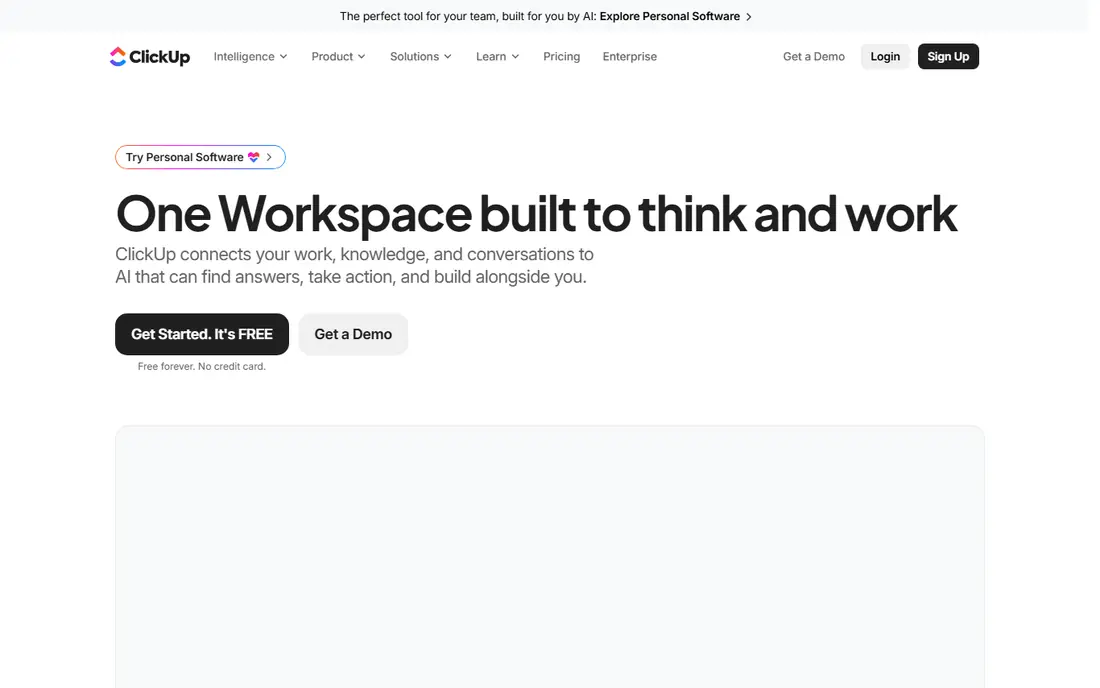
ClickUp makes the most sense for all-in-one creative workspace. ClickUp wants to replace half your tool stack.
As for the details, tasks, documents, whiteboards, chat, goals, and time tracking live in one workspace, which appeals to creative teams tired of paying for five subscriptions. From a buyer's view, start with a straightforward setup, add complexity only when the team asks for it. Pricing for ClickUp is not stated here, so ask the vendor for current figures. ClickUp includes a free tier.
Watch-outs: Performance can lag in very large workspaces.
- Docs, whiteboards
- Tasks in one workspace
- Customization depth can overwhelm new users
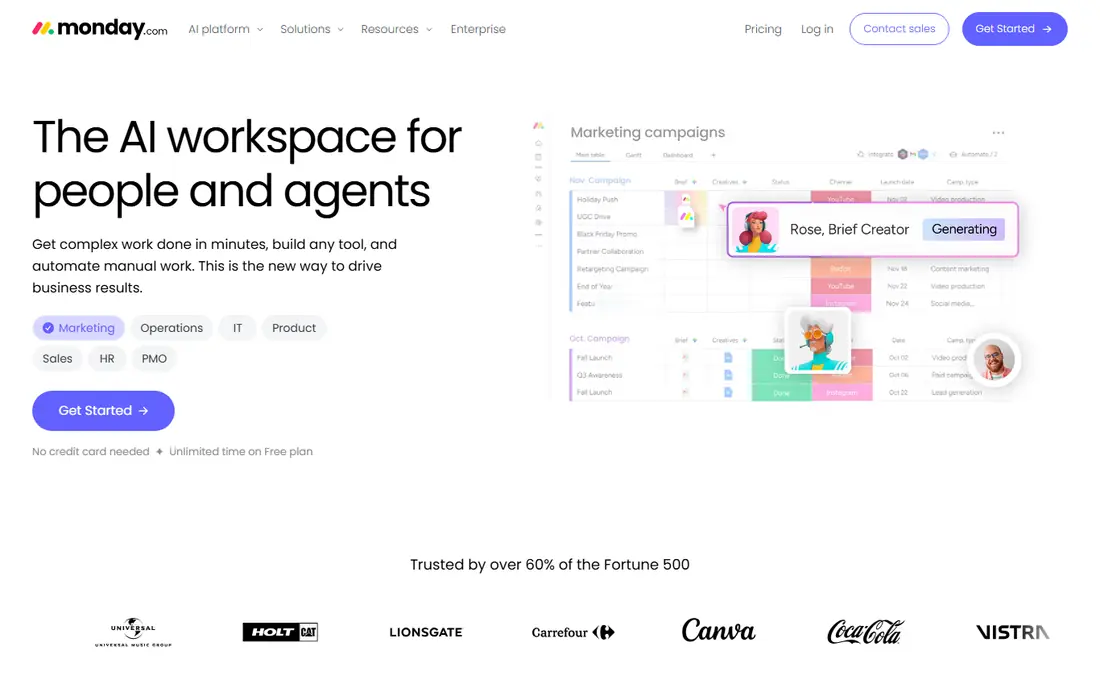
Monday.com is aimed squarely at visual campaign planning. The automation builder manages the repetitive glue of creative production: when a design moves to "In review," notify the art director. When approved, assign the file prep task to production.
The main drawbacks: Per-seat pricing brings up quick for large teams.
In daily use, the honest catch is cost at scale: per-seat pricing with seat minimums means a 20-person studio pays for 20 seats even if half are occasional collaborators, so price it against flat-rate alternatives before committing. From a buyer's view, boards can be viewed as kanban, timeline, calendar, gallery, or table, and the gallery view especially does well for reviewing design assets at a glance. Also, custom columns track everything from asset status to client sign-off, and color coding makes board health readable in seconds. As for the details, the free plan includes a couple of seats for testing. Check the vendor site for Monday.com pricing; none is listed in this comparison. A free plan is available with Monday.com.
- Colorful
- Approachable interface
- Advanced features gated behind higher levels
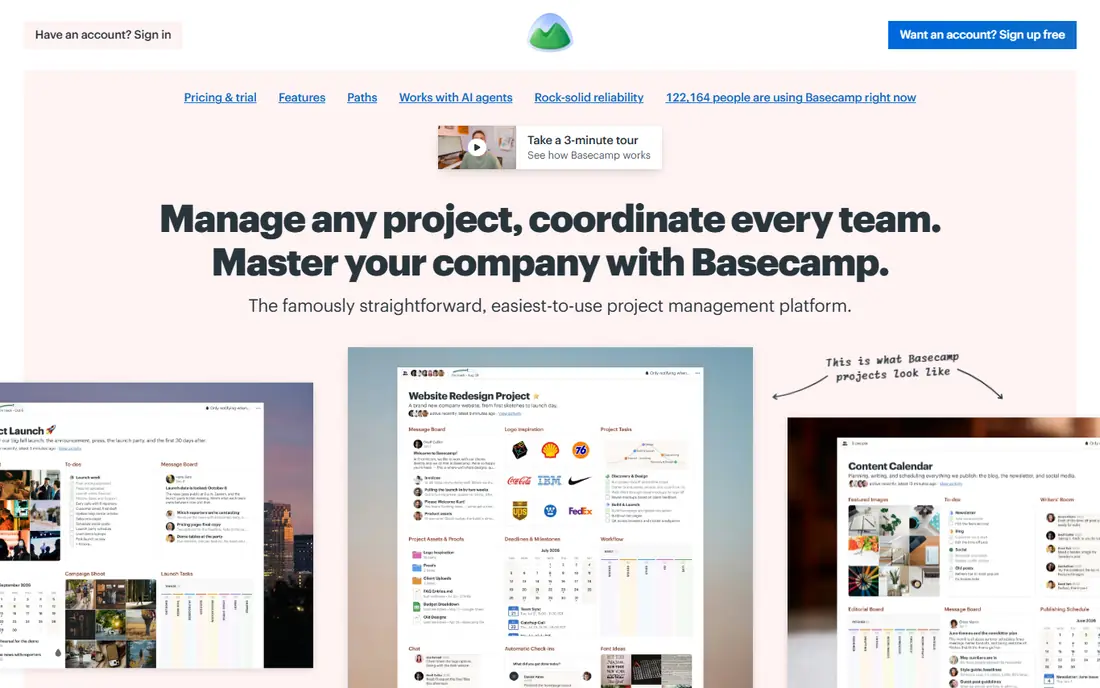
Pick Basecamp if this describes you: client-facing project simplicity. The trade-off is depth. If you need Gantt charts, workload balancing, custom fields, or proofing markup, Basecamp will not supply them.
Points against: Fewer views and less customization than competitors.
It is for teams that want calm, shared clarity instead of production machinery. More specifically, Basecamp takes the opposite approach from most tools here: fewer features, deliberately. Each project gets a message board, to-do lists, a schedule, shared docs and files, and group chat. No starting price is listed for Basecamp here; confirm pricing on the vendor site. Free access: Free trial (30 days).
- Jargon-free view
- Flat-rate pricing choice fits large or freelancer-heavy teams
- No free plan
Pick Notion if this describes you: docs plus project tracking. Brand guidelines, campaign briefs, meeting notes, and asset libraries live as pages, and database views turn those pages into kanban boards, calendars, and tables. Beyond that, premium plans add unlimited file uploads, longer page history, and advanced permissions.
Be clear-eyed about the gaps: there is no proofing, resource management is rudimentary, and at scale the adaptability that makes Notion delightful can turn into inconsistent processes across teams. Worth adding: creative teams frequently pair Notion with a dedicated design tool, using Notion for planning and documentation whereas production happens elsewhere. For teams where the brief and the reference material matter as much as the task list, keeping everything in one wiki is compelling. For everyday use, the free plan is ample for individuals and small teams. Notion shows no starting price here, so confirm the cost on the vendor site. A free plan is available with Notion.
What users get: Ample free plan.
Honest limits: No native proofing.
- Adaptable databases adapt to any creative workflow
- Project trackers live in one wiki-style workspace
- Not a purpose-built PM tool, so timelines and workload views are entry-level
Where Asana fits: design teams that live by timelines. Asana is the timeline tool creative teams reach for when launch dates rule everything.
Honest limits: Advanced features like portfolios and workload management need higher levels.
From a buyer's view, the timeline view lays out every asset, review round, and deadline on a Gantt-style chart, and dependencies show exactly what slips when one task runs late. This comparison lists no price for Asana; ask the vendor. Asana includes a free tier.
- Very good timeline and calendar views for campaign planning
- Built-in proofing and approval workflows on premium plans
- Can feel heavy for very small teams
For structured creative operations, Wrike is a natural candidate. Online proofing supports images, video, and documents with threaded comments pinned to specific spots. From a buyer's view, the free plan spans entry-level task management for small teams.
Where it is weaker: Best value sits on higher-priced levels.
From a buyer's view, resource management views display who is overallocated across projects, which matters when designers split time between campaigns. Approval workflows route assets through defined review chains. Check the vendor site for Wrike pricing; none is listed in this comparison. A free plan is available with Wrike.
- In-depth workload and resource management
- Request forms tame chaotic intake
- Interface has a ramp-up time
Where Milanote fits: visual concept development. Milanote is the odd one out, and creative teams will at once understand why it belongs. It is a visual workspace for the fuzzy front end of creative work: mood boards, reference images, storyboards, color palettes, and rough concepts arranged on infinite boards.
Watch-outs: Not a full project manager, weak on tasks, timelines, reporting.
It feels like pinning things to a studio wall, except the wall is shareable and never runs out of space. Also, agencies use it to present concepts to clients, design teams use it for visual research, and writers use it to structure narratives. Beyond that, the free plan includes light use with a restricted number of notes. Worth adding: Milanote will not run your production schedule or track deadlines, so most teams pair it with a task manager. Milanote does not show a starting price in this comparison, so check the vendor site for current pricing. Free access exists with Milanote.
- Purpose-built for mood boards, storyboards
- Drag-and-drop boards feel like a designer's wall
- Restricted free plan
More on creative project management software
The brief lives in an email. Beyond that, feedback lives in three Slack threads. Also, the latest file is named final-v7-REALLY-final.psd, and nobody knows which comments were addressed.
This is how creative work actually falls apart: not from lack of talent, but from scattered information. Designers have to proof artwork and collect annotated comments. Also, account managers need a clean way to loop clients in without exposing internal chaos.
As for the details, note on pricing: our research tools were unavailable on the day of writing, so starting prices are listed as "See website." Plan structures, free levels, and feature notes below reflect each vendor's long-standing public offerings.
How we built this list
For each of the 7 tools we noted price, free plan or trial, fit for creative project management software and the main limit, using vendor pages and documentation. Plan names, prices and limits change often. Treat the figures here as a starting point and verify them with the vendor. Order on the page follows fit for the typical buyer first, then price transparency and free access. Your own requirements should decide the final pick.
Pre-purchase checklist
- Confirm the entry price with every vendor: no tool from ClickUp to Milanote shows a fixed starting price.
- Look at free plan limits closely: ClickUp, Monday.com, Notion and others have one, and the caps decide whether it is usable for real work.
- Run a trial of Basecamp with real work before paying for a year; your own workflow is the best test.
- Read the limits listed for ClickUp first: customization depth can overwhelm new users.
- Get the contract term, renewal terms and any onboarding fees from Basecamp in writing.
- Involve the people who will use Milanote daily; a short pilot beats a long feature checklist.
FAQ
Do these tools publish their prices?
No. None of the tools, from ClickUp to Milanote, shows a fixed starting price here, so budget time for quotes.
How are the tools for creative project management software ordered?
The order follows typical fit for creative project management software, with ClickUp first and Milanote last, then price clarity and free access. It is editorial judgement, not a score, so another team could rank the tools differently.
Is ClickUp the right pick for everyone comparing creative project management software?
No single tool suits every team. ClickUp comes first because it fits all-in-one creative workspace, while Monday.com suits visual campaign planning and Basecamp suits client-facing project simplicity. Match the tool to your own size, budget and workflow before deciding.
Which options for creative project management software have a free plan?
6 of the 7 tools have a free plan, including ClickUp, Monday.com, Notion and Asana. Free plans usually cap users, projects or features, so check the limits on the vendor page. One other tool offers a trial instead.