7 Business Automation Software for Docs Ranked for 2026
Weighing the top business automation software for docs? We lined up 7 products by cost, free access and fit. Pros and cons for every tool. Facts only.
- Editor's choice
 M-Files
Metadata-driven document management
Starts atSee websiteVisit m-files.comFull review - Great alternative
 PandaDoc
Proposals and contracts with eSignature
Starts at$19/user/month (Starter)Visit pandadoc.comFull review - Also consider
 Formstack
Forms, documents, and eSignatures in one suite
Starts atSee websiteVisit formstack.comFull review
Direct answer
Our first pick is M-Files, best for metadata-driven document management. Alternatives: PandaDoc for proposals and contracts with eSignature, and Formstack for forms, documents, and eSignatures in one suite. Prices, free plans and limits for all 7 tools follow.
TL;DR:
- The list opens with M-Files, aimed at metadata-driven document management.
- The cheapest monthly starting price in the list is $19/user/month, offered by PandaDoc.
- DocuSign suits agreements and eSignature at scale.
- PandaDoc is the only tool of the 7 with a free plan.
- Check the limits for PandaDoc before you commit: document management depth is thinner than pure DMS tools.
Quick comparison
| Tool | Best for | Starts at | Free plan? | |
|---|---|---|---|---|
| M-Files | Metadata-driven document management | See website | Free trial | Visit |
| PandaDoc | Proposals and contracts with eSignature | $19/user/month (Starter) | Yes | Visit |
| Formstack | Forms, documents, and eSignatures in one suite | See website | Free trial | Visit |
 airSlate WorkFlow | No-code document workflow automation | See website | Free trial | Visit |
 DocuWare | Document management with AI-powered workflows | See website | No | Visit |
 Revver | Document management for mid-sized teams | See website | Free trial | Visit |
 DocuSign | Agreements and eSignature at scale | See website | Free trial (30 days) | Visit |
Tool-by-tool breakdown
LinkVetted put together this guide to business automation software for docs for readers who want a clear shortlist without reading every vendor page. It compares 7 tools on starting price, free plans, who each one suits and where each one falls short.
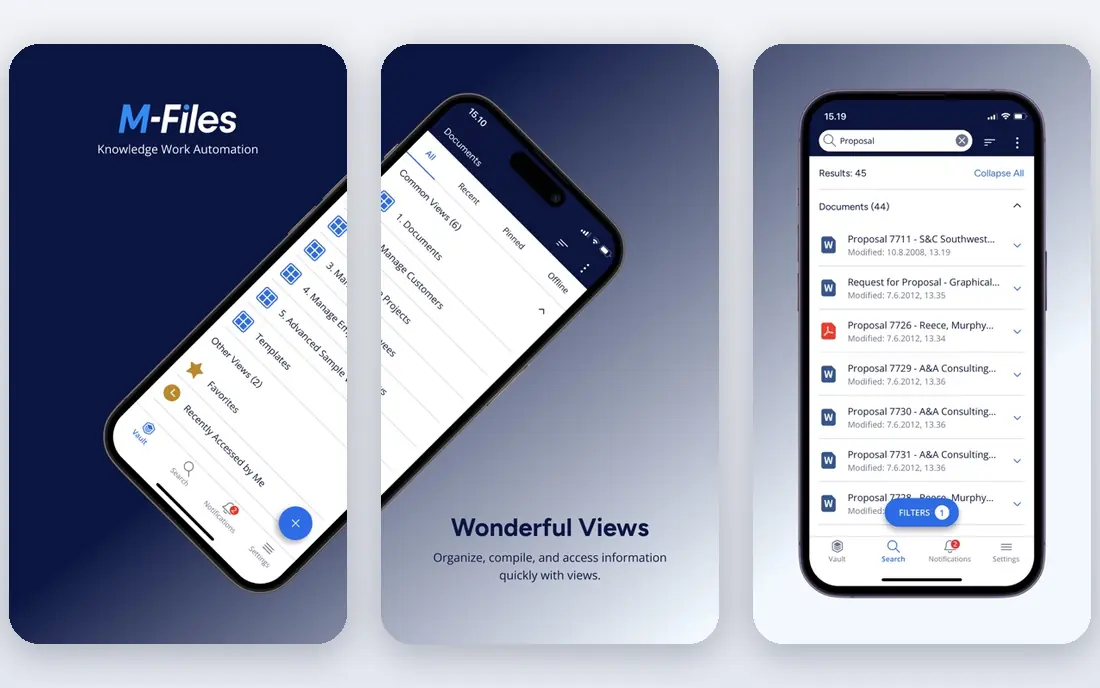
Choose M-Files for metadata-driven document management. For organizations drowning in documents that nobody can find, M-Files solves the actual problem instead of digitizing the filing cabinet.
Limits to weigh: Metadata model takes adjustment for folder-thinkers.
Pricing for M-Files is not stated here, so ask the vendor for current figures. Free access: Free trial.
Main advantages: Solid Microsoft 365 integration.
- Not where they are filed
- Finds documents by what they
- Quote-based pricing
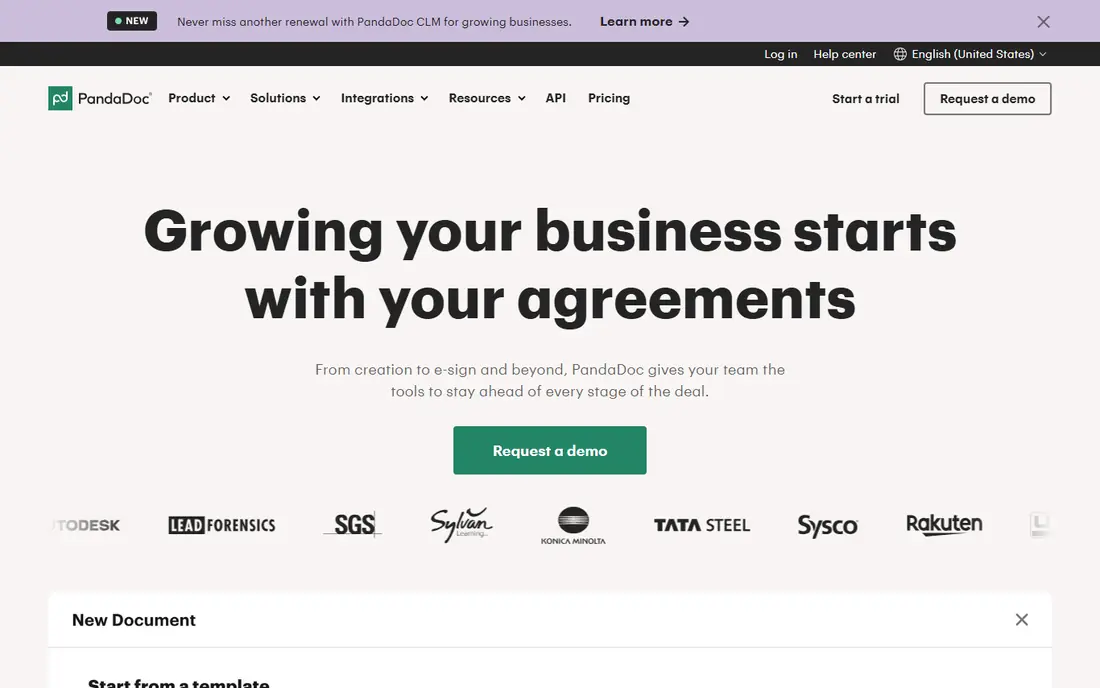
PandaDoc is built with proposals and contracts with eSignature in mind. If your need is long-term document governance and retention instead of getting contracts signed, pair it with or pick a DMS instead.
What you pay to start with PandaDoc: $19/user/month. PandaDoc has a free plan.
Points against: Document management depth is thinner than pure DMS tools.
- Drag-and-drop document builder with CRM integrations
- Clear published pricing
- Advanced workflow features cost more
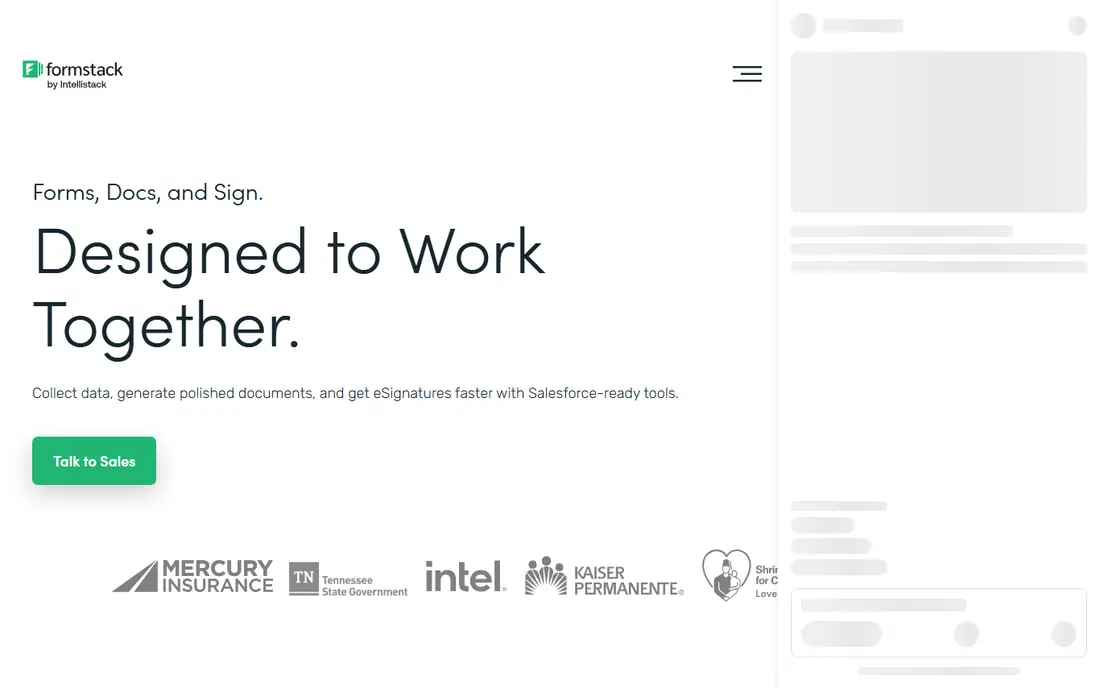
Where Formstack fits: forms, documents, and eSignatures in one suite. Its Salesforce integration is a particular strength.
More specifically, teams that require best-in-class workflow automation or heavy document management may find the modules limiting. This comparison lists no price for Formstack; ask the vendor. On free options: Free trial.
Main advantages: Forms, documents.
Watch-outs: Suite breadth means each module is less deep than specialists.
- Solid Salesforce integration
- ESignatures under one roof
- Pricing not published
airSlate WorkFlow was built for no-code document workflow automation. The trade-off is that pricing is not published, and genuinely complex flows with numerous branches still take real design work.
What to check first: Pricing not published.
As for the details, teams that want to automate documents end to end without developers should start here. No starting price is listed for airSlate WorkFlow here; confirm pricing on the vendor site. Free plan details: Free trial.
- Capable CRM and ERP integrations
- Visual no-code workflow builder
- Ramp-up time for complex multi-branch flows
Pick DocuWare if this describes you: document management with AI-powered workflows. Like its enterprise peers, it sells through quotes and demos instead of self-serve pricing. From a buyer's view, with a long history in the space and recognition from Gartner and IDC, DocuWare is a safe enterprise pick, particularly in manufacturing, finance, and the public sector.
The main drawbacks: Quote-only pricing.
As for the details, DocuWare is a document management and workflow product with both cloud and on-premises deployment, which matters for organizations with data residency requirements. Its newer AI-powered product brings intelligent document processing: extracting data from documents automatically rather than manual indexing. Mid-sized teams that require AI-assisted document capture with deployment adaptability should shortlist it. Pricing for DocuWare is not stated here, so ask the vendor for current figures. No free plan comes with DocuWare.
- Cloud and on-premises choices
- Solid in regulated industries
- Enterprise sales process
Where Revver fits: document management for mid-sized teams. But for teams that find enterprise document management overbuilt and overpriced, Revver hits a practical middle ground.
Downsides: Pricing not published.
Upsides: Aimed at mid-sized teams.
Revver does not show a starting price in this comparison, so check the vendor site for current pricing. Trial and free access: Free trial.
- AI tools for summary and classification
- Fast onboarding
- Smaller ecosystem than enterprise rivals
DocuSign works best for agreements and eSignature at scale. For pure signing at scale, nothing beats its recognition and reliability.
Beyond that, the pricing deserves a careful read. eSignature plans carry envelope limits and overage fees. The newer IAM product is priced separately. This comparison lists no price for DocuSign; ask the vendor. Free access: Free trial (30 days).
What to check first: Full system pricing is quote-based.
- 1,000 plus integrations
- The standard for eSignature
- Pricing is complicated with envelope limits
How the list was put together
For each of the 7 tools we noted price, free plan or trial, fit for business automation software for docs and the main limit, using vendor pages and documentation. Where a price is missing, the vendor does not list one publicly or ties it to a quote. Always confirm before budgeting. Tools are placed by general fit for business automation software for docs, with price clarity and free access as tie-breakers. A different team can reasonably rank them differently.
Things to verify first
- Get a written quote from M-Files, Formstack, airSlate WorkFlow and others; the list shows no starting price for them.
- Look at the free plan from PandaDoc closely: its caps decide whether it is usable for real work.
- Use real work to test the free trial from M-Files, Formstack, airSlate WorkFlow and others, rather than a demo project.
- Before choosing M-Files, weigh its main limit: quote-based pricing.
- Ask whether PandaDoc integrates with your current software, and whether that comes standard or as an add-on.
- Read the plan comparison for DocuSign carefully; key features often start on a higher tier.
FAQ
Which business automation software for docs have a free plan?
PandaDoc is the only tool in this list with a free plan. Free plans usually cap users, projects or features, so check the limits on the vendor page. Several others offer a trial instead.
Can I try these tools before paying?
Often, yes. PandaDoc has a free plan and M-Files, Formstack, airSlate WorkFlow and others offer a free trial. Use your own data and a real task during the test, and check what the free tier or trial limits before you rely on it.
What is the cheapest option for business automation software for docs in this list?
On published monthly entry prices, PandaDoc is the lowest here at $19/user/month. Entry price is only part of the cost, because seats, add-ons and billing terms can change the total.
How are the business automation software for docs ordered?
The order follows typical fit for business automation software for docs, with M-Files first and DocuSign last, then price clarity and free access. It is editorial judgement, not a score, so another team could rank the tools differently.
How much does document automation software cost?
Most competitors are quote-based, with cost based on users, volume, and modules. DocuSign's eSignature plans carry envelope limits with overage fees, so factor your sending volume into the total.