5 Best Curriculum Management Software for 2026, Vetted and Compared
Best curriculum management software, compared. 5 tools with published prices, free plans and limits. Read the caveats before you buy. Skim the table first.
- Editor's choice
 Microsoft Teams for Education
Collaboration and communication
Starts atPricing on requestVisit microsoft.comFull review - Great alternativeSakai
Open-source LMS for higher ed
Starts atPricing on requestVisit sakailms.orgFull review - Also consider
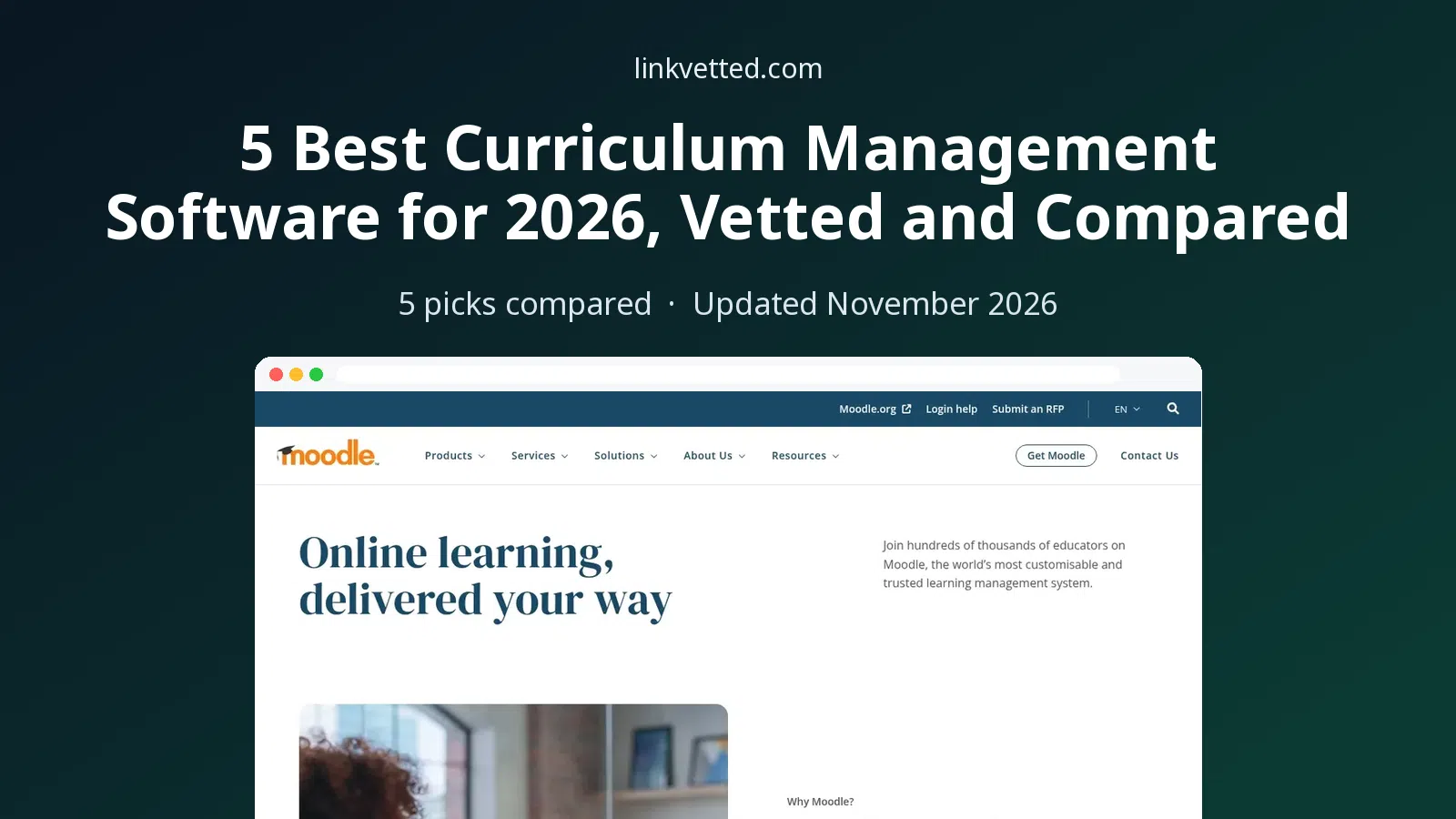
 Moodle
Configurable learning ecosystems
Starts atPricing on requestVisit moodle.comFull review
Direct answer
Microsoft Teams for Education is the first pick on this list for collaboration and communication. Alternatives: Sakai for Open-source LMS for higher ed, and Moodle for customizable learning ecosystems. Details and limits for the rest of the 5 tools are below. None of these vendors publish plan prices, so pricing is on request for every option.
TL;DR:
- The list opens with Microsoft Teams for Education, aimed at collaboration and communication.
- What to know about Microsoft Teams for Education first: not a full LMS.
- For approachable curriculum delivery, Canvas LMS is worth a look.
- Every tool from Microsoft Teams for Education to Canvas LMS works by quote, with no list price shown.
- A permanent free plan is missing from all 5 tools, Microsoft Teams for Education and Canvas LMS included; plan for a trial or a premium start.
Last checked November 2026. Pricing on request: vendors did not publish plan prices when this guide was last checked (November 2026), so ask each vendor for a written quote.
Quick comparison
| Tool | Best for | Starts at | Free plan? | |
|---|---|---|---|---|
| Microsoft Teams for Education | Collaboration and communication | Pricing on request | Not stated | Visit |
| Sakai | Open-source LMS for higher ed | Pricing on request | Not stated | Visit |
| Moodle | Configurable learning ecosystems | Pricing on request | Not stated | Visit |
 Google Classroom | Straightforward integration with Google tools | Pricing on request | Not stated | Visit |
 Canvas LMS | Approachable curriculum delivery | Pricing on request | Not stated | Visit |
Tool-by-tool breakdown
This LinkVetted guide covers 5 options for curriculum management software. Each profile lists a starting price, free plan details, strengths and drawbacks, so you can drop poor fits quickly.
Think of Microsoft Teams for Education for collaboration and communication. Microsoft Teams for Education is a communication and collaboration app for schools, supporting in-person and remote students.
Downsides: Needs Microsoft ecosystem.
Worth adding: Teams for Education is not a dedicated curriculum management system and may lack some LMS features like gradebooks or course authoring. Pricing for Microsoft Teams for Education is not stated here, so ask the vendor for current figures. As for free access: Not stated.
- Capable video conferencing
- Supports remote and in-person learning
- Not a full LMS
Sakai
Best for: Open-source LMS for higher ed
Sakai is designed for Open-source LMS for higher ed. Sakai may need significant technical resources to deploy and maintain, and its interface is frequently considered less modern than commercial alternatives. In daily use, institutions prioritizing simplicity might prefer Canvas LMS or Google Classroom.
Where it falls short: Needs technical support.
Also, Sakai is an open-source learning management system widely used in higher education. It provides a mix of tools for course management, collaboration, and assessment, and is maintained by a community of institutions. On top of that, Sakai fits universities seeking a configurable, community-supported LMS. Check the vendor site for Sakai pricing; none is listed in this comparison. On free options: Not stated. Reasons to shortlist it: Scalable for institutions.
- Open-source adaptability
- Community-driven development
- Less modern interface
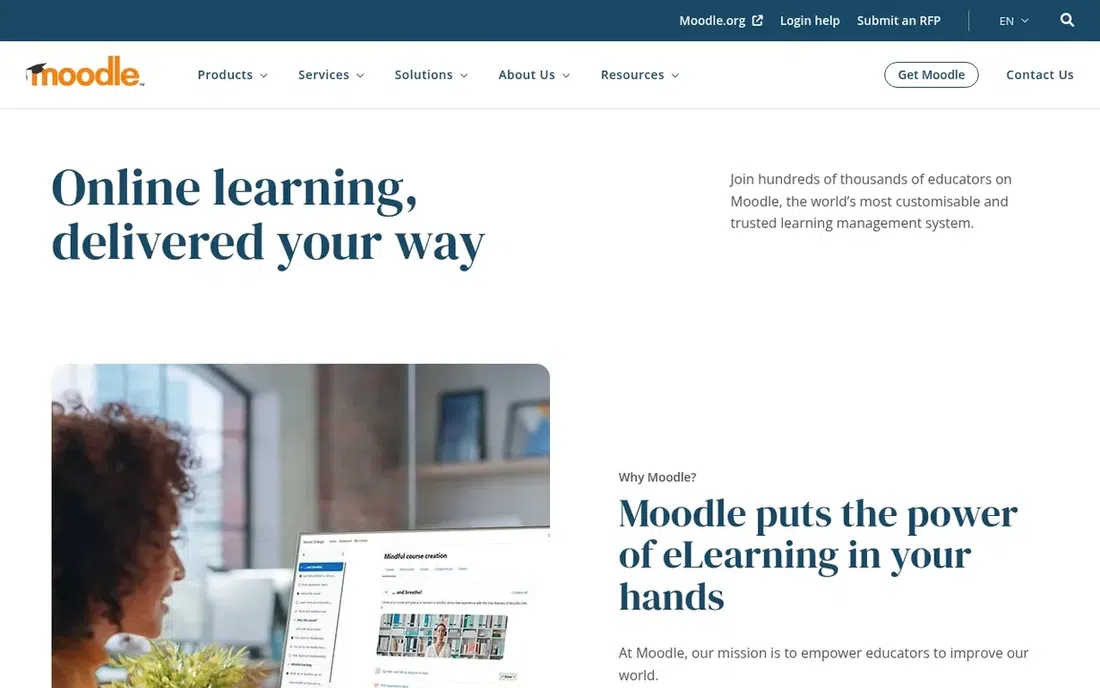
Moodle is designed for configurable learning ecosystems. Moodle is an open-source learning management system known for its customizability and popularity across education, enterprise, and public sector organizations.
Pricing for Moodle is not stated here, so ask the vendor for current figures. Free access: Not stated.
What to check first: Needs technical expertise.
- Broad range of plugins
- Highly configurable
- Can be complicated to maintain
Google Classroom serves simple integration with Google tools. Google Classroom is a free tool built to help educators handle classrooms and enrich learning experiences.
It serves as a central hub for assignments, communication, and resources, tightly integrated with Google Workspace for Education. No starting price is listed for Google Classroom here; confirm pricing on the vendor site. Free access: Not stated.
Where it falls short: Entry-level analytics.
- Smooth Google integration
- Simple to use
- Restricted advanced features
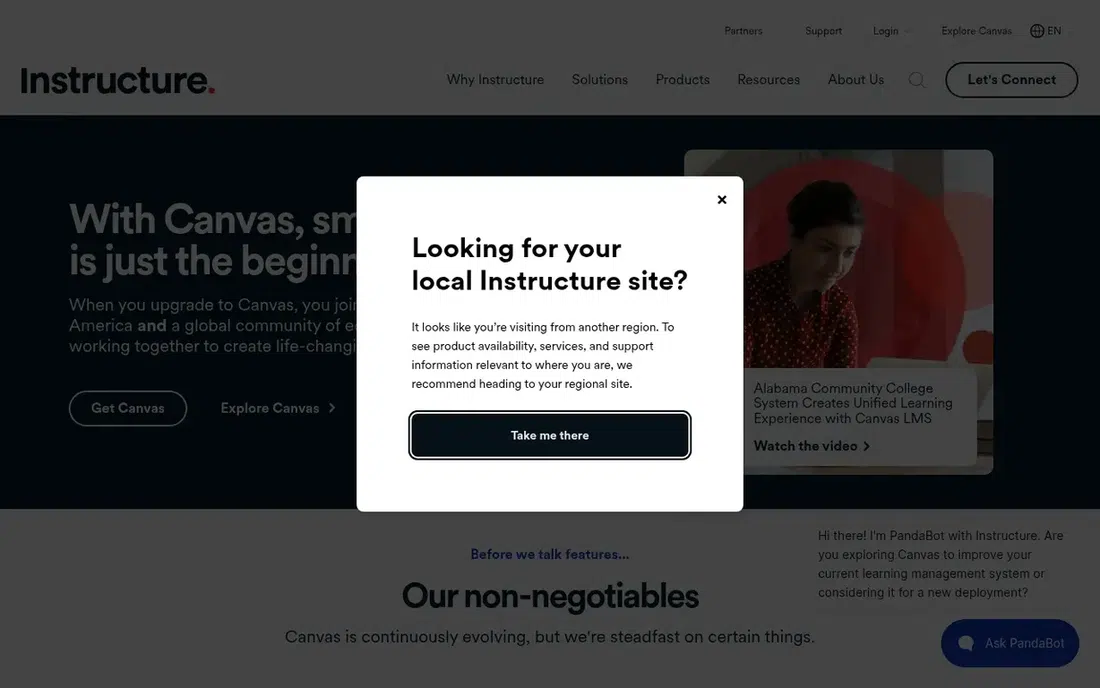
Canvas LMS is aimed squarely at approachable curriculum delivery. Canvas LMS by Instructure is a learning management system built to ease teaching and enhance student learning.
The system supports curriculum delivery, assessment, and communication in one place, helping educators handle courses efficiently. Pricing for Canvas LMS is not stated here, so ask the vendor for current figures. Free access: Not stated.
Where it falls short: May need training for advanced features.
- Eases teaching tasks
- Enhances student learning
- Restricted customization without extras
How we built this list
For each of the 5 tools we noted price, free plan or trial, fit for curriculum management software and the main limit, using vendor pages and documentation. Prices and plan limits come from vendor pages and can change, so confirm them on the vendor site before you buy. Position on the page reflects fit for a typical buyer first, with price clarity and free access breaking ties. Treat it as a guide, not a ruling.
Before you commit
- Ask each vendor, from Microsoft Teams for Education to Canvas LMS, for a written quote; none of them publishes a starting price.
- Read the limits listed for Microsoft Teams for Education first: not a full LMS.
- Look at the renewal terms for Moodle: auto-renewal, notice periods and price changes can matter more than the first-year price.
- Ask the daily users to test Google Classroom on a live task before you roll it out to everyone.
- Read the plan comparison for Sakai carefully; key features often start on a higher tier.
FAQ
How are the tools for curriculum management software ordered?
Microsoft Teams for Education sits first and Canvas LMS last because the order follows typical fit for curriculum management software, then price clarity and free access. It is a judgement call, so read each profile for fit and limits.
What is curriculum management software?
Curriculum management software helps institutions plan, deliver, and track educational content. It commonly comes with tools for course authoring, assessment, and analytics. These products support educators in managing curricula efficiently.
Does any tool for curriculum management software here have a free plan?
No tool in this list, Microsoft Teams for Education and Canvas LMS included, has a permanent free plan. Trials and quotes are the usual route, so plan a short evaluation period. All 5 picks in this Curriculum management software comparison list a starting price, free plan details and the main limits on their cards above.
Can I try these options before paying?
Not by default. None of the tools, from Microsoft Teams for Education to Canvas LMS, lists a free plan or a free trial here, so ask each vendor for a demo before committing.
Do these tools publish their prices?
No. None of the tools, from Microsoft Teams for Education to Canvas LMS, shows a fixed starting price here, so budget time for quotes. For the full picture, the cards above cover all 5 entries of this Curriculum management software list, including price, free plan and limits.
Sources
- https://www.microsoft.com/en-us/education/products/teams
- https://www.sakailms.org
- https://moodle.com
- https://classroom.google.com
- https://www.instructure.com/canvas