Best Account Management Software in 2026: 9 Tools Compared
Compare the best account management software for 2026, with nine tools for health scores, account plans, renewals, and growth across small and large teams.
- Editor's choice
 Gainsight
Large enterprise customer success teams
Starts atSee websiteVisit gainsight.comFull review - Great alternative
 HubSpot Service Hub
Small teams starting on a shared CRM
Starts atFreeVisit hubspot.comFull review - Also consider
 Planhat
Mid market teams with account plans
Starts atSee websiteVisit planhat.comFull review
TL;DR:
- Gainsight and Planhat suit larger teams with complex accounts, while HubSpot Service Hub is the easiest low cost start.
- Most dedicated account tools are priced by quote, so total cost depends on seats, accounts, and implementation help.
- Health scores only help if usage, billing, and support data actually flow into the tool.
- Account plans, playbooks, and renewal views matter more than dashboards alone.
- Small teams should start with a CRM based option and move to a dedicated platform when the book grows.
Quick comparison
| Tool | Best for | Starts at | Free plan? | |
|---|---|---|---|---|
| Gainsight | Large enterprise customer success teams | See website | No | Visit |
| HubSpot Service Hub | Small teams starting on a shared CRM | Free | Yes | Visit |
| Planhat | Mid market teams with account plans | See website | No | Visit |
 ChurnZero | Churn risk and renewal tracking | See website | No | Visit |
 Vitally | Growing SaaS teams needing a clear health view | See website | No | Visit |
 Totango | Customer success with journey automation | See website | No | Visit |
 ClientSuccess | Straightforward success management | See website | No | Visit |
 DemandFarm | Formal key account programs | See website | No | Visit |
 Kapta | Renewal and expansion planning | See website | No | Visit |
The best account management software
Account management software should answer three questions fast: which accounts are at risk, which have room to grow, and what should happen next. We compared tools on health scoring, account planning, integrations with a CRM, and how clear the pricing and setup path are.
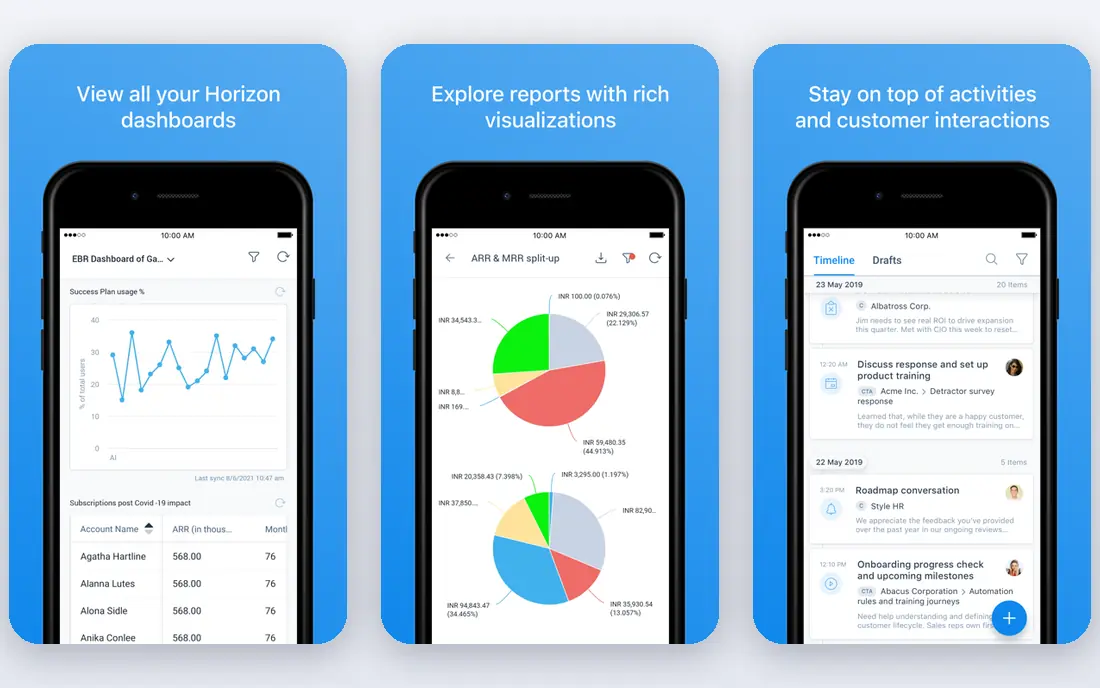
Gainsight is the most complete platform in this list for a large team managing complex accounts. It brings usage, support, billing, and CRM data into health scores, then ties those scores to playbooks, success plans, and renewal workflows. For a team where one lost enterprise account costs far more than the software, that depth is the point.
The cost is the catch. Pricing is by quote, and implementation is often a project in itself, with a dedicated admin needed to keep the system useful. Smaller teams will find it heavy. Gainsight fits best when you already have a customer success operations role and a book large enough to justify it.
- Deep health scoring and journey tools
- Strong Salesforce integration
- Renewal and success plan features
- Quote based pricing
- Implementation can be long and needs dedicated admin time
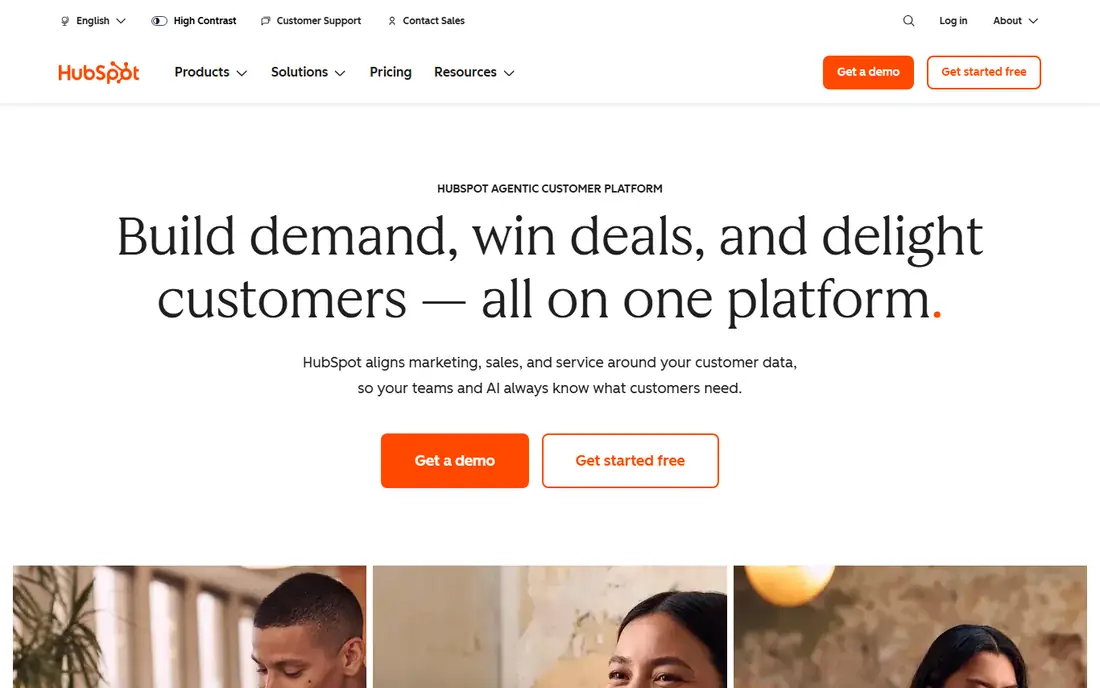
HubSpot Service Hub is our pick for a team that wants account management without buying a separate platform first. Because it sits on HubSpot CRM, support tickets, emails, deals, and customer history share one record, so an account manager does not need to stitch data together from several tools. The free tier covers ticketing and basic customer views.
It is not a full replacement for Gainsight or Planhat. Health scoring, advanced automation, and detailed success planning are thinner, and costs rise as you move to Professional tiers. Still, for a small team, starting here and learning which accounts need attention is a sound, low risk step.
- Free starting tier
- Shared CRM record with sales and marketing
- Easy to learn
- Advanced success features need higher tiers
- Health scoring is less deep than dedicated tools
Planhat combines health scores, lifecycle data, and revenue views with structured account plans, so customer success and account management work from the same picture. Its pricing model is notable: it charges by customer account rather than by seat, which can suit a large team managing a modest book of accounts.
That model cuts the other way for a team with many small accounts, since each account adds cost. Planhat is best for mid market software and subscription businesses where each account is worth a formal plan and regular review. Expect a sales led purchase and a proper onboarding period.
- Account plans with revenue data
- Health scores
- Pricing by customer account rather than seat
- Quote based pricing
- Can be a large annual commitment for small teams
ChurnZero focuses on the moment an account starts to slip. It tracks product usage, support activity, and engagement, then triggers alerts and playbooks when a pattern looks risky. In app messages and email journeys can reach a customer before renewal, without waiting for a quarterly review to surface the problem.
The tool is only as good as the data fed into it. If usage events are messy or billing data is late, alerts will mislead. ChurnZero fits subscription teams that already track usage well and want a system built around retention, rather than a general CRM with success features added on.
- Strong churn alerts and playbooks
- In app messaging
- Clear renewal views
- Quote based pricing
- Setup quality depends on clean usage and billing data
Vitally is a good middle ground for a growing software team. It pulls in product, support, and CRM data to build health scores and account views, and it presents them in a way that a small success team can act on without a full time admin. Playbooks and alerts help standardize follow up across the team.
It will not match Gainsight for very large, complex enterprise programs, and pricing still requires a conversation with sales. For a team moving beyond spreadsheets and CRM notes, Vitally offers a clear step up without the heaviest enterprise implementation.
- Clear health scores and customer views
- Good integrations
- Easier setup than enterprise tools
- Quote based pricing
- Advanced enterprise features are less deep than Gainsight
Totango, now presented under the Odie brand in some listings, helps teams run customer journeys from onboarding to renewal. Health scores flag risk, while automated campaigns and tasks guide customers through each stage. That structure suits teams that want consistent onboarding and expansion motions, not just a dashboard.
Pricing is by quote, and buyers report implementation costs on top of the licence, so budget for both. Totango fits mid market and larger teams with a defined customer journey and enough accounts to make automation pay. Small teams may find a CRM based option simpler.
- Journey and campaign automation
- Health scoring
- Broad integration options
- Quote based pricing
- Implementation can add significant cost
ClientSuccess aims for clarity over complexity. It gives each account manager a view of health, tasks, and revenue, with reporting that ties retention to the book. Teams that found enterprise tools too heavy often like its simpler setup and its focus on the daily work of managing accounts.
The trade off is a smaller integration ecosystem and less depth for very complex enterprise programs. Pricing is by quote, so a demo and a written quote are needed to compare it fairly. It fits small to mid size software teams that want structure without a long implementation.
- Simple account views
- Health scores
- Revenue and retention reporting
- Smaller ecosystem than larger rivals
- Quote based pricing
DemandFarm is built for formal key account management, not just customer success. It helps teams map champions, influencers, and blockers inside a large account, plan whitespace for expansion, and track account plans in one place. That focus makes it useful for sales led account teams as well as success teams.
It is native on Salesforce and Dynamics, with a HubSpot app for reading core records, so it works best when a CRM is already the system of record. Pricing is by quote and varies widely in buyer reports. Choose DemandFarm when your top accounts need a written plan and a relationship map, not just a health score.
- Org charts and relationship maps
- Whitespace planning
- Account plan templates
- Quote based pricing
- Works best alongside Salesforce or a similar CRM
Kapta centers account management on the plan itself: goals, actions, owners, and review dates for each named account. Voice of customer notes sit alongside that plan, so feedback is tied to the account rather than lost in email. That discipline helps teams prepare for renewals with evidence, not just optimism.
It integrates with Salesforce, and lists HubSpot, though some reviews describe the HubSpot link as partial, so check your exact setup in a demo. Kapta suits teams with a defined set of key accounts and a regular planning rhythm. It is less suited to a long tail of small accounts managed mainly by automation.
- Structured account plans
- Voice of customer capture
- Renewal focus
- Quote based pricing
- HubSpot integration is reported as partial in some reviews
How we picked these
We compared official product pages, published pricing where available, and buyer reports on quote based pricing, since most vendors in this category do not publish a full price list. We kept tools that support named account management, health or risk views, and account planning, and we favored tools with CRM integrations and a clear fit for a stated team size. We did not claim hands on testing, and we note where pricing must be confirmed by quote.
How to choose an account management tool
Start by counting what you actually manage: number of accounts, average account value, and how many people touch each account. A team with 30 large accounts needs plans and relationship maps. A team with 3,000 small accounts needs automation, alerts, and segmentation. Buying the wrong shape of tool is the most common mistake here.
Next, audit your data. List where usage, billing, support tickets, and CRM notes live today, and ask each vendor how those sources connect, how often they sync, and who owns the setup. A health score built on stale or partial data will be ignored within a month. Ask for a trial or a pilot on real accounts, not demo data, before you sign a long term contract.
Finally, price the full year. Include seats or accounts, implementation, training, and any add on modules. A lower licence fee with a large implementation bill is not cheaper. Pick the tool your team will actually open each week, because an account platform nobody updates is just an expensive dashboard.
FAQ
What is account management software?
It is software that helps teams manage named customer accounts after the sale, tracking health, plans, renewals, and expansion. It pulls data from a CRM, billing, support, and product usage into one account view, so managers can act before a renewal or a problem arrives.
Is account management software the same as a CRM?
No, though they overlap. A CRM tracks contacts, deals, and sales activity. Account management software adds health scores, account plans, playbooks, and renewal workflows on top of that record. Many teams run both, with the CRM as the record and the success tool as the working view.
How much does account management software cost?
Most dedicated tools are priced by quote, and annual contracts in buyer reports range from a few thousand dollars for small teams to tens of thousands for enterprise platforms. HubSpot Service Hub is an exception, with a free tier and published per seat pricing on lower tiers. Always get a written quote that includes implementation.
Do small teams need a dedicated account tool?
Not always. A small team can start with a CRM, shared notes, and a simple health spreadsheet, then move to a dedicated tool when accounts, churn risk, or renewal volume make that manual work unreliable. The trigger is usually missed renewals or inconsistent follow up, not team size alone.
What data do I need before buying?
At minimum, a clean CRM account list, billing and renewal dates, support history, and product usage if you sell software. Without those, health scores will be guesses. Clean the account list and confirm integrations before you pay for implementation.
Can account management software reduce churn?
It can help, by surfacing risk earlier and standardizing follow up, but it does not fix a product or pricing problem on its own. Teams that act on alerts, run playbooks, and review plans regularly see more value than teams that only install a dashboard.