The 7 Best Cross Platform Calendar Tools to Shortlist in 2026
Searching for the best cross platform calendar? Here are 7 options with prices and free plans. Weaknesses are named for every tool. Checked this month.
- Editor's choice
 Fantastical
Natural language scheduling on Apple devices
Starts atSee websiteVisit flexibits.comFull review - Great alternative
 Vimcal
Speed-obsessed scheduling for busy people
Starts at$35/month ($300/year)Visit vimcal.comFull review - Also consider
 Google Calendar
The free default that works everywhere
Starts atFreeVisit calendar.google.comFull review
Direct answer
This list puts Fantastical first for natural language scheduling on Apple devices. Look at Vimcal for speed-obsessed scheduling for busy people, and at Google Calendar for the free default that works everywhere. The remaining 4 options are covered below with prices and limits.
TL;DR:
- Fantastical sits first on this list: natural language scheduling on Apple devices.
- A fair warning about Google Calendar: privacy tradeoff of the Google ecosystem.
- A free plan is available from 5 of the 7 tools: Google Calendar, Thunderbird, Microsoft Outlook, Proton Calendar, TimeTree.
- TimeTree suits shared calendars for families and groups.
- The lowest published monthly entry price here is $4.49/month, from TimeTree.
Quick comparison
| Tool | Best for | Starts at | Free plan? | |
|---|---|---|---|---|
| Fantastical | Natural language scheduling on Apple devices | See website | Not stated | Visit |
| Vimcal | Speed-obsessed scheduling for busy people | $35/month ($300/year) | Free trial | Visit |
| Google Calendar | The free default that works everywhere | Free | Yes | Visit |
 Thunderbird | Free open source desktop calendar | Free (open source) | Yes | Visit |
 Microsoft Outlook | Calendar inside the Microsoft world | Free | Yes | Visit |
 Proton Calendar | Encrypted calendar for privacy | See website | Yes | Visit |
 TimeTree | Shared calendars for families and groups | $4.49/month ($44.99/year) | Yes | Visit |
Cross Platform Calendar compared in detail
If you are comparing cross platform calendar, this page covers 7 tools in one place: what each is best for, what it costs to start, whether it has a free plan, and the main limit to know about.
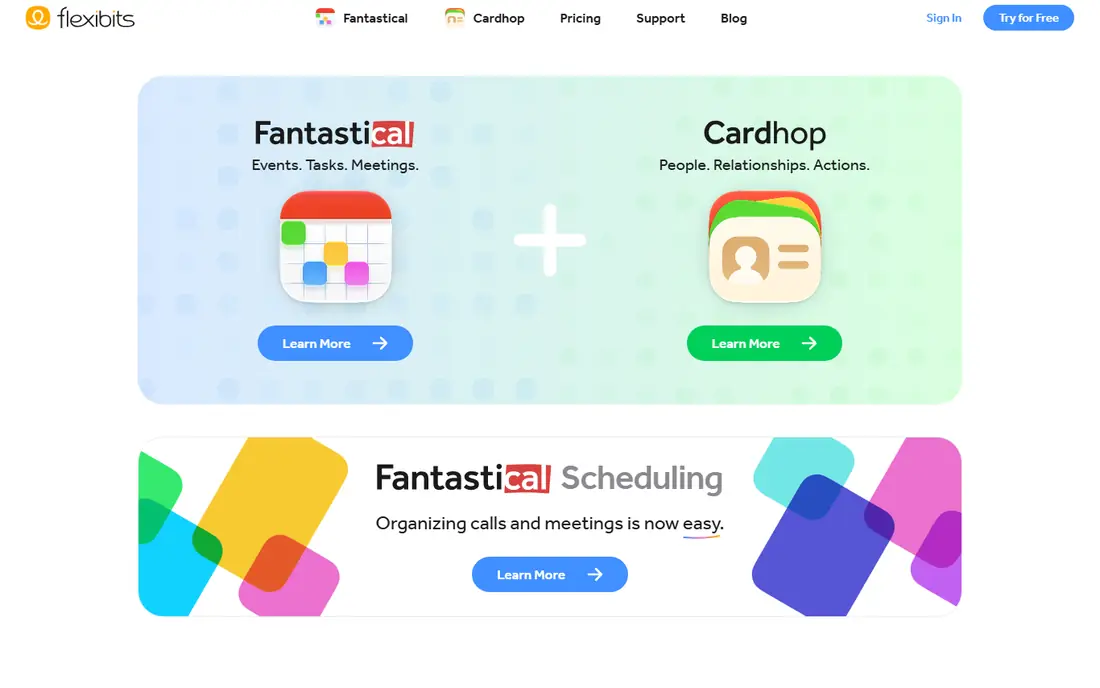
Fantastical makes the most sense for natural language scheduling on Apple devices. Fantastical made its name on one trick done perfectly: type "lunch with Sarah tomorrow at noon" and it produces the event. The free level handles entry-level calendaring, but the features that make Fantastical special, like the full natural language engine, interesting calendars and advanced scheduling, sit behind the premium plan.
What to check first: The free level is restricted.
the main limit is the subscription. On top of that, check flexibits.com for current pricing. No starting price is listed for Fantastical here; confirm pricing on the vendor site. Free access: Not stated.
- Now on Windows too
- Best-in-class natural language event entry
- Premium features need a subscription
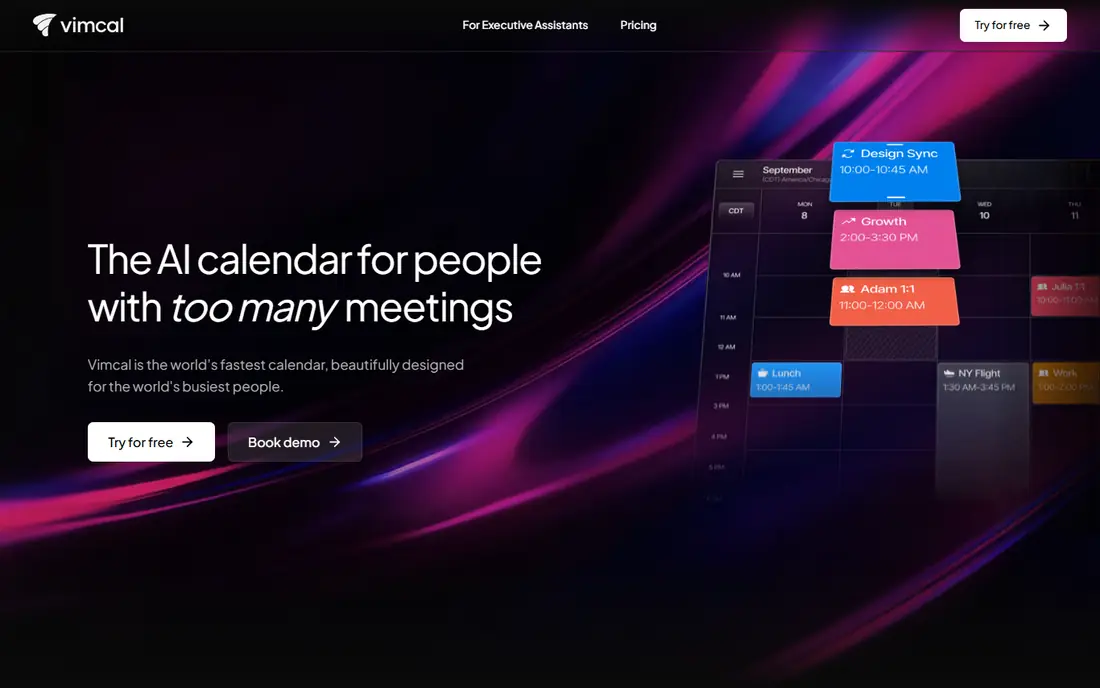
Pick Vimcal if this describes you: speed-obsessed scheduling for busy people. The price is the entire conversation. Also, at $35 per month or $300 per year after the trial, it costs more than most people's whole software stack.
In practice, if your calendar is your job, the time saved may justify it. Beyond that, for everyone else, it is a luxury. What you pay to start with Vimcal: $35/month. On free options: Free trial.
Watch-outs: Works on top of Google and Outlook instead of replacing them.
- Made for executives and assistants
- Very good time zone handling
- $35 per month is serious money for a calendar
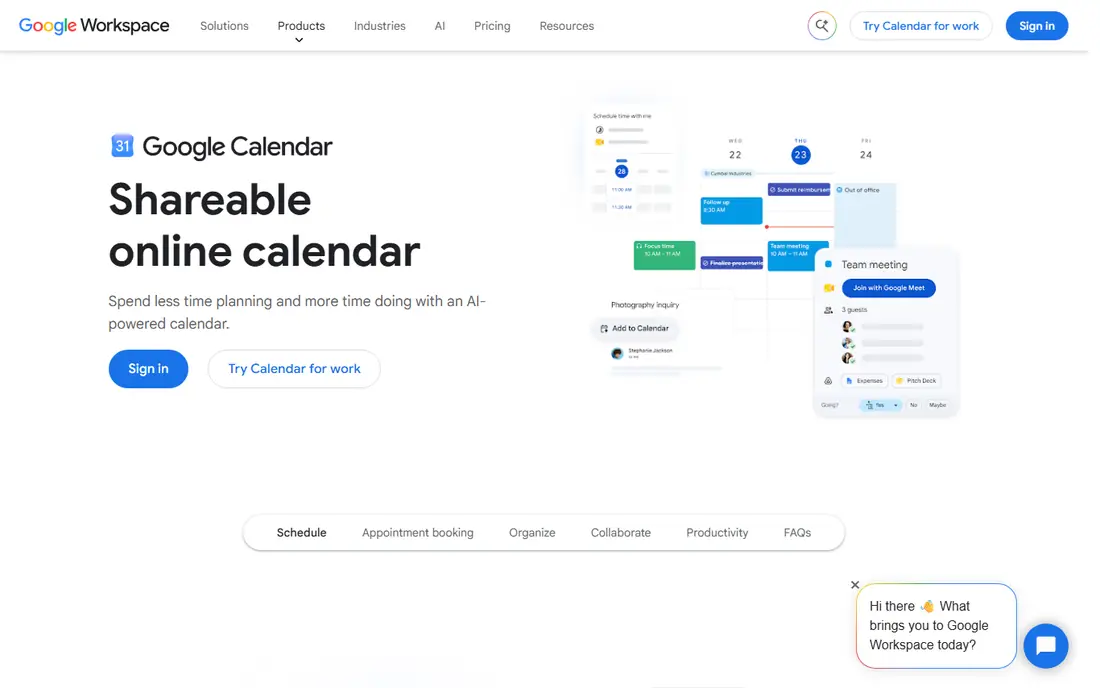
Google Calendar works best for the free default that works everywhere. If your email is Gmail, your calendar decision is effectively made: the integration with Gmail, Meet and Tasks removes all friction. Worth adding: the design is clean but uninspiring next to Fantastical or Vimcal.
Where it is weaker: Design is functional instead of delightful.
For most people, though, the network effect wins: everyone you meet can send you a Google Calendar invite, and that compatibility is worth more than any feature. In daily use, Google Calendar is the calendar most of the world already uses. It is free, it syncs across Android, iOS and the web, sharing is easy, and meeting invites just work. Google Calendar cost at the entry level: Free. You can start on Google Calendar without paying. What users get: Meet and the entire Google ecosystem.
- Very good sharing and invites
- Free with any Google account
- Privacy tradeoff of the Google ecosystem
Thunderbird is a good fit for free open source desktop calendar. The interface is functional instead of beautiful, and setup takes more effort than signing into Google. But for users who want their schedule on their own machine, under their own control, with no account required and no telemetry, Thunderbird remains unmatched.
Highlights: Fully free and open source.
As for the details, the calendar plugs into email and contacts in one open source application, funded by donations instead of ads or data. It runs on Windows, Mac and Linux, with mobile apps extending the story. It is a desktop creature at heart. Entry price for Thunderbird: Free. You can start on Thunderbird without paying.
Drawbacks to consider: mobile apps are newer.
- No ads
- No tracking
- Design is utilitarian
Microsoft Outlook was built for calendar inside the Microsoft world. Outlook's calendar is the work world's default. It is free with any Microsoft account, and inside a Microsoft 365 organization it becomes genuinely feature-rich: scheduling assistants, room booking, Teams meeting integration and shared calendars that the entire company actually uses.
Trade-offs to know: Best experience needs the Microsoft ecosystem.
Outside the Microsoft world the appeal fades. As for the details, the mobile apps are solid across iOS and Android. Microsoft Outlook cost at the entry level: Free. A free plan is available with Microsoft Outlook.
- Deep integration with Outlook email and Teams
- Free with a Microsoft account
- Interface can feel heavy
Pick Proton Calendar if this describes you: encrypted calendar for privacy. Proton Calendar is the calendar for people who read privacy policies. In daily use, if it does not, the convenience of the big two is hard to provide up.
Downsides: Sharing is more restricted by design.
In practice, events are end-to-end encrypted, which means Proton itself cannot see your schedule. It works across web, iOS and Android, and the free level is genuinely free forever, funded by premium upgrades across the Proton suite. From a buyer's view, encryption has practical costs. Deep integrations with external services are restricted since sharing data would defeat the purpose. The feature set is more straightforward than Google Calendar's. This comparison lists no price for Proton Calendar; ask the vendor. Proton Calendar offers a free plan.
- Part of the wider Proton privacy suite
- Free forever level
- Fewer integrations than Google or Outlook
TimeTree works best for shared calendars for families and groups. The free level is genuinely handy, with Premium at $4.49 per month removing ads and adding attachments, vertical view and pinned events. TimeTree solves the family calendar problem better than anyone.
Downsides: Ads on the free level.
What TimeTree does well: Free level handles families well. Produce a shared calendar, invite the family, and everyone sees the same schedule with a built-in chat for each event. It is widely used with couples, parents and hobby groups precisely since it asks nothing technical of its users. In daily use, solo users who want power features should look elsewhere. But if your problem is "nobody in this house knows the plan," TimeTree is the answer. TimeTree cost at the entry level: $4.49/month. TimeTree includes a free tier.
- The easiest shared calendar for non-technical users
- Chat built into each calendar
- Less suited to solo power users
How we built this list
LinkVetted used vendor pricing pages and product documentation as the base, then compared plans, free access and documented limits for 7 tools. Plan names, prices and limits change often. Treat the figures here as a starting point and verify them with the vendor. The order reflects how well each tool fits the most common buying scenario for cross platform calendar, then price clarity, then free plan access. It is a starting point, not a verdict.
Things to verify first
- Confirm the entry price on the vendor page. For Fantastical and Proton Calendar that means a quote rather than a fixed price.
- Look at free plan limits closely: Google Calendar, Thunderbird, Microsoft Outlook and others have one, and the caps decide whether it is usable for real work.
- Run a trial of Vimcal with real work before paying for a year; your own workflow is the best test.
- Before choosing Fantastical, weigh its main limit: premium features need a subscription.
- A short pilot of Fantastical with your real workflow tells you more than a feature table.
- Test how quickly Vimcal answers a pre-sales question; it hints at how support will feel later.
FAQ
Which options for cross platform calendar have a free plan?
Google Calendar, Thunderbird, Microsoft Outlook, Proton Calendar and TimeTree offer a free plan in this list. Free plans usually cap users, projects or features, so check the limits on the vendor page. One other tool offers a trial instead.
Can I use Vimcal without Google or Outlook?
No. Vimcal works as a quick interface on top of Google Calendar and Outlook instead of a standalone calendar service. You need one of those accounts underneath.
Do these tools publish their prices?
Not all of them. Fantastical and Proton Calendar publish no starting price, so expect a quote request for those. The rest, Vimcal included, show a starting price, though seats and billing terms still change the final cost.
What is the cheapest option for cross platform calendar in this list?
On published monthly entry prices, TimeTree is the lowest here at $4.49/month. Entry price is only part of the cost, because seats, add-ons and billing terms can change the total.
Does Thunderbird work on phones?
Thunderbird has mobile apps that extend the desktop experience, though the product remains desktop-first.
Can I try these tools before paying?
Often, yes. Google Calendar, Thunderbird, Microsoft Outlook and others have a free plan and Vimcal offers a free trial. Use your own data and a real task during the test, and check what the free tier or trial limits before you rely on it.