The 6 Best Work Planner Software in 2026, Ranked
Best work planner software, compared. 6 tools with published prices, free plans and limits. Strengths and weak spots are spelled out. Full profiles inside.
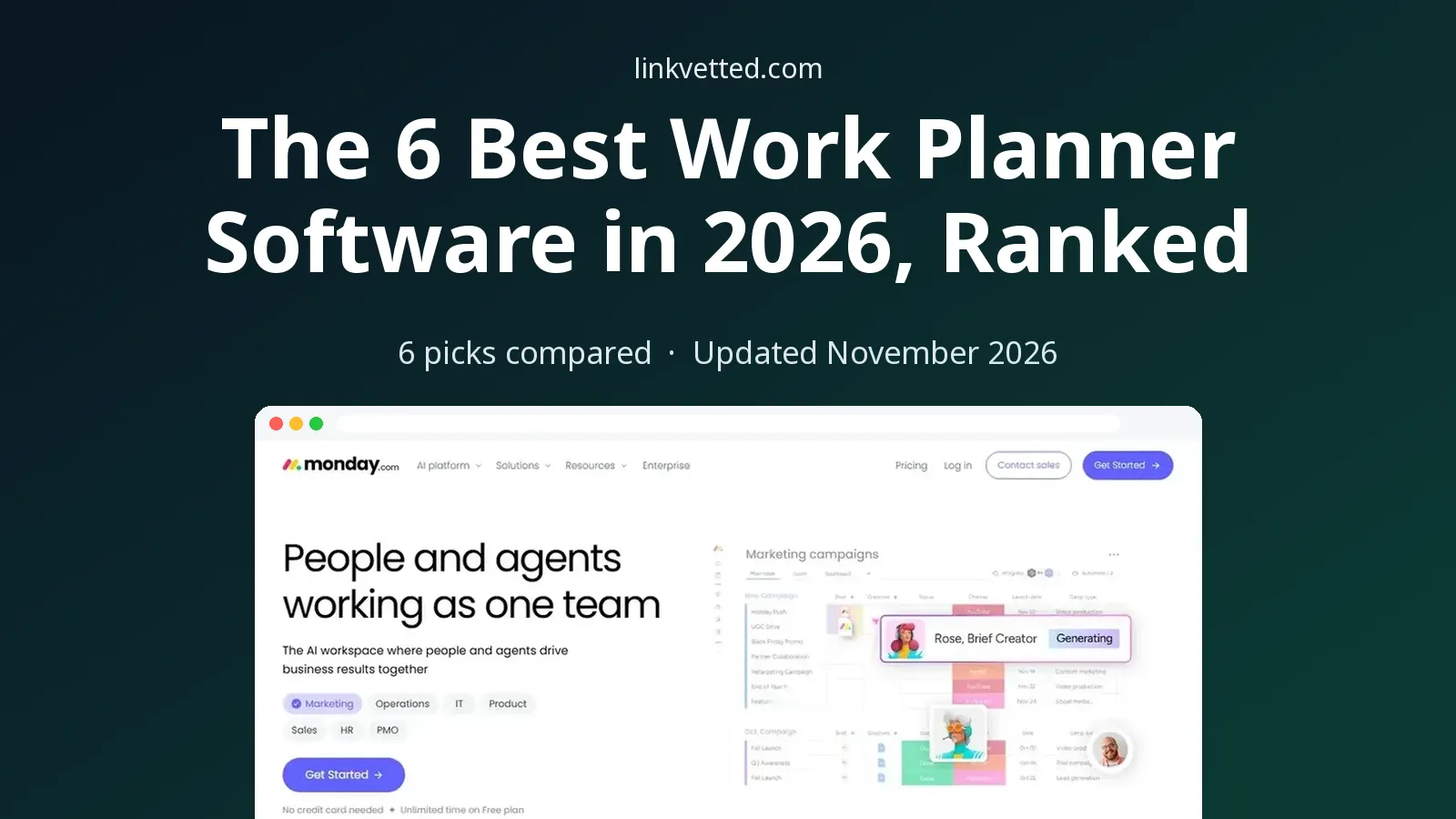
- Editor's choice
 Monday.com
AI-assisted workspace collaboration
Starts at$9 per seat per monthVisit monday.comFull review - Great alternative
 ClickUp
Consolidating tasks, docs and goals
Starts at$9 per user a monthVisit clickup.comFull review - Also consider
 Smartsheet
Governed enterprise work execution
Starts at$12 per Member/monthVisit smartsheet.comFull review
Direct answer
Monday.com leads the list, best for AI-assisted workspace collaboration. Listed starting prices: Monday.com from $9 per seat per month, ClickUp from $9 per user a month and Smartsheet from $12 per Member/month. ClickUp is better for consolidating tasks, docs and goals, and Smartsheet is better for governed enterprise work execution. The full list of 6 tools follows, with prices and free plan facts.
TL;DR:
- Monday.com sits first on this list: AI-assisted workspace collaboration.
- What to know about Smartsheet first: enterprise focus may be heavy for small teams.
- A free plan is available from 4 of the 6 tools: Monday.com, ClickUp, Notion, Asana.
- Wrike suits enterprise work delivery control.
- The lowest published monthly entry price here is $9 per seat per month, from Monday.com.
Last checked November 2026. Prices and plan details were read from the vendors' own pages in November 2026; vendors change plans often, so confirm the current price on the vendor site before you buy.
Quick comparison
| Tool | Best for | Starts at | Free plan? | |
|---|---|---|---|---|
| Monday.com | AI-assisted workspace collaboration | $9 per seat per month | Yes | Visit |
| ClickUp | Consolidating tasks, docs and goals | $9 per user a month | Yes | Visit |
| Smartsheet | Governed enterprise work execution | $12 per Member/month | Not stated | Visit |
 Notion | Adaptable docs and workspace planning | $10 per member per month | Yes | Visit |
 Asana | Planning and automating team workflows | $10.99 per user per month | Yes | Visit |
 Wrike | Enterprise work delivery control | See website | Not stated | Visit |
Every option for work planner software explained
This LinkVetted guide covers 6 options for work planner software. Each profile lists a starting price, free plan details, strengths and drawbacks, so you can drop poor fits quickly.
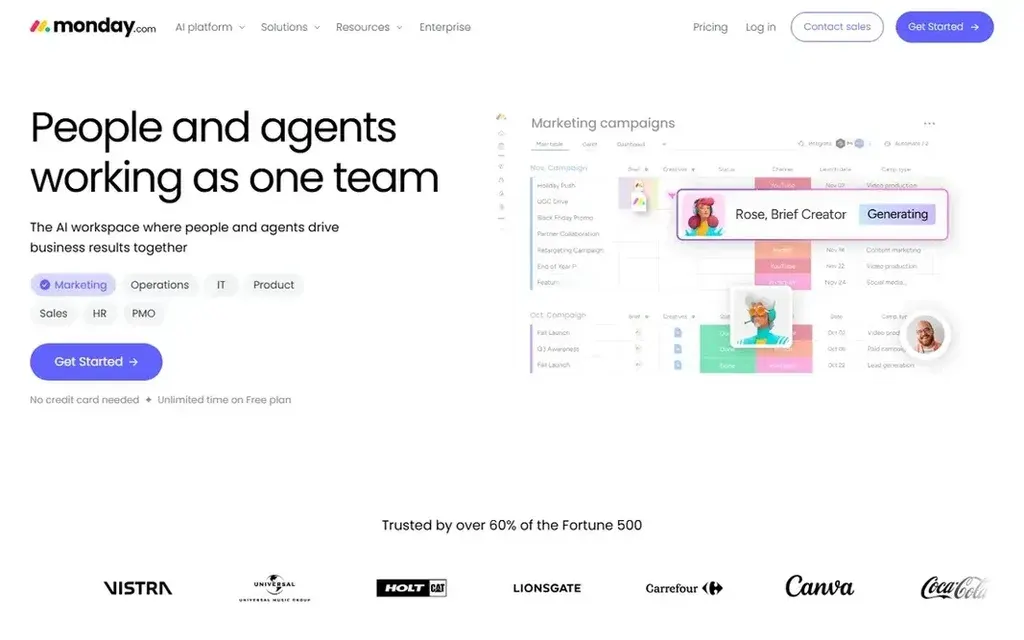
Monday.com serves AI-assisted workspace collaboration. Organizations centred on driving business results through coordinated work fit well.
Where it is weaker: Configuration choices take planning.
In practice, since it includes many different work types, the workspace can feel wide for small teams with narrow needs. If you want a single-purpose planner with minimal configuration, a more straightforward choice may be simpler to adopt. Monday.com cost at the entry level: $9 per seat per month. Monday.com includes a free tier.
- Wide work execution coverage
- AI agents work alongside people
- Breadth can feel complicated to new users
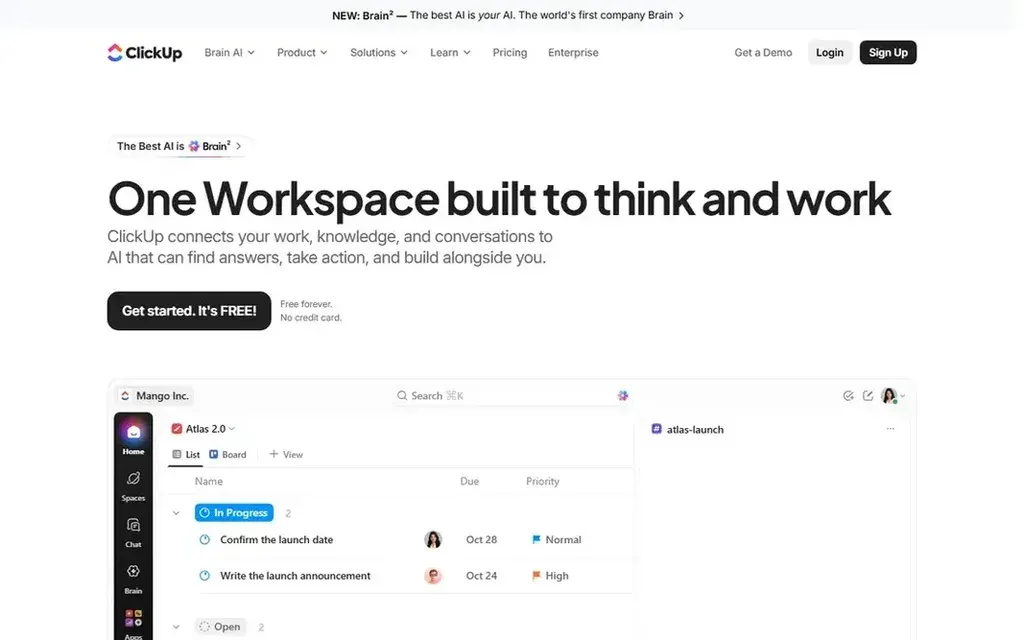
For consolidating tasks, docs and goals, ClickUp is a natural candidate. Teams with very straightforward planning needs may find it more than required.
Groups that value a broad feature set tend to be the target audience. As for the details, if minimalism matters more than consolidation, consider a leaner planner. What you pay to start with ClickUp: $9 per user per month. A free plan is available with ClickUp.
Drawbacks to consider: Plenty of features can overwhelm beginners.
- Aims to replace multiple work tools
- Goals and chat in one app
- Breadth may exceed small team needs
Smartsheet was built for governed enterprise work execution. Smartsheet positions itself as the execution hub for enterprise work, where people and AI get work done together with the governance and visibility large organizations need. Worth adding: teams operating under compliance or process constraints are the core audience.
As for the details, the enterprise orientation means the system is designed for scale, which can feel like more than a small team needs. Its structured, sheet-like approach may need a learning period. On cost, Smartsheet starts like this: $12 per Member/month. Free plan details: Not stated.
The main drawbacks: Spreadsheet-style approach takes learning.
- Execution hub positioning
- Governance and visibility for enterprises
- Enterprise focus may be heavy for small teams
Notion is designed for adaptable docs and workspace planning. Groups that think in pages and databases frequently gravitate toward it.
It fits best when someone owns the workspace structure. Starting cost for Notion: $10 per member per month. Notion includes a free tier.
Drawbacks to consider: Adaptability needs building structure.
- Merges notes with work planning
- Custom agents and cross-app search
- Less prescriptive project templates
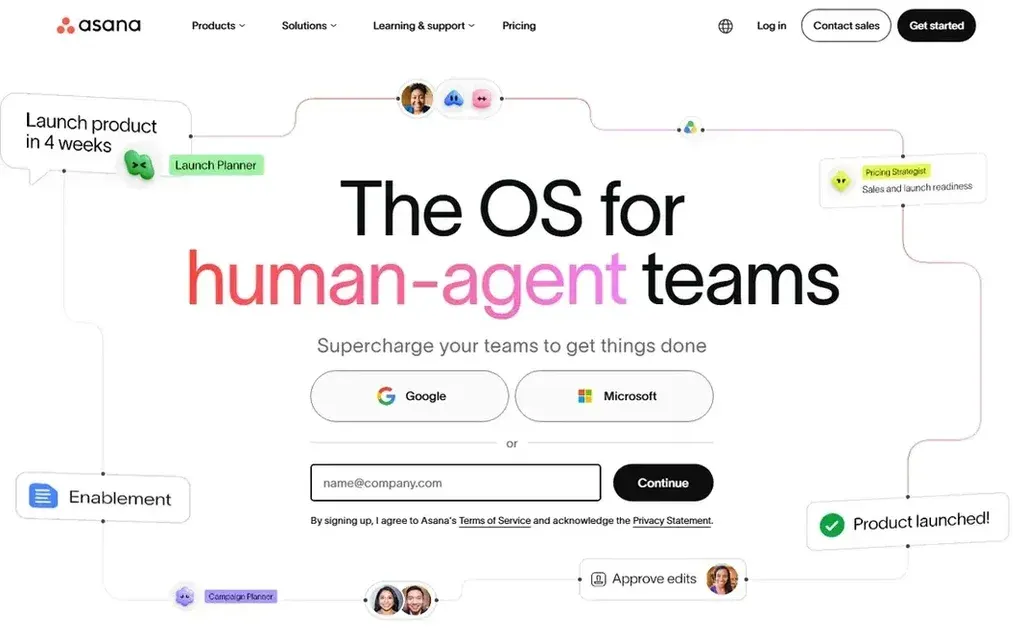
Asana works best for planning and automating team workflows. Asana is work management software aimed at teams and AI agents to plan, automate and execute critical workflows together.
As for the details, setup and automation design can take effort before the payoff appears. Starting cost for Asana: $10.99 per user per month. A free plan is available with Asana.
Points against: Advanced automation may need setup time.
- Workflow automation for critical processes
- Clear work and project management focus
- Less suited to very straightforward to-do lists
Wrike is aimed squarely at enterprise work delivery control. If you want a fast, straightforward planner, a lighter tool is likely a better match. In practice, getting value from the system generally involves onboarding and process design.
Points against: Enterprise targeting may overshoot small teams.
Worth adding: teams coordinating cross-functional projects with oversight requirements fit well. Also, Wrike is pitched at enterprise delivery, so smaller teams may find the depth unnecessary. As for the details, Wrike is AI-powered enterprise work management software, described as a work delivery system for people and AI that helps enterprises reach outcomes quicker without losing control of how work gets done. Check the vendor site for Wrike pricing; none is listed in this comparison. Free access: Not stated.
- AI-powered work management
- Focus on quicker outcomes
- Feature depth takes onboarding time
Our selection method
The comparison looks at four things: starting price, free access, how well the feature set matches work planner software, and the main limit of each tool. Treat prices as a snapshot: vendors change plans often, so check the vendor site for the figure that applies today. The sequence is a judgement call: typical use case first, then pricing transparency, then free access. Use the profiles to check fit.
A buyer's checklist
- Get a written quote from Wrike; the list shows no starting price for them.
- Check what the free option really includes: Monday.com, ClickUp, Notion and Asana offer a free plan, and usage caps differ.
- Read the limits listed for Monday.com first: breadth can feel complicated to new users.
- Look at the help docs and support options for Monday.com before you commit.
- Find out whether the entry plan of Notion covers your must-haves or only a trimmed-down version.
FAQ
How are the tools for work planner software ordered?
Monday.com sits first and Wrike last because the order follows typical fit for work planner software, then price clarity and free access. It is a judgement call, so read each profile for fit and limits.
Can I try these options before paying?
Often, yes. Monday.com, ClickUp, Notion and Asana have a free plan. Use your own data and a real task during the test, and check what the free tier or trial limits before you rely on it.
When should a team choose an enterprise planner?
Teams that require governance, visibility and control over how work gets delivered should look at Smartsheet or Wrike. Smaller teams may find them more than necessary.
Which options for work planner software have a free plan?
On this list, Monday.com, ClickUp, Notion and Asana include a free plan. Caps on seats, usage or features are common, so test the free plan against your real workload.
Is Monday.com the right pick for everyone comparing work planner software?
No single tool suits every team. Monday.com comes first because it fits AI-assisted workspace collaboration, while ClickUp suits consolidating tasks, docs and goals and Smartsheet suits governed enterprise work execution. Match the tool to your own size, budget and workflow before deciding.
Sources
- https://monday.com
- https://clickup.com
- https://smartsheet.com
- https://notion.so
- https://asana.com
- https://wrike.com