Top 6 Productivity Planner for Entrepreneurs for 2026 (Prices and Free Plans)
Best productivity planner for entrepreneurs, compared. 6 tools with published prices, free plans and limits. Every pick includes one clear drawback. No filler.

- Editor's choice
 Trello
Visual board-based planning
Starts at$5 per user per monthVisit trello.comFull review - Great alternative
 Asana
Structured team project workflows
Starts at$10.99 per user a monthVisit asana.comFull review - Also consider
 Notion
Adaptable all-in-one workspace and notes
Starts at$10 per member per monthVisit notion.comFull review
Direct answer
Trello leads the list, best for visual board-based planning. Listed starting prices: Trello from $5 per user per month, Asana from $10.99 per user a month and Notion from $10 per member per month. Look at Asana for structured team project workflows, and at Notion for flexible all-in-one workspace and notes. The other 3 tools in the list cover narrower or pricier cases.
TL;DR:
- The list opens with Trello, aimed at visual board-based planning.
- A free plan is offered by 6 of the 6 tools, including Trello, Asana, Notion and monday.com.
- The lowest published monthly entry price here is $5 per user per month, from Trello.
- One limit worth knowing about Trello: restricted for complicated dependencies.
- ClickUp suits all-in-one team productivity suite.
Last checked November 2026. Prices and plan details were read from the vendors' own pages in November 2026; vendors change plans often, so confirm the current price on the vendor site before you buy.
Quick comparison
| Tool | Best for | Starts at | Free plan? | |
|---|---|---|---|---|
| Trello | Visual board-based planning | $5 per user per month | Yes | Visit |
| Asana | Structured team project workflows | $10.99 per user a month | Yes | Visit |
| Notion | Adaptable all-in-one workspace and notes | $10 per member per month | Yes | Visit |
 monday.com | AI-assisted team workspace | $9 per seat a month | Yes | Visit |
 Todoist | Straightforward personal task management | $5 a month | Yes | Visit |
 ClickUp | All-in-one team productivity suite | $9 per user a month | Yes | Visit |
Tool-by-tool breakdown
LinkVetted put together this guide to productivity planner for entrepreneurs for readers who want a clear shortlist without reading every vendor page. It compares 6 tools on starting price, free plans, who each one suits and where each one falls short.
Trello works best for visual board-based planning. Trello uses boards, lists and cards to capture and organize to-dos from anywhere. Trello is less suited to complicated projects with numerous dependencies or in-depth reporting needs.
From a buyer's view, boards can become cluttered as work scales. More specifically, the homepage emphasizes escaping clutter and staying efficient on mobile. In practice, choose a more structured project tool if you need advanced workflow automation or portfolio views. Trello pricing: $5 per user per month. You can start on Trello without paying.
Trade-offs to know: Restricted for complicated dependencies. Strengths: Mobile-friendly.
- Straightforward drag-and-drop organization
- Simple visual boards
- Boards can get cluttered at scale
Asana serves structured team project workflows. Asana is work management software for teams and AI agents, concentrated on planning, automating and executing workflows.
Asana is built around team projects instead of personal knowledge capture, so it may not replace a notes app. Worth adding: consider a more straightforward planner if you chiefly work alone. Asana pricing: $10.99 per user per month. Free access exists with Asana.
Trade-offs to know: May need setup for custom workflows.
- Workflow automation choices
- Clear project and task views
- Less suited to personal note-taking
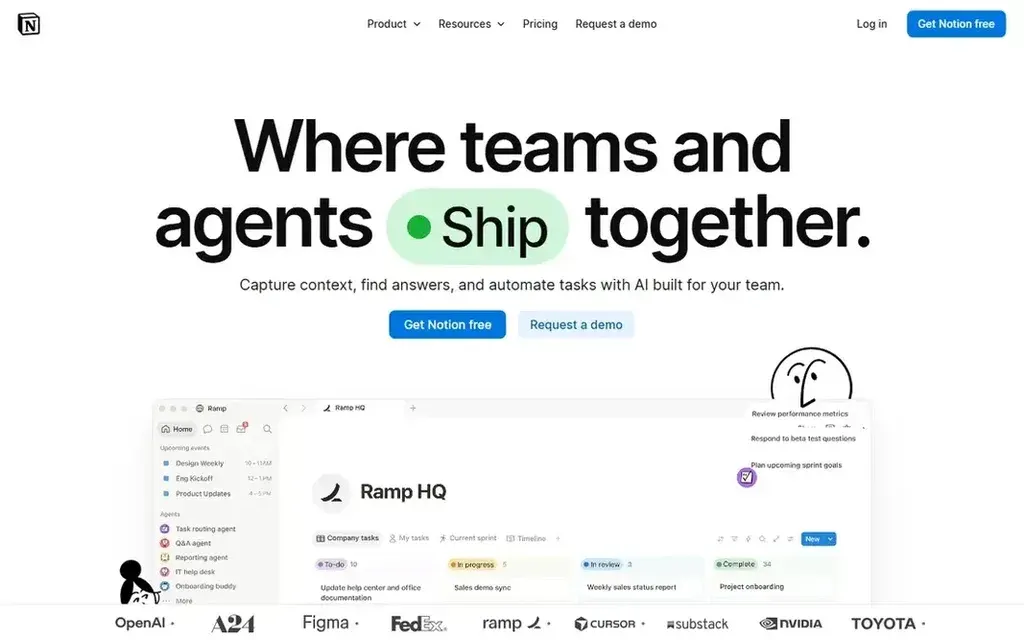
Notion serves adaptable all-in-one workspace and notes. Notion is an AI workspace where you build custom pages, databases and agents to organize work.
Consider a more straightforward task app if your primary need is fast to-do capture. On top of that, the homepage flags custom agents, cross-app search and automation of busywork. What you pay to start with Notion: $10 per member per month. Notion includes a free tier.
Points against: Can feel open-ended for new users.
- Highly configurable pages
- Tasks and databases
- Setup can take time
monday.com is aimed squarely at AI-assisted team workspace. monday.com is an AI workspace where agents work alongside people to execute and handle work. For everyday use, the homepage emphasizes driving business results together.
The system can need significant configuration to match your processes, and solo founders may find it heavier than needed. It is best when several people collaborate. What you pay to start with monday.com: $9 per seat per month. monday.com offers a free plan.
Drawbacks to consider: Can be complex to configure.
- Wide team use cases
- Visual workflow setup
- May be more than solo founders need
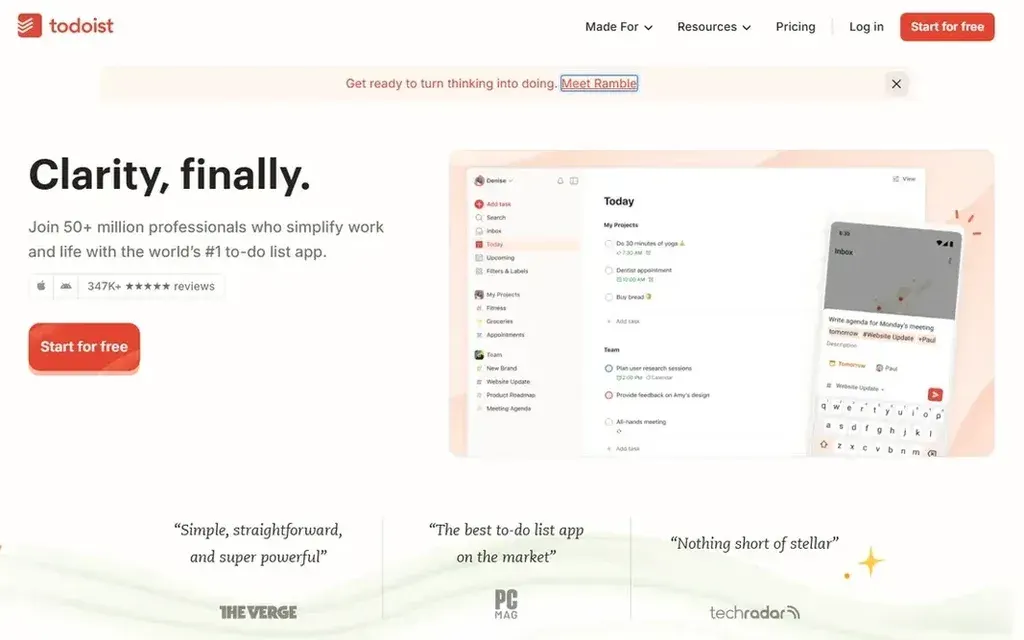
Todoist serves straightforward personal task management. Todoist is a to-do list app for organizing work and life.
Downsides: Restricted for complicated projects.
As for the details, Todoist is not designed as a full project management suite, so teams needing docs, goals and chat in one place may outgrow it. The homepage describes it as a tool to organize your work and life. Starting cost for Todoist: $5 per month. Todoist has a free plan.
- Clear to-do list focus
- Fast task capture
- Fewer built-in docs features
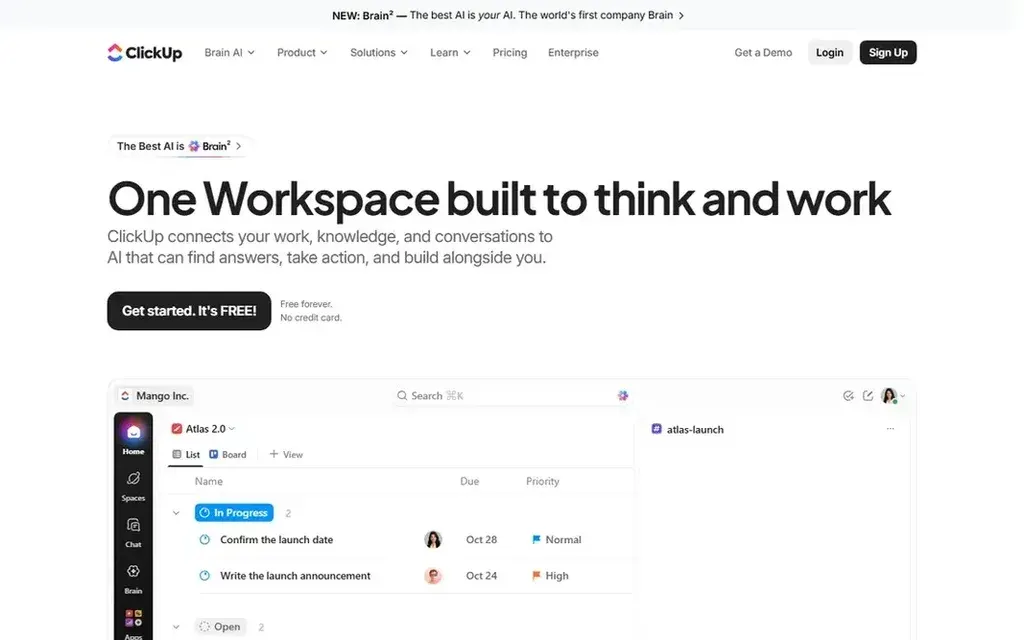
ClickUp targets all-in-one team productivity suite. ClickUp describes itself as the everything app for work, combining tasks, docs, goals and chat.
From a buyer's view, the broad feature set can be overwhelming for solo founders or very small teams. Setup may take more effort than more straightforward tools. What you pay to start with ClickUp: $9 per user per month. ClickUp has a free plan.
Downsides: Can feel overwhelming at first.
- Tasks, docs
- AI features included
- Numerous features may go unused
How we chose
Each tool was reviewed on what its vendor publishes: price, plan limits, core features and stated drawbacks. We did not run hands-on tests. Treat prices as a snapshot: vendors change plans often, so check the vendor site for the figure that applies today. The order reflects how well each tool fits the most common buying scenario for productivity planner for entrepreneurs, then price clarity, then free plan access. It is a starting point, not a verdict.
Pre-purchase checklist
- Confirm the entry price on the vendor page: Trello starts at $5 per user per month, but seat counts and billing terms change the total.
- Read the fine print on the free plans from Trello, Asana, Notion and others; seat, project and feature caps differ.
- Read the limits listed for Trello first: restricted for complex dependencies.
- Ask the daily users to test Asana on a live task before you roll it out to everyone.
- Check whether ClickUp bills monthly or annually, and what cancelling early costs.
FAQ
Do these tools publish their prices?
Yes. Every tool from Trello to ClickUp shows a starting price, though seats, add-ons and billing terms still change the final cost.
What is the cheapest option for productivity planner for entrepreneurs in this list?
On published monthly entry prices, Trello is the lowest here at $5 per user per month. Entry price is only part of the cost, because seats, add-ons and billing terms can change the total. Each of the 6 options in this productivity planner for Entrepreneurs guide has its own card above with the price, free plan and limits.
What is the best productivity planner for a solo entrepreneur?
The first pick on this list is Trello, because it suits visual board-based planning. Asana is better for structured team project workflows, and Notion for adaptable all-in-one workspace and notes. Check price and limits against your own needs before choosing.
Can I try these tools before paying?
Often, yes. Trello, Asana, Notion and others have a free plan. Use your own data and a real task during the test, and check what the free tier or trial limits before you rely on it.
How are the tools for productivity planner for entrepreneurs ordered?
Trello sits first and ClickUp last because the order follows typical fit for productivity planner for entrepreneurs, then price clarity and free access. It is a judgement call, so read each profile for fit and limits.
Sources
- https://trello.com
- https://asana.com
- https://www.notion.com
- https://monday.com
- https://www.todoist.com
- https://clickup.com