Personal Productivity Apps for Entrepreneurs in 2026: The 5 Best Options Side by Side
Best personal productivity apps for entrepreneurs in 2026: 5 tools with starting prices, free plans and limits. Caveats come with every verdict. Quick to scan.
- Editor's choice
 Evernote
Note capture and organizing ideas
Starts atSee websiteVisit evernote.comFull review - Great alternative
 Todoist
Straightforward personal task management
Starts at$5 per monthVisit todoist.comFull review - Also consider
 Notion
All-in-one workspace and notes
Starts at$10 per member a monthVisit notion.soFull review
Direct answer
This list puts Evernote first for note capture and organizing ideas. Listed starting prices: Todoist from $5 per month, Notion from $10 per member a month and Asana from $10.99 per user a month. Alternatives: Todoist for straightforward personal task management, and Notion for all-in-one workspace and notes. Details, prices and limits for the rest of the 5 tools are below.
TL;DR:
- Evernote takes the first slot, best suited to note capture and organizing ideas.
- ClickUp fits tasks, docs, goals and chat.
- Evernote, Todoist, Notion, Asana, ClickUp: these are the 5 tools out of 5 that offer a free plan.
- What to know about Asana first: less of a personal notes tool.
Last checked November 2026. Prices and plan details were read from the vendors' own pages in November 2026; vendors change plans often, so confirm the current price on the vendor site before you buy.
Quick comparison
| Tool | Best for | Starts at | Free plan? | |
|---|---|---|---|---|
| Evernote | Note capture and organizing ideas | See website | Yes | Visit |
| Todoist | Straightforward personal task management | $5 per month | Yes | Visit |
| Notion | All-in-one workspace and notes | $10 per member a month | Yes | Visit |
 Asana | Work and project management | $10.99 per user a month | Yes | Visit |
 ClickUp | Tasks, docs, goals and chat | $9 per user a month | Yes | Visit |
5 personal productivity apps for entrepreneurs in detail
If you are comparing personal productivity apps for entrepreneurs, this page covers 5 tools in one place: what each is best for, what it costs to start, whether it has a free plan, and the main limit to know about.
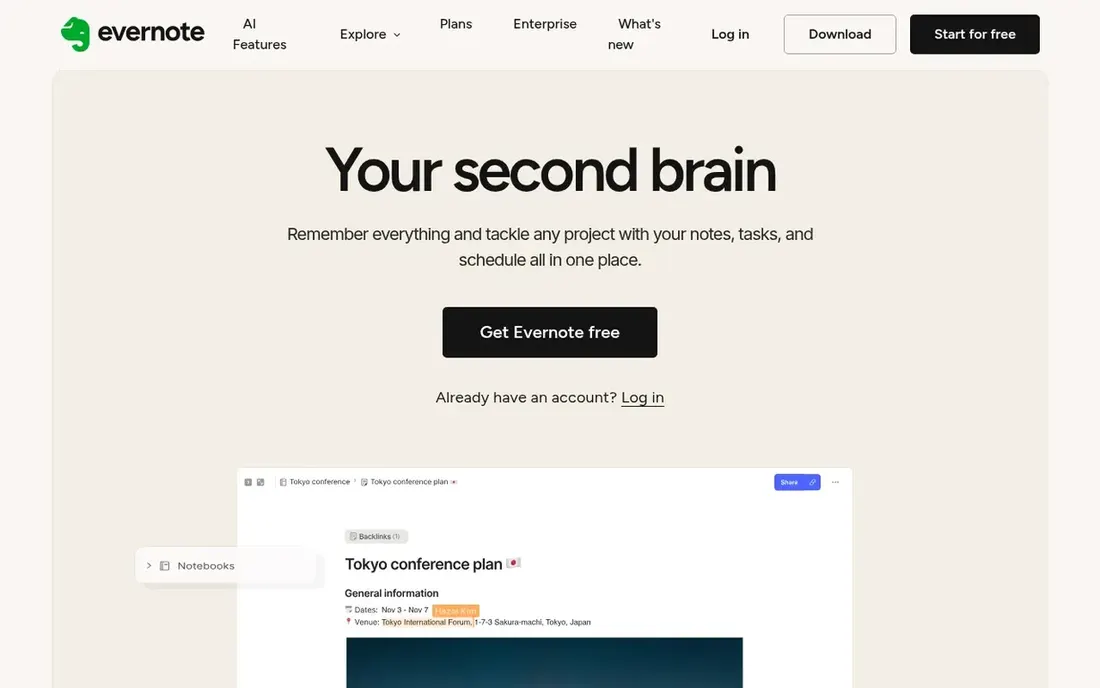
Think of Evernote for note capture and organizing ideas. The emphasis on notes makes it a natural fit for early-stage founders juggling plenty of inputs.
Where Evernote stands out: Capable note-taking focus.
Beyond that, if you need boards, goals and automation, ClickUp or Asana are better suits, and if you want notes tied to an adaptable database, Notion may suit you more. Check the vendor site for Evernote pricing; none is listed in this comparison. Evernote offers a free plan. Honest limits: Less suited to team workflows.
- Records ideas
- Projects and to-dos
- Not a full project suite
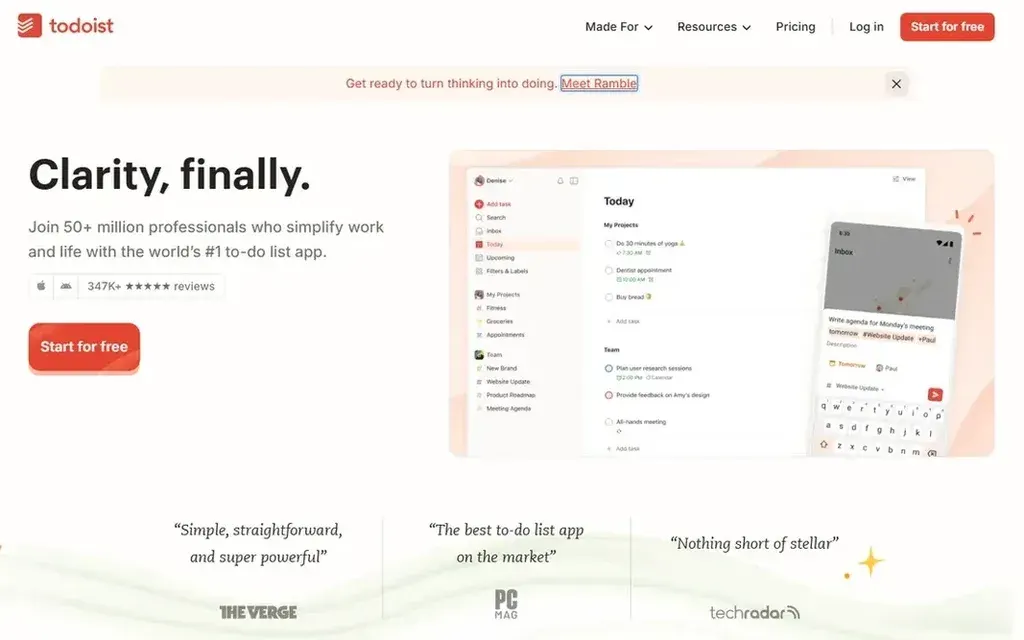
For straightforward personal task management, Todoist is a natural candidate. Todoist is a to-do list app built to organize work and life, with a homepage that emphasizes capturing and managing tasks.
The main drawbacks: Restricted for complicated project planning.
It is a decent companion to a separate notes or document tool instead of a replacement for one. Starting cost for Todoist: $5 per month. A free plan is available with Todoist.
- Straightforward task capture
- Clear to-do list focus
- Not a full document workspace
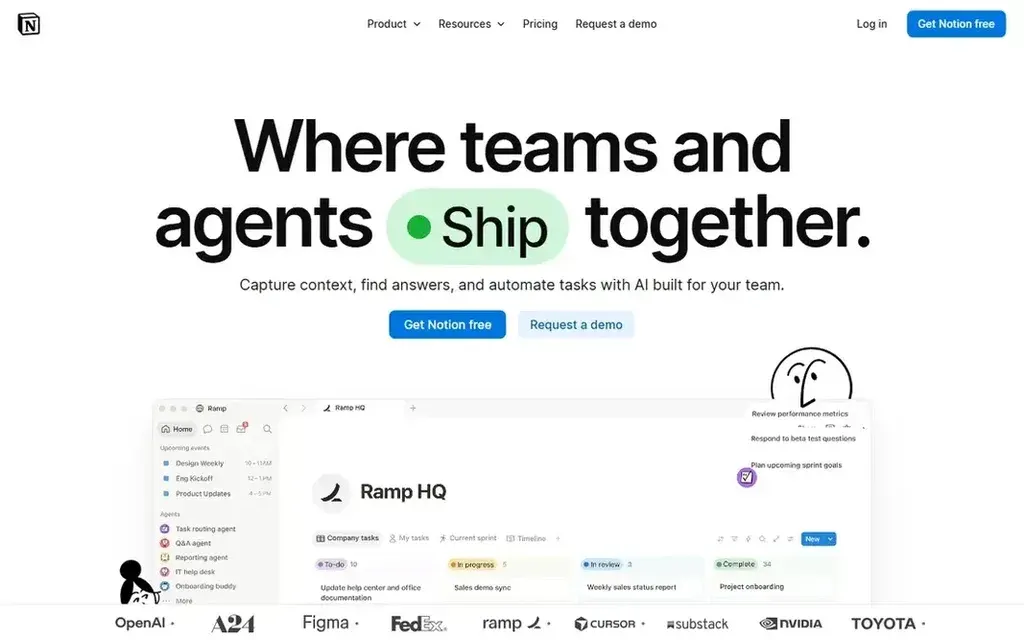
Notion is designed for all-in-one workspace and notes. It suits founders who like shaping their own system and want a workspace that grows with the business.
Trade-offs to know: Can feel complicated to set up.
What Notion does well: notes and databases. The adaptability is also the central limit: without a clear structure, pages and databases can multiply and become hard to navigate. Starting cost for Notion: $10 per member per month. Free access exists with Notion.
- Custom agents and automation
- AI search across connected apps
- Best value needs structure
Asana was built for work and project management. It suits entrepreneurs who coordinate projects with others and need clear ownership and workflow visibility.
Where it falls short: Less of a personal notes tool.
It is a capable choice once work moves beyond a personal to-do list into shared execution. Asana pricing: $10.99 per user per month. You can start on Asana without paying.
- Plan and automate workflows
- Supports critical execution
- Workflow setup takes planning
ClickUp is a good fit for tasks, docs, goals and chat. ClickUp describes itself as the everything app for work, bringing tasks, docs, goals and chat together with AI features.
As for the details, since it tries to handle so much, ClickUp can feel overwhelming at first and needs deliberate setup to stay usable. Entrepreneurs who want a minimal personal task list may find Todoist more straightforward, and those who want a more focused work management approach may compare Asana. What you pay to start with ClickUp: $9 per user per month. You can start on ClickUp without paying.
Where it is weaker: Needs setup discipline.
- AI features included
- Goals and chat
- Feature depth can overwhelm
Our selection method
The comparison looks at four things: starting price, free access, how well the feature set matches personal productivity apps for entrepreneurs, and the main limit of each tool. Prices and plan limits come from vendor pages and can change, so confirm them on the vendor site before you buy. The order reflects how well each tool fits the most common buying scenario for personal productivity apps for entrepreneurs, then price clarity, then free plan access. It is a starting point, not a verdict.
Questions to settle before buying
- Get a written quote from Evernote; the list shows no starting price for them.
- Read the fine print on the free plans from Evernote, Todoist, Notion and others; seat, project and feature caps differ.
- Read the limits listed for Evernote first: not a full project suite.
- Find out what support Evernote includes on your plan, and whether onboarding help costs extra.
- Before rolling out Asana, verify the integrations your workflow depends on.
FAQ
Do these tools publish their prices?
Not all of them. Evernote publishes no starting price, so expect a quote request for it. The rest, Todoist included, show a starting price, though seats and billing terms still change the final cost. For the full picture, the cards above cover all 5 entries of this personal productivity apps for Entrepreneurs list, including price, free plan and limits.
Is Evernote the right pick for everyone comparing personal productivity apps for entrepreneurs?
No single tool suits every team. Evernote comes first because it fits note capture and organizing ideas, while Todoist suits simple personal task management and Notion suits all-in-one workspace and notes. Match the tool to your own size, budget and workflow before deciding.
Do I need ClickUp or Asana if I already use Todoist?
Todoist takes care of personal task capture well, but ClickUp and Asana add project planning, workflows and team coordination. If you are managing shared projects with others, a work management tool becomes more handy.
How are the tools for personal productivity apps for entrepreneurs ordered?
Evernote sits first and ClickUp last because the order follows typical fit for personal productivity apps for entrepreneurs, then price clarity and free access. It is a judgement call, so read each profile for fit and limits.
Which options for personal productivity apps for entrepreneurs have a free plan?
Evernote, Todoist, Notion, Asana and ClickUp offer a free plan in this list. Free plans usually cap users, projects or features, so check the limits on the vendor page.
Which productivity app is a good match for a solo entrepreneur?
Start with Evernote if you need note capture and organizing ideas. Todoist is the better match for straightforward personal task management, and Notion for all-in-one workspace and notes. The best choice depends on budget, team size and workflow.
Sources
- https://evernote.com
- https://todoist.com
- https://www.notion.so
- https://asana.com
- https://clickup.com