5 Best Personal Productivity App for Remote Workers for 2026, Vetted and Compared
5 best personal productivity app for remote workers, with entry costs, free tiers and the buyer each one serves. Short, factual notes on every option. No hype.
- Editor's choice
 Trello
Visual board-based task tracking
Starts at$5 per user per monthVisit trello.comFull review - Great alternative
 Asana
Work and project management for teams
Starts at$10.99 per user a monthVisit asana.comFull review - Also consider
 Notion
All-in-one workspace for notes and tasks
Starts at$10 per member a monthVisit notion.soFull review
Direct answer
If you need visual board-based task tracking, Trello is the first tool to look at here. Listed starting prices: Trello from $5 per user per month, Asana from $10.99 per user a month and Notion from $10 per member a month. If your case is different, Asana suits work and project management for teams and Notion suits all-in-one workspace for notes and tasks. Prices, free plans and limits for all 5 tools follow.
TL;DR:
- Top of the list is Trello, which targets visual board-based task tracking.
- Only 4 of the 5 tools have a free plan (Trello, Asana, Notion, Todoist), so check the caps.
- Starting prices begin at $5 per user per month with Trello.
- Google Keep suits fast notes and straightforward lists.
Last checked November 2026. Prices and plan details were read from the vendors' own pages in November 2026; vendors change plans often, so confirm the current price on the vendor site before you buy.
Quick comparison
| Tool | Best for | Starts at | Free plan? | |
|---|---|---|---|---|
| Trello | Visual board-based task tracking | $5 per user per month | Yes | Visit |
| Asana | Work and project management for teams | $10.99 per user a month | Yes | Visit |
| Notion | All-in-one workspace for notes and tasks | $10 per member a month | Yes | Visit |
 Todoist | Straightforward task management across devices | $5 a month | Yes | Visit |
 Google Keep | Fast notes and straightforward lists | See website | Not stated | Visit |
Personal Productivity App for Remote Workers profiles
LinkVetted put together this guide to personal productivity app for remote workers for readers who want a clear shortlist without reading every vendor page. It compares 5 tools on starting price, free plans, who each one suits and where each one falls short.
Trello is a good fit for visual board-based task tracking. Remote workers who think visually can move tasks through stages and keep an overview on desktop or mobile.
The main drawbacks: Less suited to complicated documentation.
Entry price for Trello: $5 per user per month. A free plan is available with Trello.
- Boards and cards for visual organization
- Accessible on mobile
- Board format may not fit all workflows
Pick Asana if this describes you: work and project management for teams. Asana is work management software for teams and AI agents, meant to plan, automate, and execute critical workflows.
It suits those who require clear ownership and deadlines across a group. Asana starts at: $10.99 per user per month. Asana has a free plan.
Watch-outs: More team-oriented than personal.
- Supports team collaboration
- Plan and automate workflows
- Can be overkill for solo tasks
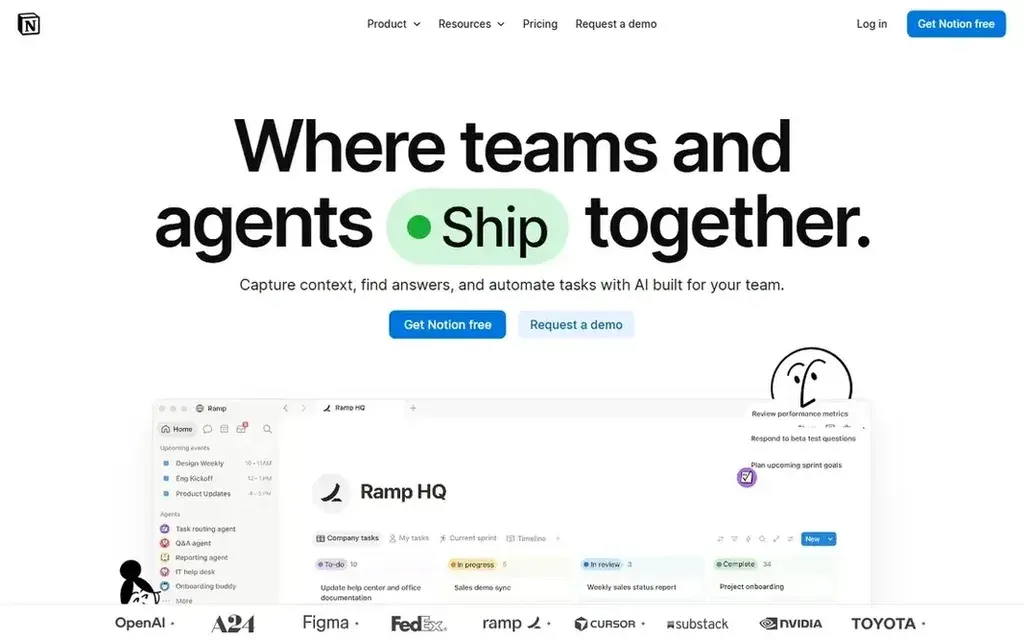
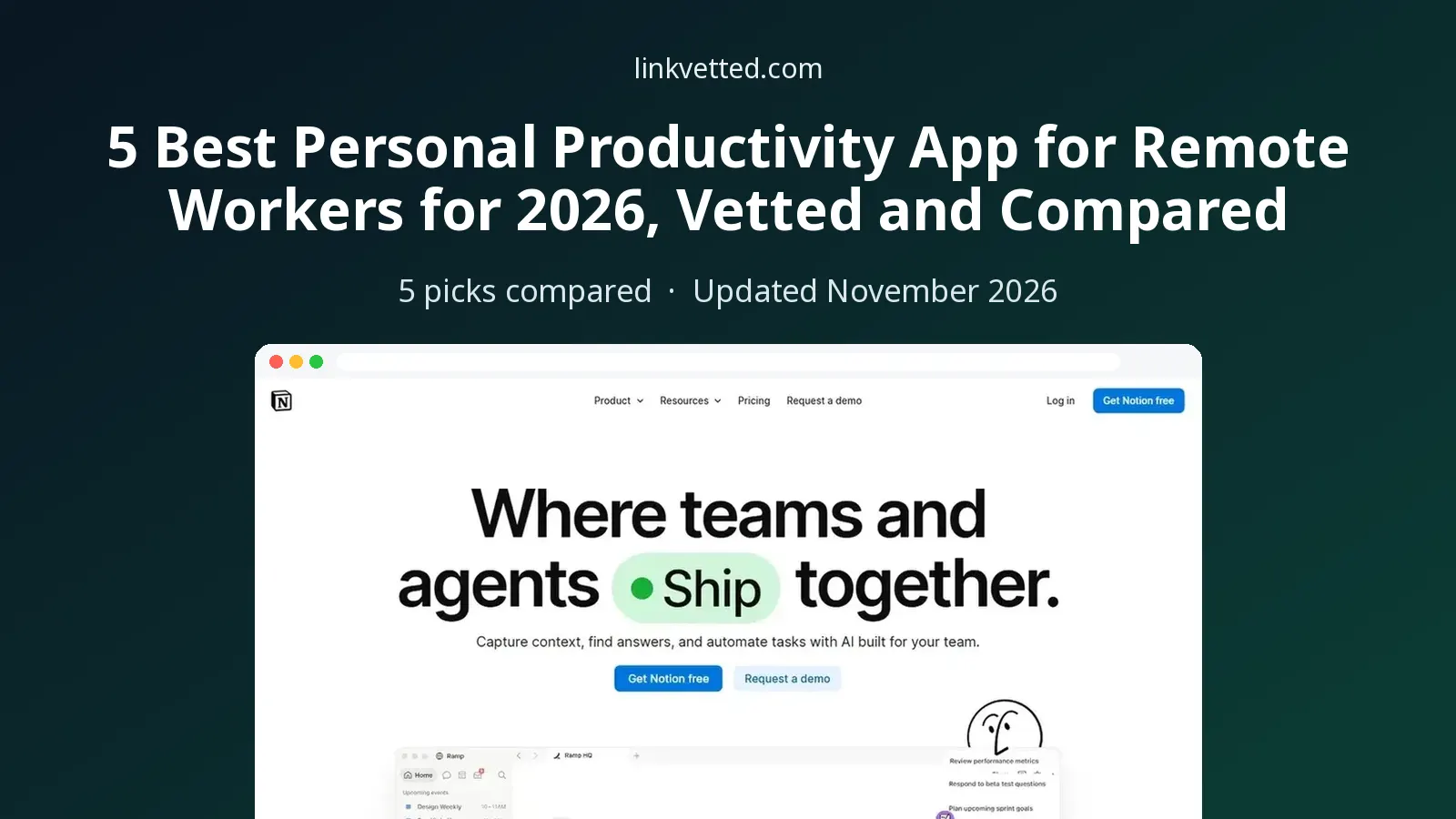
Notion makes the most sense for all-in-one workspace for notes and tasks. Notion is an AI workspace that lets you build custom agents, search across your apps, and automate busywork.
The open-ended structure can overwhelm users who just need a fast task list, and initial setup takes effort. Notion starts at: $10 per member per month. Notion offers a free plan.
Drawbacks to consider: Needs setup time to tailor.
- Search across connected apps
- Custom agents and automation
- Can feel complicated for straightforward to-do lists
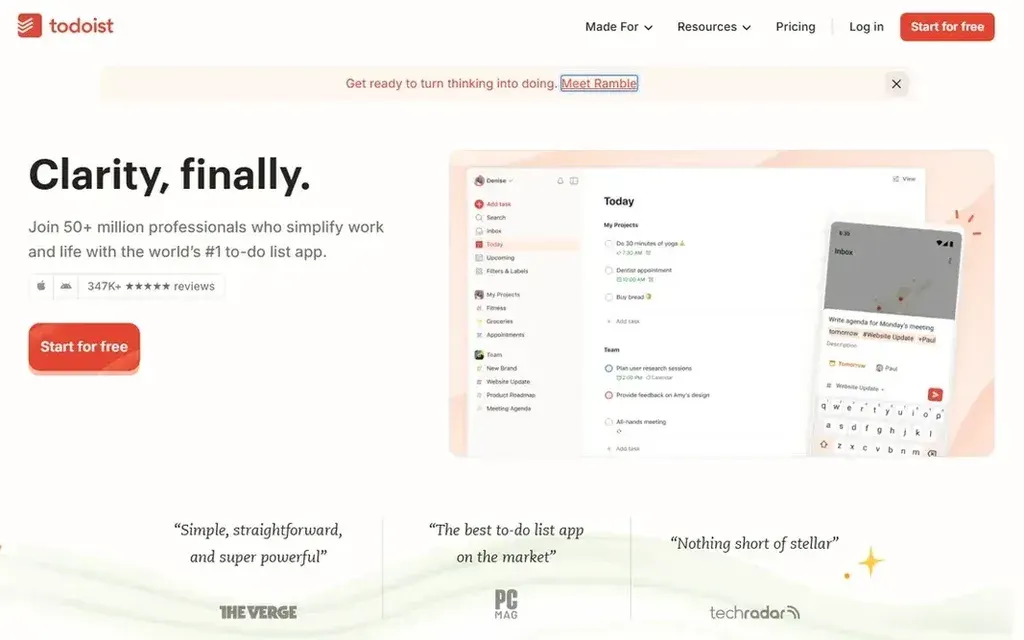
Todoist is designed for straightforward task management across devices. It centres on capturing tasks, setting priorities, and checking items off across devices.
What to check first: Not a full notes workspace.
Remote workers who want a straightforward task manager without additional project layers will find it simple to adopt. Todoist starts at: $5 per month. You can start on Todoist without paying.
- Clean
- Focused to-do lists
- Restricted for complicated project views
Think of Google Keep for fast notes and straightforward lists. Google Keep is a light note-taking service from Google, widely known for fast notes, lists, and reminders.
Where it is weaker: Restricted project management features.
In daily use, Google Keep lacks advanced project views, documentation, or team workflows. Check the vendor site for Google Keep pricing; none is listed in this comparison. As for free access: Not stated.
- Well suited to fast capture
- Accessible via Google account
- Entry-level organization compared with full apps
Selection criteria
Selection started from tools commonly considered for personal productivity app for remote workers, then narrowed to 5 that have clear pricing information or a clear quote process. Where a vendor does not publish a price, the entry says quote. Where a price depends on seats or billing term, the entry says so. We ordered the tools by general fit, then by how clearly pricing is shown, then by free access. A buyer with unusual needs may reorder them.
What to check before you buy
- Confirm the entry price on the vendor page. For Google Keep that means a quote rather than a fixed price.
- Check what the free option really includes: Trello, Asana, Notion and Todoist offer a free plan, and usage caps differ.
- Read the limits listed for Trello first: less suited to complicated documentation.
- Ask Trello about contract length, onboarding fees and user minimums before you sign.
- Check the integration list for Google Keep against the tools you run today, and note which ones need a higher plan.
FAQ
Which personal productivity app for remote workers have a free plan?
On this list, Trello, Asana, Notion and Todoist include a free plan. Caps on seats, usage or features are common, so test the free plan against your real workload.
Can I try these tools before paying?
Often, yes. Trello, Asana, Notion and Todoist have a free plan. Use your own data and a real task during the test, and check what the free tier or trial limits before you rely on it.
Is Trello the right pick for everyone comparing personal productivity app for remote workers?
No single tool suits every team. Trello comes first because it fits visual board-based task tracking, while Asana suits work and project management for teams and Notion suits all-in-one workspace for notes and tasks. Match the tool to your own size, budget and workflow before deciding.
How do I choose between a visual board app and a list-based app?
Trello uses boards and cards for visual tracking, which helps if you think in stages or columns. Match the format to how you prefer to organize work.
How are the personal productivity app for remote workers ordered?
The order follows typical fit for personal productivity app for remote workers, with Trello first and Google Keep last, then price clarity and free access. It is editorial judgement, not a score, so another team could rank the tools differently.
Sources
- https://trello.com
- https://asana.com
- https://www.notion.so
- https://todoist.com
- https://keep.google.com