5 Best Platform for Community Messaging for 2026, Vetted and Compared
Best platform for community messaging: 5 contenders ranked by fit, with entry costs and free tiers. Includes honest limits for each tool. Pick with confidence.
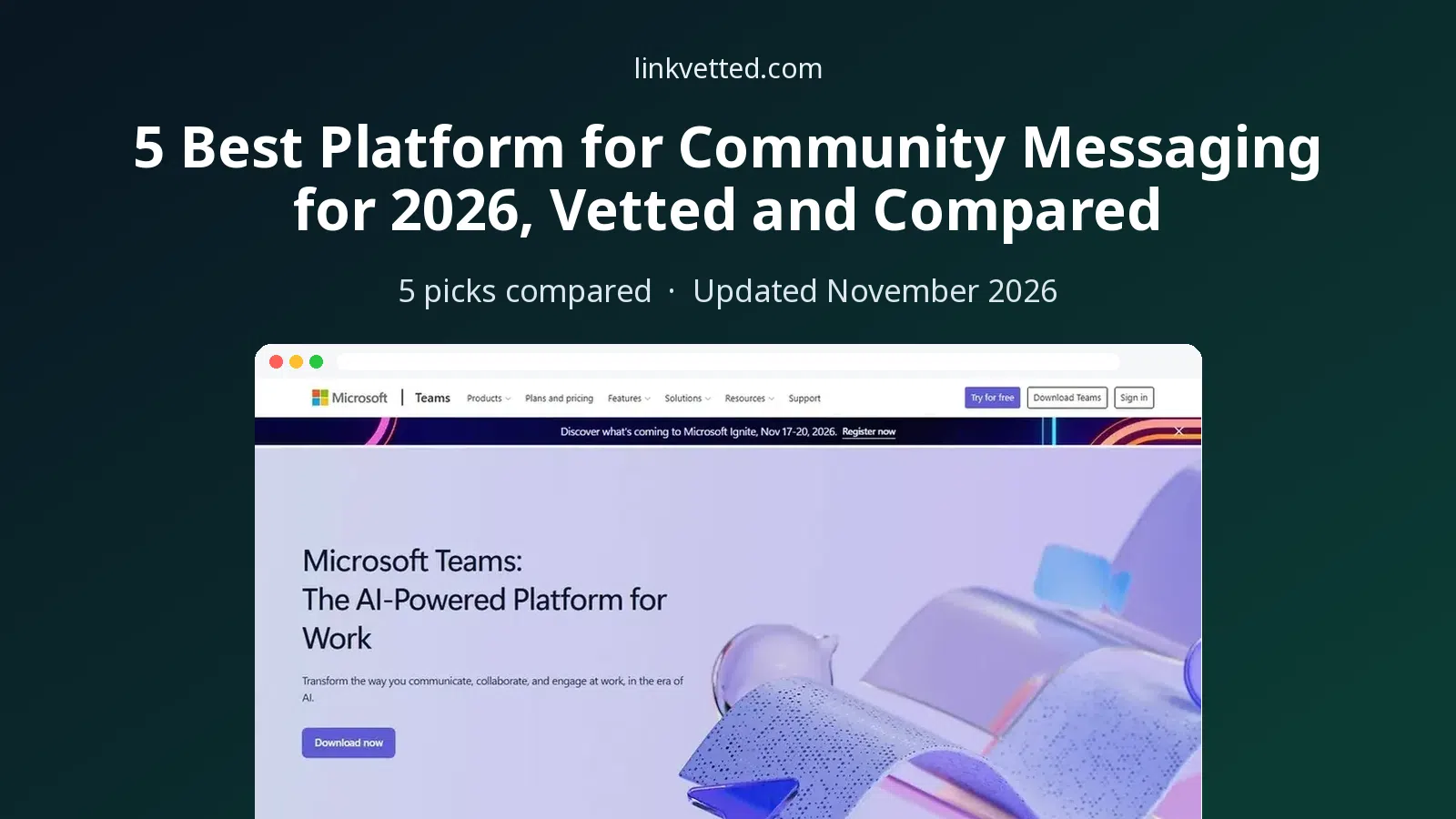
- Editor's choice
 Google Chat
Google Workspace organizations
Starts atSee websiteVisit workspace.google.comFull review - Great alternative
 Microsoft Teams
Teams already using Microsoft tools
Starts atSee websiteVisit microsoft.comFull review - Also consider
 Slack
Organized team and community channels
Starts at$4.38 per user a monthVisit slack.comFull review
Direct answer
If you need Google Workspace organizations, Google Chat is the first tool to look at here. Listed starting prices: Slack from $4.38 per user a month. Look at Microsoft Teams for Teams already using Microsoft tools, and at Slack for organized team and community channels. All 5 tools are compared below on price, free plan and limits.
TL;DR:
- This list starts with Google Chat, which is built for Google Workspace organizations.
- Slack comes with a trade-off: can feel busy at scale.
- The cheapest monthly starting price in the list is $4.38 per user per month, offered by Slack.
- Slack, Cisco Webex App: these are the 2 tools out of 5 that offer a free plan.
Last checked November 2026. Prices and plan details were read from the vendors' own pages in November 2026; vendors change plans often, so confirm the current price on the vendor site before you buy.
Quick comparison
| Tool | Best for | Starts at | Free plan? | |
|---|---|---|---|---|
| Google Chat | Google Workspace organizations | See website | Not stated | Visit |
| Microsoft Teams | Teams already using Microsoft tools | See website | Not stated | Visit |
| Slack | Organized team and community channels | $4.38 per user a month | Yes | Visit |
| Cisco Webex App | Enterprise collaboration and meetings | See website | Yes | Visit |
 Mattermost | Self-hosted and regulated environments | See website | Not stated | Visit |
Tool-by-tool breakdown
LinkVetted compared 5 tools for platform for community messaging. The goal is a practical shortlist: published prices, free plan facts, best-fit use cases and honest limits for every entry.
Google Chat is a good fit for Google Workspace organizations. Google Chat helps individuals, groups and companies connect and collaborate with secure messaging and features from Google Workspace, including Gemini assistance.
Honest limits: Tied to Workspace accounts.
This comparison lists no price for Google Chat; ask the vendor. As for free access: Not stated.
- Tight Workspace integration
- Gemini assistance features
- Fewer standalone community features
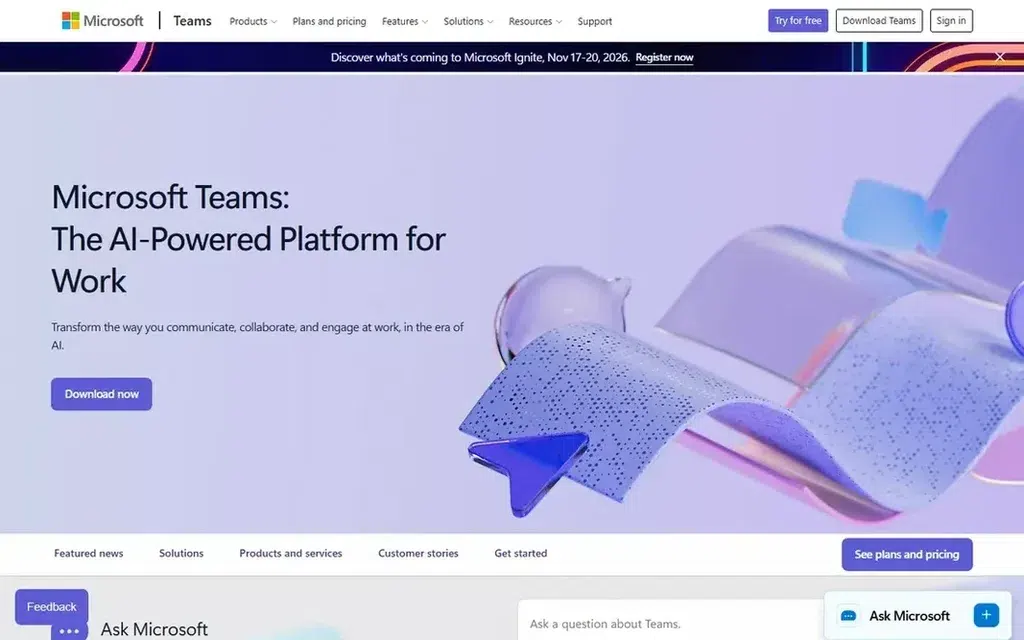
For Teams already using Microsoft tools, Microsoft Teams is a natural candidate. It suits organizations that already work inside Microsoft tools and want community messaging woven into everyday documents and meetings instead of kept separate.
Beyond that, communities outside the Microsoft ecosystem may find the experience less natural. Microsoft Teams shows no starting price here, so confirm the cost on the vendor site. On free options: Not stated.
Where it is weaker: Best value inside Microsoft ecosystem.
- Familiar Microsoft integration
- Chat and meetings together
- Interface can feel complicated
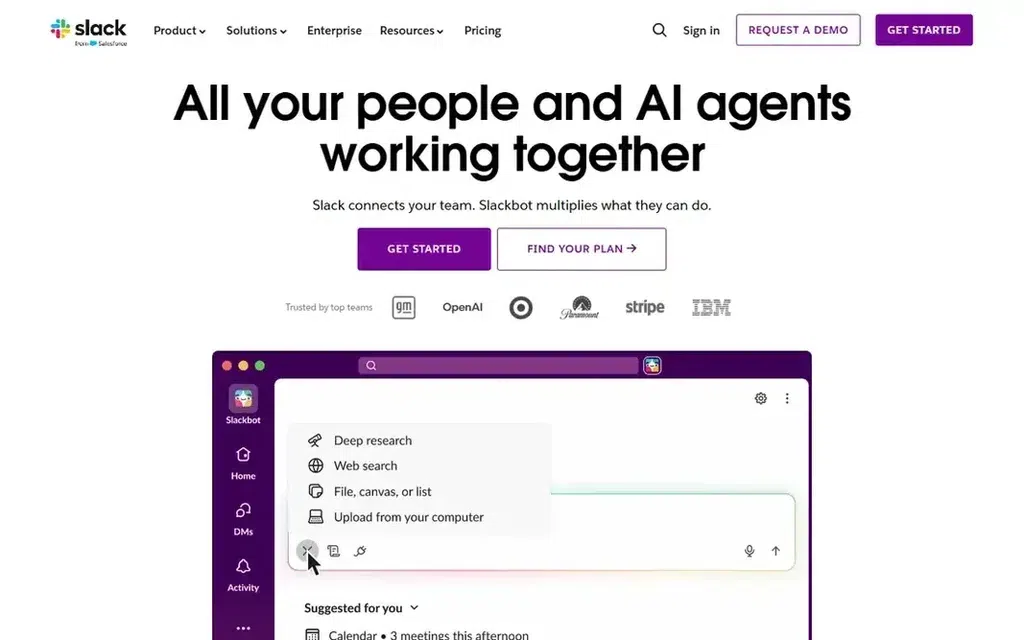
Slack targets organized team and community channels. Consider alternatives when messaging is secondary to meetings or when self-hosting is a requirement. More specifically, communities that chiefly want open, playful social spaces may prefer a lighter choice.
Drawbacks to consider: Setup takes some planning.
From a buyer's view, the breadth of features can feel heavy for casual groups, and busy workspaces need clear channel conventions to stay tidy. As for the details, conversations are organized into channels, which keeps large communities readable and lets people follow only the topics they care about. Slack starts at: $4.38 per user per month. Free access exists with Slack.
- AI productivity features
- Channel-based conversations
- Can feel busy at scale
Cisco Webex App
Best for: Enterprise collaboration and meetings
Where Cisco Webex App fits: enterprise collaboration and meetings. Smaller groups may prefer a lighter product except when meetings and devices are also central needs.
Cisco Webex App does not show a starting price in this comparison, so check the vendor site for current pricing. Cisco Webex App has a free plan.
Honest limits: Enterprise-focused complexity.
- AI-powered collaboration tools
- Device and system choices
- Feature depth may overwhelm small groups
Mattermost makes the most sense for self-hosted and regulated environments. Mattermost gives you zero-trust collaboration, automation and AI in private cloud, self-hosted and air-gapped environments, made for national security, critical infrastructure and regulated enterprises.
The focus on regulated environments makes it heavier than casual groups need. No starting price is listed for Mattermost here; confirm pricing on the vendor site. Free plan details: Not stated.
Where it falls short: Less suited to casual communities.
- Self-hosted and air-gapped choices
- Zero-trust collaboration focus
- Needs technical administration
How these tools were picked
What to confirm before you sign up
- Get a written quote from Google Chat, Microsoft Teams, Cisco Webex App and Mattermost; the list shows no starting price for them.
- Read the fine print on the free plans from Slack and Cisco Webex App; seat, project and feature caps differ.
- Read the limits listed for Google Chat first: tied to Workspace accounts.
- See whether Mattermost offers onboarding or training, and whether it is included in the price.
- Work out what Slack costs with your real seat count, add-ons and usage, not just the entry price.
FAQ
Do these tools publish their prices?
Not all of them. Google Chat, Microsoft Teams, Cisco Webex App and Mattermost publish no starting price, so expect a quote request for those. The rest, Slack included, show a starting price, though seats and billing terms still change the final cost.
How are the tools for platform for community messaging ordered?
The order follows typical fit for platform for community messaging, with Google Chat first and Mattermost last, then price clarity and free access. It is editorial judgement, not a score, so another team could rank the tools differently.
Which options for platform for community messaging have a free plan?
On this list, Slack and Cisco Webex App include a free plan. Caps on seats, usage or features are common, so test the free plan against your real workload. All 5 picks in this platform for community messaging comparison list a starting price, free plan details and the main limits on their cards above.
Can I try these tools before paying?
Often, yes. Slack and Cisco Webex App have a free plan. Use your own data and a real task during the test, and check what the free tier or trial limits before you rely on it.
Which product is a good match for a public community?
The first pick on this list is Google Chat, because it suits Google Workspace organizations. Microsoft Teams is better for Teams already using Microsoft tools, and Slack for organized team and community channels. Check price and limits against your own needs before choosing.
Sources
- https://workspace.google.com/products/chat
- https://www.microsoft.com/en-us/microsoft-teams/group-chat-software
- https://slack.com
- https://www.webex.com
- https://mattermost.com