Top 5 AI Business Instant Messaging Software for 2026 (Prices and Free Plans)
Searching for the best AI business instant messaging software? Here are 5 options with prices and free plans. Plus the drawbacks of each tool. Numbers first.
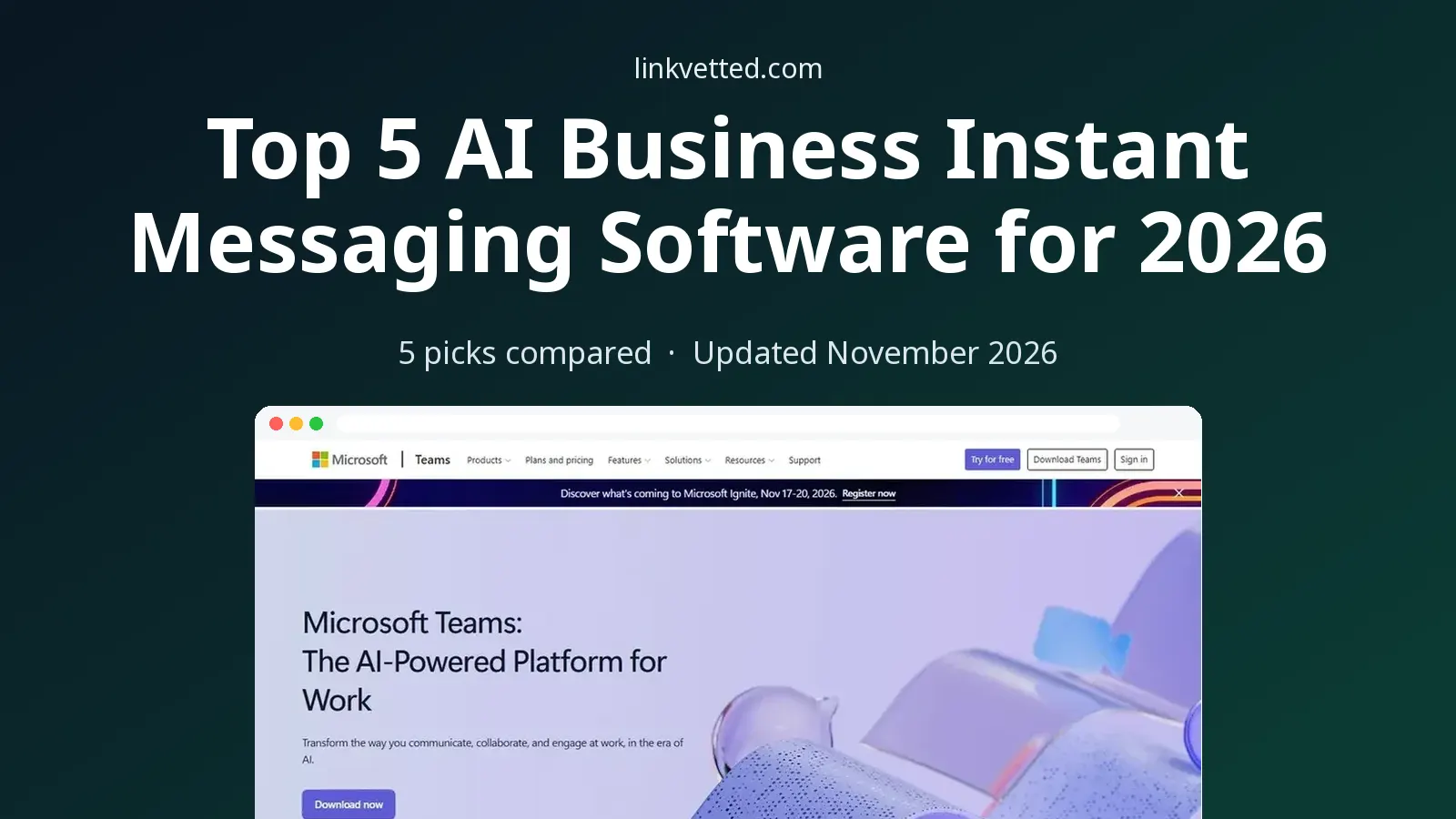
- Editor's choice
 Microsoft Teams
Chat, meetings and files in one place
Starts atSee websiteVisit microsoft.comFull review - Great alternative
 Google Chat
Secure messaging within Google Workspace
Starts atSee websiteVisit workspace.google.comFull review - Also consider
 Cisco Webex
AI-powered collaboration with devices and support
Starts atSee websiteVisit webex.comFull review
Direct answer
For Chat, meetings and files in one place, Microsoft Teams is where this list starts. Listed starting prices: Slack from $4.38 per user per month and RingCentral from $52 a month. For a different need, Google Chat covers secure messaging within Google Workspace and Cisco Webex covers AI-powered collaboration with devices and support. The remaining 2 options are covered below with prices and limits.
TL;DR:
- The list opens with Microsoft Teams, aimed at Chat, meetings and files in one place.
- Starting prices begin at $4.38 per user per month with Slack.
- Check the limits for Slack before you commit: can feel busy in very large workspaces.
- RingCentral suits voice-first business communication with AI.
- 2 of 5 tools offer a free plan: Cisco Webex, Slack.
Last checked November 2026. Prices and plan details were read from the vendors' own pages in November 2026; vendors change plans often, so confirm the current price on the vendor site before you buy.
Quick comparison
| Tool | Best for | Starts at | Free plan? | |
|---|---|---|---|---|
| Microsoft Teams | Chat, meetings and files in one place | See website | Not stated | Visit |
| Google Chat | Secure messaging within Google Workspace | See website | Not stated | Visit |
| Cisco Webex | AI-powered collaboration with devices and support | See website | Yes | Visit |
 Slack | AI-assisted messaging and workflow automation | $4.38 per user per month | Yes | Visit |
 RingCentral | Voice-first business communication with AI | $52 a month | Free trial | Visit |
The 5 tools in detail
This LinkVetted guide covers 5 options for AI business instant messaging software. Each profile lists a starting price, free plan details, strengths and drawbacks, so you can drop poor fits quickly.
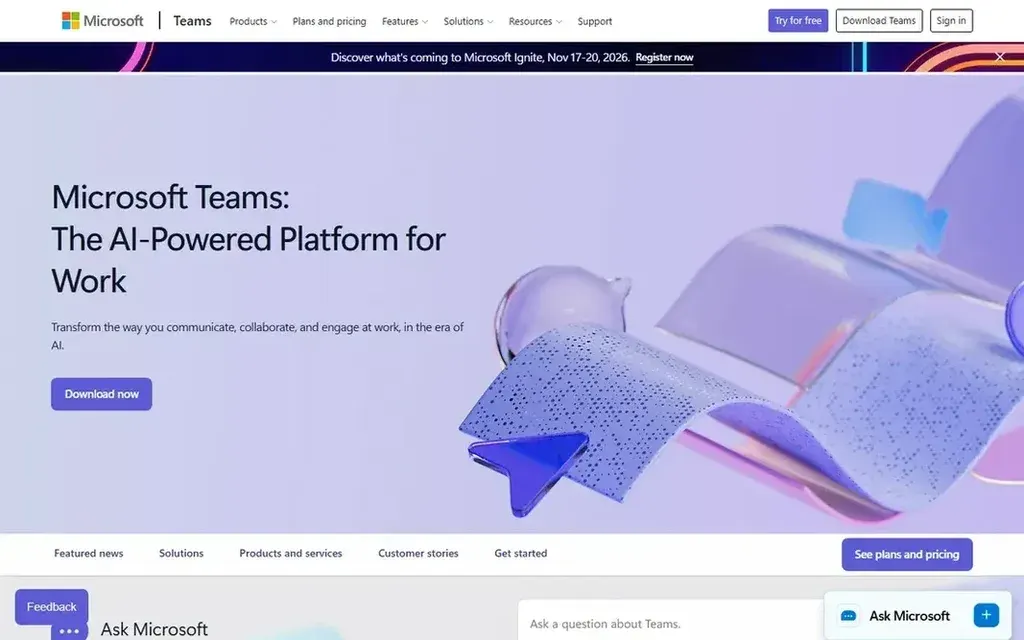
Where Microsoft Teams fits: Chat, meetings and files in one place. Microsoft Teams brings chat, video meetings and calling together with shared files and tools, aiming to make working together simpler.
Pricing for Microsoft Teams is not stated here, so ask the vendor for current figures. Free access: Not stated.
Downsides: Most natural inside Microsoft environments.
- Files and tools kept together
- Chat
- Interface can feel dense for new users
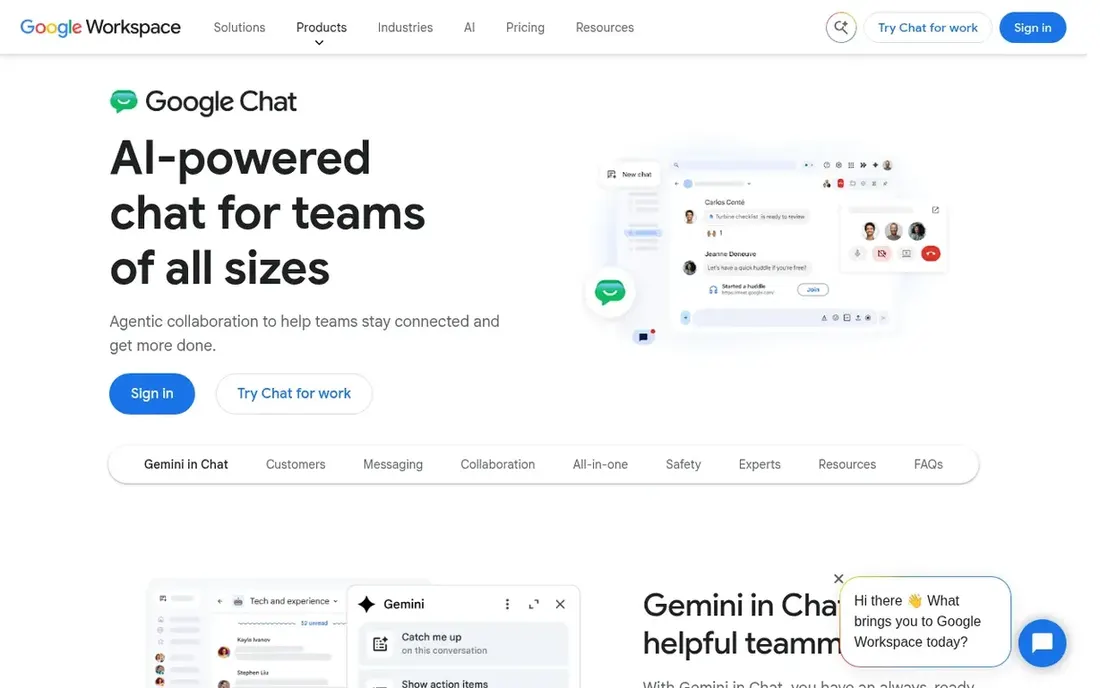
Google Chat was built for secure messaging within Google Workspace. Google Chat helps individuals, groups and firms link and collaborate with secure messaging and features drawn from Google Workspace, including Gemini assistance.
The main drawbacks: Most handy with Google Workspace.
This comparison lists no price for Google Chat; ask the vendor. Free options: Not stated.
- Tight Google Workspace integration
- Gemini assistance for collaboration
- Fewer standalone features outside the suite
Cisco Webex works best for AI-powered collaboration with devices and support. It suits organizations that want a single vendor for meetings, team messaging and connected hardware, notably those with IT teams prepared to handle a wide collaboration portfolio across offices and devices.
Cisco Webex does not show a starting price in this comparison, so check the vendor site for current pricing. A free plan is available with Cisco Webex.
Trade-offs to know: Most useful for bigger IT-managed setups.
- AI-powered collaboration product
- Device and system options
- Wide portfolio can be complicated to navigate
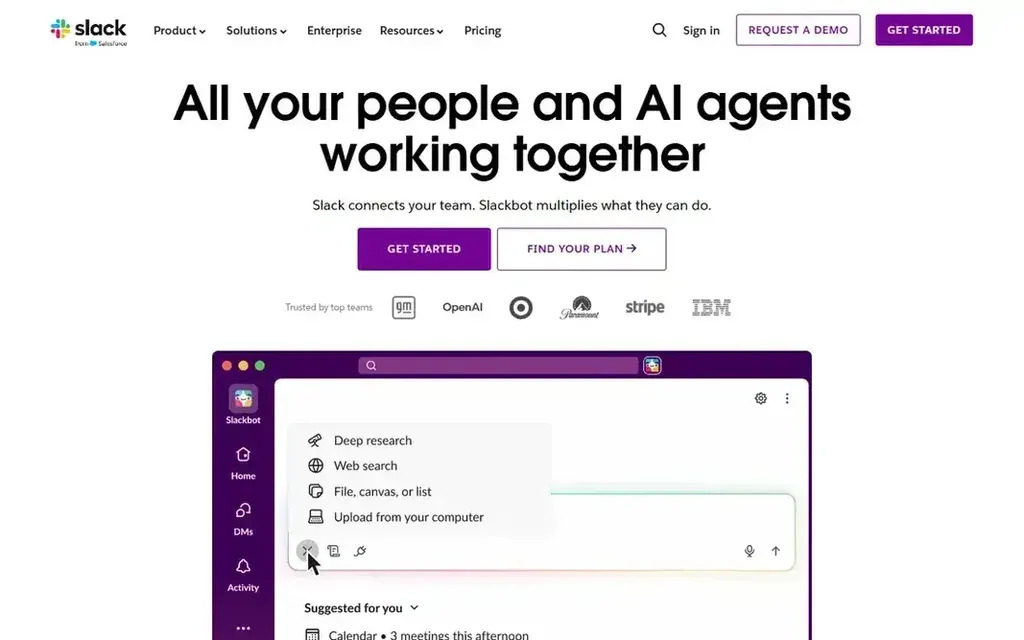
Choose Slack for AI-assisted messaging and workflow automation. Teams that want conversations, automations and AI assistance in a single hub tend to fit well here, particularly groups that collaborate across plenty of projects and want to link people and tools securely without stitching together separate apps.
Trade-offs to know: Can feel busy in very large workspaces.
On cost, Slack starts like this: $4.38 per user per month. Slack includes a free tier.
- Secure team connection in one place
- AI tools built into the work system
- Best value inside its own ecosystem
RingCentral targets voice-first business communication with AI. RingCentral positions itself around powering the voice of your business, with AI receptionist, virtual assistant and conversation expert features alongside team communication.
Where it is weaker: Messaging is secondary to voice.
In practice, messaging plays a supporting role compared to dedicated chat systems, so teams seeking a messaging-first hub may find it less central. Entry price for RingCentral: $52 per month. Trial and free access: Free trial.
- Voice AI capabilities for business
- AI receptionist and assistant features
- Feature depth may exceed small team needs
How we built this list
Things to verify first
- Get a written quote from Microsoft Teams, Google Chat and Cisco Webex; the list shows no starting price for them.
- Look at free plan limits closely: Cisco Webex and Slack have one, and the caps decide whether it is usable for real work.
- Run a trial of RingCentral with real work before paying for a year; your own workflow is the best test.
- Before choosing Microsoft Teams, weigh its main limit: interface can feel dense for new users.
- List the apps you already depend on and check that Slack supports each one on the plan you would buy.
- Get the contract term, renewal terms and any onboarding fees from RingCentral in writing.
FAQ
How are the tools for AI business instant messaging software ordered?
Microsoft Teams sits first and RingCentral last because the order follows typical fit for AI business instant messaging software, then price clarity and free access. It is a judgement call, so read each profile for fit and limits.
Can I try these options before paying?
Often, yes. Cisco Webex and Slack have a free plan and RingCentral offers a free trial. Use your own data and a real task during the test, and check what the free tier or trial limits before you rely on it.
Do these tools publish their prices?
Not all of them. Microsoft Teams, Google Chat and Cisco Webex publish no starting price, so expect a quote request for those. The rest, Slack included, show a starting price, though seats and billing terms still change the final cost.
How should we evaluate AI features in messaging software?
Look at what the AI actually does inside conversations, for example summarizing threads, drafting replies or automating workflows, and confirm whether those capabilities are native or need additional tools.
What is the cheapest option for AI business instant messaging software in this list?
On published monthly entry prices, Slack is the lowest here at $4.38 per user per month. Entry price is only part of the cost, because seats, add-ons and billing terms can change the total. For the full picture, the cards above cover all 5 entries of this AI business instant messaging software list, including price, free plan and limits.
Sources
- https://www.microsoft.com/en-us/microsoft-teams/group-chat-software
- https://workspace.google.com/products/chat
- https://www.webex.com
- https://slack.com
- https://www.ringcentral.com