Best Business Instant Messaging Software in 2026: 9 Tools Compared
We compared the best business instant messaging software for teams, covering channels, security, admin controls, and pricing, to help you pick a chat tool.
- Editor's choice
 Slack
Integrations and chat-first teams
Starts at$7.25 per user per monthVisit slack.comFull review - Great alternative
 Microsoft Teams
Microsoft 365 organizations
Starts at$4 per user per monthVisit microsoft.comFull review - Also consider
 Google Chat
Google Workspace teams
Starts at$7 per user per monthVisit workspace.google.comFull review
TL;DR:
- Slack suits mixed-tool teams that value integrations, while Teams suits Microsoft 365 shops and Google Chat suits Google Workspace shops.
- A serious business chat tool needs admin controls, user management, and searchable history, which consumer apps often lack.
- Free plans differ sharply: some limit message history, while others keep full history but limit other features.
- Self-hosted options such as Mattermost, Rocket.Chat, and Element suit teams with strict data control needs.
Quick comparison
| Tool | Best for | Starts at | Free plan? | |
|---|---|---|---|---|
| Slack | Integrations and chat-first teams | $7.25 per user per month | Yes | Visit |
| Microsoft Teams | Microsoft 365 organizations | $4 per user per month | Yes | Visit |
| Google Chat | Google Workspace teams | $7 per user per month | Yes | Visit |
 Pumble | Unlimited message history | $2.49 per user per month | Yes | Visit |
 Mattermost | Self-hosted team chat | $10 per user per month | Yes | Visit |
 Rocket.Chat | Self-managed deployment | See website | Yes | Visit |
 Element | Private, federated messaging | See website | Yes | Visit |
 Twist | Thread-first async chat | $6 per user per month | Yes | Visit |
 Chanty | Small teams with task tracking | $3 per user per month | Yes | Visit |
The best business instant messaging software
We compared official pricing pages, feature pages, and public reviews for chat tools built for workplace teams. Consumer apps can work for tiny groups, but business tools add admin controls, integrations, and data handling that matter as a team grows. The best instant messaging software for business depends heavily on the software a team already pays for.
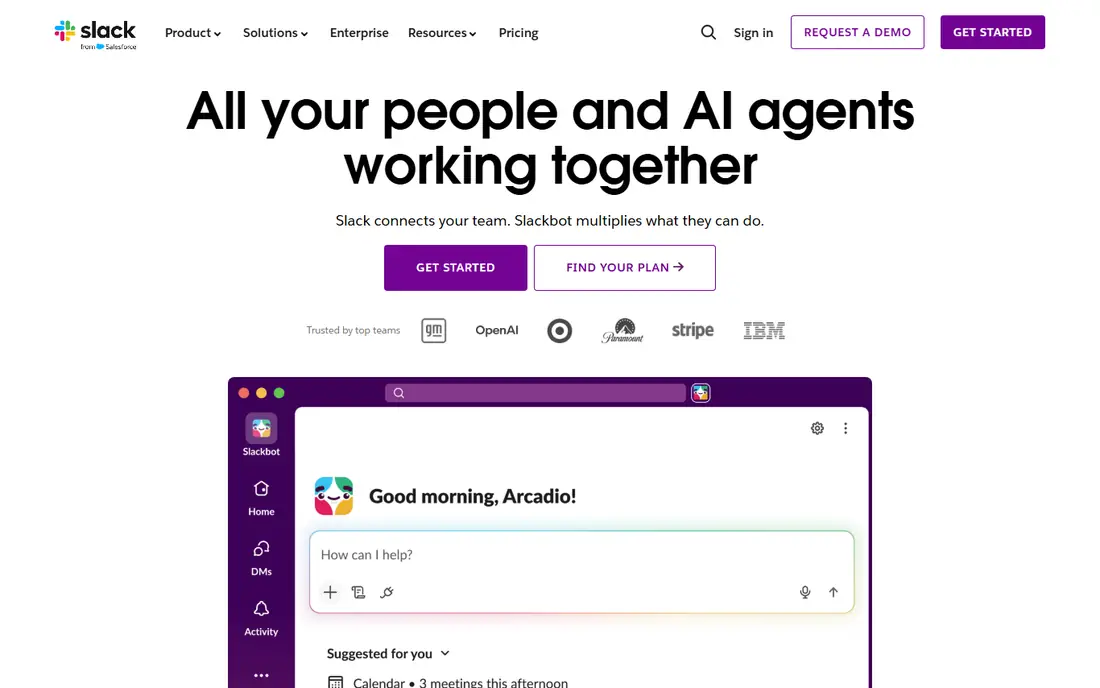
Slack remains the best business instant messaging software for teams that do not live inside one vendor's world. Channels organize work by project or topic, threads keep side discussions tidy, and integrations connect chat to calendars, files, project tools, and customer systems. Slack Connect extends that to clients and partners in shared channels, which is a real advantage for agencies and service firms.
The costs deserve attention. The free plan limits searchable history, which hurts a team that relies on finding old decisions, and paid plans charge per user, so a large team faces a serious monthly bill. Notification overload is another common complaint, and it needs channel discipline to control. If the budget fits and integrations matter, Slack is still the strongest all-around chat app.
- Huge integration library
- Polished channels, threads, and search
- Slack Connect for external partners
- Free plan limits message history to 90 days
- Per-user cost adds up for large teams

Microsoft Teams is the obvious pick for any organization already paying for Microsoft 365. Chat, meetings, and file collaboration sit in one app, tied to Word, Excel, Outlook, and SharePoint, so a team does not need separate tools for each job. The standalone Essentials plan starts at a low per-user price, and many businesses already have Teams included in a broader Microsoft 365 subscription.
Chat purists often find Teams busier than Slack, and its strengths show most in meetings and document work rather than pure messaging speed. For a Microsoft-first company, though, the integration and security story is hard to beat, and paying for a separate chat app on top of Microsoft 365 is hard to justify. Check which plan the company already holds before buying anything else.
- Included with many Microsoft 365 plans
- Strong meetings and file collaboration
- Enterprise security controls
- Interface feels heavy to chat-first users
- Best value only inside the Microsoft world
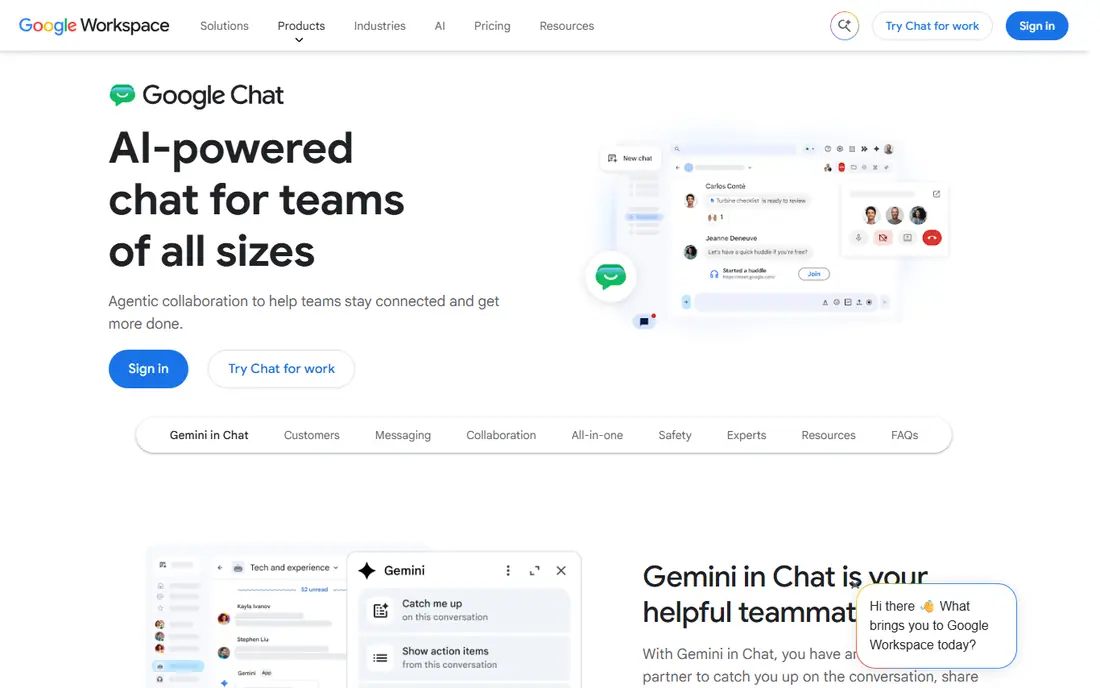
Google Chat is the sensible default for teams that run on Google Workspace. Spaces group conversations, files, and tasks around a project, and chat sits beside Gmail, Drive, Docs, and Meet, so switching between tools feels natural. A team already paying for Workspace gets a capable business chat tool at no extra cost, which makes a separate purchase hard to defend.
Outside Google Workspace, Google Chat is less compelling, since its integration library is smaller than Slack's and its feature set is simpler. Teams that need deep automation or hundreds of app connections should look at Slack or Mattermost instead. For a Google-first small business, however, Chat covers the essentials well and keeps costs down.
- Included with Google Workspace
- Spaces organize team work
- Strong search across Google apps
- Fewer third-party integrations than Slack
- Standalone value is lower outside Workspace
Pumble is the pick for teams that want Slack-style chat without losing old messages or paying a premium. Its standout feature is unlimited message history and file access on the free plan, which removes the most painful limit in Slack's free tier. Paid plans start at a low per-user price, making Pumble one of the cheapest serious business chat tools available.
The trade-off is ecosystem size. Pumble has integrations, but not the thousands that Slack offers, and large enterprises may prefer a vendor with a longer enterprise record. For a small or mid-size team that values history, price, and simplicity, Pumble is an excellent choice, and its free plan is genuinely usable for real work rather than a short trial.
- Unlimited message history even on the free plan
- Low paid starting price
- Channels, threads, and video calls
- Smaller integration library than Slack
- Less known among large enterprises
Mattermost suits organizations that must control where chat data lives, such as government, defense, healthcare, and finance teams. The open-source core can be self-hosted behind a firewall, giving IT full control over data, retention, and access. Paid plans add enterprise compliance, advanced permissions, and workflow tools, while channels and integrations cover everyday team chat needs.
Self-hosting is also the main cost. A team needs someone to install, update, and back up the server, which small businesses may not have. For teams without strict data rules, a cloud tool such as Slack or Pumble is simpler and cheaper. For teams where data control is a requirement rather than a preference, Mattermost is one of the most credible options available.
- Open-source core with self-hosting
- Strong security and compliance controls
- Channels, playbooks, and integrations
- Self-hosting needs IT effort
- Paid plans cost more than simpler cloud rivals
Rocket.Chat is another strong choice for teams that want to run chat on their own infrastructure or in a private cloud. It offers channels, direct messages, video conferencing, and omnichannel messaging for customer conversations, all on an open-source base that can be customized. Organizations with strict privacy rules or unusual workflows appreciate that flexibility, since they can adapt the tool rather than adapting to it.
Like Mattermost, Rocket.Chat demands technical effort for self-managed setups, and its paid pricing is not fully published, so budgeting needs a quote. A team that just wants a simple cloud chat app will find Slack or Pumble easier. A team that needs control, customization, or on-premises deployment should put Rocket.Chat on the shortlist beside Mattermost.
- Self-hosted or cloud options
- Open-source foundation
- Channels, video, and omnichannel features
- Setup and customization take effort
- Enterprise pricing is quote-based
Element, built on the Matrix protocol, is the pick for teams that put privacy and federation first. Messages can be end-to-end encrypted, servers can federate so different organizations communicate without sharing one vendor, and a team can self-host its own server for full data control. That combination appeals to security-conscious teams, public sector groups, and organizations that distrust single-vendor lock-in.
The downside is familiarity. Element has fewer business integrations than Slack or Teams, and new users may find its concepts, such as rooms and federation, less intuitive at first. It is also less common in corporate settings, so onboarding takes more explanation. For teams where encryption and data independence outrank app variety, Element is the strongest privacy-first business chat choice.
- End-to-end encryption
- Federated Matrix network
- Self-hosting option for full control
- Smaller user base and fewer business integrations
- Interface feels technical to new users
Twist is built for teams that want fewer interruptions and more thoughtful discussion. Every conversation is a thread with a clear subject, which keeps decisions findable and prevents the endless scroll of a busy channel. That design suits remote teams across time zones, where people should be able to catch up on a topic without reading hours of unrelated chat.
The trade-off is speed. Twist is less natural for rapid back-and-forth or urgent coordination, and teams that live on instant replies may find it slow. It also has fewer integrations than larger rivals. For a team drowning in chat noise and meeting overload, though, Twist offers a calmer way to work, and its free plan makes the approach easy to test.
- Thread-based design reduces noise
- Built for async teams across time zones
- Calm, organized conversations
- Less suited to fast real-time chatter
- Smaller integration set than Slack
Chanty suits small teams that want chat plus light task tracking in one simple app. Its Teambook view organizes conversations, tasks, and members in one place, so a small business can follow who is doing what without adding a separate project tool. The free plan covers real use, and the paid plan starts at a low per-user price, which keeps costs modest as a team grows.
Larger organizations will miss the deep integrations, automation, and enterprise admin controls of Slack or Teams. Chanty is not built for complex compliance needs or hundreds of users. For a small team that wants an affordable, easy chat tool with tasks attached, it is a practical pick that avoids paying for features it will never use.
- Low starting price
- Built-in tasks and teambook
- Simple setup for small teams
- Smaller ecosystem than major rivals
- Fewer advanced admin controls
How we picked these
We compared official pricing pages, feature pages, and public reviews for chat tools with business features such as admin controls, integrations, and searchable history. We favored tools with a usable free plan or fair entry price, plus clear security and data controls. We did not run a company on any tool for months, so findings rest on vendor pages, pricing pages, app store listings, and public reviews. Where pricing is quote-based, we list See website.
How to choose and roll out a team chat app
Start with the stack a team already pays for. A Microsoft 365 company should test Teams first, a Google Workspace company should test Google Chat first, and only then compare outside tools on features that actually matter. Next, check the deal-breakers: admin controls, guest access for clients, message retention, data export, and compliance needs. A chat app that cannot meet a compliance rule is out, no matter how pleasant it feels.
Rollout matters as much as selection. Agree on channel naming, decide which topics belong in chat versus email or a project tool, and set expectations for response times so chat does not become an always-on burden. Pilot with one team for a month, measure whether decisions are easier to find and whether email volume fell, and only then expand. A chat tool adopted badly creates more noise than the email it replaced.
Security checklist for business chat
Confirm encryption in transit and at rest, single sign-on, user provisioning, and audit logs on paid plans. Check how guest access works, how long message history is kept, and how data can be exported if the company leaves. For regulated work, confirm whether end-to-end encryption is available or whether server-side controls and compliance certifications are the right fit instead.
FAQ
What is the best instant messaging software for business?
Slack is the best all-around choice for mixed-tool teams, Microsoft Teams is best for Microsoft 365 shops, and Google Chat is best for Google Workspace teams. Budget teams should look at Pumble, while privacy-focused teams should look at Element, Mattermost, or Rocket.Chat. The stack a team already pays for usually narrows the choice fast.
What is the best instant messaging app for business on a budget?
Pumble offers unlimited message history on its free plan and paid plans from a low per-user price, making it the strongest budget pick. Chanty is also affordable for small teams, and Google Chat or Microsoft Teams may cost nothing extra if the company already pays for Workspace or Microsoft 365.
Is Slack or Microsoft Teams better?
Slack wins on integrations, chat polish, and working across many tools, while Teams wins on meetings, file collaboration, and value inside Microsoft 365. A team that lives in Microsoft apps should pick Teams. A team that uses many different tools and values chat-first design should pick Slack.
Can a business use Signal or WhatsApp instead?
Signal offers strong encryption but lacks business admin controls, integrations, and centralized management, so it suits tiny privacy-focused groups rather than a growing company. WhatsApp is a consumer app with limited business controls and is better for customer contact than internal team chat. A dedicated business tool is safer once a team passes a handful of people.
What security features should business chat software have?
Look for encryption in transit and at rest, single sign-on, role-based permissions, audit logs, data retention controls, and guest access rules. Regulated teams may also need compliance certifications or self-hosting. Confirm these features on the plan you will actually buy, since free plans often omit admin controls.
How do I move a team to a new chat app?
Export what can be exported, set up channels and naming rules in advance, and migrate one team first as a pilot. Keep the old tool read-only for a set period so history stays searchable, and train staff on threads, notifications, and channel etiquette. A phased move with clear rules avoids the confusion of a sudden switch.