Top 6 Async Video Messaging Tool for Product Teams for 2026 (Prices and Free Plans)
6 best async video messaging tool for product teams, compared on pricing, free plans and best-fit use. Each pick comes with its main catch. Decide faster.
- Editor's choice
 Vimeo
Hosting and streaming finished videos
Starts atSee websiteVisit vimeo.comFull review - Great alternative
 Snagit
Screen capture with images and video
Starts atSee websiteVisit techsmith.comFull review - Also considermmhmm
Presenting with impact on video calls
Starts at$10 a monthVisit mmhmm.appFull review
Direct answer
Vimeo comes first here, mainly for hosting and streaming finished videos. Listed starting prices: mmhmm from $10 a month and Loom from $18 per user a month. If your case is different, Snagit suits screen capture with images and video and mmhmm suits presenting with impact on video calls. The other 3 tools in the list cover narrower or pricier cases.
TL;DR:
- The list opens with Vimeo, aimed at hosting and streaming finished videos.
- Free plans exist at 3 of 6 tools (Vimeo, Loom, Vidyard).
- Before buying Snagit, weigh this: editing is lighter than Camtasia.
- Starting prices begin at $10 per month with mmhmm.
Last checked November 2026. Prices and plan details were read from the vendors' own pages in November 2026; vendors change plans often, so confirm the current price on the vendor site before you buy.
Quick comparison
| Tool | Best for | Starts at | Free plan? | |
|---|---|---|---|---|
| Vimeo | Hosting and streaming finished videos | See website | Yes | Visit |
| Snagit | Screen capture with images and video | See website | Not stated | Visit |
| mmhmm | Presenting with impact on video calls | $10 a month | Free trial | Visit |
 Loom | Fast async updates and walkthroughs | $18 per user a month | Yes | Visit |
 ScreenPal | Straightforward capture, editing and sharing | See website | Not stated | Visit |
 Vidyard | Sales and marketing video outreach | See website | Yes | Visit |
The full async video messaging tool for product teams list
LinkVetted compared 6 async video messaging tool for product teams. The goal is a practical shortlist: published prices, free plan facts, best-fit use cases and honest limits for every entry.
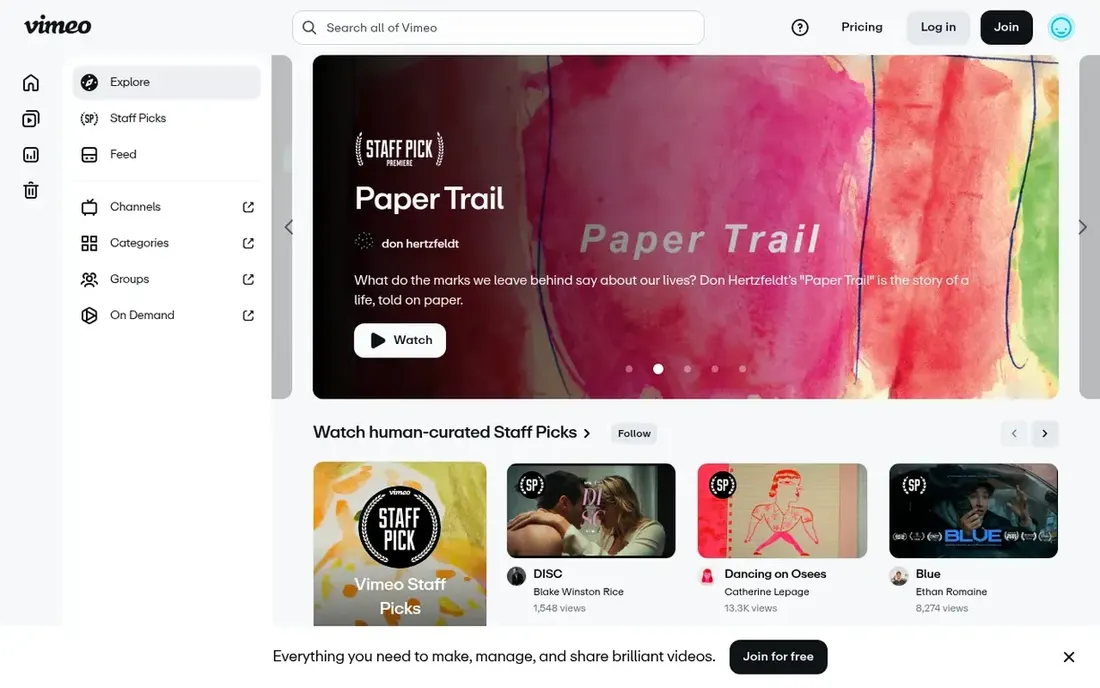
In short, Vimeo is for hosting and streaming finished videos. Vimeo is not built around fast screen capture and threaded team feedback, so it may add steps to everyday async updates.
For product teams, it fits best as a place to publish finished explainer or demo videos instead of a tool for rapid async recording. As for the details, pick a dedicated recorder when speed of capture and sharing is the priority. This comparison lists no price for Vimeo; ask the vendor. Vimeo offers a free plan.
Where it is weaker: Not a fast async recorder.
- HD streaming
- Wide content discovery
- Less centred on team messaging
Snagit serves screen capture with images and video. Snagit is screen capture and recording software for Windows and Mac that lets users rapidly build images and videos.
Limits to weigh: Editing is lighter than Camtasia.
In daily use, Snagit is not a full video messaging system, so sharing and organizing async conversations may need another tool. For everyday use, product teams can use it to grab a screenshot, record a short clip and annotate feedback for design or engineering. Snagit shows no starting price here, so confirm the cost on the vendor site. Free access: Not stated.
- Handy for visual feedback
- Works on Windows and Mac
- Not a full video messaging system
mmhmm
Best for: Presenting with impact on video calls
For presenting with impact on video calls, mmhmm is a natural candidate. Product teams can use it to make async presentations and recorded walkthroughs more engaging. It is not a complete async video messaging product on its own, and it relies on integration with meeting tools.
Beyond that, choose mmhmm when presentation style is the priority, and pair it with a dedicated recorder for sharing. It works with Zoom, Meet, Teams and Webex. mmhmm pricing: $10 per month. Free plan details: Free trial.
Drawbacks to consider: Relies on other video systems.
- Virtual backgrounds
- Works with major meeting apps
- Not a full async recorder
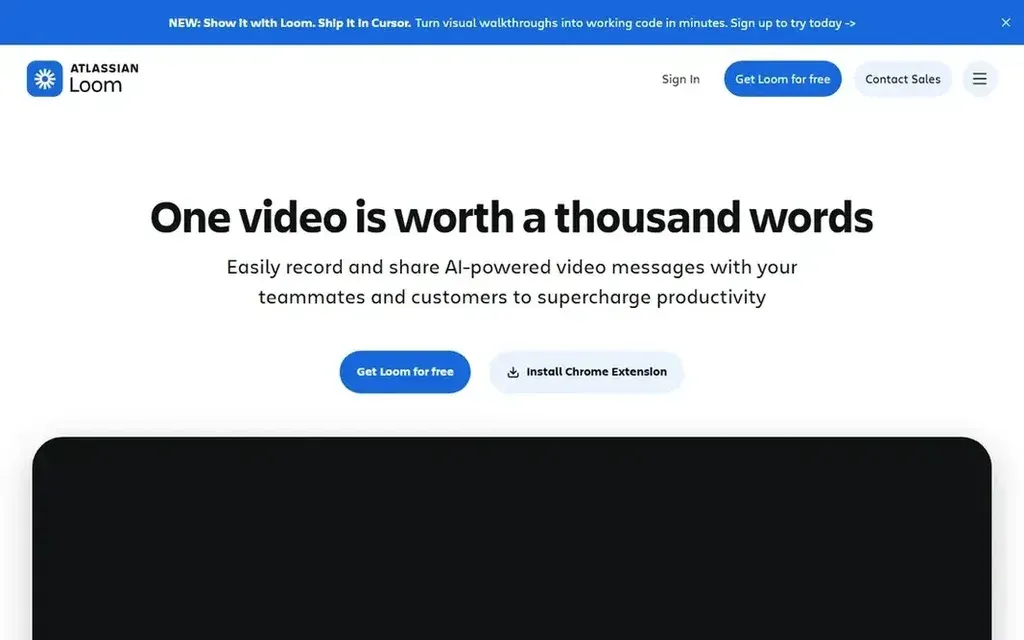
In short, Loom is for fast async updates and walkthroughs. Product teams can record a walkthrough, narrate feedback or explain a decision, then send a link rather than scheduling a call.
Drawbacks to consider: Restricted advanced editing.
Editing depth is modest compared to dedicated video editors, and highly produced training content may need a different tool. Choose Loom when speed and simplicity matter more than cinematic polish. Loom starts at: $18 per user per month. You can start on Loom without paying.
- Quick screen recording
- Built-in video editing
- Less suited to refined production
ScreenPal makes the most sense for straightforward capture, editing and sharing. Product teams can capture a screen, trim or annotate the result and share it with colleagues. It is not positioned as a sales or marketing video product, and complicated productions may outgrow its editing.
Beyond that, choose ScreenPal for straightforward async capture rather than enterprise video campaigns. ScreenPal gives you screen recording and video editing tools intended for visual communication. ScreenPal does not show a starting price in this comparison, so check the vendor site for current pricing. Free plan details: Not stated.
Drawbacks to consider: Less known for sales workflows.
- Supports images and video
- Video editing included
- Advanced production may need another tool
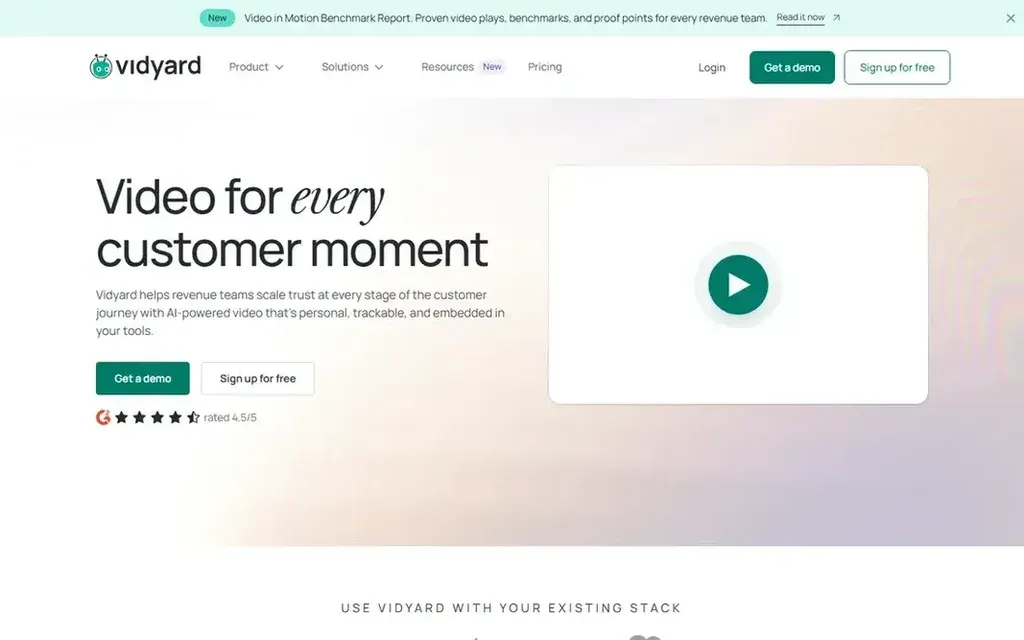
Vidyard is built with sales and marketing video outreach in mind. Vidyard is an online video system for business that centres on virtual sales and marketing teams.
In practice, consider a simpler recorder if your primary goal is fast team-to-team async messages. Pricing for Vidyard is not stated here, so ask the vendor for current figures. Free access exists with Vidyard.
Downsides: May feel heavy for straightforward updates.
- Lead-focused features
- Works for virtual selling
- Sales-oriented instead of product-first
How we compared the tools
LinkVetted looked at what each vendor publishes: pricing, plan limits, feature coverage for async video messaging tool for product teams and stated drawbacks. No hands-on testing is claimed. Where a price is missing, the vendor does not list one publicly or ties it to a quote. Always confirm before budgeting. The sequence is a judgement call: typical use case first, then pricing transparency, then free access. Use the profiles to check fit.
What to confirm before you sign up
- Ask Vimeo, Snagit, ScreenPal and Vidyard for a written quote, since no starting price is shown.
- Read the fine print on the free plans from Vimeo, Loom and Vidyard; seat, project and feature caps differ.
- Take the trial from mmhmm and push a live task through it before you pay.
- Read the limits listed for Vimeo first: not a fast async recorder.
- Find out what support mmhmm includes on your plan, and whether onboarding help costs extra.
- Check whether Vidyard bills monthly or annually, and what cancelling early costs.
FAQ
Can I try these tools before paying?
Often, yes. Vimeo, Loom and Vidyard have a free plan and mmhmm offers a free trial. Use your own data and a real task during the test, and check what the free tier or trial limits before you rely on it.
Is Vimeo the right pick for everyone comparing async video messaging tool for product teams?
No single tool suits every team. Vimeo comes first because it fits hosting and streaming finished videos, while Snagit suits screen capture with images and video and mmhmm suits presenting with impact on video calls. Match the tool to your own size, budget and workflow before deciding.
What makes a video tool a decent match for async messaging?
A decent async video tool should make recording quick, keep editing straightforward and share videos with a link that colleagues can watch on their own schedule.
Can Vimeo replace a screen recorder for async updates?
Vimeo is primarily a hosting and streaming product, not a fast screen recorder. It performs well for publishing finished videos, but everyday async updates normally need a dedicated capture tool before uploading.
Do these tools publish their prices?
Not all of them. Vimeo, Snagit, ScreenPal and Vidyard publish no starting price, so expect a quote request for those. The rest, mmhmm included, show a starting price, though seats and billing terms still change the final cost.
How are the async video messaging tool for product teams ordered?
The order follows typical fit for async video messaging tool for product teams, with Vimeo first and Vidyard last, then price clarity and free access. It is editorial judgement, not a score, so another team could rank the tools differently.
Sources
- https://vimeo.com
- https://www.techsmith.com/screen-capture.html
- https://www.mmhmm.app
- https://www.loom.com
- https://screenpal.com
- https://www.vidyard.com