Best Video Chat App in 2026: 9 Apps Compared
Compare the best video chat app options for work, family and friends, with free plans, group limits, privacy and pricing covered in one clear guide today.
- Editor's choice
 Zoom
Dependable work meetings
Starts at$14.16 per user per monthVisit zoom.usFull review - Great alternative
 Google Meet
Google Workspace users
Starts at$7 per user per monthVisit meet.google.comFull review - Also consider
 Microsoft Teams
Microsoft 365 organisations
Starts at$4 per user per monthVisit microsoft.comFull review
TL;DR:
- Zoom is the safest default for work calls, with dependable video, breakout rooms and wide device support.
- Google Meet and Microsoft Teams are best if your team already uses Google Workspace or Microsoft 365.
- WhatsApp, FaceTime and Signal are best for personal calls, because most contacts already have them and they are free.
- Free plans look generous until you hit group time limits, so check the cap for three or more people before you rely on one.
Quick comparison
| Tool | Best for | Starts at | Free plan? | |
|---|---|---|---|---|
| Zoom | Dependable work meetings | $14.16 per user per month | Yes | Visit |
| Google Meet | Google Workspace users | $7 per user per month | Yes | Visit |
| Microsoft Teams | Microsoft 365 organisations | $4 per user per month | Yes | Visit |
 WhatsApp | Everyday personal calls | Free | Yes | Visit |
 FaceTime | Apple device owners | Free | Yes | Visit |
 Signal | Private personal calls | Free | Yes | Visit |
 Discord | Communities and gaming groups | Free | Yes | Visit |
 Cisco Webex | Regulated and large organisations | $12 per user per month | Yes | Visit |
 Jitsi Meet | No signup browser calls | Free | Yes | Visit |
The best video chat apps
We compared official pricing pages, app store listings and feature documentation to find apps that are easy to join, clear to hear and still working well in October 2026, for both work and personal use.
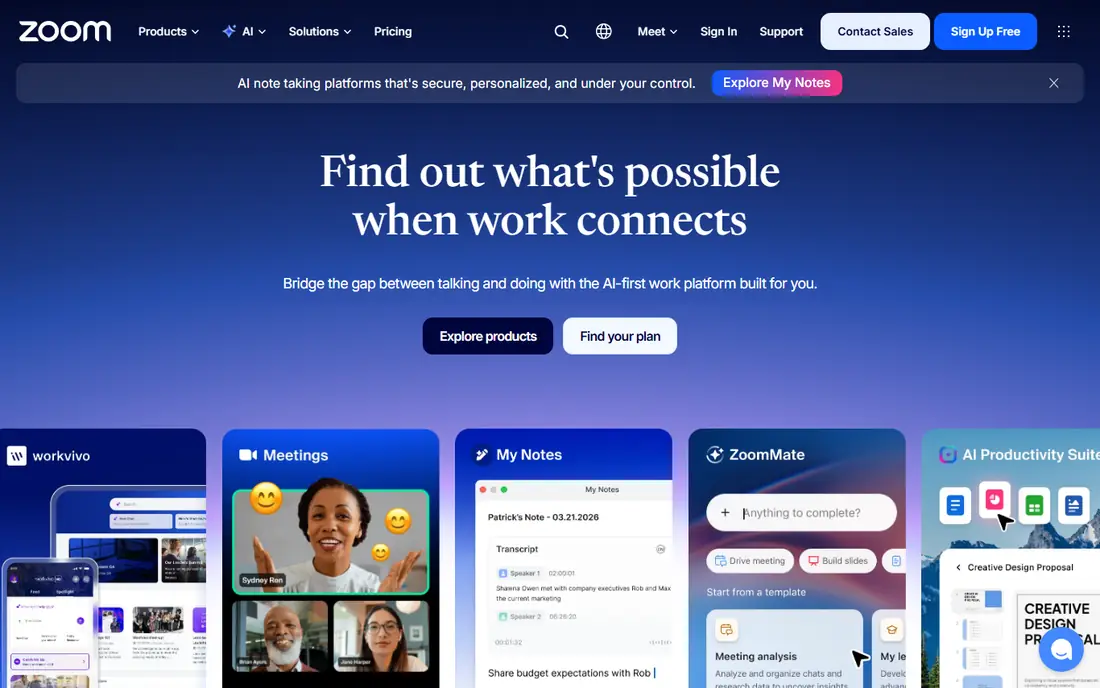
Zoom remains our pick for most work meetings, because it rarely gets in the way. Guests can join from a browser or an app, hosts can split a large meeting into breakout rooms, and screen sharing, chat and whiteboards cover most workshop needs. Paid plans add longer meetings, cloud recording and AI summaries, which many teams now expect.
The free plan is useful for one to one calls and short group chats, but the 40 minute limit on group meetings will interrupt longer work sessions. That is the main reason to pay. If your work depends on video, and you meet people outside your own company, Zoom is the app least likely to cause a support call before the meeting starts.
- Very dependable video and audio
- Breakout rooms and whiteboards
- Joins from almost any device
- Free group calls are limited to 40 minutes
- Settings can feel crowded
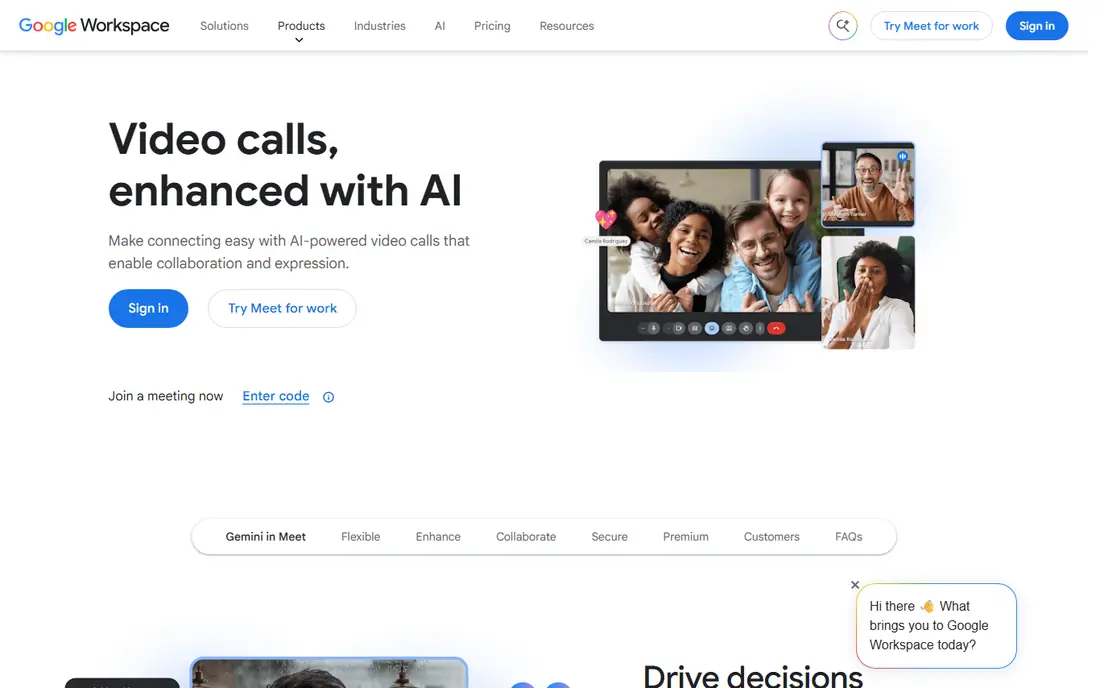
Google Meet is the easiest option for anyone already in Gmail and Google Calendar. A meeting link appears in the invite, guests join from a browser, and captions help when audio is unclear or a participant is in a noisy room. Paid Workspace plans raise participant limits and add recording, breakout rooms and noise cancellation.
For casual work calls and family catch ups, the free version is often enough, as long as group calls stay under an hour. Meet is less suited to large webinars or events with registration and backstage controls. If your team already pays for Workspace, Meet is already included, so there is little reason to add another paid tool for routine calls.
- No install needed in a browser
- Simple Calendar integration
- Live captions
- Free group calls are limited to 60 minutes
- Webinar tools are lighter than Zoom
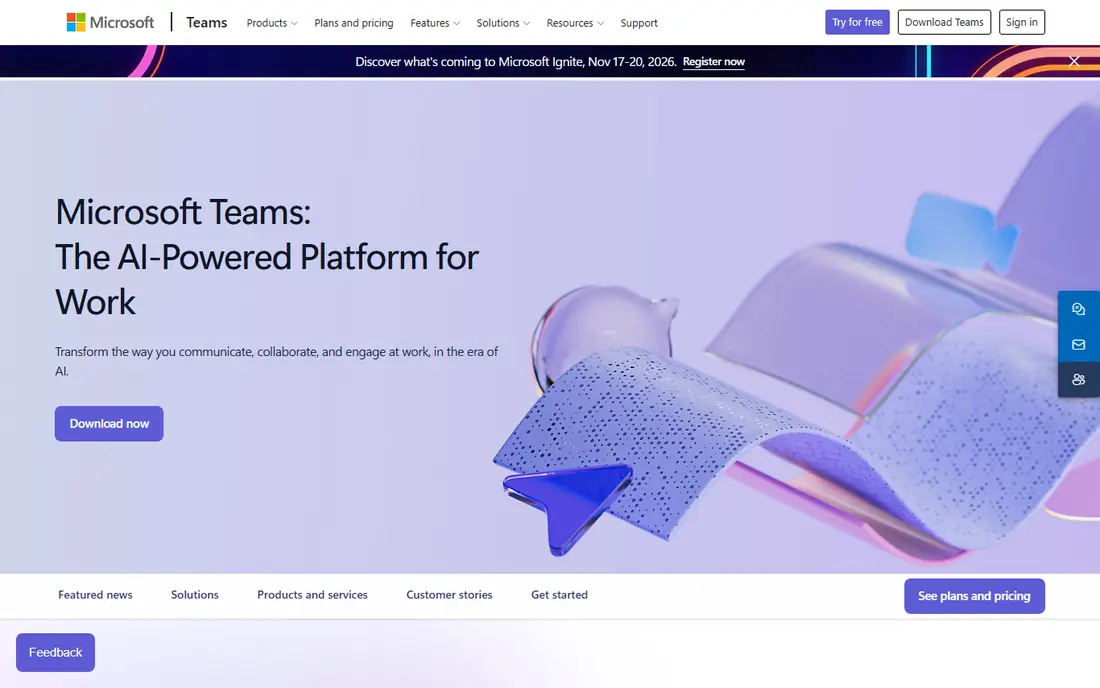
Teams makes sense when work already lives in Outlook, Word and SharePoint. A meeting can start from a chat, files from the same channel open beside the call, and IT teams get admin controls for security and compliance. Standalone Teams Essentials is also cheap for small businesses that do not need the full Microsoft 365 suite.
The downside is weight. For a quick call with a friend or a client who does not use Microsoft, Teams can feel like more app than the job needs. Inside a Microsoft based company, though, that depth is a strength, because calls, chat and documents stay in one workspace instead of spreading across four tools.
- Bundled with Microsoft 365
- Chat, files and meetings in one place
- Strong admin controls
- Can feel heavy for simple calls
- Free plan has group time limits
WhatsApp is the best video chat app for most personal calls, simply because the people you want to call already have it. Video calls are free, encrypted end to end, and work well on mobile data, which matters for family abroad or friends on the move. Group calls are easy to start from an existing chat, with no link or meeting ID to share.
It is not a work meeting platform. There are no breakout rooms, no scheduled meeting rooms and no webinar tools, and screen sharing is basic. For birthdays, check ins and quick family calls, none of that matters. WhatsApp wins on reach and simplicity, and for personal use that counts for more than extra features.
- Free and widely used
- End to end encrypted calls
- Simple group video
- Group video is limited to 32 people
- No desktop first meeting tools
FaceTime is the obvious choice inside the Apple world. It is built into every iPhone, iPad and Mac, so a call starts from Contacts or Messages with no download and no account setup. Video quality is consistently clear, and SharePlay lets people watch or listen together during a call, which is a nice touch for families apart.
The limit is reach. Android and Windows users can join a FaceTime link from a browser, but they cannot start a call, and the experience is not as smooth as on Apple devices. If most of your circle uses Apple, FaceTime is the simplest option. If your group mixes devices, WhatsApp or Meet will cause fewer problems.
- Built into iPhone, iPad and Mac
- Clear video and audio
- SharePlay for shared media
- Android and Windows guests can only join by link
- Fewer work features
Signal is our pick for people who care most about privacy. Calls and messages are encrypted end to end by default, the app is run by a nonprofit, and it does not sell ads or track users for advertising. Group calls work well for smaller groups, and the interface stays clean and fast.
The trade off is reach. Fewer contacts use Signal than WhatsApp, so you may need to ask friends to install it first. It also lacks the stickers, effects and large group features of more social apps. For private calls with family, close friends or a small team that values privacy, Signal is the most trustworthy free option in this guide.
- End to end encryption by default
- No ads or tracking
- Nonprofit run
- Smaller user base than WhatsApp
- Fewer fun filters and effects
Discord works differently from a meeting app. Instead of scheduled calls, communities and friend groups get persistent voice and video channels that people can drop in and out of. That suits gaming groups, study groups, hobby clubs and online communities that talk often and informally.
Newcomers can find servers, roles and channels confusing at first, and Discord lacks the formal scheduling, recording and admin controls of Zoom or Teams. For a community that already lives on Discord, though, video chat feels natural, because it sits beside text chat, file sharing and events. Paid Nitro adds higher video quality and larger uploads, but most groups do fine on the free plan.
- Always on voice and video channels
- Good for communities
- Free core features
- Setup can confuse newcomers
- Not designed for formal business meetings
Webex is a solid choice for large organisations, government, health care and education, where security and compliance matter as much as video quality. It offers encrypted meetings, admin controls, webinar tools and support for room hardware, which helps hybrid teams that meet in offices as well as at home.
For a small team or a family, Webex feels heavier than it needs to be, and the interface is more corporate than friendly. The free plan is useful for testing, with a 40 minute limit on group meetings. If your organisation already uses Cisco hardware or needs strict meeting controls, Webex is a dependable, well supported option.
- Strong security and compliance options
- Reliable large meetings
- Good hardware support
- Interface feels more corporate
- Free plan has time limits
Jitsi Meet is the best option when you need a call right now with no signup. Open the site, pick a room name, share the link, and guests join from a browser. It is open source, which appeals to privacy minded users and schools or nonprofits that want to run their own server.
The catch is consistency. Public Jitsi servers can vary in performance under load, and there is no paid support team in the same way as Zoom or Webex. For quick, informal calls, interviews or community meetings where ease matters more than polished admin tools, Jitsi is a genuinely useful free tool to keep in mind.
- No account needed to start a call
- Open source
- Works in a browser
- Performance varies with the server
- Fewer support and admin tools
How we picked these
We compared official pricing pages, app store listings and feature documentation, and we kept only apps that are widely available on iOS, Android or the web in October 2026. We looked at free plan limits, group size, encryption, ease of joining and whether the app fits work, personal or community use. We did not claim hands on testing we did not do, and we favoured apps with clear privacy policies and a track record of reliable calls.
How to choose the right video chat app
Start with the people you call most. If they are coworkers, pick the tool your company already pays for, because adoption is half the battle. If they are family and friends, pick the app they already have on their phones, even if another app has more features. A better app that nobody installs will not help.
Then check the limits that will affect you. Free group time caps, participant limits and recording rules differ a lot between apps, and they are easy to miss until a call cuts off mid sentence. For work, also check captions, breakout rooms and whether guests can join without an account. For personal calls, check mobile data use and whether calls are encrypted. A short test call with your usual group will tell you more than a feature list.
FAQ
What is the best free video chat app?
For personal calls, WhatsApp and FaceTime are the best free options, because most contacts already use them. For work style calls with no signup, Jitsi Meet is a good free choice, while Zoom, Meet and Teams offer free plans with group time limits. The best free app depends on who you call and how long group calls run.
What is the best video call app for large groups?
Zoom, Google Meet and Microsoft Teams handle large groups best, with paid plans supporting hundreds of participants, breakout rooms and host controls. Discord and WhatsApp suit smaller social groups, while Jitsi Meet can work for medium groups but performance depends on the server. Check the participant limit on the plan you will actually use.
Is Zoom or Google Meet better?
Zoom is better for external meetings, webinars and breakout heavy workshops, while Google Meet is better for quick internal calls inside Google Workspace. Both offer free plans and similar paid prices, so the deciding factor is usually the suite your team already uses. If you use Gmail and Calendar daily, Meet feels simpler.
Are video chat apps safe to use?
Most major apps encrypt calls in transit, and Signal and WhatsApp encrypt calls end to end by default. Avoid sharing meeting links in public, use waiting rooms for work calls, and keep apps updated. For sensitive work, choose a tool with admin controls and a clear privacy policy, and avoid recording calls without telling participants.
Do I need to pay for a video chat app?
Most people do not need to pay for personal calls, because WhatsApp, FaceTime, Signal and Jitsi Meet are free. For work, a paid plan is worth it when group calls run past free time limits, or when you need recording, larger groups or admin controls. Start free, then pay only when a limit actually blocks your work.