Best Business Management Software in 2026: 8 Tools Compared
Compare the best business management software for growing companies, with CRM, projects, invoicing, and pricing for small business teams of every size.
- Editor's choice
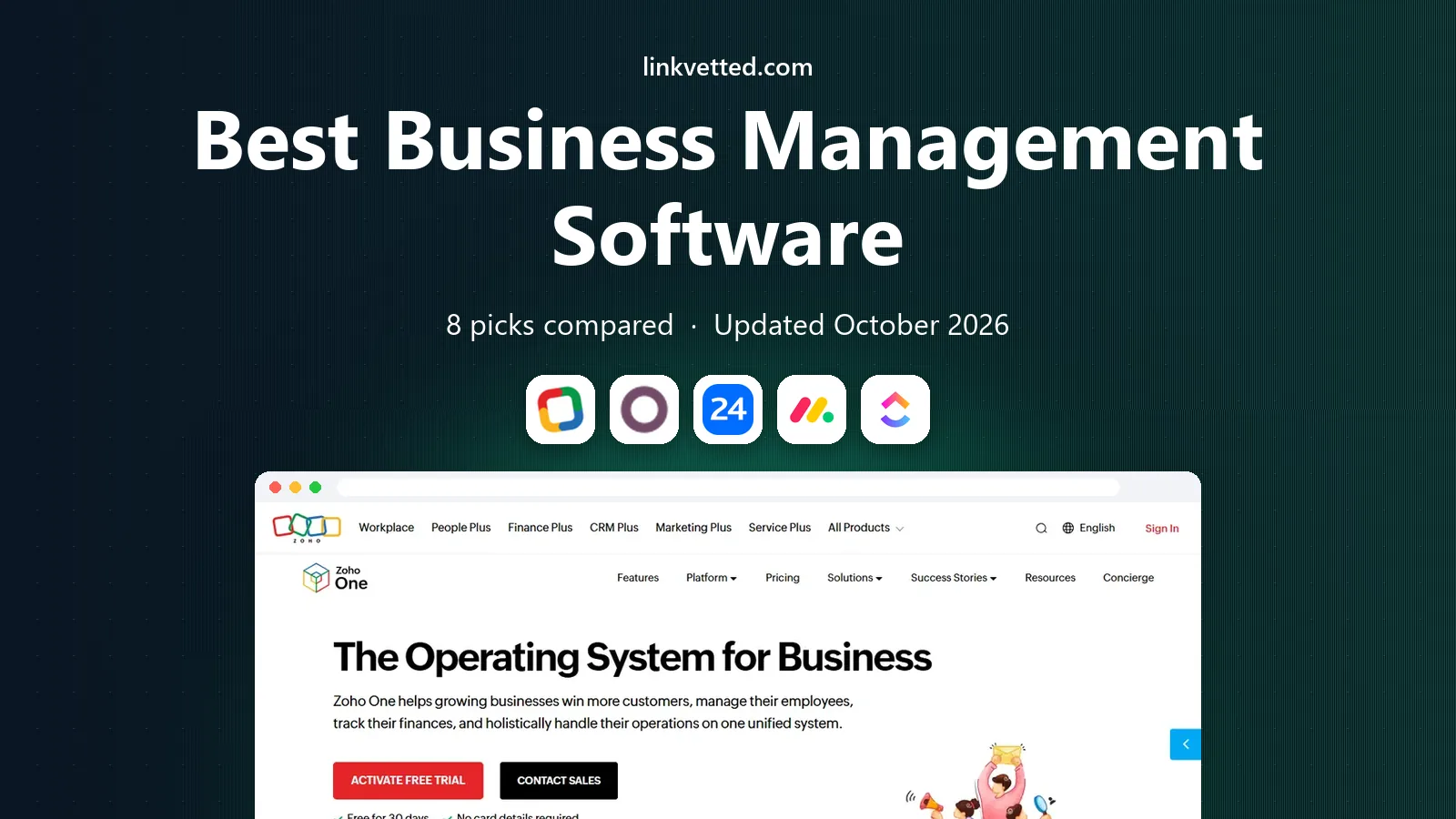
 Zoho One
Wide suite under one subscription
Starts at$37 per user per monthVisit zoho.comFull review - Great alternative
 Odoo
Modular apps for growing companies
Starts atSee websiteVisit odoo.comFull review - Also consider
 Bitrix24
Flat pricing with CRM and projects
Starts at$49 per monthVisit bitrix24.comFull review
TL;DR:
- Zoho One is our pick for teams that want a wide suite under one subscription.
- Odoo suits companies that want modular apps they can add as they grow.
- Bitrix24 is best for flat pricing and a free plan that covers CRM and projects.
- Monday.com and ClickUp suit teams whose main need is managing work, not full accounting.
Quick comparison
| Tool | Best for | Starts at | Free plan? | |
|---|---|---|---|---|
| Zoho One | Wide suite under one subscription | $37 per user per month | No | Visit |
| Odoo | Modular apps for growing companies | See website | Yes | Visit |
| Bitrix24 | Flat pricing with CRM and projects | $49 per month | Yes | Visit |
 Monday.com | Visual work management for teams | $9 per seat per month | Yes | Visit |
 ClickUp | Most features per dollar for work management | $7 per user per month | Yes | Visit |
 HoneyBook | Client management for service businesses | See website | Free trial | Visit |
 Jobber | Field service scheduling and invoicing | $29 per month | Free trial | Visit |
 Thryv | Small business CRM with marketing tools | See website | Free trial | Visit |
The best business management software
We compared CRM, projects, invoicing, marketing, reporting, integrations, and pricing to build this list.

Zoho One bundles more than 40 Zoho apps under one subscription, including CRM, Books for accounting, Projects, People for HR, and Desk for support. That breadth means a small business can run sales, invoicing, projects, and support without buying separate tools. Single sign on and shared data across apps reduce duplicate entry.
Pricing is $37 per user per month on annual billing when licensing all employees, while a flexible plan costs $90 per user per month. That all employee rule matters for companies with many staff who rarely use business software, so check it before budgeting. For teams where most staff work in Zoho daily, the value is strong.
The catch is scope. Zoho One is a large suite, and setup takes time to configure the apps you actually need. Smaller teams may find it more than necessary. For a one subscription business platform, it is our pick.
- Covers CRM, books, projects, HR, and more
- Single sign on
- Strong mobile apps
- All employee licensing rule on the cheapest plan
- Flexible plan costs more

Odoo is a modular business platform where companies add apps for CRM, sales, inventory, manufacturing, accounting, projects, and HR as they grow. That modular model suits businesses that want to start small and expand without switching systems. The community edition is open source and free to self host, while Enterprise adds more features and support.
The Standard Enterprise plan is priced per user, with Light Users for self service staff at a lower rate. That structure helps companies with warehouse or shop floor staff who need limited access. For growing manufacturers, distributors, and service firms, Odoo scales well.
The downside is implementation. Larger Odoo setups need planning, data migration, and training, and Enterprise pricing depends on apps and users. Small teams that only need CRM and invoicing may find it heavier than needed. For modular growth, Odoo is a strong choice.
- Modular CRM, sales, inventory, and accounting
- Open source community edition
- Scalable
- Enterprise pricing varies
- Implementation needs planning for larger setups
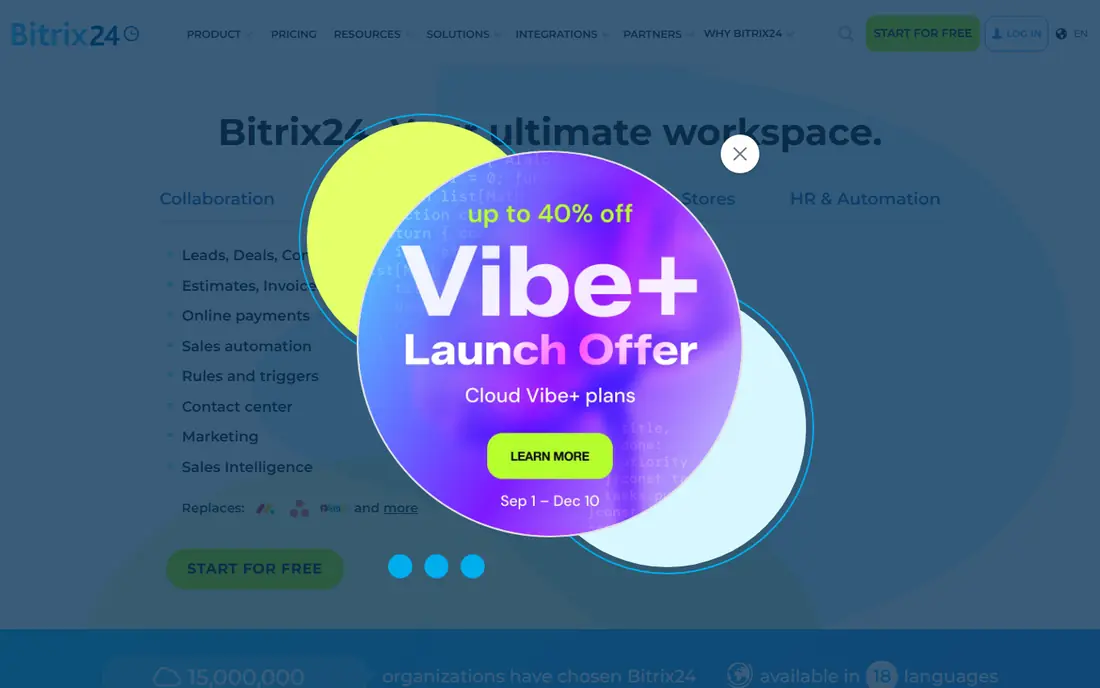
Bitrix24 combines CRM, project management, team chat, video calls, and marketing tools in one platform. Flat monthly pricing starts at $49 per month, which can be cheaper than per seat pricing for larger teams. A free plan covers core CRM and collaboration for smaller groups.
That breadth suits small businesses that want sales, projects, and internal communication without several subscriptions. The built-in telephony and call center features are a bonus for service teams. Mobile apps keep field and remote staff connected.
The catch is usability. The interface packs in many features, and new users may find it crowded at first. Some advanced tools require higher tiers. For budget conscious teams that want breadth, Bitrix24 is a good value.
- CRM, projects, chat, and telephony in one place
- Flat monthly pricing
- Free plan
- Interface can feel crowded
- Advanced features need higher tiers
Monday.com is best when the core job is managing work, projects, and pipelines. Boards, timelines, workload views, and dashboards give managers a clear view of who is doing what and what is overdue. Templates for operations, marketing, HR, and sales speed up setup.
Pricing starts at $9 per seat per month on annual billing for Basic, with a three seat minimum and a free Individual plan for up to two seats. Integrations with CRM, email, and file tools extend its reach. For teams that adopt visual tools quickly, Monday.com is easy to roll out.
The limit is scope. It is not a full accounting or inventory system, so businesses that need books and stock control will need other tools alongside it. For work management as the main need, it is a strong pick.
- Visual boards and dashboards
- Many templates
- Easy for non-technical teams
- Three seat minimum on paid plans
- Not a full accounting system
ClickUp offers tasks, docs, goals, time tracking, dashboards, and automations at a low price. Unlimited starts at $7 per user per month on annual billing, and the Free Forever plan includes unlimited tasks and members. That makes it one of the best value options for managing a small business day to day.
Custom fields, forms, and integrations let teams build CRMs, project trackers, and content pipelines without code. For service businesses that live in tasks and client work, ClickUp can serve as the central hub. Templates help teams start without building from scratch.
The downside is complexity. The number of features can overwhelm a small team, and good setup takes time. It also lacks full accounting, so invoicing and books need another tool or an integration. For work management value, ClickUp is hard to beat.
- Tasks, docs, goals, and dashboards in one place
- Free plan with unlimited tasks
- Automations
- Feature depth can overwhelm new users
- Setup takes time
HoneyBook is built for independent service businesses such as photographers, designers, coaches, and consultants. It manages inquiries, proposals, contracts, invoices, and payments in one client flow, so a lead can move from first message to paid project without switching tools. Templates for common service workflows save time.
That client focused design is its strength. Instead of a generic CRM, HoneyBook follows the service business journey from inquiry to delivery. Payment processing and reminders help owners get paid faster and with less chasing. Mobile access lets owners manage clients on the go.
The catch is scope and pricing clarity. HoneyBook is less suited to product businesses with inventory, and pricing details require checking the current site or a trial. For client based service firms, it is a tailored and practical choice.
- Client pipeline, proposals, contracts, and payments in one flow
- Templates for creatives
- Pricing is not fully transparent on the site
- Less suited to product inventory
Jobber is a business management tool for field service companies such as cleaning, lawn care, plumbing, and HVAC. It covers scheduling, dispatch, quoting, invoicing, payments, and client communication in one system. A client hub lets customers view quotes, approve work, and pay online.
Pricing starts at $29 per month, with higher tiers as users and features grow. That entry price makes it accessible for solo operators and small crews. The mobile app helps technicians see jobs, update status, and collect payments in the field.
The limit is focus. Office only businesses will find field features unnecessary, and larger crews will pay more as users grow. For field service management, Jobber is a clear and practical pick, and it also appears in our ServiceTitan alternatives guide.
- Scheduling, quoting, invoicing, and payments for field teams
- Client hub
- Mobile app
- Pricing rises with users
- Less suited to office only businesses
Thryv is designed for small local businesses that need CRM, marketing, online reviews, scheduling, and payments in one place. It helps owners manage contacts, send campaigns, request reviews, and take payments without juggling several apps. That all in one focus suits salons, clinics, home services, and other local firms.
Onboarding is geared to small teams, with templates and guidance for common local business workflows. Review management is a useful bonus, since online reviews drive local customers. The platform also supports estimates, invoices, and client messaging.
The downside is pricing transparency and scale. Pricing is quote based, so small firms need a quote to judge value. Larger or more complex operations may need deeper inventory or accounting tools. For a small local business hub, Thryv is worth a demo.
- CRM plus marketing, reviews, and payments
- Built for small local businesses
- Easy onboarding
- Quote based pricing
- Less depth for large or complex operations
How we picked these
We compared official pricing pages, feature lists, and public reviews for business management software in October 2026. We gave weight to CRM, projects, invoicing, marketing, reporting, and total cost for a small team. We did not claim hands-on testing, and we favored tools with current product pages and clear small business use cases.
How to choose the right platform
Start with the work that takes most of your time. If sales and invoicing dominate, prioritize CRM and payment features. If delivery and scheduling dominate, prioritize projects and field tools. If accounting and inventory dominate, prioritize a suite such as Zoho One or Odoo. A tool that fits your main workflow will get used, while a larger suite that misses it will not.
Next, check total cost, not just the headline price. Per user, flat, and all employee models lead to different totals as you hire. Count every person who needs access, including part time staff and contractors, and ask about minimum seats. Also check what happens to your data if you cancel, since switching business software is costly.
Finally, trial with real work. Import a few real clients, create a quote and an invoice, and run a project from start to finish. That test reveals gaps in reporting, permissions, and integrations that a demo will hide. Pick the tool your team will actually open every day.
FAQ
What is the best business management software for a small business?
Zoho One and Bitrix24 are strong all round picks, while Monday.com and ClickUp suit teams focused on work management. The best software to manage small business work depends on whether sales, projects, or field service is the main job.
What is the best software for business management with accounting?
Zoho One includes Books for accounting alongside CRM and projects, while Odoo includes accounting as a modular app. Pure work tools such as Monday.com and ClickUp need an accounting integration for full books.
Is there a free business management app?
Bitrix24, Monday.com, and ClickUp all offer free plans, though limits apply. Bitrix24 free covers core CRM and collaboration, while ClickUp free offers unlimited tasks and members. Check user caps and feature limits before building on a free plan.
What is the best app for business management on the go?
Zoho One, Bitrix24, Monday.com, ClickUp, and Jobber all offer mobile apps for managing work away from a desk. Jobber is strongest for field teams, while the others suit office and remote teams.
Do these tools include review management for businesses?
Thryv includes review management as a core feature, and other tools support reviews through integrations. If review management software for businesses is a priority, check whether it is built in or needs a third party tool.
How much should a small business pay for management software?
Costs range from free to $37 per user per month for Zoho One, $49 per month flat for Bitrix24, and $7 to $9 per user per month for ClickUp and Monday.com. Compare the total for your actual user count, not just the starting price.