Best Business Process Automation Software in 2026: 8 Tools Compared
Compare the best business process automation software for 2026, from Zapier and Make for small teams to UiPath and Nintex for large enterprises today.
- Editor's choice
 Zapier
Small teams linking many apps
Starts at$19.99 per monthVisit zapier.comFull review - Great alternative
 Make
Complex workflows on a budget
Starts at$12 per monthVisit make.comFull review - Also consider
 n8n
Technical teams that want control
Starts at20 euros per monthVisit n8n.ioFull review
TL;DR:
- Zapier is the easiest start for small teams, with the widest app catalog and a free tier for light use.
- Make offers better value for complex, high-volume workflows thanks to visual branching and lower task costs.
- Microsoft Power Automate is the natural pick for companies already on Microsoft 365.
- UiPath, Automation Anywhere, and Nintex suit enterprises that need robots, forms, and process governance at scale.
Quick comparison
| Tool | Best for | Starts at | Free plan? | |
|---|---|---|---|---|
| Zapier | Small teams linking many apps | $19.99 per month | Yes | Visit |
| Make | Complex workflows on a budget | $12 per month | Yes | Visit |
| n8n | Technical teams that want control | 20 euros per month | Yes | Visit |
 Microsoft Power Automate | Microsoft 365 companies | $15 per user per month | Free trial | Visit |
 UiPath | Enterprise robotic automation | $25 per month | No | Visit |
 Automation Anywhere | Cloud-first enterprise RPA | See website | No | Visit |
 Nintex | Process, forms, and documents | See website | Free trial | Visit |
 Pipefy | Approvals and request workflows | See website | Yes | Visit |
The best business process automation software
Business process automation software moves data between apps, routes tasks to the right person, and follows rules you set, so a team can grow without hiring for every repeated job. We compared official product pages and pricing pages for tools across the range, from simple app connectors to enterprise process platforms.

Zapier is the default automation tool for small teams for a simple reason: it connects to more apps than anyone else, and building a workflow takes minutes. A new lead can create a CRM contact, notify Slack, and start a follow-up email without code, and multi-step workflows handle the common chains a growing business needs. The free tier covers 100 tasks a month, enough to prove the concept before paying.
The pricing model is the catch. Zapier bills by task volume, and a busy team can climb tiers quickly, especially with multi-step workflows that count several tasks per run. Very complex branching logic also feels clumsier than in a visual builder like Make. For a small team automating everyday app-to-app work, Zapier remains our first recommendation.
- Largest app catalog
- Easy multi-step workflows
- Free tier with 100 tasks a month
- Costs climb fast at high task volumes
- Complex logic is harder than in Make
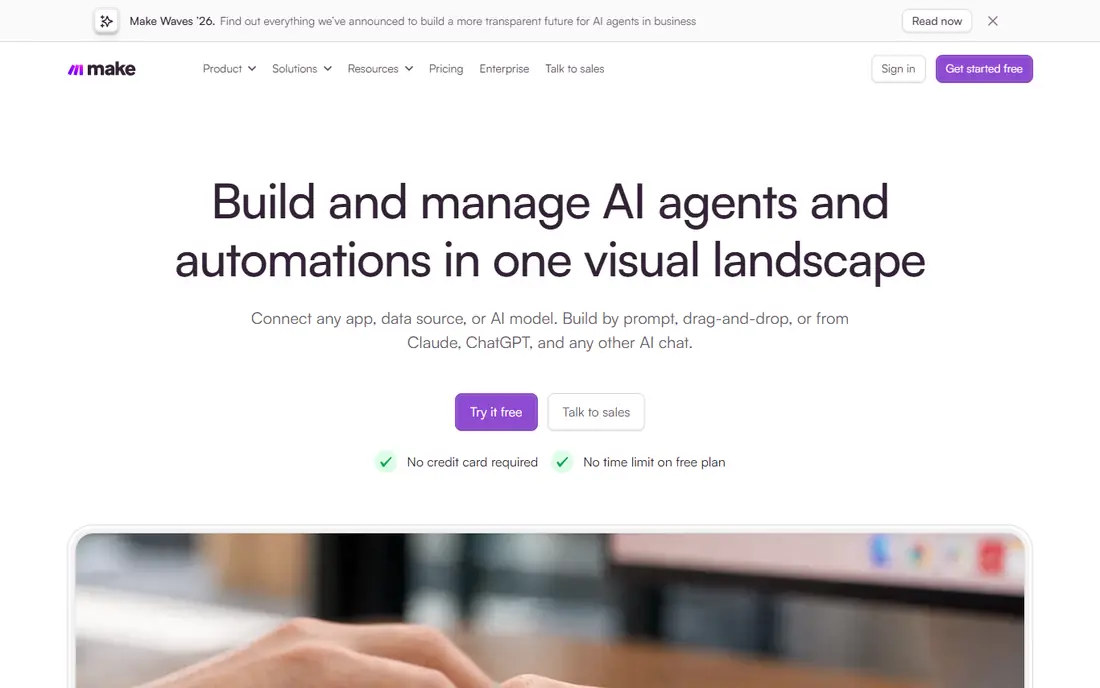
Make, formerly Integromat, is the value pick for teams whose workflows have real logic. Its visual builder shows each step, branch, and filter on a canvas, which makes conditional routes, data transforms, and error handling far easier to follow than a linear list. Pricing starts near $12 a month for a credit-based plan, and high-volume workflows usually cost less than the Zapier equivalent.
The trade-offs are a steeper learning curve and a smaller app catalog, though the major apps are all covered. New users should expect an afternoon of learning before complex scenarios feel natural. For a team running hundreds or thousands of automated runs a month, or workflows with many branches, Make is the better buy.
- Visual scenario builder with branching
- Lower cost for high volumes
- Free plan with no time limit
- Learning curve is steeper than Zapier
- App catalog is smaller
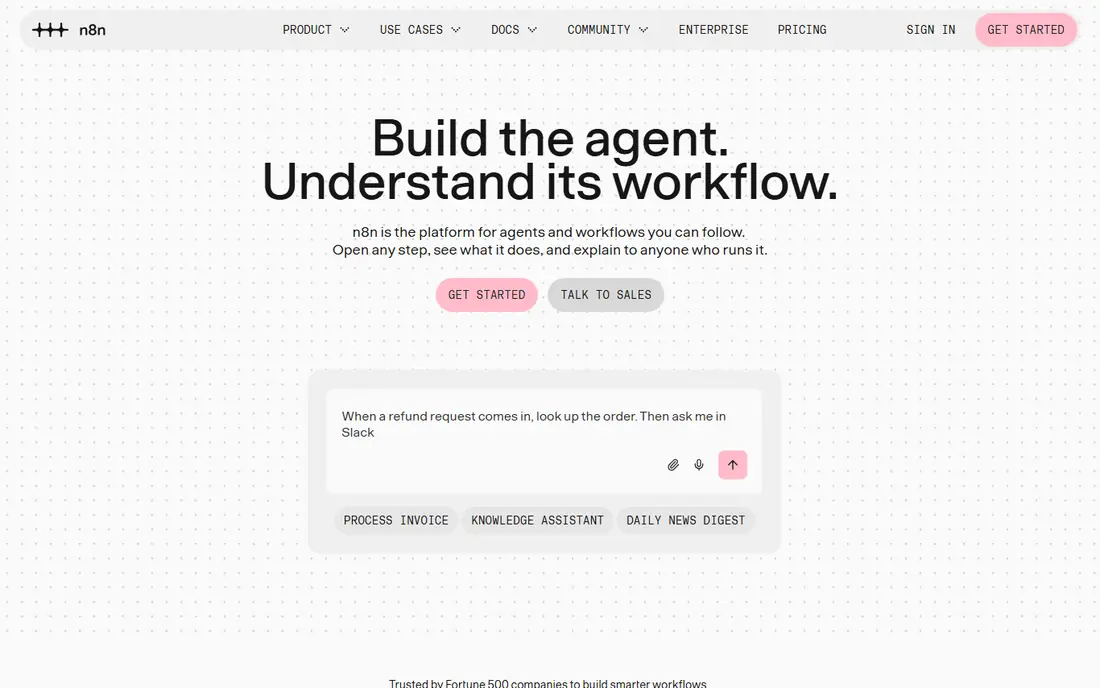
n8n is the choice for teams with a developer who wants full control. The visual workflow builder sits alongside code steps, custom API calls, and AI agent support, and the self-hosted community edition costs nothing in licenses. That combination suits teams building custom integrations or AI-assisted workflows that simpler tools cannot express.
Self-hosting means owning servers, updates, and security, and the cloud plan is priced in euros, which US buyers should convert before budgeting. Non-technical teams will move faster with Zapier or Make. Technical teams that want to own their automation stack will find n8n unusually flexible for the price.
- Self-hosted community edition is free
- Code steps alongside visual building
- Strong API and AI agent support
- Needs technical skill to run well
- Cloud pricing is in euros
Power Automate is the natural automation layer for a company already on Microsoft 365. Cloud flows move data between Outlook, Teams, SharePoint, and Dynamics, while desktop flows automate repetitive work inside older Windows applications. Admin controls, data policies, and single sign-on fit the governance needs of larger Microsoft shops, and some standard flows are included in Microsoft 365 licenses.
Premium connectors and desktop RPA need the $15 per user per month Premium plan, and per-bot process plans cost more, so the headline Microsoft 365 inclusion does not cover everything. Check which connectors your flows need before budgeting. For a Microsoft-centered company, though, no third-party tool integrates as cleanly.
- Deep Microsoft 365 and Teams integration
- Desktop RPA included on premium plans
- Familiar admin controls
- Premium connectors need paid plans
- Pricing tiers confuse first-time buyers
UiPath is the enterprise standard for robotic process automation: software robots that work inside existing applications, including older systems with no API. Its platform adds AI agents, document understanding, and orchestration for robot fleets, and a Basic Automation Cloud plan from $25 a month gives small teams a low-cost pilot path. The partner and training ecosystem is the largest in RPA.
Serious deployments are not cheap. Robot licenses, studio seats, and orchestration add up, and building reliable robots needs trained developers and a center of excellence. A small team should pilot one process before committing. An enterprise standardizing on RPA will find UiPath's depth and support hard to match.
- Mature RPA with AI and document processing
- Basic cloud plan from $25 a month
- Large partner ecosystem
- Enterprise deployments get expensive
- Needs skilled developers for serious use
Automation Anywhere pitches a cloud-first RPA platform with AI agents that handle document-heavy work like invoices and claims. Because the platform is cloud-native, buyers avoid managing robot servers, and scaling robot capacity is a configuration change rather than a hardware project. Its document automation and process discovery tools suit finance, insurance, and healthcare operations.
Pricing is not published, so budgeting needs a sales conversation, and the enterprise focus means small teams will find the sales process heavier than a self-serve signup. For a large company that wants cloud RPA without infrastructure work, Automation Anywhere is a strong alternative to UiPath. For a small team, Zapier or Make will deliver results far sooner.
- Cloud-native platform with AI agents
- No infrastructure to manage
- Strong document automation
- No public price list
- Enterprise focus raises the entry bar
Nintex differs from pure RPA tools by starting with the process itself. Teams map a process, then build the forms, workflows, document generation, and robotic steps that run it, all in one platform. That process-first view suits approvals, onboarding, and compliance workflows where the steps, owners, and audit trail matter as much as the automation. Microsoft integration is strong, fitting SharePoint and Teams shops.
Pricing is by quote, and the breadth of the platform takes time to learn, so small teams may find it heavy. Mid-market and enterprise teams that need governed, auditable processes rather than quick app links will get the most from Nintex. Start with one well-defined process, such as employee onboarding, and expand from a proven win.
- Process mapping plus workflow, forms, and RPA in one platform
- Strong document generation
- Good Microsoft integration
- Quote-based pricing
- Platform breadth takes time to learn
Pipefy organizes work as pipes: a request enters through a form, moves through stages with owners and deadlines, and finishes with a clear record. That model fits approvals, purchase requests, hiring workflows, and customer onboarding, where visibility matters more than robot automation. A free plan covering up to 10 users makes it easy for a small team to start.
Paid pricing is not published plainly, so growing teams need a quote, and Pipefy will not replace UiPath for desktop RPA. Think of it as a process tracker with automation, not a robot platform. For a team drowning in email approvals, Pipefy brings order fast, and its free tier means the pilot costs nothing but setup time.
- Free plan for up to 10 users
- Visual pipes for requests and approvals
- Easy form-based intake
- Pricing needs a sales conversation for paid plans
- Less suited to heavy RPA work
How we picked these
We compared official product pages and pricing pages for business process automation tools available in October 2026, plus the related searches readers use, including process automation software and business process automation platforms. We kept only tools that are actively sold and maintained, and we covered app connectors, visual builders, RPA platforms, and process tools. Where a vendor does not publish a price, we wrote See website.
How to automate without creating a mess
Start with one painful, repeated process, not ten. Document the steps, the owner of each step, and the exceptions before building anything, because automating a broken process only produces errors faster. Measure the time the manual process takes, then compare it with the automated version after a month. That single number justifies the next project or kills a bad one.
Watch the pricing metric
Zapier bills by tasks, Make by credits, Power Automate by users and bots, and RPA tools by robots. Model your real volume before buying, including peak months, because the cheapest tool at low volume can be the priciest at scale. Also plan for maintenance: apps change their APIs, and someone must own each workflow when it breaks.
FAQ
What is the best business process automation software for small business?
Zapier is our pick for most small teams, with the widest app catalog and an easy start. Make is better value for complex or high-volume workflows. Both offer free tiers, so test your actual workflow on each before paying.
What is the difference between BPA and RPA?
Business process automation covers the whole process: forms, approvals, app integrations, and tasks. Robotic process automation is one technique inside it, where software robots work inside existing applications, often ones with no API. Tools like Nintex cover the process, while UiPath specializes in robots.
How much does business process automation software cost?
It ranges from free tiers on Zapier, Make, and Pipefy to $15 per user a month for Power Automate Premium, $25 a month for UiPath Basic, and quote-based enterprise pricing above that. Model your task, user, or robot volume before comparing headline prices.
Do I need code to automate business processes?
No, for most app-to-app work. Zapier, Make, and Pipefy are built for business users without code. Code helps for custom APIs and complex logic, which is where n8n and RPA developer tools shine. Start no-code, and add code only where a workflow demands it.
How do I choose between Zapier and Make?
Choose Zapier for the largest app catalog and fastest setup on simple workflows. Choose Make for visual branching, data transforms, and lower cost at high volumes. Run the same workflow on both free tiers for a week, and the right answer usually becomes obvious.