Best Business Process Management Software in 2026: 8 Tools Compared
Find the best business process management software for your team. We compared eight BPM tools on modeling, automation, price, and ease of use in 2026.
- Editor's choice
 Camunda
Developer led orchestration
Starts atSee websiteVisit camunda.comFull review - Great alternative
 Appian
Low code enterprise apps
Starts atSee websiteVisit appian.comFull review - Also consider
 Pega
Complex case management
Starts atSee websiteVisit pega.comFull review
TL;DR:
- Appian and Pega suit large firms with complex, regulated processes, while Kissflow and Pipefy suit smaller teams that need workflows fast.
- Camunda is our pick for developer led teams that need to orchestrate systems and microservices at scale.
- Most enterprise BPM prices are quote based, so budget by user count, process volume, and add on modules, not by a headline price.
- A free modeler or trial helps you test process design before you commit to a platform wide rollout.
- The best BPM tool is the one your process owners can actually change without waiting weeks for IT help.
Quick comparison
| Tool | Best for | Starts at | Free plan? | |
|---|---|---|---|---|
| Camunda | Developer led orchestration | See website | Yes | Visit |
| Appian | Low code enterprise apps | See website | Yes | Visit |
| Pega | Complex case management | See website | No | Visit |
 Kissflow | Simple no code workflows | $1,500 per month | No | Visit |
 ProcessMaker | BPMN process automation | $1,495 per month | Yes | Visit |
 Nintex | Process mapping and automation | See website | No | Visit |
 Bizagi | Process modeling and apps | See website | Yes | Visit |
 Pipefy | Kanban process pipelines | $20 per user per month | Yes | Visit |
The best business process management software
Business process management software helps a firm design a process, route work to the right people and systems, track progress, and improve the process over time. The tools below range from developer platforms to no code workflow builders, so the right pick depends on process complexity, team skill, and budget.
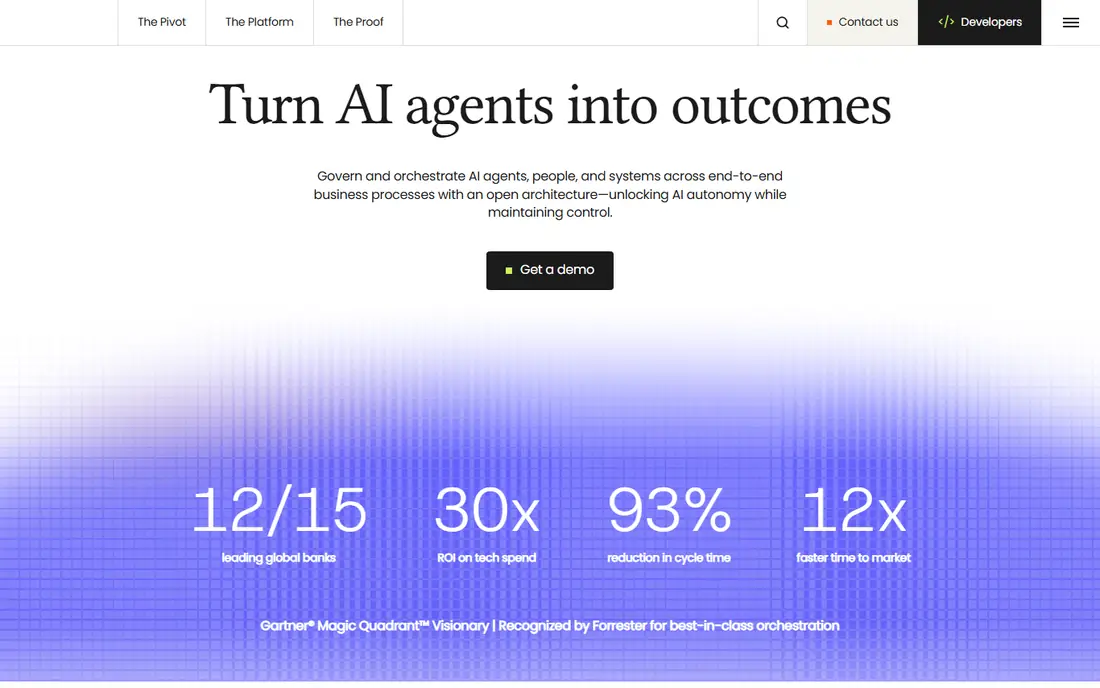
Camunda is built for teams that orchestrate work across many systems, such as order processing, claims, or payment flows. It uses BPMN for process models and DMN for decision tables, so process logic stays visible and testable rather than buried in code. The engine scales well for event driven work and microservice architectures.
The trade is skill. Business users can view and discuss models, but building and running production processes usually needs developers. If your firm has engineering capacity and complex system to system work, Camunda offers control that simpler workflow tools cannot match.
- Strong BPMN and DMN standards support
- Handles high volume system processes
- Open and flexible deployment
- Needs developer skill to build and maintain
- Business user interface is less polished than low code rivals

Appian combines process automation with low code application building, so teams can build a full case app, not just a workflow diagram. Its data fabric pulls data from several systems into one view, which helps when a process touches CRM, ERP, and document stores. Process mining tools help teams find bottlenecks before they redesign a process.
Pricing is quote based and aimed at mid size and large firms, so small teams may find it costly. For a firm that needs governed, auditable apps with strong security controls, Appian is a strong enterprise pick.
- Low code app building
- Data fabric unifies data sources
- Process mining and AI features
- Enterprise pricing is quote based
- Learning curve for complex apps
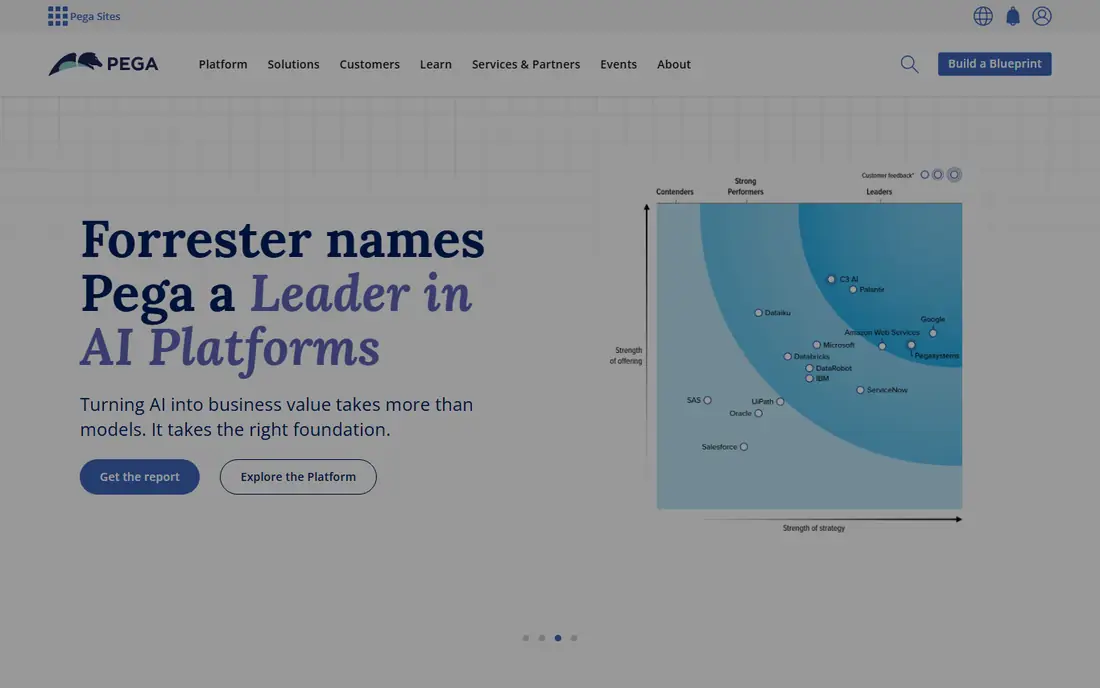
Pega suits firms with long, rule heavy processes, such as insurance claims, loan servicing, or customer service cases that branch in many directions. Its decision hub and case management tools let teams model rules once and apply them across channels. That consistency matters in regulated work where audit trails and approvals must be clear.
Pega is an enterprise platform with enterprise cost and setup effort. Smaller teams will likely find Kissflow or Pipefy faster to adopt. Large firms with complex cases and strict compliance needs are the audience Pega serves best.
- Strong case management and decisioning
- Good for regulated industries
- Wide integration options
- Quote based pricing
- Implementation often needs specialist partners
Kissflow helps non technical teams build approval workflows, intake forms, and simple business apps without code. Prebuilt apps for procurement, HR, and finance give teams a starting point, and dashboards show where requests are stuck. That speed is valuable when a department needs a working process this month, not next quarter.
The entry price is high for a very small firm, so Kissflow fits mid size teams better than startups. It is not the best choice for developer heavy orchestration, but for departmental workflows it is one of the easiest BPM tools to adopt.
- No code forms and approvals
- Prebuilt apps for common processes
- Clear dashboards
- High entry price for small teams
- Less suited to deep system orchestration
ProcessMaker gives process analysts a standards based designer with forms, approvals, and reporting in one platform. Document parsing helps with invoice and application workflows where data must be pulled from files. Cloud and on premise options suit firms with data residency or security rules.
Non technical users may need training to use the full designer, and the free open source version lacks some enterprise features. For mid size and large firms with process expertise in house, ProcessMaker offers depth at a clearer entry price than many enterprise rivals.
- BPMN designer
- Form builder and approvals
- Document parsing features
- Steeper learning curve for non technical users
- Key features sit in paid tiers
Nintex covers the full process life cycle, from mapping a current process to automating forms, documents, and workflows. Promapp helps teams document processes in plain language, which makes it easier for staff to follow a new process. Document generation is a strength for firms that produce contracts, letters, or reports from workflow data.
Pricing is quote based, and the range of products can take time to navigate during evaluation. Firms already invested in Microsoft 365, or firms that need strong document automation beside workflow, will get the most from Nintex.
- Process mapping with Promapp
- Forms and document automation
- Microsoft 365 friendly
- Quote based pricing
- Product set can feel broad and complex
Bizagi is a good starting point because its free Modeler lets teams draw and document processes before buying anything. The low code platform then turns those models into working apps with forms, rules, and integrations. That path from diagram to app reduces the gap between process design and process execution.
Enterprise features and support are quote based, so total cost depends on scale and modules. For firms that want to prove a process design with a free tool first, Bizagi offers a low risk way to start.
- Free process modeler
- Low code app building
- BPMN standards support
- Enterprise pricing is quote based
- Advanced features need training
Pipefy organizes work as visual pipelines, which suits service desks, hiring, procurement requests, and other processes that move through clear stages. Teams can build intake forms, set automations, and track each request without code. The free plan and lower paid entry price make it accessible for small and mid size teams.
Pipefy is not a full BPMN modeling platform, so firms with highly branched, rule heavy processes may outgrow it. For operational processes that need visibility and speed, it is one of the most approachable tools on this list.
- Visual kanban pipelines
- Intake portals and forms
- Lower entry price
- Less depth for complex BPMN modeling
- Reporting is simpler than enterprise BPM
How we picked these
We compared official product pages, pricing pages, and documentation for leading BPM platforms, and we checked public reviews for ease of use and implementation effort. We kept only tools that support process modeling, workflow routing, and reporting, and that were actively sold in 2026. We favored a mix of developer platforms, low code enterprise tools, and no code workflow builders, so firms of different sizes can find a fit.
What to check before you buy
Map one real process end to end before you shortlist tools. Note every approval, system, document, and exception, because a tool that handles the happy path may fail on the exceptions. A pilot with that one process will reveal more than a sales demo with a polished sample.
Match the tool to team skill
Developer teams should weigh Camunda and ProcessMaker, low code teams should weigh Appian and Bizagi, and business teams should weigh Kissflow and Pipefy. If process owners cannot update a workflow without IT, small changes will queue up and the platform will feel slow. Ask who can change a form, a rule, and a routing step after go live.
Check integration and data needs
List the systems a process must touch, such as CRM, ERP, email, and document storage. Check whether the BPM tool offers native connectors, APIs, or only manual file transfer. Data access matters too, since a process that cannot read customer or order data will force staff back to spreadsheets.
Budget for implementation, not just licenses
Quote based BPM pricing often excludes implementation, training, and support. Ask for total first year cost, including partner help if needed, and ask how pricing changes as users and process volume grow. A lower license price can still cost more if every change needs a consultant.
FAQ
What is the best business process management software for small teams?
Pipefy and Kissflow are strong small team picks, with Pipefy offering the lower entry price and a free plan. Kissflow suits teams that need prebuilt departmental apps, while Pipefy suits teams that want visual pipelines. Small teams should avoid enterprise platforms unless they have complex compliance or integration needs.
What is the difference between BPM and workflow automation?
Workflow automation usually moves a single task or approval through set steps, while BPM covers the full process life cycle, including design, execution, monitoring, and improvement. BPM tools add modeling, analytics, and governance that simple workflow tools lack. Many firms start with workflow automation and move to BPM as processes grow more complex.
Is BPM software worth the cost for a mid size firm?
It can be, when manual handoffs, lost requests, and approval delays cost staff time every week. A pilot on one high volume process, such as onboarding or procurement, gives a clear before and after measure. If the pilot does not save time or reduce errors, the firm should pause before a wider rollout.
Do I need developers to use BPM software?
It depends on the tool. No code tools such as Kissflow and Pipefy let business users build workflows, while Camunda and ProcessMaker benefit from developer skill. Low code tools sit in between, with business users building simple apps and developers handling integrations. Match the tool to the skill you already have, not the skill you hope to hire.
Can BPM software replace our CRM or ERP?
No. BPM software orchestrates work across systems, but it does not replace the system of record for customers, orders, or finance. It should connect to your CRM and ERP, pull data from them, and route tasks back to the right owners. Firms that try to rebuild a CRM inside a BPM tool usually create duplicate data and extra maintenance.