6 Digital Process Automation Software for Remote Teams Worth Shortlisting in 2026
6 best digital process automation software for remote teams, compared on pricing, free plans and best-fit use. The weak spots sit next to the strengths.
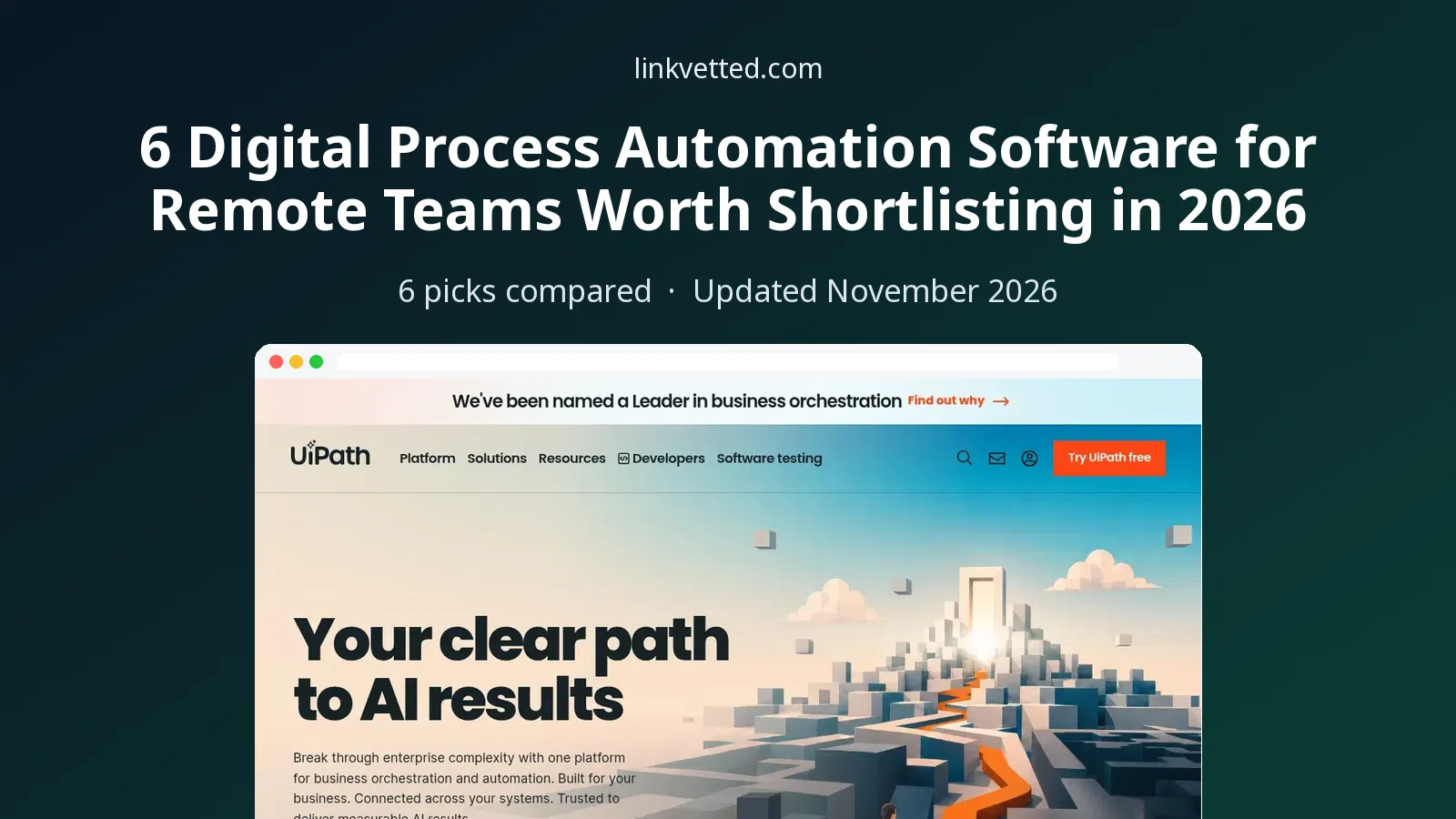
- Editor's choice
 UiPath
AI-driven business orchestration
Starts at$25 per monthVisit uipath.comFull review - Great alternative
 Make
No-code integration and automation
Starts atSee websiteVisit make.comFull review - Also consider
 Appian
Process orchestration without system replacement
Starts atSee websiteVisit appian.comFull review
Direct answer
UiPath comes first here, mainly for AI-driven business orchestration. Listed starting prices: UiPath from $25 per month. Look at Make for no-code integration and automation, and at Appian for process orchestration without system replacement. The other 3 tools in the list cover narrower or pricier cases.
TL;DR:
- The list opens with UiPath, aimed at AI-driven business orchestration.
- For enterprise-wide workflow automation, ServiceNow is worth a look.
- UiPath has the lowest monthly starting price in this list: $25 per month.
- What to know about Make first: may have limits on complicated scenarios.
Last checked November 2026. Prices and plan details were read from the vendors' own pages in November 2026; vendors change plans often, so confirm the current price on the vendor site before you buy.
Quick comparison
| Tool | Best for | Starts at | Free plan? | |
|---|---|---|---|---|
| UiPath | AI-driven business orchestration | $25 per month | Yes | Visit |
| Make | No-code integration and automation | See website | Yes | Visit |
| Appian | Process orchestration without system replacement | See website | Not stated | Visit |
 Nintex | End-to-end process and workflow automation | See website | Free trial | Visit |
 Pega Platform | Enterprise transformation and workflow automation | See website | Not stated | Visit |
 ServiceNow | Enterprise-wide workflow automation | See website | Not stated | Visit |
The 6 tools in detail
Choosing digital process automation software for remote teams usually comes down to price, fit and limits. This LinkVetted guide sets 6 tools side by side on those three points, with the facts kept short and checkable.

UiPath makes the most sense for AI-driven business orchestration. UiPath provides a product for business orchestration and automation, enabling AI agents, robots, and people to deliver secure, compliant outcomes at scale.
Best features of UiPath: compliant outcomes.
Where it falls short: May be overkill for entry-level automation.
Teams with straightforward automation needs might prefer lighter tools. UiPath starts at: $25 per month. UiPath offers a free plan.
- Orchestrates AI agents, robots, people
- Focus on secure
- Needs technical expertise
Where Make fits: no-code integration and automation. Make provides AI workflow automation software and tools, allowing users to visually build, scale, and automate AI and agentic workflows. In practice, the visual interface helps teams design workflows rapidly.
Worth adding: whereas accessible, complicated automations may need a ramp-up time. More specifically, teams needing deep enterprise features might need a more solid platform. Check the vendor site for Make pricing; none is listed in this comparison. You can start on Make without paying.
Trade-offs to know: Needs some learning for advanced use.
- Visual workflow builder
- No-code integration tool
- May have limits on complicated scenarios
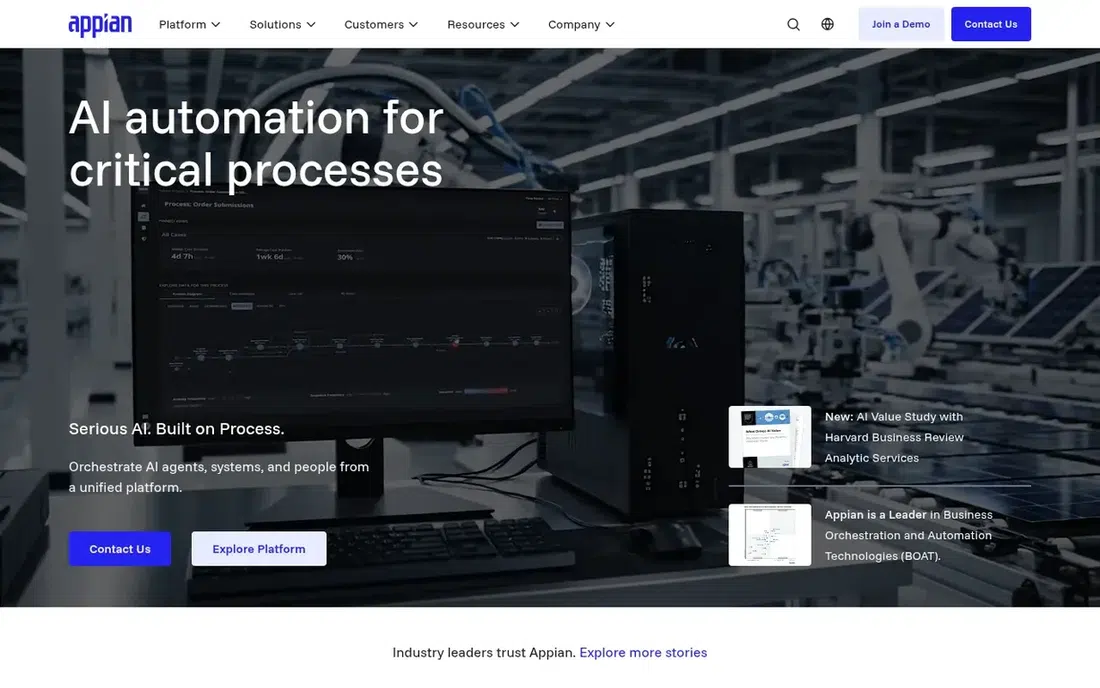
Where Appian fits: process orchestration without system replacement. Remote teams can benefit from simplified processes that span several tools. From a buyer's view, Appian offers AI automation for critical processes, orchestrating AI agents, systems, and people on an enterprise system without replacing your systems.
Honest limits: Could be complicated for non-technical users.
The product may need integration work and technical resources to completely use. In daily use, teams seeking out-of-the-box simplicity might find it complicated. Appian shows no starting price here, so confirm the cost on the vendor site. Free options: Not stated.
- Orchestrates AI agents, systems, people
- Focus on critical processes
- May need integration effort
Nintex targets end-to-end process and workflow automation. Remote teams can design and run workflows that link several systems and data sources. Beyond that, whereas approachable, advanced features may need training.
Drawbacks to consider: May need training for advanced features.
Beyond that, budget considerations may make it less a good match for very small teams. Choose Nintex for solid process automation with custom app capabilities. No starting price is listed for Nintex here; confirm pricing on the vendor site. Free access: Free trial.
- Integrated workflow automation
- Custom app development
- Can be expensive for small teams
Pega Platform is built with enterprise transformation and workflow automation in mind. Pega Platform is an AI-powered system for enterprise transformation, automating workflows, personalizing customer experiences, and modernizing legacy systems.
The main drawbacks: May need specialized training.
The system's breadth may introduce complexity and need dedicated administration. For everyday use, consider Pega when you need a thorough option for enterprise-scale transformation and legacy modernization. Pega Platform shows no starting price here, so confirm the cost on the vendor site. Trial and free access: Not stated.
- Automates workflows
- Modernizes legacy systems
- Can be complicated to implement
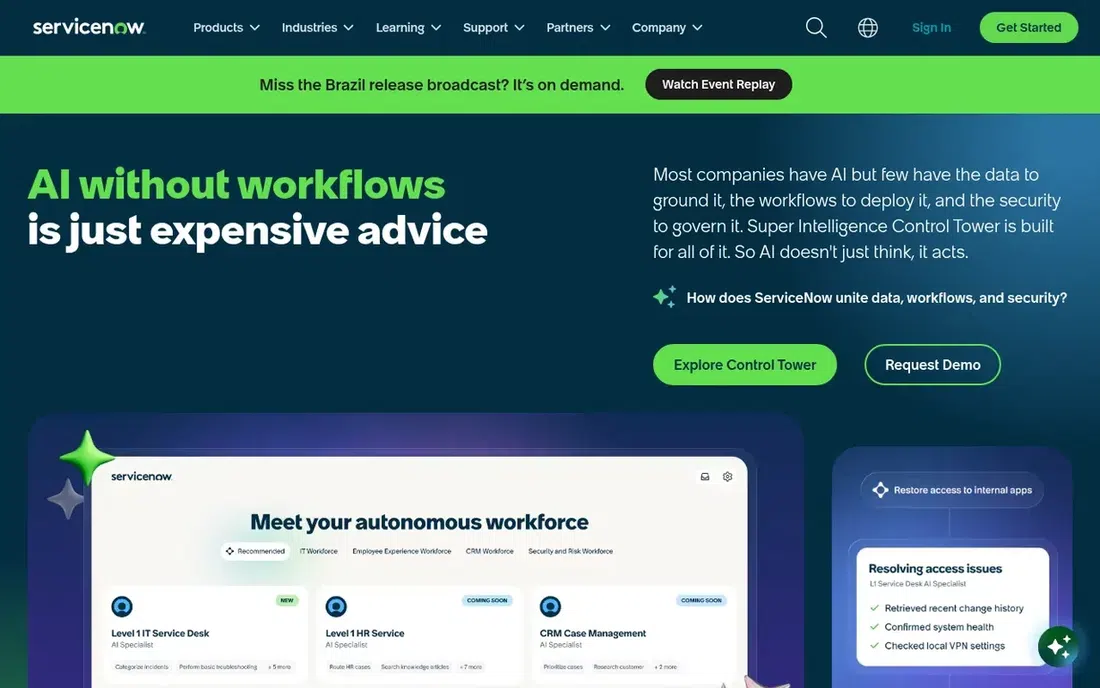
ServiceNow is a good fit for enterprise-wide workflow automation. ServiceNow offers an AI product meant to simplify enterprise workflows for customers and employees across the business. Worth adding: the system may involve a steep ramp-up time and substantial configuration, making it less well suited to teams without dedicated IT support.
As for the details, remote teams can benefit from centralized workflow management that links several functions. In daily use, consider ServiceNow when you need a solid, enterprise-grade option for diverse workflows. Pricing for ServiceNow is not stated here, so ask the vendor for current figures. On free options: Not stated.
Downsides: Can be complicated for small teams.
- Supports both customer and employee processes
- Simplifies cross-department workflows
- May need significant setup
How these tools were picked
The comparison looks at four things: starting price, free access, how well the feature set matches digital process automation software for remote teams, and the main limit of each tool. Prices and plan limits come from vendor pages and can change, so confirm them on the vendor site before you buy. Position on the page reflects fit for a typical buyer first, with price clarity and free access breaking ties. Treat it as a guide, not a ruling.
A buyer's checklist
- Confirm the entry price on the vendor page. For Make, Appian, Nintex and others that means a quote rather than a fixed price.
- Check what the free option really includes: UiPath and Make offer a free plan, and usage caps differ.
- Use real work to test the free trial from Nintex, rather than a demo project.
- Read the limits listed for UiPath first: needs technical expertise.
- Before you load data into Pega Platform, check what an export looks like and who can run it.
- Find out what support Nintex includes on your plan, and whether onboarding help costs extra.
FAQ
How are the tools for digital process automation software for remote teams ordered?
UiPath sits first and ServiceNow last because the order follows typical fit for digital process automation software for remote teams, then price clarity and free access. It is a judgement call, so read each profile for fit and limits.
What should remote teams look for in digital process automation software?
Remote teams should prioritize cloud accessibility, integration with collaboration tools, and simplicity for distributed members. Security and compliance features are also critical to protect data across locations.
Is UiPath the right pick for everyone comparing digital process automation software for remote teams?
No single tool suits every team. UiPath comes first because it fits AI-driven business orchestration, while Make suits no-code integration and automation and Appian suits process orchestration without system replacement. Match the tool to your own size, budget and workflow before deciding.
Do these tools publish their prices?
Not all of them. Make, Appian, Nintex and others publish no starting price, so expect a quote request for those. The rest, UiPath included, show a starting price, though seats and billing terms still change the final cost.
Can I try these tools before paying?
Often, yes. UiPath and Make have a free plan and Nintex offers a free trial. Use your own data and a real task during the test, and check what the free tier or trial limits before you rely on it.
Sources
- https://www.uipath.com
- https://www.make.com
- https://appian.com
- https://www.nintex.com
- https://www.pega.com
- https://www.servicenow.com