Choosing Instant Messaging for Business Security in 2026: 5 Options Compared
Searching for the best instant messaging for business security? Here are 5 options with prices and free plans. The catches are listed up front. Start here.
- Editor's choice
 Slack
Teams wanting secure chat with automation
Starts at$4.38 per user a monthVisit slack.comFull review - Great alternativeCisco Webex App
Enterprises with Cisco infrastructure
Starts atSee websiteVisit webex.comFull review - Also consider
 Rocket.Chat
Defense and government collaboration
Starts atSee websiteVisit rocket.chatFull review
Direct answer
Slack is the first pick on this list for Teams wanting secure chat with automation. Listed starting prices: Slack from $4.38 per user a month. For a different need, Cisco Webex App covers enterprises with Cisco infrastructure and Rocket.Chat covers defense and government collaboration. Details, prices and limits for the rest of the 5 tools are below.
TL;DR:
- This list starts with Slack, which is built for Teams wanting secure chat with automation.
- For Google Workspace organizations, Google Chat is worth a look.
- What to know about Cisco Webex App first: wide product surface can complicate rollout.
- 2 of 5 tools offer a free plan: Slack, Cisco Webex App.
- Slack is the lowest-priced starter here at $4.38 per user per month.
Last checked November 2026. Prices and plan details were read from the vendors' own pages in November 2026; vendors change plans often, so confirm the current price on the vendor site before you buy.
Quick comparison
| Tool | Best for | Starts at | Free plan? | |
|---|---|---|---|---|
| Slack | Teams wanting secure chat with automation | $4.38 per user a month | Yes | Visit |
| Cisco Webex App | Enterprises with Cisco infrastructure | See website | Yes | Visit |
| Rocket.Chat | Defense and government collaboration | See website | Not stated | Visit |
 Microsoft Teams | Organizations standardized on Microsoft 365 | See website | Not stated | Visit |
 Google Chat | Google Workspace organizations | See website | Not stated | Visit |
5 options for instant messaging for business security in detail
Choosing instant messaging for business security usually comes down to price, fit and limits. This LinkVetted guide sets 5 tools side by side on those three points, with the facts kept short and checkable.
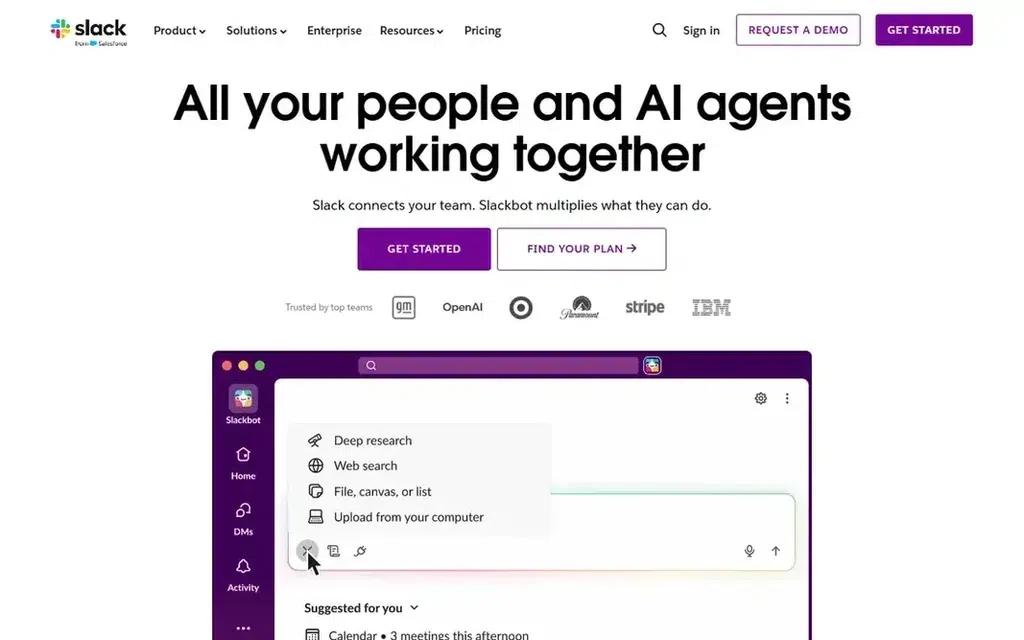
Think of Slack for Teams wanting secure chat with automation. Slack positions itself as an AI work system for managing projects, automating workflows and connecting teams securely. Its homepage flags productivity and time savings.
Points against: Costs scale with workspace size.
On top of that, security-minded buyers get granular workspace administration, structured channels and integrations that let teams keep sensitive conversations within defined spaces whereas automating routine work. Getting the most from its security settings needs deliberate workspace governance. On cost, Slack starts like this: $4.38 per user per month. You can start on Slack without paying.
- Channel structure keeps projects organized
- Capable workflow automation and integrations
- Security controls are configured per workspace
Cisco Webex App
Best for: Enterprises with Cisco infrastructure
Cisco Webex App is designed for enterprises with Cisco infrastructure. Cisco Webex App is an AI-powered collaboration product spanning messaging, meetings, customer experience and devices. Its homepage notes adoption by leading global brands.
Security buyers benefit from a vendor with deep enterprise networking roots, where messaging security can align with existing network and device management practices across a large organization. In practice, Webex carries a broad product surface, so planning and administration can feel complicated for smaller teams. No starting price is listed for Cisco Webex App here; confirm pricing on the vendor site. A free plan is available with Cisco Webex App.
Where it is weaker: Wide product surface can complicate rollout.
- Suits Cisco device and system investments
- AI-powered collaboration across meetings and messaging
- Value relies on Cisco ecosystem alignment
Rocket.Chat works best for defense and government collaboration. Its homepage notes that agencies and allies can work together without switching systems.
More specifically, security buyers in the public sector get a system shaped around governed collaboration across organizational boundaries. Choose Rocket.Chat when cross-agency, governed collaboration is the priority. Pricing for Rocket.Chat is not stated here, so ask the vendor for current figures. As for free access: Not stated.
What to check first: Deployment planning needs security review.
- Video and governed AI in one product
- Made for cross-agency collaboration
- Specialized positioning may exceed small-team needs
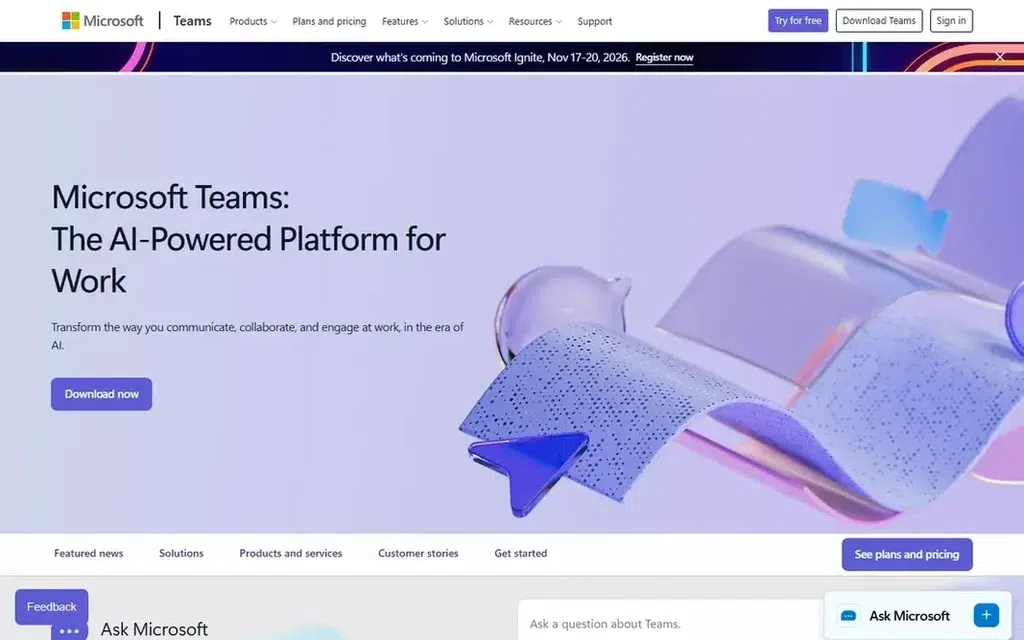
Where Microsoft Teams fits: organizations standardized on Microsoft 365. Its homepage stresses natural connection, organization and bringing ideas to life.
Administration also needs planning to keep channels and external access tidy. Microsoft Teams shows no starting price here, so confirm the cost on the vendor site. Free options: Not stated.
Limits to weigh: Full value relies on the wider Microsoft ecosystem.
- Meetings and files in one place
- Centralized administration through Microsoft 365
- Feature depth can overwhelm new users
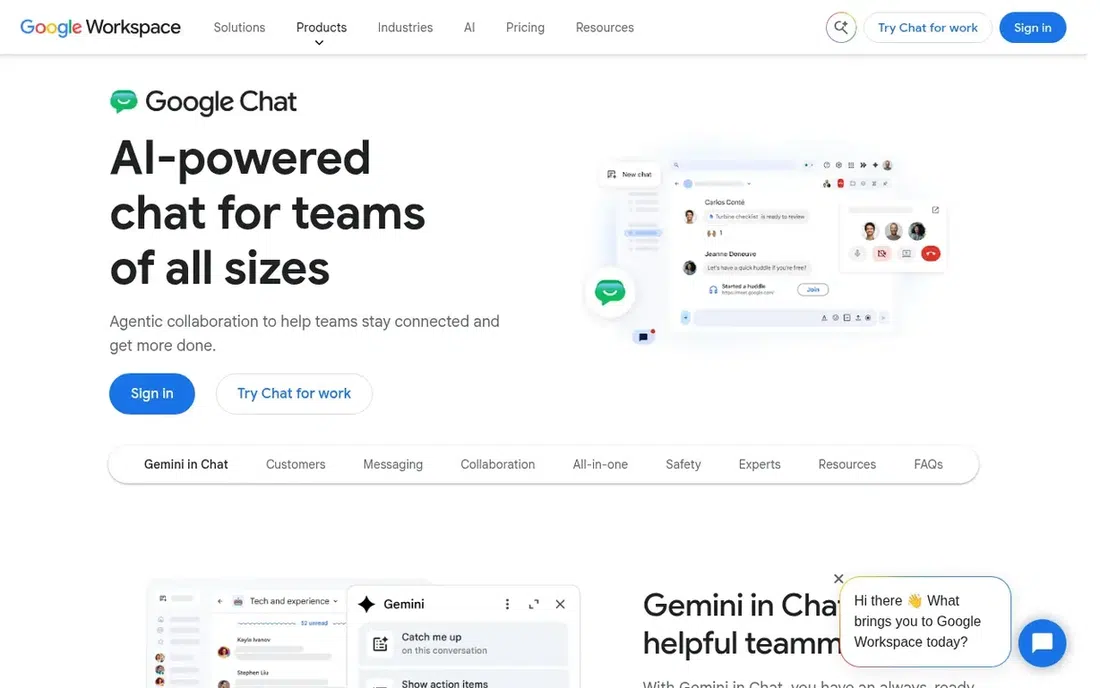
Google Chat is aimed squarely at Google Workspace organizations. Its homepage emphasizes connecting individuals, groups and firms online.
Watch-outs: Fewer standalone deployment choices.
Pick Google Chat when Workspace is already your collaboration backbone. Pricing for Google Chat is not stated here, so ask the vendor for current figures. Free options: Not stated.
- Secure messaging within Google Workspace
- Gemini assistance for collaboration
- Best experience requires Workspace adoption
How these tools were picked
Questions to settle before buying
- Ask Cisco Webex App, Rocket.Chat, Microsoft Teams and Google Chat for a written quote, since no starting price is shown.
- Look at free plan limits closely: Slack and Cisco Webex App have one, and the caps decide whether it is usable for real work.
- Read the limits listed for Slack first: security controls are configured per workspace.
- Let daily users try Rocket.Chat on real work; their feedback beats any feature checklist.
- Get the contract term, renewal terms and any onboarding fees from Cisco Webex App in writing.
FAQ
Which options for instant messaging for business security have a free plan?
On this list, Slack and Cisco Webex App include a free plan. Caps on seats, usage or features are common, so test the free plan against your real workload.
What is the cheapest option for instant messaging for business security in this list?
On published monthly entry prices, Slack is the lowest here at $4.38 per user per month. Entry price is only part of the cost, because seats, add-ons and billing terms can change the total. All 5 picks in this instant messaging for business security comparison list a starting price, free plan details and the main limits on their cards above.
Do these tools publish their prices?
Not all of them. Cisco Webex App, Rocket.Chat, Microsoft Teams and Google Chat publish no starting price, so expect a quote request for those. The rest, Slack included, show a starting price, though seats and billing terms still change the final cost.
Is a suite messenger less secure than a standalone tool?
Not inherently. Suite messengers for example Teams, Google Chat and Webex can centralize identity and policy, which frequently strengthens governance. Standalone and self-hosted tools offer different control tradeoffs. The right choice relies on how much infrastructure control your organization needs and can operate.
How are the tools for instant messaging for business security ordered?
Slack sits first and Google Chat last because the order follows typical fit for instant messaging for business security, then price clarity and free access. It is a judgement call, so read each profile for fit and limits.
Sources
- https://slack.com
- https://www.webex.com
- https://rocket.chat
- https://www.microsoft.com/en-us/microsoft-teams/group-chat-software
- https://workspace.google.com/products/chat