Top 5 ADHD Task Management App for 2026 (Prices and Free Plans)
5 products for the best ADHD task management app, ranked by fit, with starting costs and free tiers. Includes honest limits for each tool. Choose faster.
- Editor's choice
 Notion
Custom pages and adaptable workspaces
Starts at$10 per member a monthVisit notion.comFull review - Great alternative
 Trello
Visual board-based task tracking
Starts at$5 per user a monthVisit trello.comFull review - Also consider
 Todoist
Quick capture and straightforward task lists
Starts at$5 a monthVisit todoist.comFull review
Direct answer
Notion comes first here, mainly for custom pages and adaptable workspaces. Listed starting prices: Notion from $10 per member a month, Trello from $5 per user a month and Todoist from $5 a month. Trello fits visual board-based task tracking; Todoist fits quick capture and straightforward task lists. Details, prices and limits for the rest of the 5 tools are below.
TL;DR:
- Notion is the opening pick, best for custom pages and flexible workspaces.
- Only 5 of the 5 tools have a free plan (Notion, Trello, Todoist, Any.do, Asana), so check the caps.
- Asana fits structured team workflows.
- For the cheapest start, look at Trello: $5 per user per month.
Last checked November 2026. Prices and plan details were read from the vendors' own pages in November 2026; vendors change plans often, so confirm the current price on the vendor site before you buy.
Quick comparison
| Tool | Best for | Starts at | Free plan? | |
|---|---|---|---|---|
| Notion | Custom pages and adaptable workspaces | $10 per member a month | Yes | Visit |
| Trello | Visual board-based task tracking | $5 per user a month | Yes | Visit |
| Todoist | Quick capture and straightforward task lists | $5 a month | Yes | Visit |
 Any.do | Shared lists for family and small teams | See website | Yes | Visit |
 Asana | Structured team workflows | $10.99 per user per month | Yes | Visit |
ADHD Task Management App profiles
Short on time? The summary and table above give the quick view of 5 tools for ADHD task management app, and the profiles that follow give the detail behind each entry.
Notion makes the most sense for custom pages and adaptable workspaces. Notion is an AI workspace where you build pages, databases and automations to fit your own system.
Watch-outs: Setup can become a distraction.
From a buyer's view, adaptability cuts both ways. If you need a ready-made task flow with no setup, a dedicated task app is the better fit. The starting price for Notion: $10 per member per month. A free plan is available with Notion.
- Merges notes and tasks
- AI features for search and automation
- No fixed structure to guide you
Trello works best for visual board-based task tracking. Trello organizes tasks on boards with lists and cards, and its homepage emphasizes capturing and tackling to-dos from anywhere.
Worth adding: without upkeep, cards pile up and the visual clarity fades. As for the details, the visual layout fits ADHD users who respond to seeing work move across stages instead of reading a long list. Starting cost for Trello: $5 per user per month. Trello includes a free tier.
Where it falls short: Boards can grow cluttered.
- Visual columns make progress obvious
- Performs well on mobile
- Restricted for complicated dependencies
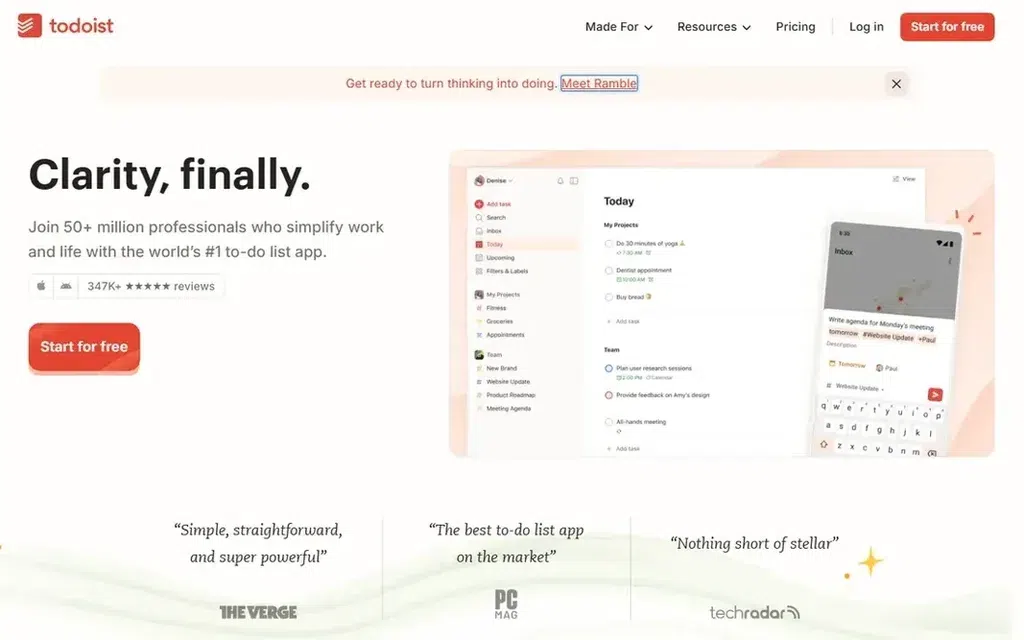
Todoist makes the most sense for quick capture and straightforward task lists. Todoist is a to-do list app built around capturing tasks quickly and organizing them into projects.
It suits anyone who wants a dependable list without a heavy system. Todoist pricing: $5 per month. Todoist offers a free plan.
Where it is weaker: Advanced views need setup.
- Low-distraction interface
- Projects and labels for light structure
- Restricted built-in habit tracking
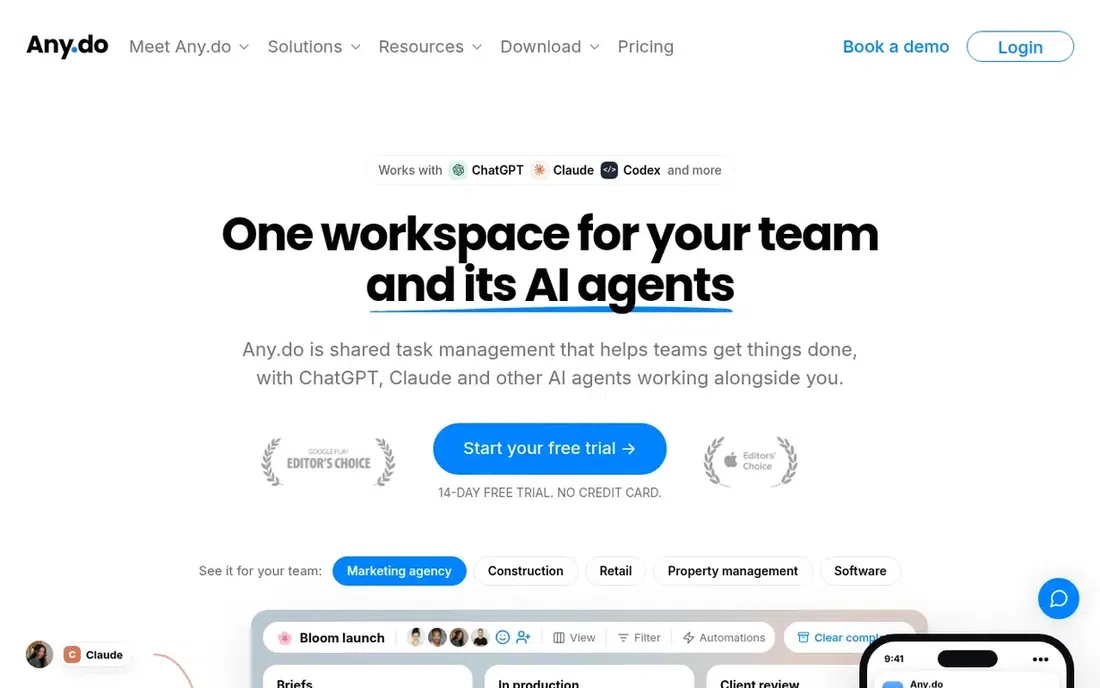
Where Any.do fits: shared lists for family and small teams. Any.do describes itself as a shared task board for small teams plus a to-do list, planner and calendar for individuals and families. As for the details, anyone wanting deep project structure or heavy automation may find it light.
Pick a dedicated project tool if your needs go beyond lists and shared boards. For ADHD users, the appeal is everyday simplicity plus shared visibility, which helps when reminders have to come from someone else too. Any.do does not show a starting price in this comparison, so check the vendor site for current pricing. Free access exists with Any.do.
Points against: Team and personal modes can blur.
- Straightforward to-do list and planner
- Shared task boards
- Feature depth varies by use case
Where Asana fits: structured team workflows. Choose a lighter list app if your primary need is capturing personal tasks quick.
Also, the structure that helps at work may add steps for solo use. For ADHD users in a team setting, its strength is external structure: assigned tasks, clear owners and visible status cut the have to hold plans in your head. Asana pricing: $10.99 per user per month. Asana has a free plan.
Where it falls short: Less suited to fast solo capture.
- Clear project and task organization
- Made for team coordination
- Heavier than a personal to-do list
How we chose
What to confirm before you sign up
- Get a written quote from Any.do; the list shows no starting price for them.
- Look at free plan limits closely: Notion, Trello, Todoist and others have one, and the caps decide whether it is usable for real work.
- Read the limits listed for Notion first: setup can become a distraction.
- A short pilot of Asana with your real workflow tells you more than a feature table.
- Look at the renewal terms for Any.do: auto-renewal, notice periods and price changes can matter more than the first-year price.
FAQ
How are the tools for ADHD task management app ordered?
The order follows typical fit for ADHD task management app, with Notion first and Asana last, then price clarity and free access. It is editorial judgement, not a score, so another team could rank the tools differently.
Is Notion the right pick for everyone comparing ADHD task management app?
No single tool suits every team. Notion comes first because it fits custom pages and flexible workspaces, while Trello suits visual board-based task tracking and Todoist suits fast capture and simple task lists. Match the tool to your own size, budget and workflow before deciding.
Which options for ADHD task management app have a free plan?
Notion, Trello, Todoist, Any.do and Asana offer a free plan in this list. Free plans usually cap users, projects or features, so check the limits on the vendor page.
What makes a task app a decent match for ADHD?
Structure helps too, provided that it guides instead of overwhelms. In practice, look for straightforward lists, clear reminders and views that match how you think.
What is the cheapest option for ADHD task management app in this list?
On published monthly entry prices, Trello is the lowest here at $5 per user per month. Entry price is only part of the cost, because seats, add-ons and billing terms can change the total. For the full picture, the cards above cover all 5 entries of this ADHD task management app list, including price, free plan and limits.