Best Task Management Software for Individuals in 2026: 9 Apps Compared
We compared the best task management software for individuals, covering free plans, calendars, habits, and daily planning, to help you pick one app confidently.

- Editor's choice
 Todoist
Fast capture on any device
Starts atSee websiteVisit todoist.comFull review - Great alternative
 TickTick
Calendar, habits, and focus timer
Starts atSee websiteVisit ticktick.comFull review - Also consider
 Things
Apple users who want simplicity
Starts atSee websiteVisit culturedcode.comFull review
TL;DR:
- Todoist remains the best all-around pick for most individuals because fast capture matters more than extra features.
- TickTick wins for people who plan in a calendar view and want habits and a focus timer in the same app.
- Apple-only users should weigh Things for its one-time purchase against free Apple Reminders, which covers the basics well.
- A weekly review matters more than the app itself, so pick the tool you will actually open every day.
Quick comparison
| Tool | Best for | Starts at | Free plan? | |
|---|---|---|---|---|
| Todoist | Fast capture on any device | See website | Yes | Visit |
| TickTick | Calendar, habits, and focus timer | See website | Yes | Visit |
| Things | Apple users who want simplicity | See website | No | Visit |
 Any.do | Simple cross-platform lists | See website | Yes | Visit |
 Microsoft To Do | Microsoft 365 users | Free | Yes | Visit |
 Remember The Milk | Flexible reminders and lists | See website | Yes | Visit |
 Superlist | Modern, fast shared lists | See website | Yes | Visit |
 Habitica | Gamified tasks and habits | Free | Yes | Visit |
 Sunsama | Guided daily planning ritual | See website | Free trial | Visit |
The best task management software for individuals
We compared official pricing pages, app store listings, and public reviews for apps built around one person's day rather than team projects. Every app here works for a solo user, even if some also offer team plans. The best task management app for individuals is the one that makes capture fast and review easy.
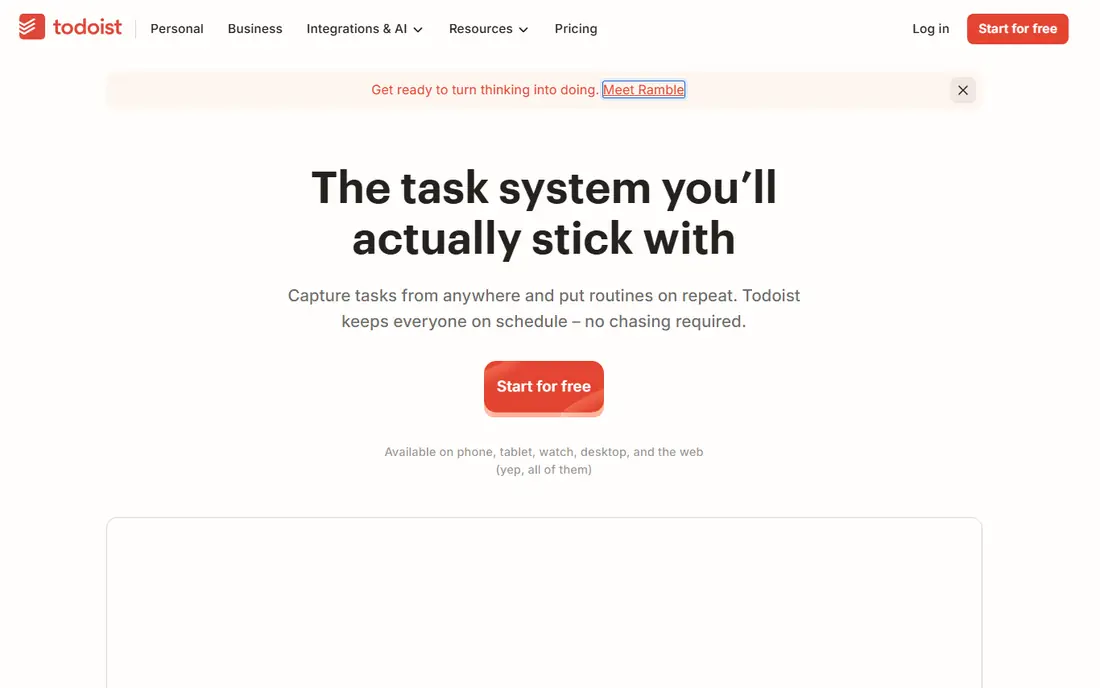
Todoist is our pick for most people because it removes friction at the exact moment a task appears. Type a plain sentence with a date and time, and the app files it correctly, which means fewer tasks slip through because capture felt like work. Projects, labels, and priorities cover most personal systems, from errands to work tasks to long-term goals, without forcing a complex setup.
The free plan handles genuine daily use, including recurring tasks and multiple projects, while the paid plan adds calendar layout, custom filters, and reminders. The honest catch is that Todoist stays a list app at heart. It will not plan your day for you or show where your hours went. If you want that, pair it with a calendar habit or look at Sunsama below, but for most individuals, Todoist is the safest starting point.
- Natural language input
- Apps on every major platform
- Generous free plan for daily use
- Advanced filters and calendar layout need a paid plan
- No built-in time blocking
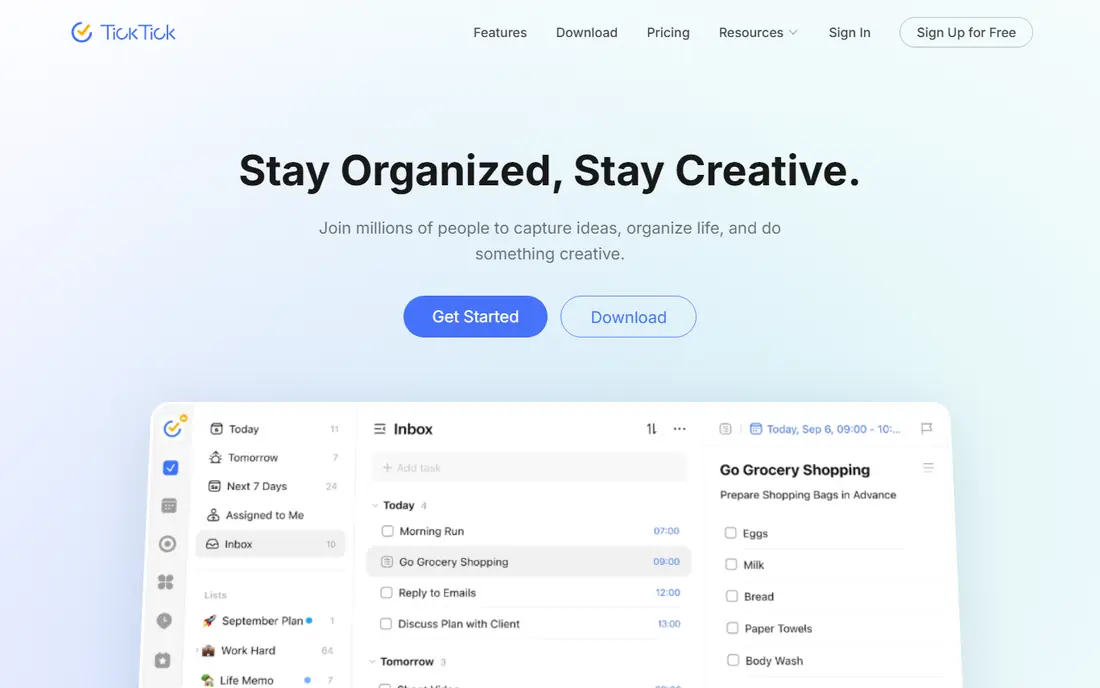
TickTick is the best task management app for individuals who think in a weekly calendar grid rather than a list. Tasks, events, habits, and focus sessions live in one app, so a person can plan a day without jumping between three tools. The built-in Pomodoro timer and habit tracker are genuinely useful additions, not gimmicks, for people building routines around work, exercise, or study.
Pricing is a strength. The free plan does not expire, and the premium plan is priced below most rivals on an annual basis. The trade-off is visual density: TickTick packs a lot onto each screen, and minimalists may prefer Todoist or Things. If your day runs on time blocks and habits, though, TickTick gives more for the money than any other app here.
- Built-in calendar, habit tracker, and Pomodoro timer
- Good value paid plan
- Clean mobile apps
- Design feels busy to minimalists
- Some advanced calendar features need the paid plan

Things is the pick for Apple users who want task management to feel calm rather than busy. Its Today view, Upcoming view, and evening planning flow make a daily review feel natural, and the design stays out of the way. Unlike subscription rivals, Things uses a one-time purchase per device, which appeals to people tired of monthly fees, even though buying all three Apple versions adds up.
The limits are real and should decide the purchase. Things has no Android or Windows app and no web version, so it only works inside the Apple world. It also lacks team features and some power-user automation. If you live on Apple devices and want a focused personal system, Things is superb. If you ever switch platforms, Todoist or TickTick will travel with you.
- Beautiful, calm design
- One-time purchase per device
- Excellent Today and Upcoming views
- Apple only, with separate purchases for Mac, iPhone, and iPad
- No collaboration or web app
Any.do suits people who want a simple, pleasant list app without learning a system. Tasks, a calendar view, and reminders cover the daily basics, and the mobile apps are polished enough that capture feels quick. For a person moving from paper lists or a notes app, Any.do is an easy step up that does not demand a new workflow.
Power users may outgrow it. Filters, templates, and integrations are thinner than in Todoist or TickTick, and the premium plan is needed to remove the main limits. Still, simplicity is a feature for many individuals. An app that is used every day beats a powerful app that is abandoned after a week, and Any.do is easy to stick with.
- Clean lists, calendar, and reminders in one app
- Works on all major platforms
- WhatsApp reminders option
- Paid plan needed for advanced features
- Less depth than Todoist for power users
Microsoft To Do is the obvious pick for anyone already living in Outlook and Microsoft 365. It is free with a Microsoft account, syncs with Outlook tasks, and offers a simple My Day view that encourages picking a small set of tasks each morning. For office workers and students with a Microsoft account, it removes the need to pay for a separate task app.
The weakness is depth. Microsoft To Do lacks the natural language input of Todoist, the calendar and habits of TickTick, and the design polish of Things. It also feels plain next to paid rivals. But free and integrated beats powerful and ignored for many people, and if your email and calendar already live with Microsoft, this app slots in with no extra cost or setup.
- Free with a Microsoft account
- My Day planning view
- Syncs with Outlook tasks
- Fewer power features than rivals
- Best only inside the Microsoft world
Remember The Milk is a long-time favorite for people who care most about reminders and smart lists. It handles location-based reminders, repeat patterns, and saved searches with a flexibility that newer apps sometimes lack. A person juggling errands, bills, and recurring chores can build lists that surface exactly the right tasks at the right time, which is the whole point of a personal system.
The interface shows its age, and the mobile experience is less polished than Todoist or TickTick. That matters, since a task app lives on a phone. But the service is stable, the free plan covers real use, and the Pro plan is modestly priced. If reminder flexibility matters more than visual polish, Remember The Milk still earns its place.
- Smart lists and very flexible reminders
- Long-running, stable service
- Works across platforms
- Interface feels dated next to newer apps
- Some features need the Pro plan
Superlist is a fresh option for individuals who want a modern, fast task app that also handles shared household lists well. It grew out of work on the Wunderlist app, and that history shows in a clean approach to lists, tasks, and sharing. A person can keep personal tasks private while sharing a grocery or household list with a partner, all in one place.
Because Superlist is newer, its feature set is still growing, and power users may miss advanced filters or automation found in older rivals. It is also less proven over many years of daily use. For someone who values speed and a clean design over deep customization, though, Superlist is a promising pick, and its free plan makes it easy to try.
- Fast, modern interface
- Easy sharing with family or a partner
- Good task and list organization
- Newer app with a smaller feature set
- Less proven for complex personal systems
Habitica is the best free task manager app for people who struggle with motivation rather than organization. Completing tasks earns rewards for a pixel-art character, while missed daily habits cost health, which turns a boring routine into something a person actually checks. Parties and guilds add social accountability, so friends can encourage each other to keep streaks alive.
The game layer is also the risk. Some users find it delightful, while others find it distracting or childish for work tasks. Habitica is weaker than Todoist or TickTick for project planning, deadlines, and professional work. Use it for habits and daily routines, especially alongside a plain list app for work, and judge it by whether it keeps you coming back after the novelty fades.
- Turns tasks and habits into a game
- Free core app
- Social accountability through parties and guilds
- Game layer distracts some users
- Less suited to work projects or complex planning
Sunsama is the pick for individuals who want help planning each day, not just storing tasks. Its guided ritual walks through yesterday, today, and the week ahead, pulling tasks from connected tools and a calendar into a single timed plan. Time boxing, where each task gets a slot in the day, helps people see when a plan is unrealistic before the day falls apart.
The price is the main barrier. Sunsama costs more than most list apps and offers a trial rather than a free plan, so it suits people who will use the daily ritual consistently. If you already plan each morning with paper or a calendar, Sunsama may feel like a luxury. If you constantly overcommit and end the day unsure where the time went, the ritual itself may be worth the cost.
- Daily planning ritual pulls tasks and calendar together
- Time boxing built in
- Calm, focused design
- Pricier than list apps
- No permanent free plan, only a trial
How we picked these
We compared official pricing pages, app store listings, and public reviews for apps that serve a solo user first. We favored fast capture, reliable sync across phone and desktop, a usable free plan or fair price, and a clear daily planning view. We excluded team-first project platforms that happen to allow solo use, since their complexity hurts individuals. We did not test every app hands-on for months, so our findings rest on official feature and pricing pages, app store listings, and public reviews.
How to choose the right app for your day
Match the app to how you think, not to a feature checklist. List thinkers do well with Todoist or Any.do. Calendar thinkers do well with TickTick or Sunsama. Apple loyalists who value calm design do well with Things. People who need motivation do well with Habitica. The wrong match is a common reason apps get abandoned, even when the app itself is good.
Then run a two-week trial with a real system. Put every task in the app, pick three to five priorities each morning, and review once a week to delete or defer anything that is not actually happening. If capture still feels slow after two weeks, switch. The best app is the one that survives contact with a busy week, and no feature list can predict that for you.
A simple setup that works in any app
Keep three areas: inbox for new tasks, today for the few tasks that must happen, and a weekly review to clear the backlog. Limit today to five tasks or fewer, and move the rest to a later date instead of letting them pile up. This small habit does more for productivity than any premium feature, and it works in every app on this list.
FAQ
What is the best task management app for individuals?
Todoist is the best all-around pick for most individuals because it is fast, works everywhere, and has a generous free plan. TickTick is better for calendar planners, Things is better for Apple users who want simplicity, and Microsoft To Do is better for Microsoft 365 users. The right answer depends on how you plan your day.
What is the best free task manager app?
Microsoft To Do and Habitica are free at their core, while Todoist, TickTick, Any.do, Remember The Milk, and Superlist offer free plans with real daily value. Free plans usually limit projects, filters, or advanced reminders, so check which limits affect your system before committing to one.
Do I need a paid task app?
Most individuals do fine on a free plan, especially with Todoist or TickTick. Paid plans matter when you need calendar layouts, custom filters, location reminders, or unlimited projects. Try the free plan for two weeks first, and pay only if a specific limit keeps getting in your way.
How is personal task software different from team project software?
Personal task software centers on one person's inbox, day, and routines, with fast capture and simple lists. Team software adds shared projects, assignees, workload views, and reporting, which adds complexity a solo user does not need. If more than two or three people share your work, a team tool may fit better.
Can these apps replace a calendar?
Most task apps pair best with a calendar rather than replacing it. TickTick and Sunsama come closest, since they show tasks beside calendar events and support time blocking. Todoist and Things work well when used next to a calendar app, with timed tasks copied to the calendar for the day.
What if I keep abandoning task apps?
The problem is usually the system, not the app. Keep the task count low, pick three to five priorities each morning, and review weekly to delete stale tasks. Choose the simplest app you will open daily, and give it two full weeks before judging it. A paper list used daily beats a powerful app that is ignored.