5 Task Management Software for Consultants Worth Shortlisting in 2026
Searching for the best task management software for consultants? Here are 5 options with prices and free plans. Plus the drawbacks of each tool. Quick to scan.
- Editor's choice
 Wrike
Controlled delivery across engagements
Starts atSee websiteVisit wrike.comFull review - Great alternative
 Notion
Adaptable docs and task workspace
Starts at$10 per member per monthVisit notion.comFull review - Also consider
 ClickUp
Consolidating tasks, docs and goals
Starts at$9 per user a monthVisit clickup.comFull review
Direct answer
Wrike comes first here, mainly for controlled delivery across engagements. Listed starting prices: Notion from $10 per member per month, ClickUp from $9 per user a month and Asana from $10.99 per user per month. Notion fits adaptable docs and task workspace; ClickUp fits consolidating tasks, docs and goals. The full list of 5 tools follows, with prices and free plan facts.
TL;DR:
- This list starts with Wrike, which is built for controlled delivery across engagements.
- For visual workspace planning across clients, Monday.com is worth a look.
- For the cheapest start, look at ClickUp: $9 per user per month.
- A fair warning about Asana: can feel heavy for solo work.
Last checked November 2026. Prices and plan details were read from the vendors' own pages in November 2026; vendors change plans often, so confirm the current price on the vendor site before you buy.
Quick comparison
| Tool | Best for | Starts at | Free plan? | |
|---|---|---|---|---|
| Wrike | Controlled delivery across engagements | See website | Not stated | Visit |
| Notion | Adaptable docs and task workspace | $10 per member per month | Yes | Visit |
| ClickUp | Consolidating tasks, docs and goals | $9 per user a month | Yes | Visit |
 Asana | Structured client project workflows | $10.99 per user per month | Yes | Visit |
 Monday.com | Visual workspace planning across clients | $9 per seat per month | Yes | Visit |
The 5 tools in detail
Short on time? The summary and table above give the quick view of 5 task management software for consultants, and the profiles that follow give the detail behind each entry.
Choose Wrike for controlled delivery across engagements. Consultants managing several delivery streams can use it to keep control of how work gets done whereas tracking outcomes.
It fits consultants embedded in bigger client organizations where process discipline and visibility matter. Pricing for Wrike is not stated here, so ask the vendor for current figures. Free access: Not stated.
Honest limits: Complex for small practices.
- AI-powered management
- Work delivery focus
- Setup needs planning
Notion was built for adaptable docs and task workspace. Notion provides little structure by default, so consultants must build their own task and project systems.
Those who want ready-made workflows and reporting may prefer a dedicated task management system. Worth adding: consultants can combine client notes, proposals and task databases in one adaptable space. Notion pricing: $10 per member per month. Free access exists with Notion.
Where it falls short: Needs building structure.
- Custom agents and automation
- Search across apps
- Less prescriptive from day one
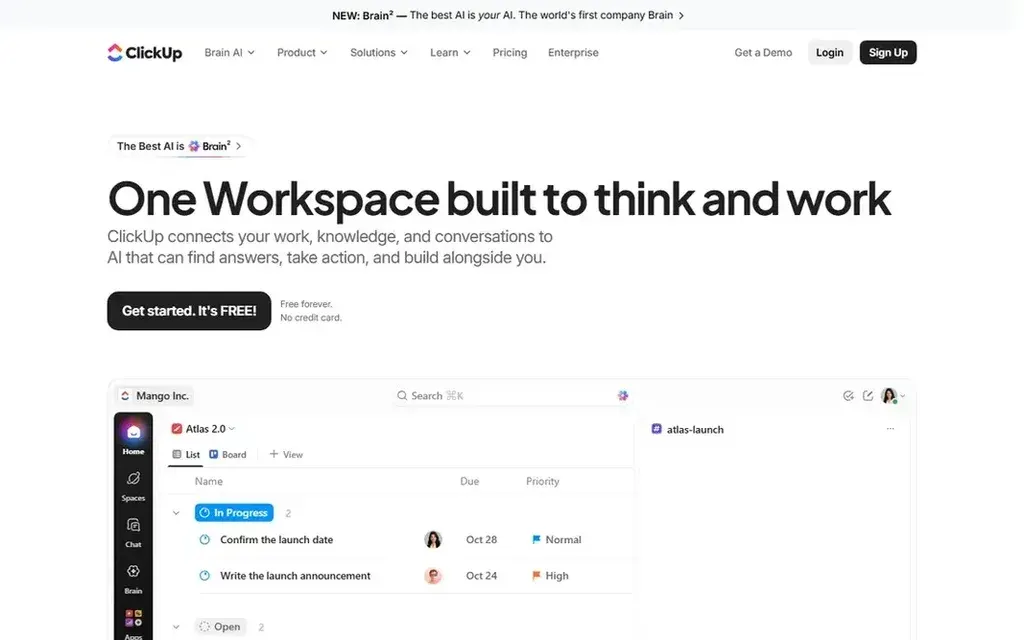
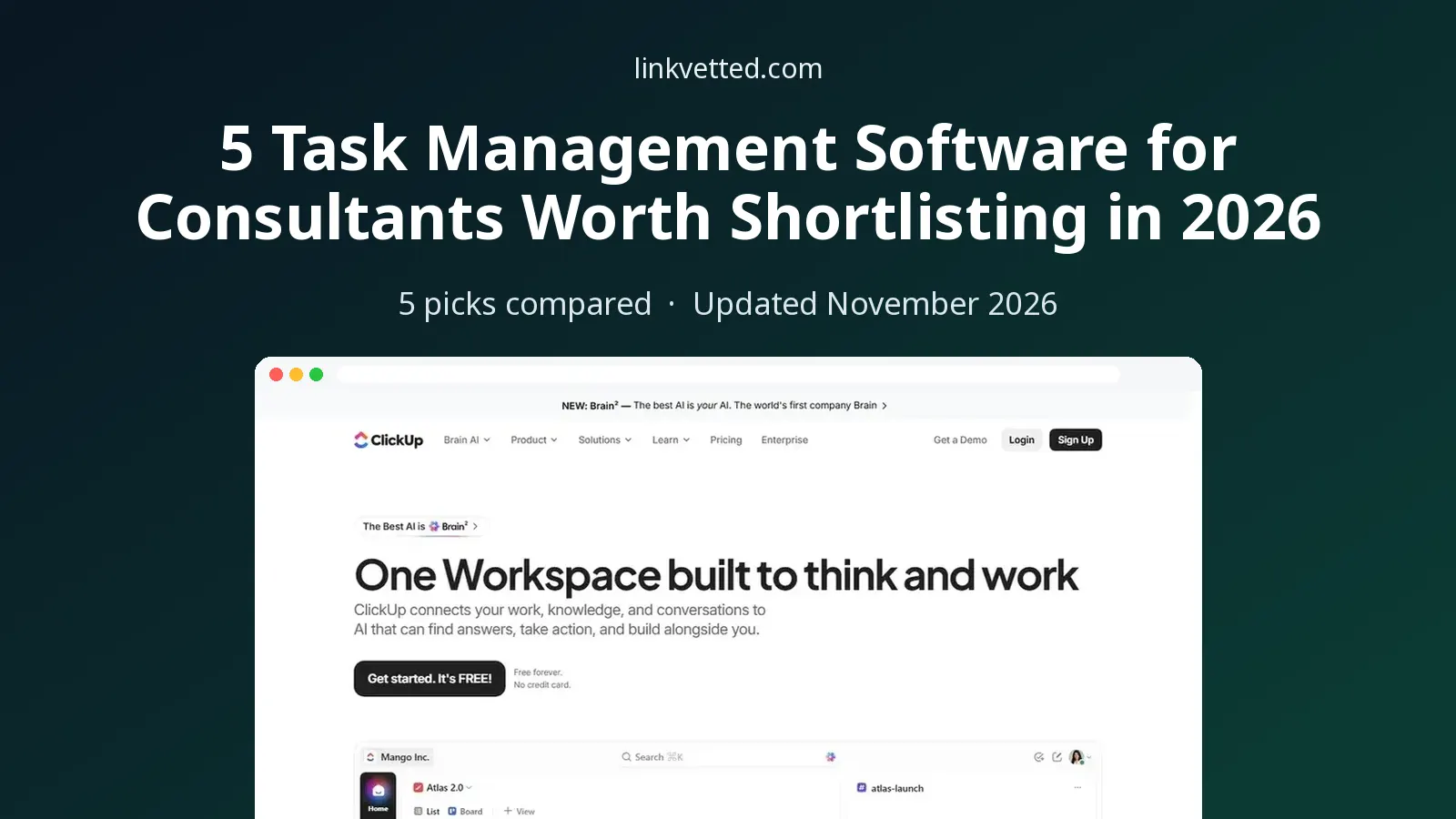
ClickUp is designed for consolidating tasks, docs and goals. The volume of features can overwhelm new users and slow onboarding for clients.
Downsides: Ramp-up time for new users.
Beyond that, for consultants, this means client notes, task lists and objectives can sit in one place instead of across separate apps. ClickUp positions itself as the everything app for work, combining tasks, docs, goals and chat. Starting cost for ClickUp: $9 per user per month. Free access exists with ClickUp.
- Automation choices
- Docs and goals together
- Feature density can distract
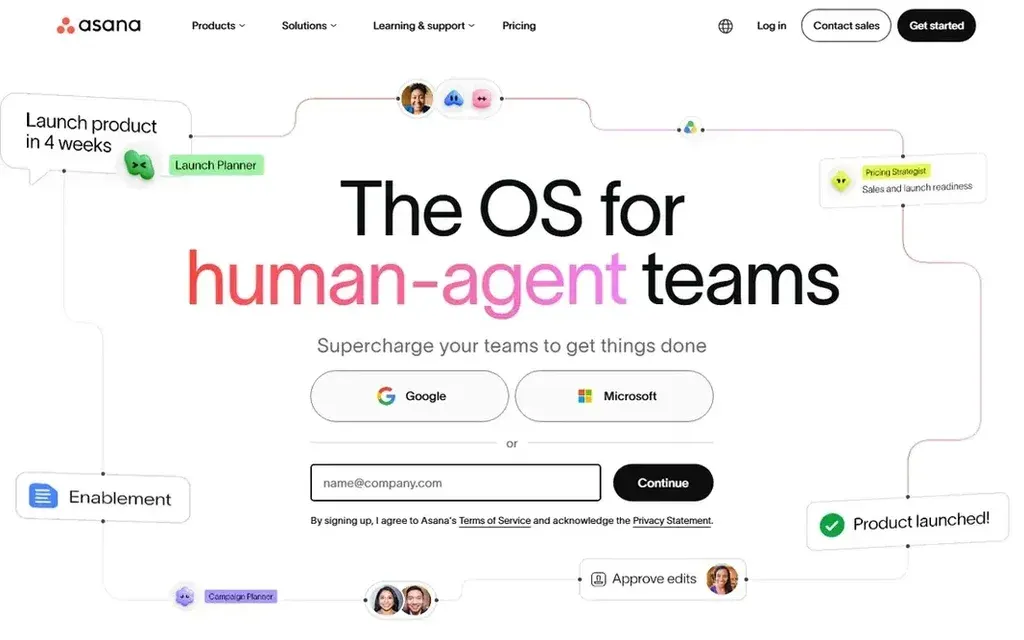
Pick Asana if this describes you: structured client project workflows. Consultants who want light personal to-dos may prefer a more straightforward board tool, whereas those managing multiple stakeholders will get more from Asana's workflow features.
Downsides: Setup takes planning.
For everyday use, the product carries more structure than a solo consultant may need, and smaller engagements can feel overbuilt. Asana is work management software made for teams and AI agents to plan, automate and execute critical workflows together. Asana starts at: $10.99 per user per month. A free plan is available with Asana.
- Workflow automation
- Shared project views
- Can feel heavy for solo work
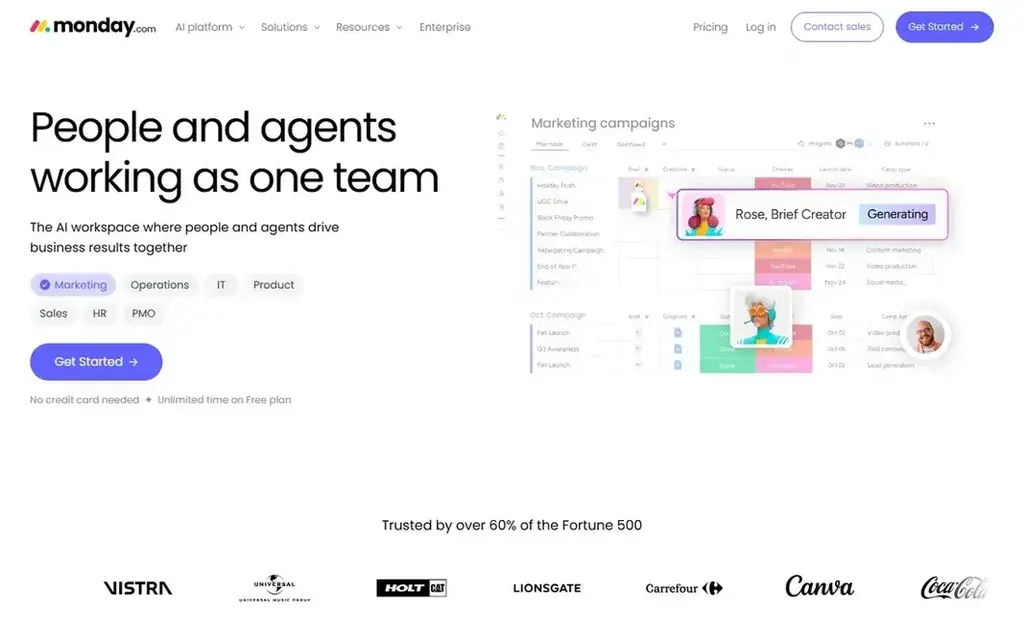
Monday.com targets visual workspace planning across clients. Monday.com describes itself as an AI workspace for people and agents, letting teams execute, handle and operate together.
Those who prefer a fixed, minimal structure might look at a plain board tool instead. Monday.com pricing: $9 per seat per month. Monday.com includes a free tier.
Where it falls short: Plenty of options can overwhelm.
- AI agents in workflows
- Adaptable layouts
- Needs configuration
How we compared the tools
A buyer's checklist
- Ask Wrike for a written quote, since no starting price is shown.
- Check what the free option really includes: Notion, ClickUp, Asana and Monday.com offer a free plan, and usage caps differ.
- Before choosing Wrike, weigh its main limit: complicated for small practices.
- Ask Monday.com about contract length, onboarding fees and user minimums before you sign.
- Ask Wrike which support channels and response times come with the plan you would buy.
FAQ
Is Wrike the right pick for everyone comparing task management software for consultants?
No single tool suits every team. Wrike comes first because it fits controlled delivery across engagements, while Notion suits flexible docs and task workspace and ClickUp suits consolidating tasks, docs and goals. Match the tool to your own size, budget and workflow before deciding.
Can I try these tools before paying?
Often, yes. Notion, ClickUp, Asana and Monday.com have a free plan. Use your own data and a real task during the test, and check what the free tier or trial limits before you rely on it.
Do these tools publish their prices?
Not all of them. Wrike publishes no starting price, so expect a quote request for it. The rest, Notion included, show a starting price, though seats and billing terms still change the final cost.
Which task management tool is a good match for a solo consultant?
Wrike is the pick this page puts first, mainly for controlled delivery across engagements. If your situation differs, Notion suits adaptable docs and task workspace, and ClickUp suits consolidating tasks, docs and goals. Compare price and limits before you decide.
What is the cheapest option for task management software for consultants in this list?
On published monthly entry prices, ClickUp is the lowest here at $9 per user per month. Entry price is only part of the cost, because seats, add-ons and billing terms can change the total. Prices, free plan details and limits for all 5 tools in this task management software for consultants roundup sit on the individual cards above.
Sources
- https://www.wrike.com
- https://www.notion.com
- https://clickup.com
- https://asana.com
- https://monday.com