Best Project Management Software for Consultants in 2026: 8 Tools Compared
Compare the best project management software for consultants, with client work, time tracking, billing and current prices for solo and small firms today.

- Editor's choice
 Asana
Structured client delivery
Starts at$10.99 per monthVisit asana.comFull review - Great alternative
 monday.com
Visual client pipelines
Starts at$9 per monthVisit monday.comFull review - Also consider
 ClickUp
Low cost all in one delivery
Starts at$7 per monthVisit clickup.comFull review
TL;DR:
- Consultants need client separation first: one workspace per client, clear time records, and reports a client can understand.
- Teamwork and Basecamp suit client facing work best, while Asana and ClickUp suit consultants who manage many internal tasks as well.
- Flat pricing helps when you add clients as guests, while per user pricing can punish a model that invites many collaborators.
- Time tracking and invoicing should be tested together, because a tool that tracks time but cannot bill it cleanly creates extra work.
Quick comparison
| Tool | Best for | Starts at | Free plan? | |
|---|---|---|---|---|
| Asana | Structured client delivery | $10.99 per month | Yes | Visit |
| monday.com | Visual client pipelines | $9 per month | Yes | Visit |
| ClickUp | Low cost all in one delivery | $7 per month | Yes | Visit |
 Teamwork | Client projects and billing | $9.99 per month | Yes | Visit |
 Basecamp | Simple client communication | $15 per month | Yes | Visit |
 Wrike | Complex multi client programs | $10 per month | Yes | Visit |
 Notion | Docs, proposals and light projects | $10 per month | Yes | Visit |
 Zoho Projects | Budget friendly client work | $4 per month | Yes | Visit |
The best project management software for consultants
Consulting work is different from internal project work. You juggle several clients, each with its own scope, deadline and billing method, and you need to show progress without sharing one client work with another. We compared tools on client separation, time tracking, reporting and price, using vendor pricing pages and 2026 comparisons.

Asana suits consultants who run structured engagements with clear phases, deliverables and deadlines. Each client can have its own project, with tasks, milestones and a timeline view that shows what is due next. Portfolios on higher plans let a solo consultant or a small firm see all clients at once, without opening each project separately.
Starter starts at 10.99 dollars per user a month billed annually, with a free Personal plan for small teams. Time tracking is the weak spot, since native time features and reporting sit on higher plans or need an integration. If your main need is clear delivery and client status, Asana is excellent. If billing by the hour is central, pair it with a time tool or choose Teamwork instead.
- Clean lists, boards and timelines
- Portfolios for many clients
- Strong integrations
- Time tracking needs integrations or higher plans
- Free plan is limited for teams
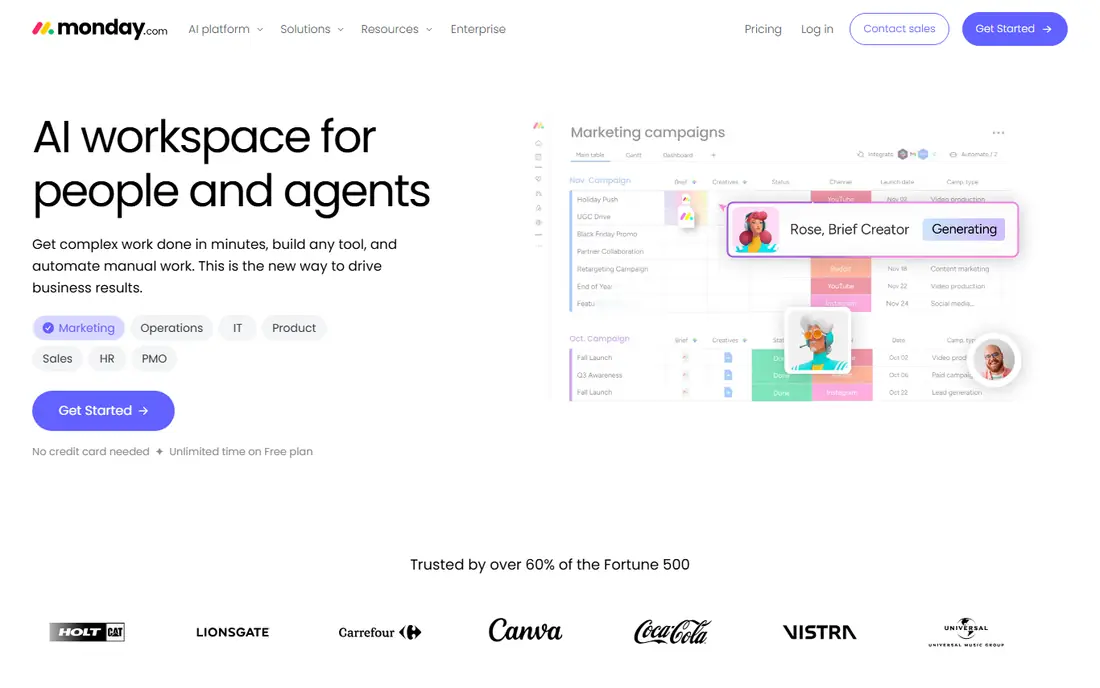
monday.com suits consultants who sell and deliver through pipelines, such as lead to proposal to engagement to delivery. Boards make the stage of each client obvious, and dashboards can turn those boards into a client facing status view. Templates for consulting, CRM and project delivery shorten setup for a new practice.
Basic starts at 9 dollars per seat a month billed annually, with a three seat minimum, and a free plan for up to two seats. That minimum matters for a solo consultant, because you pay for three seats even if you work alone. Time tracking exists, but billing workflows need setup and sometimes an integration. Choose monday.com when visual pipelines and client reporting matter more than pure time billing.
- Visual boards for pipelines and delivery
- Dashboards for client reporting
- Many templates
- Three seat minimum on paid plans
- Time tracking and billing need setup
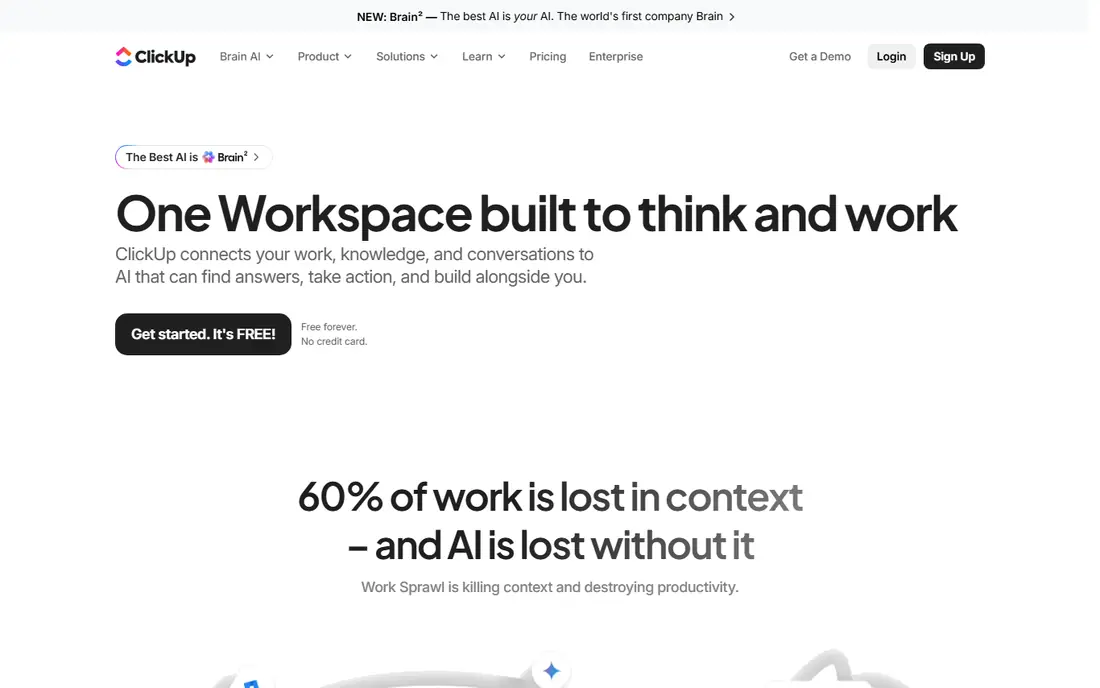
ClickUp is the best value option for a consultant who wants tasks, documents, goals and time tracking in one workspace. The free plan covers unlimited members with limits, and Unlimited starts at 7 dollars per user a month billed annually. That combination lets a solo consultant track time, write deliverables in docs, and manage several clients without paying for three separate tools.
The risk is the same as for nonprofits: too much customisation creates a system only you understand. Keep one space per client, a simple status set, and a single time tracking method, and resist adding every feature at once. With that discipline, ClickUp delivers more for the money than any other tool on this list.
- Tasks, docs, goals and time tracking in one place
- Generous free plan
- Low paid price
- Can feel busy if over customised
- Client guest setup needs care
Teamwork is built for client work, and it shows. Each client project can hold tasks, files, messages, time records and budgets, with permissions that keep clients separate. That structure suits agencies and consultants who bill by time or by project and need to report hours back to a client. Pricing starts at 9.99 dollars per user a month billed annually, with a free plan for up to five users and five projects.
Teamwork is less widely known than Asana, so clients may need a short onboarding note. Advanced billing and reporting sit on higher plans, so check the plan that covers your billing method before you commit. For a consultant whose core problem is client delivery plus time and billing, Teamwork is our pick for most people.
- Clear client project spaces
- Time tracking and invoicing support
- Workload and reporting views
- Less known than Asana or monday.com
- Higher plans needed for advanced billing
Basecamp suits consultants who want calm, simple client communication rather than a complex project system. Each project has to do lists, message boards, schedules, files and group chat, so a client can follow the work without learning a new tool. Pricing includes a per user option at 15 dollars a month in published summaries, a flat Pro Unlimited plan at 299 dollars a month billed annually, and a free plan for one project.
The limits are deliberate. Basecamp has no Gantt charts, no native time tracking and limited reporting, so a consultant who bills by the hour or manages dependencies will need another tool for those jobs. If your clients value clear communication and a single place for files and decisions, and you bill by project rather than by hour, Basecamp simplicity is a genuine advantage.
- Flat pricing options
- Message boards and group chat in one place
- Very low learning curve
- No Gantt charts or time tracking
- Deliberately limited reporting
Wrike fits consultants who run complex, multi workstream programs for larger clients, where dependencies, resources and reporting matter daily. Portfolios, workload views and dashboards help a small firm manage several engagements without losing track of who is overloaded or which milestone is at risk. Team starts at 10 dollars per user a month billed annually, with a free plan for basic work.
For a solo consultant with simple engagements, Wrike can feel heavy, and the setup time may outweigh the benefit. Choose it when you manage programs with many stakeholders, dependencies and reporting needs, or when a client expects portfolio style status updates. For simpler consulting work, Asana or Teamwork will be faster to run.
- Portfolio, workload and resource views
- Strong for multi client programs
- Good reporting
- Can feel heavy for solo consultants
- Higher plans needed for full reporting
Notion suits consultants whose main output is documents: proposals, reports, playbooks and client hubs that combine narrative, tables and tasks. A client hub page can hold the proposal, scope, timeline, meeting notes and deliverables in one place, which clients find easier to follow than a task list alone. Plus starts at 10 dollars per member a month billed annually, with a free plan for individuals.
Notion is weaker for strict project delivery. Deadlines, dependencies and workload views need setup, and time tracking and billing need integrations. Use Notion as your proposal and knowledge hub, and pair it with Asana, Teamwork or ClickUp for delivery, or accept its limits if your engagements are document heavy and deadline light.
- Proposals, wikis and databases in one place
- Flexible client hubs
- Low cost start
- Project tracking needs setup
- Time tracking and billing need integrations
Zoho Projects is the budget pick for consultants who want real project features without a premium price. Premium starts at 4 dollars per user a month in published summaries, with Enterprise at 9 dollars and a free plan for up to five users and three projects. It covers Gantt charts, milestones, time tracking, task dependencies and client facing project views, which is a strong set for the price.
The interface is less polished than Asana or monday.com, and the integration library is smaller, though Zoho ecosystem users will find the fit natural. If you already use Zoho CRM, Books or Mail, Zoho Projects slots in cleanly. For a consultant starting out, or a small firm watching every dollar, it is the cheapest credible way to run client projects properly.
- Very low entry price
- Gantt, time tracking and milestones included
- Zoho ecosystem fit
- Interface feels less polished than rivals
- Fewer integrations than Asana
How we picked these
We compared vendor pricing pages and 2026 project tool comparisons, and we kept only tools that are actively sold, offer a free plan or trial, and can separate client work, track time or report progress in practice. We weighted client separation, time and billing support, and price for solo and small firms, and we left out tools built only for software teams or with no client facing workflow.
What to check before you buy
Start with how you bill. If you bill by the hour, time tracking and invoicing must be native or cleanly integrated, or you will waste time reconciling hours each month. If you bill by project, client communication and milestone reporting matter more, and a simpler tool such as Basecamp may be enough.
Keep clients separate by design
Give each client its own project or workspace, with its own files, tasks and permissions. Never mix client work in one board with a filter, because a permission mistake can share one client work with another. Test guest access with a test account before inviting a real client.
Test the client view
Invite a colleague as a test client and ask them to find the latest deliverable, the next deadline and the hours billed, without help. If they cannot, your clients will struggle too. A tool that is clear to you but confusing to clients will create more messages, not fewer.
Count guests and seats honestly
Some tools charge for every collaborator, while others allow free guests or flat pricing. Count how many clients and contractors will need access, and price that total, not just your internal team. Flat pricing can be cheaper once guest numbers grow.
FAQ
What is the best project management software for consultants?
Teamwork is the best pick for consultants who bill by time or project and need clear client separation, while Asana is best for structured delivery. Solo consultants on a budget should try ClickUp or Zoho Projects, which offer strong features at low prices.
Should consultants use Basecamp or Asana?
Basecamp suits consultants who value simple client communication and bill by project, while Asana suits consultants who need timelines, portfolios and structured delivery. If you need time tracking or Gantt charts, Asana or Teamwork will fit better than Basecamp.
How do I keep client work separate?
Use one project or workspace per client, with separate files, tasks and permissions, and test guest access before inviting a real client. Avoid mixing clients in one board, because a permission error can expose one client work to another.
Do these tools handle time tracking and billing?
Teamwork, ClickUp and Zoho Projects include time tracking, while Asana, monday.com and Notion need integrations or higher plans for full time and billing workflows. Test time entry and invoicing together during a trial, not separately.
What is the cheapest good option for a solo consultant?
ClickUp free or Unlimited at 7 dollars a month, and Zoho Projects Premium at 4 dollars a month, are the cheapest credible options. Both cover tasks, time and client projects, though ClickUp offers more all in one features and Zoho Projects offers a cleaner project focus.
Can I invite clients for free?
It depends on the tool. Some tools allow free guests or viewers, while others charge per user for anyone who edits work. Check guest pricing on the vendor page, and price your total collaborator count, not just your internal team, before you choose.