5 Best Policy and Procedure Management Software for 2026, Vetted and Compared
Need the best policy and procedure management software? We compare 5 tools on cost, free access and who each suits. Honest caveats for every entry. No hype.
- Editor's choiceQuantivate
Enterprise-wide GRC initiatives
Starts atPricing on requestVisit quantivate.comFull review - Great alternativeConvergePoint Policy Management
Policy programs on Microsoft 365
Starts atPricing on requestVisit convergepoint.comFull review - Also considerMetaCompliance
Security awareness plus policy training
Starts atPricing on requestVisit metacompliance.comFull review
Direct answer
If you need enterprise-wide GRC initiatives, Quantivate is the first tool to look at here. For a different need, ConvergePoint Policy Management covers Policy programs on Microsoft 365 and MetaCompliance covers security awareness plus policy training. Free plan facts and limits for all 5 tools follow. None of these vendors publish plan prices, so pricing is on request for every option.
TL;DR:
- Quantivate is the opening pick, best for enterprise-wide GRC initiatives.
- Every tool from Quantivate to PowerDMS works by quote, with no list price shown.
- None of the 5 tools, from Quantivate to PowerDMS, has a free plan, so budget for a subscription or use a trial.
- PowerDMS is the one to check for public safety policy and audit readiness.
- One limit worth knowing about LogicManager: risk-first framing may overwhelm policy-only teams.
Last checked November 2026. Pricing on request: vendors did not publish plan prices when this guide was last checked (November 2026), so ask each vendor for a written quote.
Quick comparison
| Tool | Best for | Starts at | Free plan? | |
|---|---|---|---|---|
| Quantivate | Enterprise-wide GRC initiatives | Pricing on request | Not stated | Visit |
| ConvergePoint Policy Management | Policy programs on Microsoft 365 | Pricing on request | Not stated | Visit |
| MetaCompliance | Security awareness plus policy training | Pricing on request | Not stated | Visit |
| LogicManager | Connecting policy to enterprise risk | Pricing on request | Not stated | Visit |
 PowerDMS | Public safety policy and audit readiness | Pricing on request | Not stated | Visit |
Every option for policy and procedure management software explained
Choosing policy and procedure management software usually comes down to price, fit and limits. This LinkVetted guide sets 5 tools side by side on those three points, with the facts kept short and checkable.
Quantivate
Best for: Enterprise-wide GRC initiatives
Quantivate serves enterprise-wide GRC initiatives. Policy and procedure management sits within that broader GRC context, which fits regulated organizations coordinating several programs under one structure.
Points against: Implementation relies on program maturity.
For everyday use, the enterprise-wide scope means smaller teams may pay attention to modules they do not need yet. More specifically, teams seeking a single home for governance activity across departments are the target audience. No starting price is listed for Quantivate here; confirm pricing on the vendor site. Free access: Not stated.
- Built for institution-wide initiatives
- Governance
- Wide GRC scope may exceed policy needs
ConvergePoint Policy Management
Best for: Policy programs on Microsoft 365
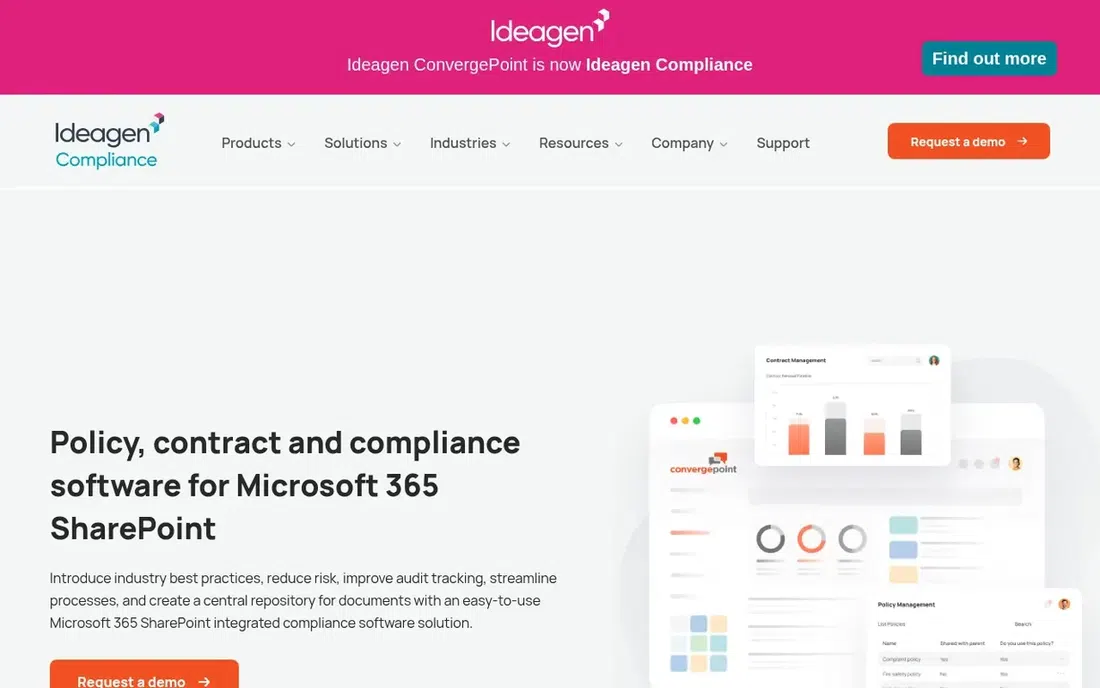
ConvergePoint Policy Management serves Policy programs on Microsoft 365. From a buyer's view, the shared system can ease adoption for IT and compliance teams.
Its strength relies on your Microsoft 365 footprint, so organizations on other stacks may face friction. In practice, pick it when SharePoint is your collaboration backbone and policy governance should live there. No starting price is listed for ConvergePoint Policy Management here; confirm pricing on the vendor site. Trial and free access: Not stated.
Where it is weaker: Contract features may exceed policy-only needs. What ConvergePoint Policy Management does well: Runs on Microsoft 365 SharePoint.
- Covers policy
- Aims at audit readiness
- Tied to the Microsoft 365 ecosystem
MetaCompliance
Best for: Security awareness plus policy training
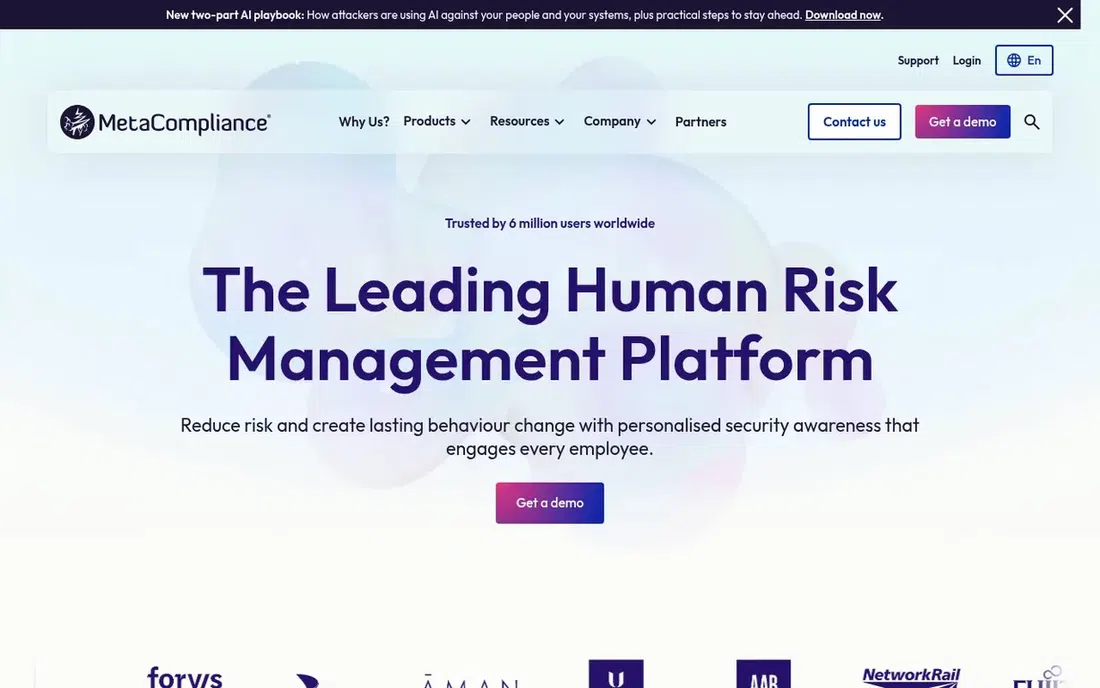
MetaCompliance is aimed squarely at security awareness plus policy training. Expect configuration work to align workflows with your policy calendar.
Where it is weaker: Wide system could need setup effort.
In practice, choose it when human risk and security awareness are central to your policy program instead of an afterthought. MetaCompliance shows no starting price here, so confirm the cost on the vendor site. Free plan details: Not stated.
- Automatic workflows at scale
- Security awareness and policy combined
- Security focus may not fit every policy need
LogicManager
Best for: Connecting policy to enterprise risk
LogicManager is aimed squarely at connecting policy to enterprise risk. In daily use, consider a policy-focused tool instead if governance maturity is still early.
Since the product is risk-first, a team that only needs to publish and track procedures may find it heavier than required. More specifically, risk and compliance teams with defined processes benefit most. LogicManager shows no starting price here, so confirm the cost on the vendor site. As for free access: Not stated.
Where LogicManager stands out: Enterprise risk management focus.
Watch-outs: Risk-first framing may overwhelm policy-only teams.
- Links risks
- Controls and ownership
- Needs defined risk processes
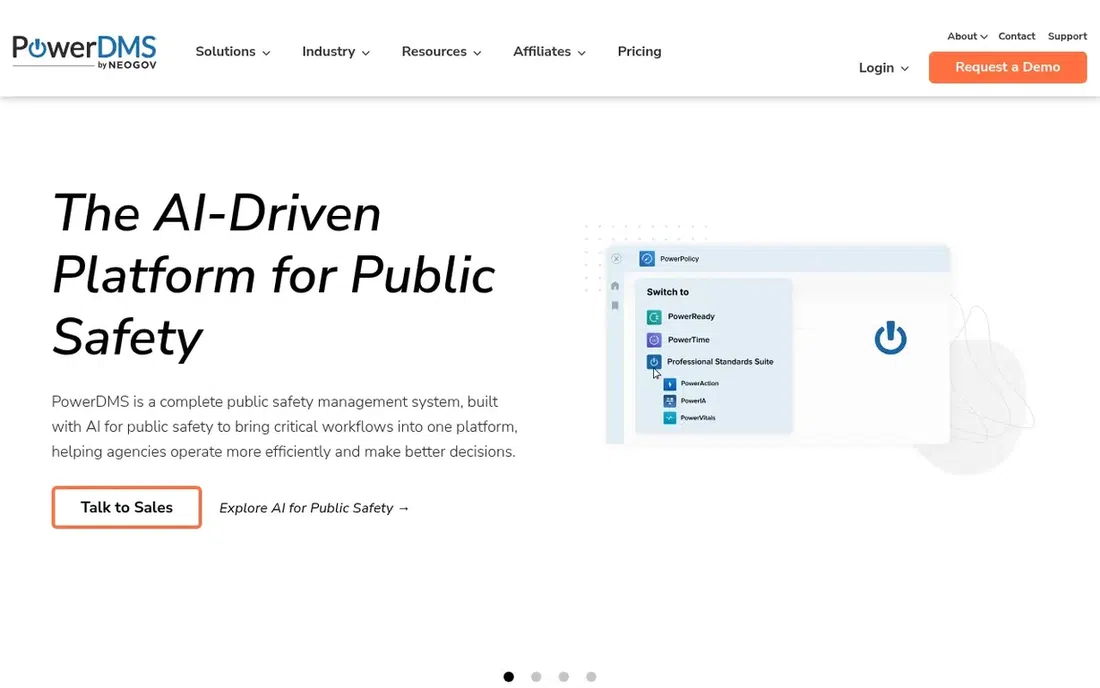
PowerDMS is a good fit for public safety policy and audit readiness. PowerDMS by NEOGOV is public safety software pitched at agencies that want to replace paper, ease compliance and stay audit-ready within a complete management system.
Since the product is positioned around public safety, general companies may find the language and structure less aligned with their workflows. Organizations outside that sector should compare broader governance products before committing. PowerDMS does not show a starting price in this comparison, so check the vendor site for current pricing. Free options: Not stated.
What to check first: May be more than a small office needs.
- Emphasis on compliance and audit readiness
- Aimed at replacing paper processes
- Framed around public safety agencies
How we chose
What to confirm before you sign up
- Confirm the entry price with every vendor: no tool from Quantivate to PowerDMS shows a fixed starting price.
- Read the limits listed for Quantivate first: wide GRC scope may exceed policy needs.
- Check the support hours and onboarding help LogicManager offers; smaller vendors vary a lot here.
- Look at the renewal terms for PowerDMS: auto-renewal, notice periods and price changes can matter more than the first-year price.
- Let daily users try MetaCompliance on real work; their feedback beats any feature checklist.
FAQ
Does any tool for policy and procedure management software here have a free plan?
A permanent free plan is not offered by Quantivate, PowerDMS or the other tools here. Plan a short evaluation period instead.
Is Quantivate the right pick for everyone comparing policy and procedure management software?
No single tool suits every team. Quantivate comes first because it fits enterprise-wide GRC initiatives, while ConvergePoint Policy Management suits Policy programs on Microsoft 365 and MetaCompliance suits security awareness plus policy training. Match the tool to your own size, budget and workflow before deciding.
Can I try these options before paying?
Not by default. None of the tools, from Quantivate to PowerDMS, lists a free plan or a free trial here, so ask each vendor for a demo before committing.
Which choice fits a Microsoft 365 organization?
ConvergePoint runs policy, contract and compliance programs on Microsoft 365 SharePoint, which can ease adoption where SharePoint is already the collaboration hub. Other tools may need separate portals for staff.
How are the tools for policy and procedure management software ordered?
Quantivate sits first and PowerDMS last because the order follows typical fit for policy and procedure management software, then price clarity and free access. It is a judgement call, so read each profile for fit and limits.
Sources
- https://www.quantivate.com
- https://www.convergepoint.com
- https://www.metacompliance.com
- https://www.logicmanager.com
- https://www.powerdms.com