5 Best Productivity Tracker for Remote Workers for 2026, Vetted and Compared
Compare 5 best productivity tracker for remote workers, with prices, free plans and who each fits. Plus the drawbacks of each tool. Checked this month.
- Editor's choice
 Toggl Track
Time tracking with capacity planning
Starts atSee websiteVisit toggl.comFull review - Great alternative
 Harvest
Time tracking with client invoicing
Starts at$9 per seat per monthVisit getharvest.comFull review - Also consider
 Time Doctor
Visibility into distributed team work
Starts at$6.67 per user per monthVisit timedoctor.comFull review
Direct answer
This list puts Toggl Track first for Time tracking with capacity planning. Listed starting prices: Harvest from $9 per seat per month, Time Doctor from $6.67 per user per month and ClickUp from $9 per user per month. If your case is different, Harvest suits Time tracking with client invoicing and Time Doctor suits visibility into distributed team work. The full list of 5 tools follows, with prices and free plan facts.
TL;DR:
- Top of the list is Toggl Track, which targets Time tracking with capacity planning.
- Time Doctor is the lowest-priced starter here at $6.67 per user per month.
- Harvest, ClickUp, Clockify: these are the 3 tools out of 5 that offer a free plan.
- Check the limits for Toggl Track before you commit: capacity features may be more than solo users need.
Last checked November 2026. Prices and plan details were read from the vendors' own pages in November 2026; vendors change plans often, so confirm the current price on the vendor site before you buy.
Quick comparison
| Tool | Best for | Starts at | Free plan? | |
|---|---|---|---|---|
| Toggl Track | Time tracking with capacity planning | See website | Not stated | Visit |
| Harvest | Time tracking with client invoicing | $9 per seat per month | Yes | Visit |
| Time Doctor | Visibility into distributed team work | $6.67 per user per month | Free trial | Visit |
 ClickUp | Tasks, docs and goals with time data | $9 per user per month | Yes | Visit |
 Clockify | Straightforward time tracking across projects | See website | Yes | Visit |
The best productivity tracker for remote workers
Short on time? The summary and table above give the quick view of 5 productivity tracker for remote workers, and the profiles that follow give the detail behind each entry.
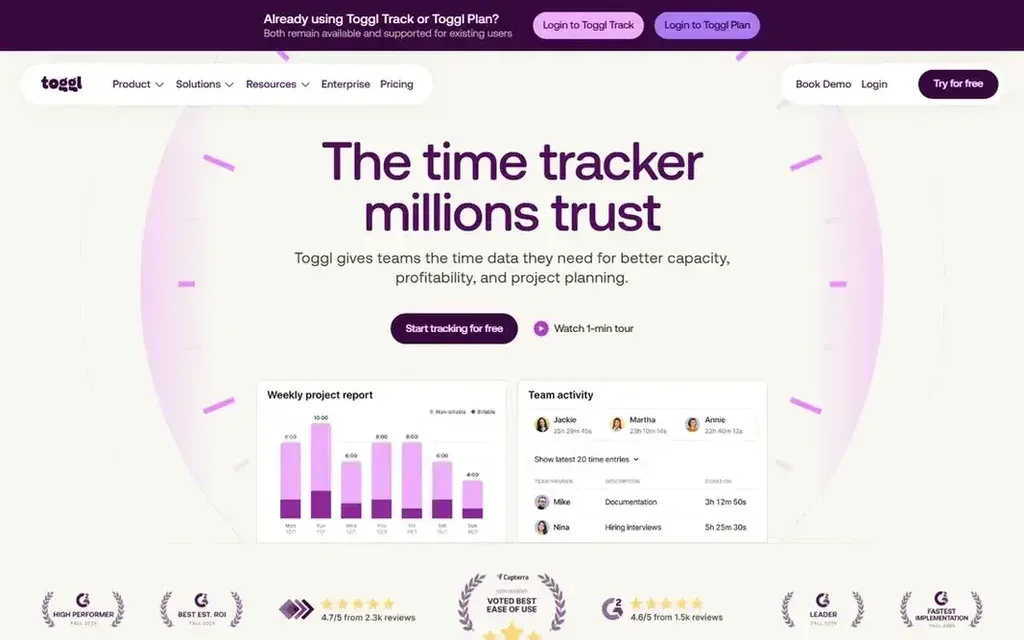
Toggl Track serves Time tracking with capacity planning. Toggl Track presents itself as a time tracker and capacity planning tool, including employee time tracking, task and project management, and profitability calculations.
As for the details, solo users who only need a stopwatch may find the planning side more than necessary. It is not positioned around productivity monitoring or turning hours into payments, so teams wanting those functions should look at other choices here. Toggl Track shows no starting price here, so confirm the cost on the vendor site. Free access: Not stated.
Watch-outs: Less centred on monitoring or payroll.
- Profitability calculations for client work
- Time tracker combined with capacity planning
- Capacity features may be more than solo users need
For Time tracking with client invoicing, Harvest is a natural candidate. Harvest is time tracking and management software with reporting and simplified online invoicing built in.
Honest limits: Fewer productivity monitoring features.
Also, confirm how reporting and invoicing fit your workflow on the vendor site. On top of that, the reporting and invoicing pairing keeps the path from logged time to invoice short, which matters when billing is the reason you track at all. On cost, Harvest starts like this: $9 per seat per month. Harvest offers a free plan.
- Simplified billing workflow
- Time tracking paired with online invoicing
- Invoicing focus is less handy for internal teams
Choose Time Doctor for visibility into distributed team work. Time Doctor is positioned as workforce visibility for distributed teams, helping leaders see what remote teams are working on, validate the process behind every hour, and get AI answers grounded in tracked data. More specifically, review how the monitoring and AI features are configured on the vendor site, since the fit depends heavily on team expectations.
Limits to weigh: Overkill for solo freelancers.
As for the details, the emphasis on process validation fits organizations reviewing how work gets done, not just how long it takes. That visibility-first design can be a poor match for teams that prefer light, self-directed tracking. Time Doctor starts at: $6.67 per user per month. As for free access: Free trial.
- AI answers grounded in tracked data
- Visibility into what distributed teams work on
- Visibility focus may not suit every culture
ClickUp is designed for tasks, docs and goals with time data. Time tracking is one part of a bigger suite instead of the core, so dedicated trackers here may suit more straightforward needs.
Highlights: Wide work management coverage.
It suits remote teams that want a single hub for planning and execution instead of a standalone timer. What you pay to start with ClickUp: $9 per user per month. Free access exists with ClickUp.
Honest limits: Breadth can mean a steeper ramp-up time.
- Tasks, docs
- Goals and chat in one app
- Time tracking is one piece of a bigger suite
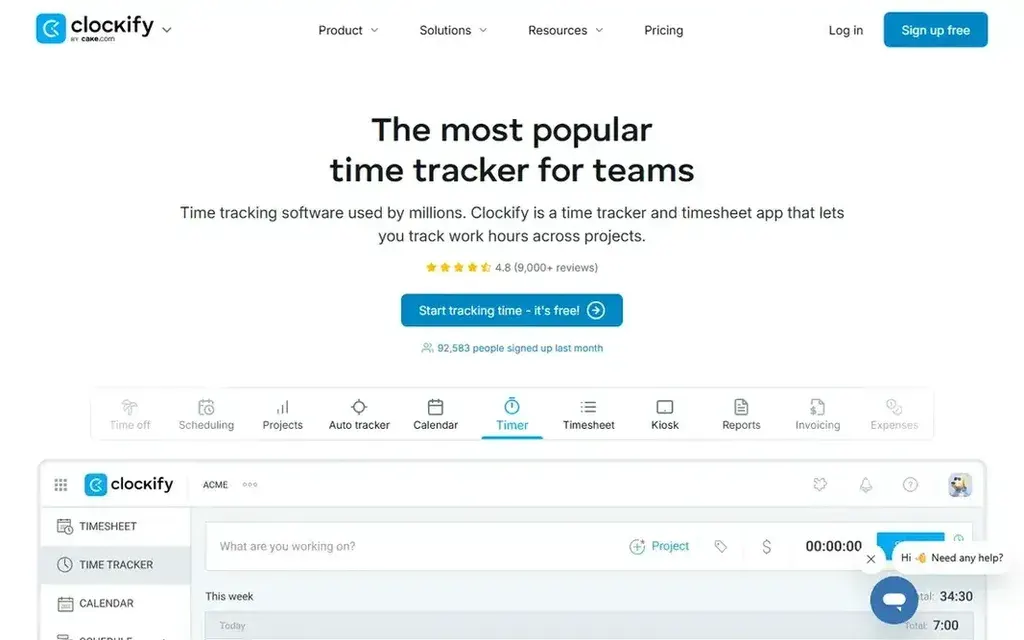
Clockify serves straightforward time tracking across projects. Clockify is a time tracking tool built around a straightforward tracker and timesheet app, letting you log work hours across projects. In practice, since it centers on time capture, teams wanting deep task management, docs or goal tracking will likely need a second tool alongside it.
Trade-offs to know: Less built-in work management.
Reporting depth and administrative controls are worth checking on the vendor site before standardizing a bigger team on it. In daily use, the familiar timer-plus-timesheet model makes it simple to start tracking the same day and to review hours by project later. No starting price is listed for Clockify here; confirm pricing on the vendor site. Free access exists with Clockify.
- Straightforward setup for individuals and teams
- Tracker and timesheet in one app
- Deeper reporting may need add-ons
How we built this list
What to check before you buy
- Ask Toggl Track and Clockify for a written quote, since no starting price is shown.
- Check what the free option really includes: Harvest, ClickUp and Clockify offer a free plan, and usage caps differ.
- Use real work to test the free trial from Time Doctor, rather than a demo project.
- Read the limits listed for Toggl Track first: capacity features may be more than solo users need.
- Check the integration list for Clockify against the tools you run today, and note which ones need a higher plan.
- Look at the renewal terms for Time Doctor: auto-renewal, notice periods and price changes can matter more than the first-year price.
FAQ
Which options for productivity tracker for remote workers have a free plan?
Harvest, ClickUp and Clockify offer a free plan in this list. Free plans usually cap users, projects or features, so check the limits on the vendor page. One other tool offers a trial instead.
What is the cheapest option for productivity tracker for remote workers in this list?
On published monthly entry prices, Time Doctor is the lowest here at $6.67 per user per month. Entry price is only part of the cost, because seats, add-ons and billing terms can change the total. For the full picture, the cards above cover all 5 entries of this productivity tracker for remote workers list, including price, free plan and limits.
Can I try these tools before paying?
Often, yes. Harvest, ClickUp and Clockify have a free plan and Time Doctor offers a free trial. Use your own data and a real task during the test, and check what the free tier or trial limits before you rely on it.
How are the tools for productivity tracker for remote workers ordered?
The order follows typical fit for productivity tracker for remote workers, with Toggl Track first and Clockify last, then price clarity and free access. It is editorial judgement, not a score, so another team could rank the tools differently.
Sources
- https://toggl.com/track
- https://www.getharvest.com
- https://www.timedoctor.com
- https://clickup.com
- https://clockify.me