Productivity Tracker for Billable Hours in 2026: The 5 Best Options Side by Side
Best productivity tracker for billable hours, compared. 5 tools with published prices, free plans and limits. Each entry gets a plain verdict. Pick by budget.
- Editor's choice
 Clockify
Straightforward timesheets across projects
Starts atSee websiteVisit clockify.meFull review - Great alternative
 Hubstaff
Productivity insights plus approved-hours payments
Starts at$10 per seat per monthVisit hubstaff.comFull review - Also consider
 Harvest
Time tracking with built-in invoicing
Starts at$9 per seat per monthVisit getharvest.comFull review
Direct answer
Clockify comes first here, mainly for straightforward timesheets across projects. Listed starting prices: Hubstaff from $10 per seat per month, Harvest from $9 per seat per month and FreshBooks from $23.00 per month. If your case is different, Hubstaff suits productivity insights plus approved-hours payments and Harvest suits Time tracking with built-in invoicing. Prices, free plans and limits for all 5 tools follow.
TL;DR:
- Clockify sits first on this list: straightforward timesheets across projects.
- Time Doctor is the lowest-priced starter here at $6.67 per user per month.
- A fair warning about FreshBooks: not a deep team monitoring tool.
- Time Doctor suits visibility into distributed team work.
- Only 2 of the 5 tools have a free plan (Clockify, Harvest), so check the caps.
Last checked November 2026. Prices and plan details were read from the vendors' own pages in November 2026; vendors change plans often, so confirm the current price on the vendor site before you buy.
Quick comparison
| Tool | Best for | Starts at | Free plan? | |
|---|---|---|---|---|
| Clockify | Straightforward timesheets across projects | See website | Yes | Visit |
| Hubstaff | Productivity insights plus approved-hours payments | $10 per seat per month | Free trial | Visit |
| Harvest | Time tracking with built-in invoicing | $9 per seat per month | Yes | Visit |
 FreshBooks | Small companies billing time with invoices | $23.00 per month | Free trial | Visit |
 Time Doctor | Visibility into distributed team work | $6.67 per user per month | Free trial | Visit |
Our 5 productivity tracker for billable hours
Choosing productivity tracker for billable hours usually comes down to price, fit and limits. This LinkVetted guide sets 5 tools side by side on those three points, with the facts kept short and checkable.
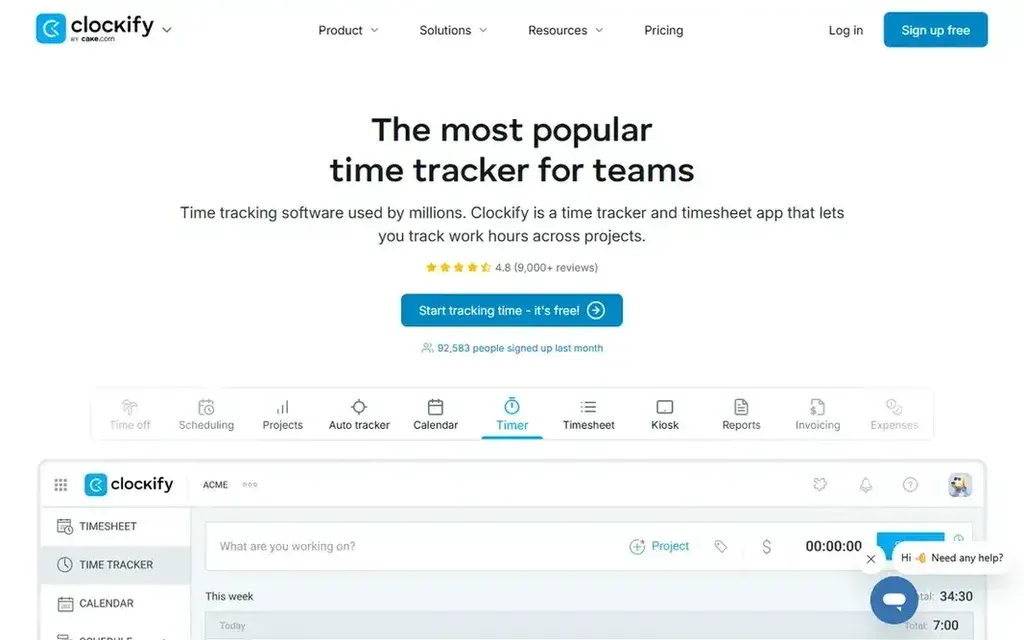
Pick Clockify if this describes you: straightforward timesheets across projects. Clockify is a time tracking tool centered on a straightforward tracker and timesheet app that lets people record work hours across projects. That straightforward model makes it simple to introduce to a team that just needs steady records of billable and non-billable time, and it works for individuals plus groups.
Reporting is also fairly straightforward, which can matter when clients ask for in-depth breakdowns. The product is built around tracking hours instead of full invoicing or accounting, so businesses with complex billing needs may outgrow it. No starting price is listed for Clockify here; confirm pricing on the vendor site. Free access exists with Clockify.
Points against: Deeper billing workflows need setup.
- Simple for teams to adopt
- Tracks work hours across projects
- Reporting is fairly entry-level
Hubstaff is built with productivity insights plus approved-hours payments in mind. It tracks employee time, watches productivity and turns approved hours into payments and insights, helping teams handle work, costs and performance together.
Hubstaff starts at: $10 per seat per month. Trial and free access: Free trial.
Limits to weigh: Feature set can feel broad.
- Handles costs and performance views
- Tracks time with productivity insights
- Setup takes some planning
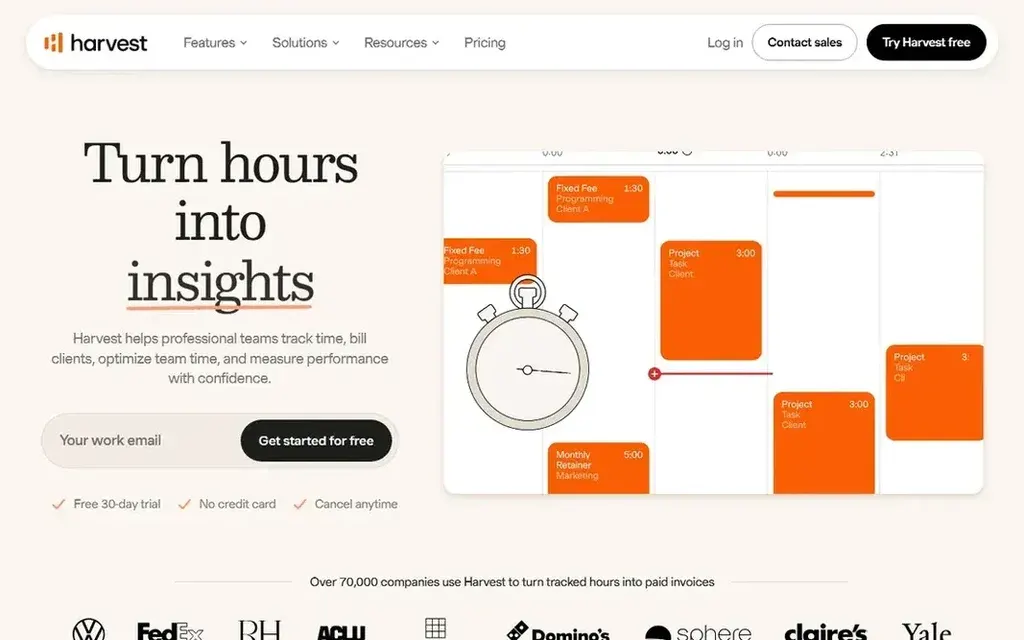
Harvest makes the most sense for Time tracking with built-in invoicing. Harvest is time tracking and management software built around billable work, with simple reporting and simplified online invoicing.
From a buyer's view, teams that require payroll, expense handling or in-depth productivity monitoring may want to pair it with another tool or choose a broader system instead. In practice, since Harvest centers on time and invoicing, it is not a full accounting suite or a deep workforce-monitoring system. Entry price for Harvest: $9 per seat per month. You can start on Harvest without paying.
Points against: Accounting features are restricted.
- Fits client-billed service work
- Timers feed straight into invoices
- Less depth for employee monitoring
FreshBooks is a good fit for small companies billing time with invoices. FreshBooks is cloud-based small business accounting software that also bundles time tracking. It lets small firms send invoices, track time, run receipts and expenses, and accept credit cards in one place.
Drawbacks to consider: Not a deep team monitoring tool.
In practice, Time tracking in FreshBooks supports billing instead of detailed team productivity monitoring. So it is not the right fit for managers who require oversight of how distributed staff spend each hour. For everyday use, firms with bigger teams may prefer a dedicated tracker and keep accounting separate. The starting price for FreshBooks: $23.00 per month. Trial and free access: Free trial.
- Aimed at small business accounting
- Handles receipts and expenses
- Time features are secondary
Think of Time Doctor for visibility into distributed team work. It helps leaders see what team members are working on, validate the process behind every hour and get answers grounded in real tracked data.
Time Doctor leans toward monitoring and oversight, which can feel excessive for small teams or freelancers who only need a timer. Those users may find a lighter tracker simpler to live with, whereas bigger distributed teams get more value from the visibility features. Time Doctor starts at: $6.67 per user per month. On free options: Free trial.
Where it falls short: Monitoring focus may feel heavy.
- AI answers grounded in tracked data
- Validates the process behind hours
- More than straightforward billing needs
How the list was put together
LinkVetted looked at what each vendor publishes: pricing, plan limits, feature coverage for productivity tracker for billable hours and stated drawbacks. No hands-on testing is claimed. Plan names, prices and limits change often. Treat the figures here as a starting point and verify them with the vendor. The sequence is a judgement call: typical use case first, then pricing transparency, then free access. Use the profiles to check fit.
Questions to settle before buying
- Confirm the entry price on the vendor page. For Clockify that means a quote rather than a fixed price.
- Read the fine print on the free plans from Clockify and Harvest; seat, project and feature caps differ.
- Use real work to test the free trial from Hubstaff, FreshBooks and Time Doctor, rather than a demo project.
- Before choosing Clockify, weigh its main limit: deeper billing workflows need setup.
- Add up seats, add-ons and usage charges for FreshBooks before comparing it with cheaper entries.
- Test how quickly Clockify answers a pre-sales question; it hints at how support will feel later.
FAQ
Is a dedicated tracker better than accounting software with time tracking?
Dedicated trackers tend to offer stronger timers, reporting and monitoring, whereas accounting tools keep time and invoices in one place for small firms.
Is Clockify the right pick for everyone comparing productivity tracker for billable hours?
No single tool suits every team. Clockify comes first because it fits straightforward timesheets across projects, while Hubstaff suits productivity insights plus approved-hours payments and Harvest suits Time tracking with built-in invoicing. Match the tool to your own size, budget and workflow before deciding.
What is the cheapest option for productivity tracker for billable hours in this list?
On published monthly entry prices, Time Doctor is the lowest here at $6.67 per user per month. Entry price is only part of the cost, because seats, add-ons and billing terms can change the total. Each of the 5 options in this productivity tracker for billable hours guide has its own card above with the price, free plan and limits.
How are the tools for productivity tracker for billable hours ordered?
The order follows typical fit for productivity tracker for billable hours, with Clockify first and Time Doctor last, then price clarity and free access. It is editorial judgement, not a score, so another team could rank the tools differently.
Do these tools publish their prices?
Not all of them. Clockify publishes no starting price, so expect a quote request for it. The rest, Hubstaff included, show a starting price, though seats and billing terms still change the final cost.
Sources
- https://clockify.me
- https://hubstaff.com
- https://www.getharvest.com
- https://www.freshbooks.com
- https://www.timedoctor.com