Productivity Software for Small Business Owners in 2026: The 6 Best Options Side by Side
Best productivity software for small business owners in 2026: 6 contenders with entry costs and free tiers. Each listing flags where it falls short. No filler.
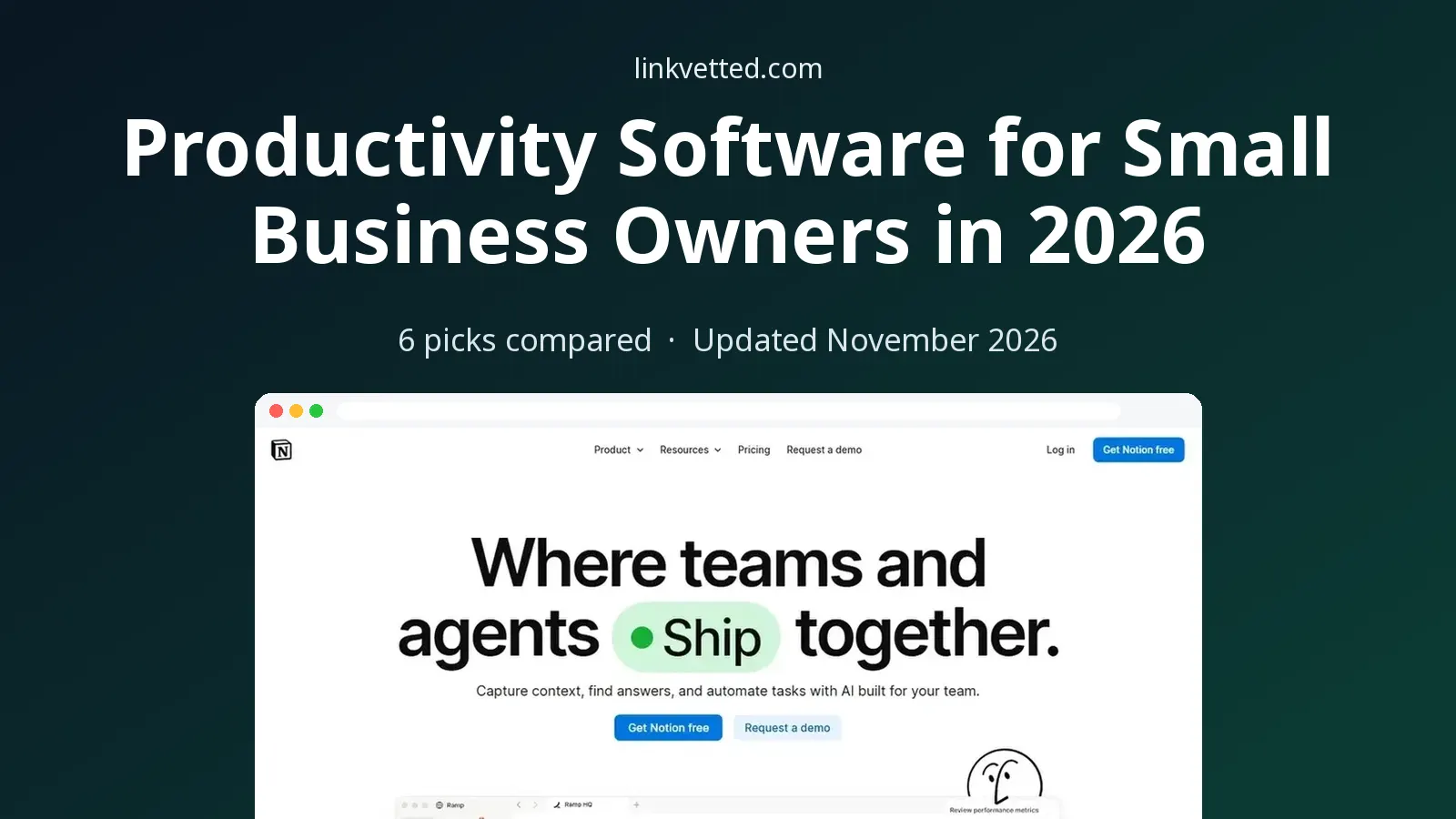
- Editor's choice
 Notion
Docs, search and automation in one
Starts at$10 per member a monthVisit notion.comFull review - Great alternative
 Trello
Straightforward board-based task tracking
Starts at$5 per user a monthVisit trello.comFull review - Also consider
 Google Workspace
Browser-based team collaboration
Starts atSee websiteVisit workspace.google.comFull review
Direct answer
This list puts Notion first for docs, search and automation in one. Listed starting prices: Notion from $10 per member a month, Trello from $5 per user a month and ClickUp from $9 per user a month. Trello is the stronger choice for straightforward board-based task tracking, while Google Workspace suits browser-based team collaboration. The remaining 3 options are covered below with prices and limits.
TL;DR:
- Notion is the opening pick, best for docs, search and automation in one.
- The main caution on Google Workspace: offline work is less central to the design.
- Slack is the one to check for team messaging and workflow automation.
- The cheapest monthly starting price in the list is $4.38 per user per month, offered by Slack.
- Only 4 of the 6 tools have a free plan (Notion, Trello, ClickUp, Slack), so check the caps.
Last checked November 2026. Prices and plan details were read from the vendors' own pages in November 2026; vendors change plans often, so confirm the current price on the vendor site before you buy.
Quick comparison
| Tool | Best for | Starts at | Free plan? | |
|---|---|---|---|---|
| Notion | Docs, search and automation in one | $10 per member a month | Yes | Visit |
| Trello | Straightforward board-based task tracking | $5 per user a month | Yes | Visit |
| Google Workspace | Browser-based team collaboration | See website | Not stated | Visit |
 Microsoft 365 | Familiar document and email suite | See website | Free trial | Visit |
 ClickUp | One app for tasks, docs and goals | $9 per user a month | Yes | Visit |
 Slack | Team messaging and workflow automation | $4.38 per user a month | Yes | Visit |
The 6 tools in detail
LinkVetted compared 6 productivity software for small business owners. The goal is a practical shortlist: published prices, free plan facts, best-fit use cases and honest limits for every entry.
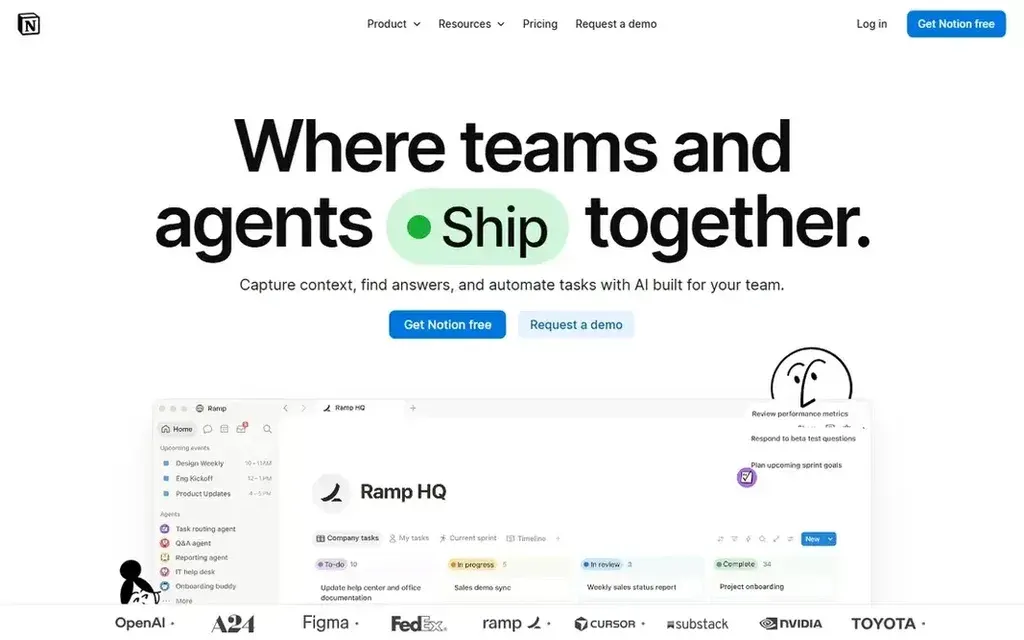
Notion is a good fit for docs, search and automation in one. Choose Notion when a configurable knowledge and documentation hub is the priority.
Points against: Adaptable structure needs setup discipline.
Teams that prefer to shape their own workspace instead of follow a fixed structure tend to get the most from it. That adaptability means someone has to decide how pages and databases are organized, or the workspace can sprawl. On cost, Notion starts like this: $10 per member per month. You can start on Notion without paying.
- Search across connected apps
- Custom agents and automation
- Not a dedicated chat or email tool
Trello is aimed squarely at straightforward board-based task tracking. Trello centres on capturing, organizing and tackling to-dos from anywhere, with boards, an inbox and a planner that work on desktop and mobile. Solo owners and small teams tracking straightforward workflows tend to adopt it rapidly.
Pick Trello when simplicity and quick adoption matter more than depth. More specifically, board-based tracking can become cluttered as projects grow, and complicated dependencies are not its strength. Trello cost at the entry level: $5 per user per month. Trello has a free plan.
What to check first: Large boards need regular cleanup.
- Does well on mobile
- Visual boards are simple to pick up
- Restricted depth for complicated programs
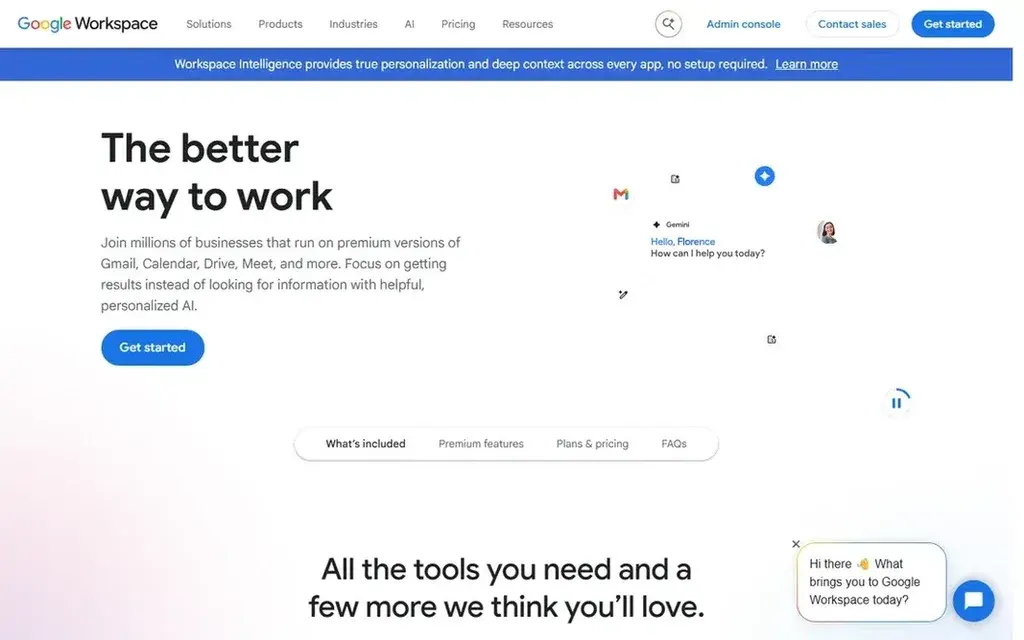
Google Workspace is designed for browser-based team collaboration. Firms with deep investments in desktop file conventions may prefer a desktop-centered suite.
Watch-outs: Offline work is less central to the design.
As for the details, Google Workspace is a suite of secure, online productivity and collaboration tools that Google describes as helping teams of all sizes do their best work. Check the vendor site for Google Workspace pricing; none is listed in this comparison. Free access: Not stated.
- Collaboration happens in the browser
- Built for teams of all sizes
- Deep document formatting is not the focus
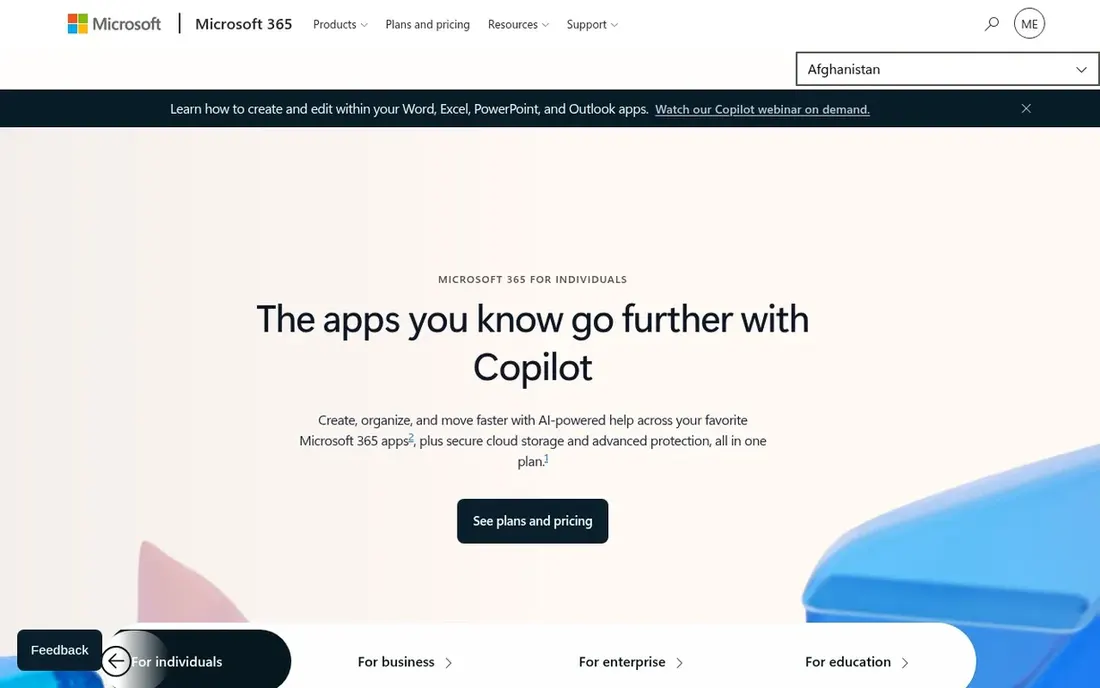
Where Microsoft 365 fits: familiar document and email suite. Microsoft 365 is a subscription suite of productivity applications and cloud services, presented by Microsoft as combining its core tools with security and AI capabilities.
This comparison lists no price for Microsoft 365; ask the vendor. Free options: Free trial.
The main drawbacks: Large suite can be more than tiny teams need.
- AI features built into the suite
- Widely used productivity apps in one subscription
- Mixing with other ecosystems takes effort
Choose ClickUp for one app for tasks, docs and goals. Teams comfortable configuring software to their own process frequently find the breadth handy.
That breadth can overwhelm a small team at first, and numerous features need deliberate setup before they help. ClickUp pricing: $9 per user per month. A free plan is available with ClickUp.
What to check first: Configuration choices take time. Upsides: goals and chat together.
- Tasks, docs
- Aims to replace multiple tools
- Feature breadth can overwhelm new users
Pick Slack if this describes you: team messaging and workflow automation. Slack describes itself as an AI work system for managing projects, automating workflows and connecting teams securely. Slack is a communication hub, not a full document or project suite, so it normally sits alongside other tools.
Pick Slack when messaging speed and integrations matter more than built-in planning features. Beyond that, busy channels can also produce more notifications than a small team expects. Price to start with Slack: $4.38 per user per month. Slack includes a free tier.
Where it is weaker: Notification volume needs managing.
- Channels keep conversations organized
- Secure system for connecting teams
- Not a document editor or file suite
How the list was put together
We compared the tools on published pricing, free plan or trial availability, feature coverage for productivity software for small business owners, and the limits each vendor documents. Treat prices as a snapshot: vendors change plans often, so check the vendor site for the figure that applies today. The ranking is editorial: typical fit first, then clear pricing, then free access. If your needs are unusual, read the profiles rather than relying on position.
Before you commit
- Confirm the entry price on the vendor page. For Google Workspace and Microsoft 365 that means a quote rather than a fixed price.
- Read the fine print on the free plans from Notion, Trello, ClickUp and Slack; seat, project and feature caps differ.
- Use real work to test the free trial from Microsoft 365, rather than a demo project.
- Before choosing Notion, weigh its main limit: adaptable structure needs setup discipline.
- Ask ClickUp whether prices are locked for the first term and what happens at renewal.
- Ask Notion which support channels and response times come with the plan you would buy.
FAQ
Is Notion the right pick for everyone comparing productivity software for small business owners?
No single tool suits every team. Notion comes first because it fits docs, search and automation in one, while Trello suits simple board-based task tracking and Google Workspace suits browser-based team collaboration. Match the tool to your own size, budget and workflow before deciding.
Which options for productivity software for small business owners have a free plan?
On this list, Notion, Trello, ClickUp and Slack include a free plan. Caps on seats, usage or features are common, so test the free plan against your real workload. One other tool offers a trial instead.
Which tool is easiest for a very small team to adopt?
Trello is built around straightforward boards and to-dos that require little setup, and Slack is fast to start for messaging. Notion is adaptable but needs someone to define structure. Consider how much configuration time you can spare before choosing.
Do these tools publish their prices?
Not all of them. Google Workspace and Microsoft 365 publish no starting price, so expect a quote request for those. The rest, Notion included, show a starting price, though seats and billing terms still change the final cost.
Can I try these tools before paying?
Often, yes. Notion, Trello, ClickUp and Slack have a free plan and Microsoft 365 offers a free trial. Use your own data and a real task during the test, and check what the free tier or trial limits before you rely on it.
Sources
- https://www.notion.com
- https://trello.com
- https://workspace.google.com
- https://www.microsoft.com/microsoft-365
- https://clickup.com
- https://slack.com