Best Personal Productivity Apps for ADHD in 2026: Prices, Free Plans and 5 Picks
Need the best personal productivity apps for ADHD? We compare 5 tools on cost, free access and who each suits. Short verdicts, no fluff. Read the profiles.
- Editor's choice
 Notion
Configurable workspaces and databases
Starts at$10 per member a monthVisit notion.soFull review - Great alternative
 ClickUp
Thorough work and task management
Starts at$9 per user a monthVisit clickup.comFull review - Also consider
 Todoist
Fast task capture and straightforward lists
Starts at$5 per monthVisit todoist.comFull review
Direct answer
For configurable workspaces and databases, Notion is where this list starts. Listed starting prices: Notion from $10 per member a month, ClickUp from $9 per user a month and Todoist from $5 per month. For a different need, ClickUp covers full work and task management and Todoist covers fast task capture and straightforward lists. All 5 tools are compared below on price, free plan and limits.
TL;DR:
- Notion takes the first slot, best suited to customizable workspaces and databases.
- Starting prices begin at $5 per month with Todoist.
- TickTick is the one to check for all-in-one task and calendar management.
- Only 5 of the 5 tools have a free plan (Notion, ClickUp, Todoist, Trello, TickTick), so check the caps.
- Todoist comes with a trade-off: restricted built-in calendar view.
Last checked November 2026. Prices and plan details were read from the vendors' own pages in November 2026; vendors change plans often, so confirm the current price on the vendor site before you buy.
Quick comparison
| Tool | Best for | Starts at | Free plan? | |
|---|---|---|---|---|
| Notion | Configurable workspaces and databases | $10 per member a month | Yes | Visit |
| ClickUp | Thorough work and task management | $9 per user a month | Yes | Visit |
| Todoist | Fast task capture and straightforward lists | $5 per month | Yes | Visit |
 Trello | Visual project boards and task tracking | $5 per user per month | Yes | Visit |
 TickTick | All-in-one task and calendar management | $49.99 a year | Yes | Visit |
Tool-by-tool breakdown
If you are comparing personal productivity apps for ADHD, this page covers 5 tools in one place: what each is best for, what it costs to start, whether it has a free plan, and the main limit to know about.
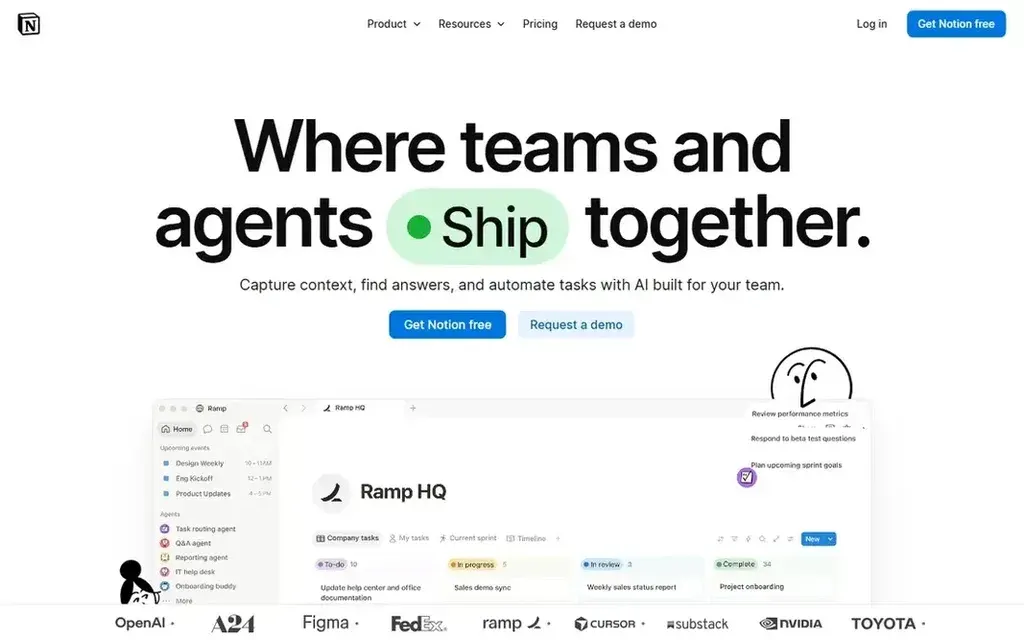
In short, Notion is for customizable workspaces and databases. Notion is an AI workspace that lets users build custom pages, databases, and agents. It can serve as a central hub for notes, tasks, and projects, which appeals to ADHD users who want everything in one place.
Watch-outs: Steep ramp-up time.
The adaptability permits for tailored systems, like task boards or habit trackers. That said, Notion's open-ended structure can be overwhelming and may result in procrastination through endless customization. It needs time to set up and maintain. Those who prefer a guided, more straightforward tool might find Notion too complicated for daily task management. Notion cost at the entry level: $10 per member per month. A free plan is available with Notion.
- Highly adaptable
- AI-powered search and automation
- Can become cluttered
ClickUp is a good fit for thorough work and task management. ClickUp is an all-in-one productivity platform that merges tasks, docs, goals, and chat. In practice, the sheer number of features can be daunting and may result in distraction or setup fatigue.
Trade-offs to know: Can be overwhelming for new users.
For everyday use, the variety of views and customization choices lets for tailored task management. In practice, ClickUp needs significant time to configure and learn. Entry price for ClickUp: $9 per user per month. ClickUp offers a free plan.
- Configurable workflows
- Integrated docs and goals
- Feature-heavy and complicated
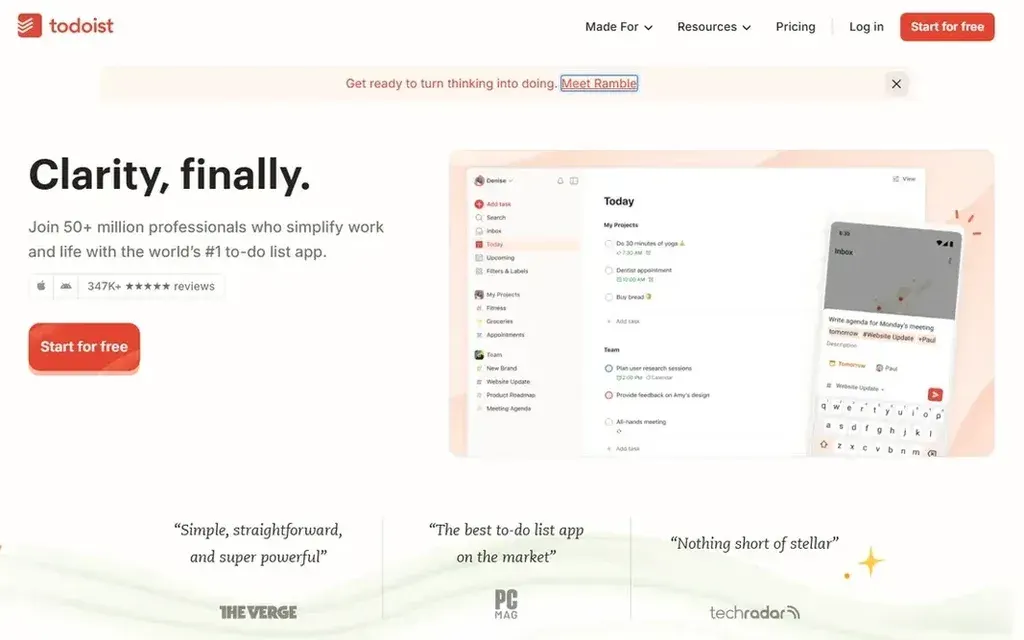
Todoist is aimed squarely at fast task capture and straightforward lists. Whereas Todoist excels at task management, it lacks a native calendar and some advanced planning tools. Todoist is a to-do list app built to help users organize work and life.
Limits to weigh: Restricted built-in calendar view.
Main advantages: Clean.
Its straightforward interface makes it simple to add tasks rapidly, which can be useful for ADHD users who require to capture ideas before they slip away. The app supports projects, labels, and priorities, offering enough structure without overwhelming complexity. Entry price for Todoist: $5 per month. Todoist has a free plan.
- Minimal interface
- Quick task entry
- Advanced features need setup
Trello makes the most sense for visual project boards and task tracking. Without careful setup, boards can become cluttered and overwhelming. As for the details, Trello is a productivity app that uses boards, lists, and cards to organize tasks and projects.
It is adaptable enough for personal planning, from straightforward to-do lists to multi-step projects. Users who prefer list-based or calendar-centric task management might find Trello less easy-to-learn. Entry price for Trello: $5 per user per month. A free plan is available with Trello.
Where it is weaker: Can become unwieldy with plenty of cards.
- Drag-and-drop simplicity
- Visual kanban boards
- Restricted built-in calendar
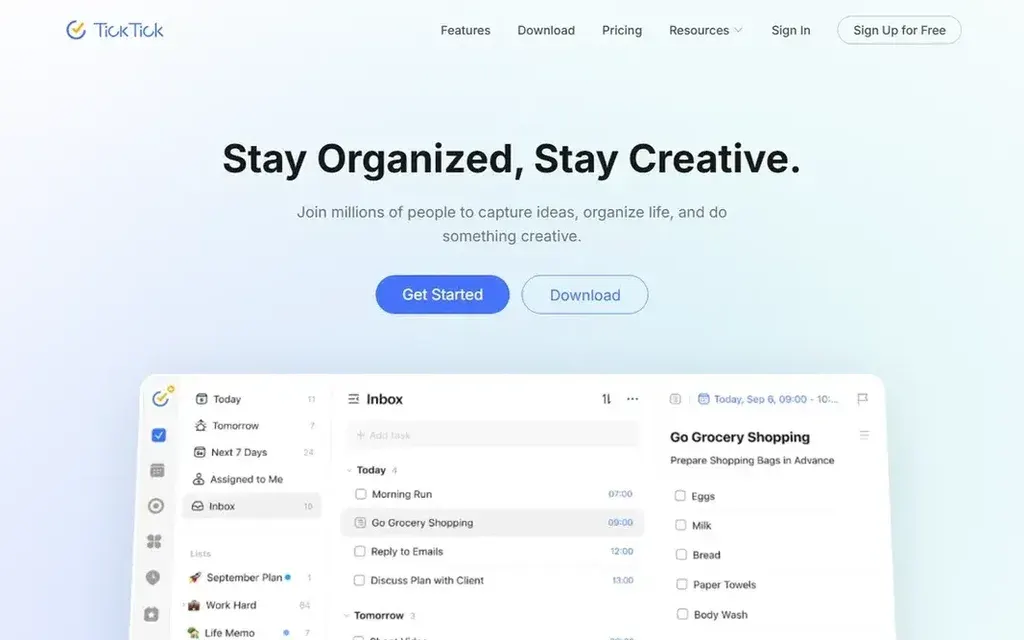
For all-in-one task and calendar management, TickTick is a natural candidate. TickTick is a to-do list and calendar app that merges tasks, calendars, and habits. This integrated approach can benefit ADHD users by supplying a single place to see commitments and routines.
Watch-outs: Some features require exploration.
Beyond that, the density of features might feel overwhelming at first, and the interface is less minimalist than more straightforward task apps. The app syncs across devices, making it accessible wherever you are. More specifically, users who only need entry-level lists may find TickTick more than necessary, but those seeking an all-in-one productivity tool will appreciate its breadth. TickTick cost at the entry level: $49.99 per year. You can start on TickTick without paying.
- Integrated calendar
- Cross-device sync
- Interface can feel busy
How we built this list
A buyer's checklist
- Check the vendor page for the current price: Todoist starts at $5 per month here, and seats or billing terms can move it.
- Look at free plan limits closely: Notion, ClickUp, Todoist and others have one, and the caps decide whether it is usable for real work.
- Read the limits listed for Notion first: steep ramp-up time.
- Verify that exporting from Todoist is possible on your plan and covers all your records.
- Ask the daily users to test ClickUp on a live task before you roll it out to everyone.
FAQ
Do these tools publish their prices?
Yes. Every tool from Notion to TickTick shows a starting price, though seats, add-ons and billing terms still change the final cost.
Is Notion the right pick for everyone comparing personal productivity apps for ADHD?
No single tool suits every team. Notion comes first because it fits customizable workspaces and databases, while ClickUp suits comprehensive work and task management and Todoist suits quick task capture and simple lists. Match the tool to your own size, budget and workflow before deciding.
How are the tools for personal productivity apps for ADHD ordered?
Notion sits first and TickTick last because the order follows typical fit for personal productivity apps for ADHD, then price clarity and free access. It is a judgement call, so read each profile for fit and limits.
What features should I look for in a productivity app for ADHD?
Look for fast task capture, straightforward interfaces, visual organization, and reminders. Apps that cut friction and offer structure without overwhelming complexity tend to work well.
Which options for personal productivity apps for ADHD have a free plan?
Notion, ClickUp, Todoist, Trello and TickTick offer a free plan in this list. Free plans usually cap users, projects or features, so check the limits on the vendor page.
Sources
- https://www.notion.so
- https://clickup.com
- https://todoist.com
- https://trello.com
- https://ticktick.com