Best Personal Productivity Software for Small Business in 2026: Prices, Free Plans and 6 Picks
Best personal productivity software for small business: 6 contenders ranked by fit, with entry costs and free tiers. Limits and pricing notes included. No hype.
- Editor's choice
 Google Workspace
Live online collaboration
Starts atSee websiteVisit workspace.google.comFull review - Great alternative
 ClickUp
All-in-one work management
Starts at$9 per user per monthVisit clickup.comFull review - Also consider
 Evernote
Note taking and idea capture
Starts atSee websiteVisit evernote.comFull review
Direct answer
Our first pick is Google Workspace, best for live online collaboration. Listed starting prices: ClickUp from $9 per user per month, Todoist from $5 a month and Notion from $10 per member per month. If your case is different, ClickUp suits all-in-one work management and Evernote suits note taking and idea capture. The remaining 3 options are covered below with prices and limits.
TL;DR:
- Top of the list is Google Workspace, which targets live online collaboration.
- The lowest published monthly entry price here is $5 per month, from Todoist.
- Check the limits for ClickUp before you commit: can be overwhelming initially.
- For configurable AI-powered workspace, Notion is worth a look.
Last checked November 2026. Prices and plan details were read from the vendors' own pages in November 2026; vendors change plans often, so confirm the current price on the vendor site before you buy.
Quick comparison
| Tool | Best for | Starts at | Free plan? | |
|---|---|---|---|---|
| Google Workspace | Live online collaboration | See website | Not stated | Visit |
| ClickUp | All-in-one work management | $9 per user per month | Yes | Visit |
| Evernote | Note taking and idea capture | See website | Yes | Visit |
 Todoist | Straightforward task and to-do management | $5 a month | Yes | Visit |
 Microsoft 365 | All-in-one office suite with security | See website | Free trial | Visit |
 Notion | Configurable AI-powered workspace | $10 per member per month | Yes | Visit |
Every option for personal productivity software for small business explained
Short on time? The summary and table above give the quick view of 6 tools for personal productivity software for small business, and the profiles that follow give the detail behind each entry.
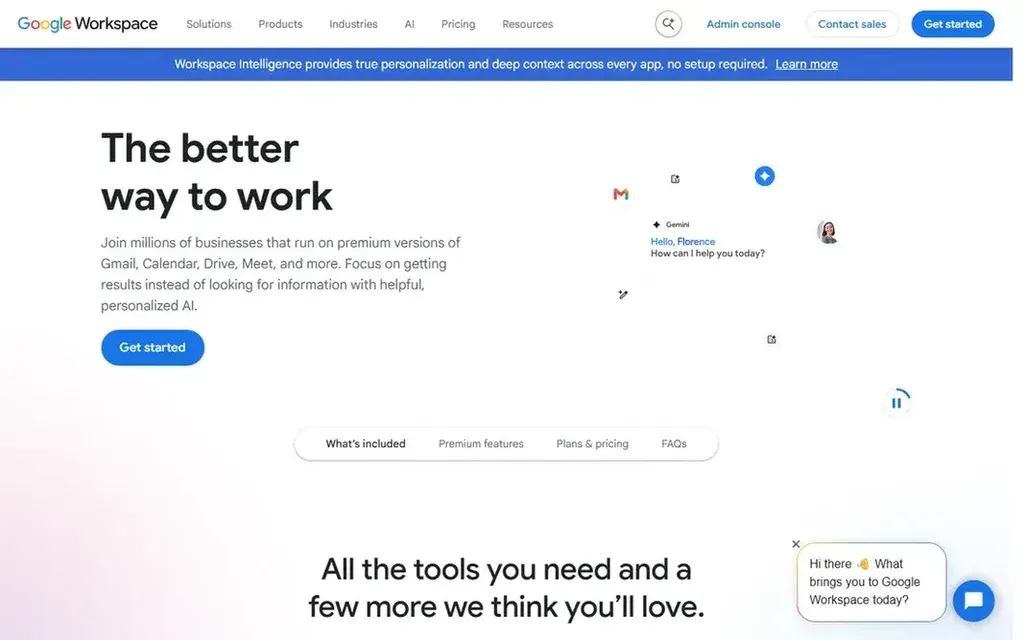
Choose Google Workspace for live online collaboration. It is built for teams of all sizes and excels at live collaboration, making it a decent choice for small companies that work often on shared documents and need accessible, cloud-based tools.
Google Workspace shows no starting price here, so confirm the cost on the vendor site. Free access: Not stated.
Points against: Needs internet for full functionality.
- Scales for teams of all sizes
- Secure online tools
- Less feature-rich desktop apps
ClickUp targets all-in-one work management. It aims to maximize productivity and is a solid fit for small firms that want to replace several tools with a single, configurable workspace for project management and team collaboration.
Also, if you prefer a more straightforward, more focused tool, Todoist or Notion might be less complicated alternatives. On cost, ClickUp starts like this: $9 per user per month. ClickUp includes a free tier.
Honest limits: Can be overwhelming initially.
- AI features available
- Highly configurable
- Plenty of features may go unused
Think of Evernote for note taking and idea capture. Evernote is a note-taking app built to help users capture and prioritize ideas, projects, and to-do lists.
Drawbacks to consider: Restricted collaboration features.
It is well suited for small business owners who require a steady digital notebook for meeting notes, research, and personal organization, and who value cross-device syncing. Evernote does not show a starting price in this comparison, so check the vendor site for current pricing. Evernote offers a free plan.
- Organize projects and to-do lists
- Capture notes and ideas rapidly
- Can become cluttered without structure
Pick Todoist if this describes you: straightforward task and to-do management. It is recognised for its straightforward interface and cross-platform availability, making it a solid fit for small firms that require a light task manager without the complexity of a full project management suite.
In daily use, Todoist concentrates on task management and lacks advanced features like document collaboration or time tracking. Entry price for Todoist: $5 per month. Todoist offers a free plan.
The main drawbacks: No built-in document editing.
- Organizes work and life tasks
- Clean
- Restricted project management features
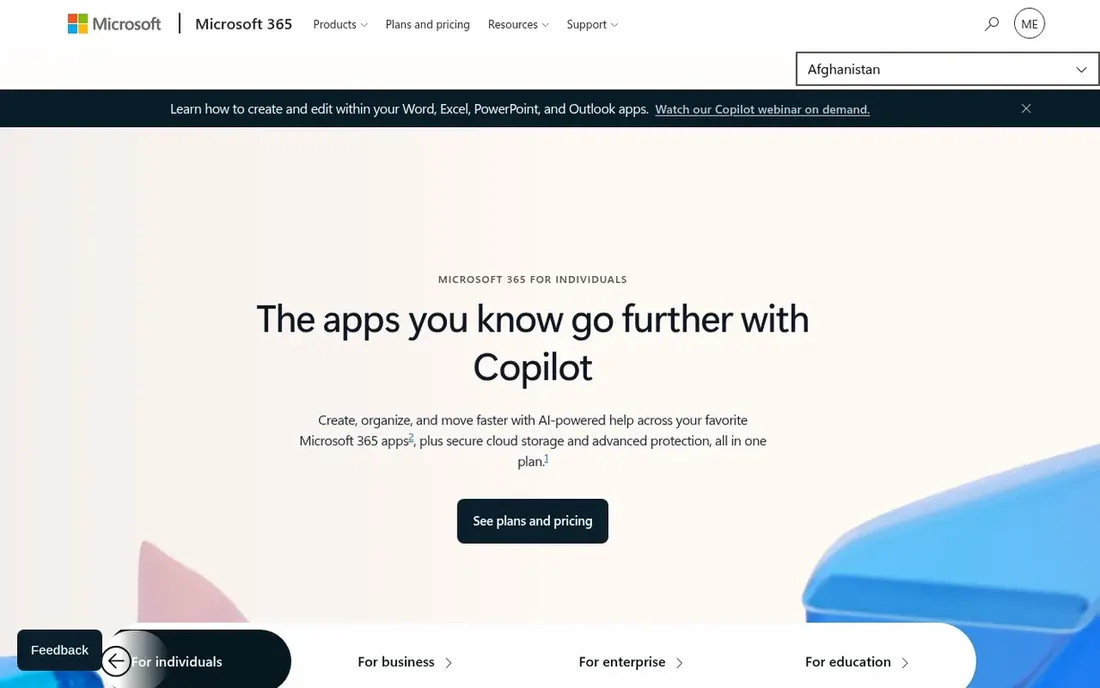
Microsoft 365 is designed for all-in-one office suite with security. Microsoft 365 is a subscription-based suite that bundles productivity apps for example Word, Excel, and PowerPoint with cloud services and security features.
Drawbacks to consider: Requires subscription for full features.
Beyond that, the breadth of Microsoft 365 can mean a steeper ramp-up time for straightforward tasks, and administration may need IT support. Microsoft 365 shows no starting price here, so confirm the cost on the vendor site. On free options: Free trial.
- AI features included
- Cloud services with world-class security
- Can be complicated to administer
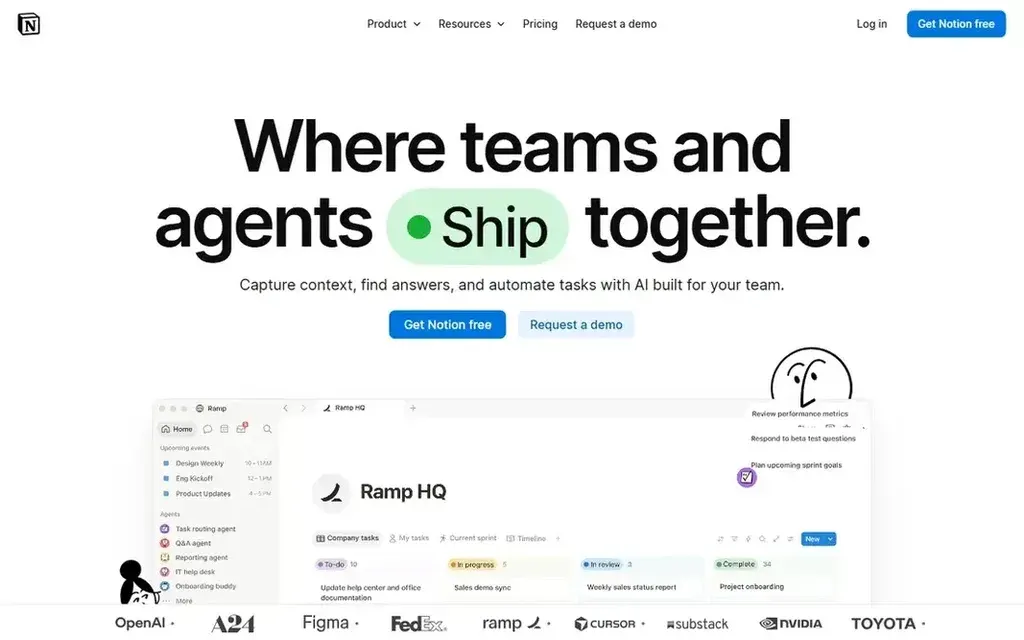
Notion serves configurable AI-powered workspace. It fits small firms that want an adaptable, all-in-one workspace for notes, documents, and project tracking, and that are comfortable designing their own workflows.
Price to start with Notion: $10 per member per month. You can start on Notion without paying.
Where it falls short: Needs time to customize.
- Build custom agents
- Search across all apps
- Can be overwhelming to set up
Selection criteria
We compared the tools on published pricing, free plan or trial availability, feature coverage for personal productivity software for small business, and the limits each vendor documents. Seat minimums, billing terms and add-ons can move the real cost, so the starting prices here are a guide and not a quote. Order on the page follows fit for the typical buyer first, then price transparency and free access. Your own requirements should decide the final pick.
Before you commit
- Confirm the entry price on the vendor page. For Google Workspace, Evernote and Microsoft 365 that means a quote rather than a fixed price.
- Look at free plan limits closely: ClickUp, Evernote, Todoist and Notion have one, and the caps decide whether it is usable for real work.
- Take the trial from Microsoft 365 and push a live task through it before you pay.
- Read the limits listed for Google Workspace first: less powerful desktop apps.
- Check the support hours and onboarding help Notion offers; smaller vendors vary a lot here.
- Run a one or two week pilot of ClickUp with the people who will use it every day.
FAQ
Can I try these tools before paying?
Often, yes. ClickUp, Evernote, Todoist and Notion have a free plan and Microsoft 365 offers a free trial. Use your own data and a real task during the test, and check what the free tier or trial limits before you rely on it.
What is the cheapest option for personal productivity software for small business in this list?
On published monthly entry prices, Todoist is the lowest here at $5 per month. Entry price is only part of the cost, because seats, add-ons and billing terms can change the total. Each of the 6 options in this personal productivity software for small business guide has its own card above with the price, free plan and limits.
Do these tools publish their prices?
Not all of them. Google Workspace, Evernote and Microsoft 365 publish no starting price, so expect a quote request for those. The rest, ClickUp included, show a starting price, though seats and billing terms still change the final cost.
How are the tools for personal productivity software for small business ordered?
Google Workspace sits first and Notion last because the order follows typical fit for personal productivity software for small business, then price clarity and free access. It is a judgement call, so read each profile for fit and limits.
How important are AI features in productivity software?
AI features can help automate repetitive tasks, summarize content, and boost search across apps. Tools like Notion and Microsoft 365 highlight AI capabilities.
Sources
- https://workspace.google.com
- https://clickup.com
- https://evernote.com
- https://www.todoist.com
- https://www.microsoft.com/microsoft-365
- https://www.notion.com