Best Personal Productivity Software for Students (2026): 5 Picks Checked on Vendor Pages
Searching for the best personal productivity software for students? Here are 5 options with prices and free plans. Real limits included. Updated for 2026.
- Editor's choice
 ClickUp
Combining tasks, docs and goals
Starts at$9 per user a monthVisit clickup.comFull review - Great alternative
 Evernote
Capturing and organizing notes
Starts atSee websiteVisit evernote.comFull review - Also consider
 Google Workspace
Coursework collaboration and documents
Starts atSee websiteVisit workspace.google.comFull review
Direct answer
This list puts ClickUp first for combining tasks, docs and goals. Listed starting prices: ClickUp from $9 per user a month, Todoist from $5 a month and Notion from $10 per member a month. Evernote fits capturing and organizing notes; Google Workspace fits coursework collaboration and documents. All 5 tools are compared below on price, free plan and limits.
TL;DR:
- This list starts with ClickUp, which is built for combining tasks, docs and goals.
- The lowest published monthly entry price here is $5 per month, from Todoist.
- Notion is the one to check for all-in-one notes and planning.
- Before buying Evernote, weigh this: interface can feel dated to some.
Last checked November 2026. Prices and plan details were read from the vendors' own pages in November 2026; vendors change plans often, so confirm the current price on the vendor site before you buy.
Quick comparison
| Tool | Best for | Starts at | Free plan? | |
|---|---|---|---|---|
| ClickUp | Combining tasks, docs and goals | $9 per user a month | Yes | Visit |
| Evernote | Capturing and organizing notes | See website | Yes | Visit |
| Google Workspace | Coursework collaboration and documents | See website | Not stated | Visit |
 Todoist | Straightforward, dependable task tracking | $5 a month | Yes | Visit |
 Notion | All-in-one notes and planning | $10 per member a month | Yes | Visit |
Personal Productivity Software for Students profiles
LinkVetted compared 5 personal productivity software for students. The goal is a practical shortlist: published prices, free plan facts, best-fit use cases and honest limits for every entry.
Think of ClickUp for combining tasks, docs and goals. For students, that breadth can handle assignment tracking, project notes and group coordination without switching apps, which fits those running complicated group projects or managing numerous deadlines at once.
Where it falls short: Feature depth can overwhelm newcomers.
Best features of ClickUp: Numerous views for different workflows.
Beyond that, setting it up well takes time that a lighter tool would not need. If you want fast, minimal task tracking, a simpler app is likely a better fit. Price to start with ClickUp: $9 per user per month. You can start on ClickUp without paying.
- Built for wide productivity needs
- Goals and chat together
- Setup takes time to configure well
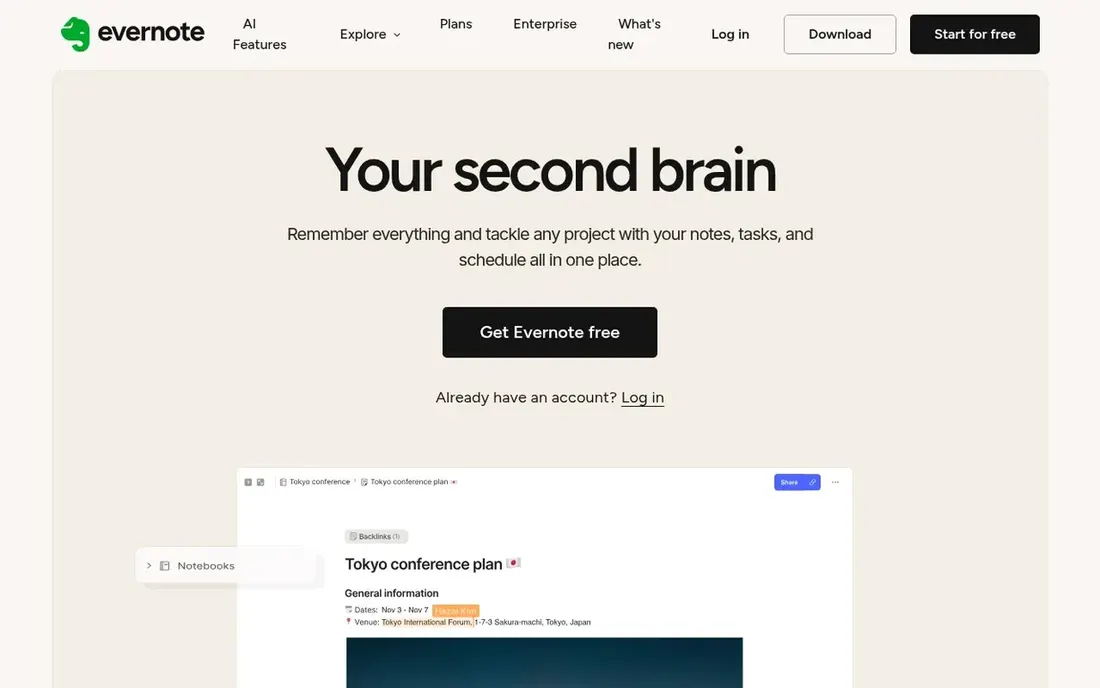
Evernote serves capturing and organizing notes. Evernote is less suited to complicated project boards or shared team workflows than some alternatives.
What to check first: Best features may need premium access.
The free experience is more restricted than the premium one. This comparison lists no price for Evernote; ask the vendor. A free plan is available with Evernote. Where it shines: Prioritization of projects.
- Ideas and to-dos
- Capture notes
- Interface can feel dated to some
Google Workspace makes the most sense for coursework collaboration and documents. Google Workspace is a suite of secure online productivity and collaboration tools, per its homepage, pitched at helping teams of all sizes get work done. Google Workspace is a wide suite, not a dedicated study planner, so personal task tracking and note organization may need additional tools.
Best features of Google Workspace: email and storage together.
Watch-outs: Wide suite instead of a focused study app. In daily use, students use it for shared documents, spreadsheets and slides during group projects, plus email and storage in one account. Managing the full setup can also feel like more than a solo student needs. Google Workspace does not show a starting price in this comparison, so check the vendor site for current pricing. Free access: Not stated.
- Documents
- Capable live collaboration
- Setup and admin can be more than students need
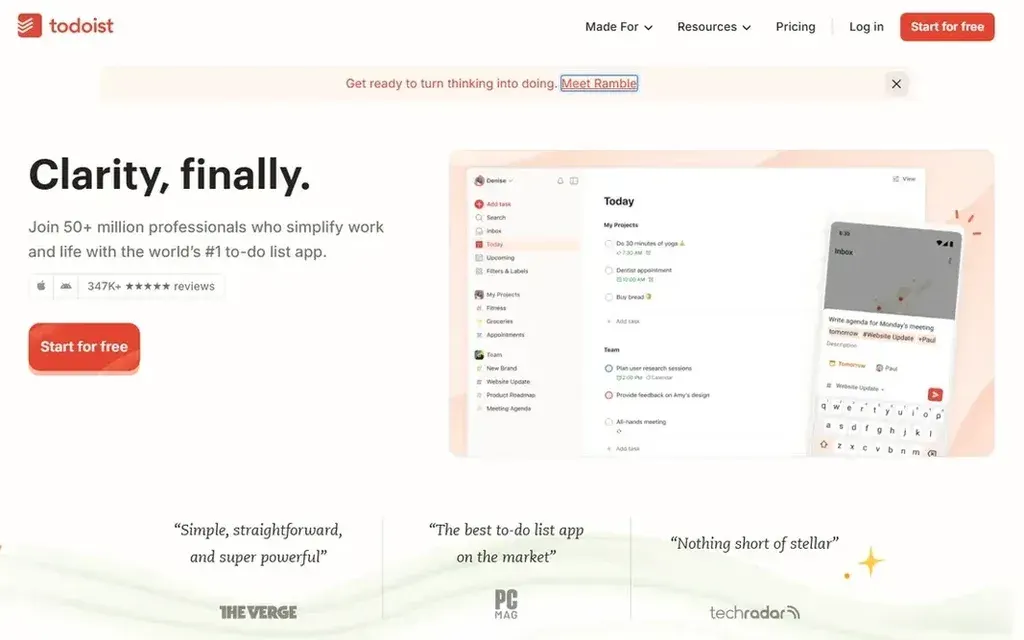
Todoist was built for straightforward, dependable task tracking. Todoist is a to-do list app built to organize work and life, with the homepage describing it as a tool for capturing and completing tasks. Worth adding: Todoist is not a note-taking or document tool, so lecture notes and research need another home.
Worth adding: for students, it shines at tracking assignments, readings and deadlines with projects and due dates. It stays fast to use on a phone between classes. Todoist starts at: $5 per month. You can start on Todoist without paying.
Where it falls short: Restricted as a long-form notes tool.
- Quick task entry across devices
- Performs well for recurring deadlines
- Advanced views can feel busy
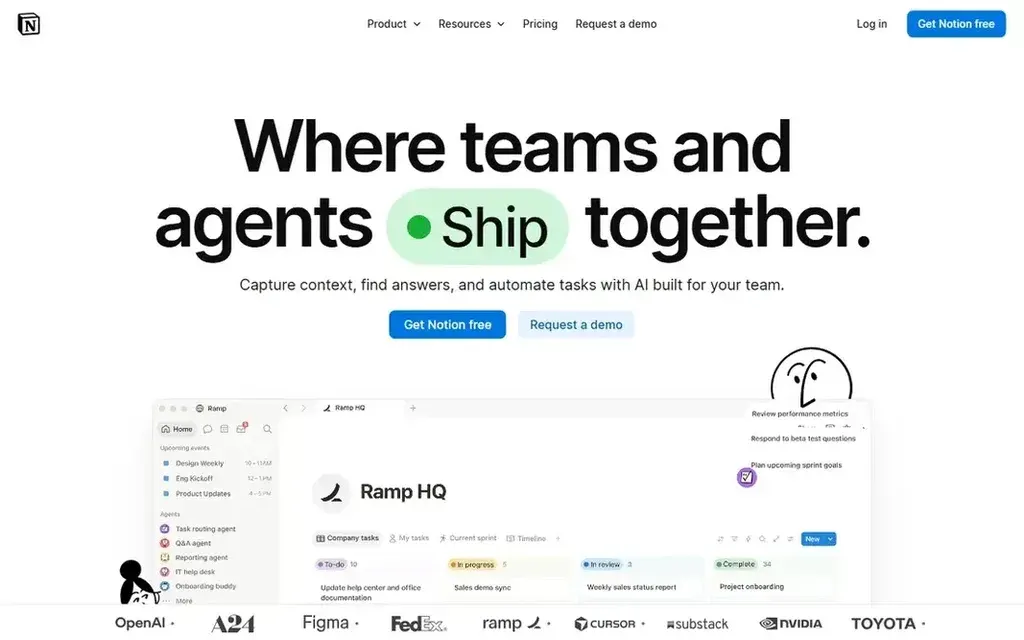
Notion makes the most sense for all-in-one notes and planning. For students, that means you can keep lecture notes, a reading list, assignment deadlines and project plans in one connected place, then reorganize them as a semester evolves instead of juggling separate apps. From a buyer's view, if you primarily need fast task capture, a dedicated task manager may serve you better.
Where it is weaker: Can feel heavy for straightforward lists.
You can return to Notion when you want a fuller study hub. In daily use, Notion is an AI-assisted workspace where you build pages, databases and task boards to fit your own system. Its homepage flags custom agents, cross-app search and automation of busywork. The starting price for Notion: $10 per member per month. Free access exists with Notion.
- Adaptable pages and databases
- AI search across connected apps
- Blank slate can overwhelm beginners
Our selection method
The comparison looks at four things: starting price, free access, how well the feature set matches personal productivity software for students, and the main limit of each tool. Plan names, prices and limits change often. Treat the figures here as a starting point and verify them with the vendor. Order on the page follows fit for the typical buyer first, then price transparency and free access. Your own requirements should decide the final pick.
A buyer's checklist
- Get a written quote from Evernote and Google Workspace; the list shows no starting price for them.
- Look at free plan limits closely: ClickUp, Evernote, Todoist and Notion have one, and the caps decide whether it is usable for real work.
- Read the limits listed for ClickUp first: feature depth can overwhelm newcomers.
- Confirm that Notion connects to the apps your team already uses, on the plan you would actually buy.
- Let daily users try Evernote on real work; their feedback beats any feature checklist.
FAQ
Should students use a task manager or a full workspace?
A task manager like Todoist keeps deadlines straightforward and quick to run, whereas a workspace like Notion or ClickUp merges notes, tasks and projects. If your work is largely assignments and readings, a task manager is commonly enough.
What is the cheapest option for personal productivity software for students in this list?
On published monthly entry prices, Todoist is the lowest here at $5 per month. Entry price is only part of the cost, because seats, add-ons and billing terms can change the total. All 5 picks in this personal productivity software for students comparison list a starting price, free plan details and the main limits on their cards above.
Which options for personal productivity software for students have a free plan?
On this list, ClickUp, Evernote, Todoist and Notion include a free plan. Caps on seats, usage or features are common, so test the free plan against your real workload.
Do these tools publish their prices?
Not all of them. Evernote and Google Workspace publish no starting price, so expect a quote request for those. The rest, ClickUp included, show a starting price, though seats and billing terms still change the final cost.
Can I try these tools before paying?
Often, yes. ClickUp, Evernote, Todoist and Notion have a free plan. Use your own data and a real task during the test, and check what the free tier or trial limits before you rely on it.
Sources
- https://clickup.com
- https://evernote.com
- https://workspace.google.com
- https://todoist.com
- https://www.notion.so