Best Productivity App for College Students in 2026: Prices, Free Plans and 5 Picks
Best productivity app for college students, compared. 5 tools with published prices, free plans and limits. Each pick comes with its main catch. See which fits.
- Editor's choice
 Microsoft OneNote
Digital note-taking with organization
Starts atSee websiteVisit microsoft.comFull review - Great alternative
 Google Workspace
Collaborative documents and email
Starts atSee websiteVisit workspace.google.comFull review - Also consider
 Todoist
Straightforward task and to-do management
Starts at$5 per monthVisit todoist.comFull review
Direct answer
Microsoft OneNote comes first here, mainly for digital note-taking with organization. Listed starting prices: Todoist from $5 per month, Trello from $5 per user a month and Notion from $10 per member per month. For a different need, Google Workspace covers collaborative documents and email and Todoist covers straightforward task and to-do management. Details, prices and limits for the rest of the 5 tools are below.
TL;DR:
- Top of the list is Microsoft OneNote, which targets digital note-taking with organization.
- Todoist is the lowest-priced starter here at $5 per month.
- Notion suits all-in-one workspace for notes and planning.
- Free plans exist at 3 of 5 tools (Todoist, Trello, Notion).
Last checked November 2026. Prices and plan details were read from the vendors' own pages in November 2026; vendors change plans often, so confirm the current price on the vendor site before you buy.
Quick comparison
| Tool | Best for | Starts at | Free plan? | |
|---|---|---|---|---|
| Microsoft OneNote | Digital note-taking with organization | See website | Not stated | Visit |
| Google Workspace | Collaborative documents and email | See website | Not stated | Visit |
| Todoist | Straightforward task and to-do management | $5 per month | Yes | Visit |
 Trello | Visual project and task boards | $5 per user a month | Yes | Visit |
 Notion | All-in-one workspace for notes and planning | $10 per member per month | Yes | Visit |
The 5 tools in detail
Short on time? The summary and table above give the quick view of 5 productivity app for college students, and the profiles that follow give the detail behind each entry.
For digital note-taking with organization, Microsoft OneNote is a natural candidate. College students can use it to take notes in a freeform layout, organize them into notebooks, and share with classmates.
Students who require task management or project planning may have to pair it with another app. No starting price is listed for Microsoft OneNote here; confirm pricing on the vendor site. On free options: Not stated.
What to check first: Syncing at times needs patience.
- Strong organization with notebooks
- Freeform note structure
- Interface can be busy
Google Workspace serves collaborative documents and email. Google Workspace is a suite of secure online productivity and collaboration tools.
Worth adding: offline access can be restricted depending on settings. Also, Google Workspace is not a dedicated task manager or note-taking app, so students may need extra tools for personal planning. Google Workspace does not show a starting price in this comparison, so check the vendor site for current pricing. Free access: Not stated.
Watch-outs: Needs internet for full use.
- Real-time collaboration
- Familiar apps like Docs and Gmail
- Less concentrated on individual task management
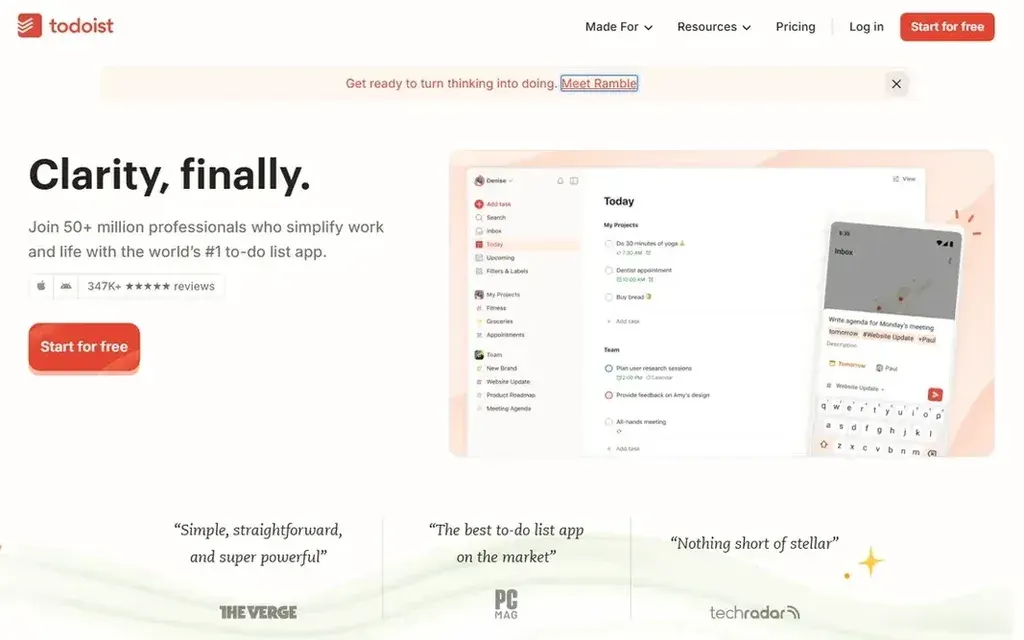
Todoist is built with straightforward task and to-do management in mind. Todoist is a to-do list app built to help organize work and life.
Where it is weaker: Advanced features require a premium plan.
Students who require to store long-form lecture notes or collaborate on documents should pair it with another tool. As for the details, College students can use it to track assignments, readings, and deadlines in a straightforward list format. Todoist cost at the entry level: $5 per month. Todoist offers a free plan.
- Clear task lists and reminders
- Straightforward interface
- Restricted note-taking features
For visual project and task boards, Trello is a natural candidate. Trello is a visual tool that helps capture, organize, and tackle to-dos using boards, lists, and cards.
Drawbacks to consider: Can become cluttered with plenty of cards.
Trello is not built for broad note-taking or document editing, so it works best alongside a notes app. On cost, Trello starts like this: $5 per user per month. Free access exists with Trello.
- Simple to organize to-dos
- Mobile access
- Less suited for long notes
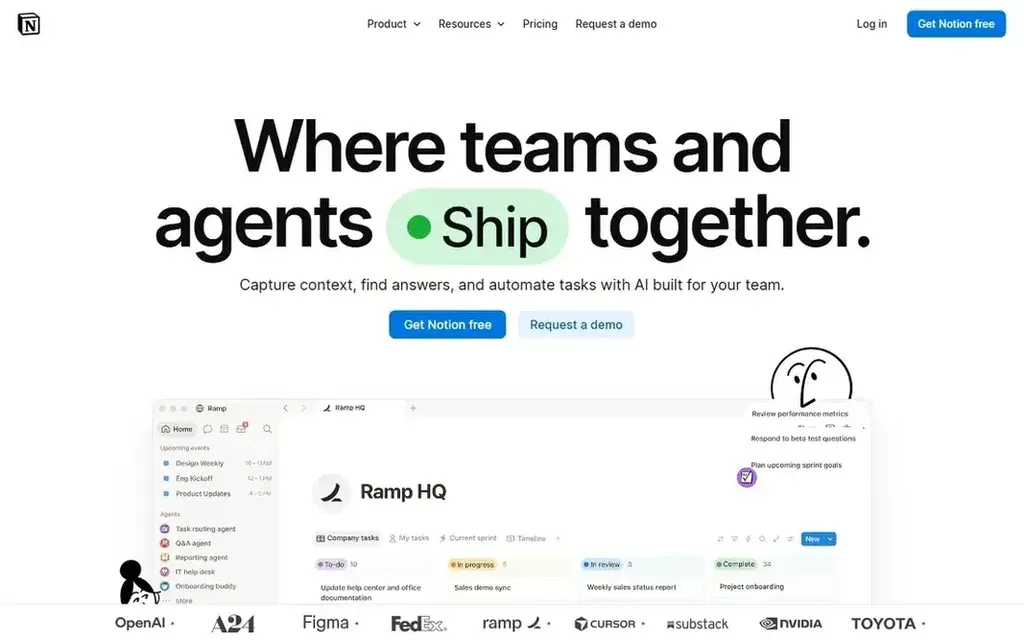
Notion targets all-in-one workspace for notes and planning. Notion is an AI workspace that lets you build custom pages, search across connected apps, and automate busywork.
Where it falls short: Can feel overwhelming at first.
More specifically, the adaptability includes a ramp-up time, and a blank page can be intimidating. In practice, for college students, it can serve as a central hub for lecture notes, assignment trackers, and project plans. On cost, Notion starts like this: $10 per member per month. Notion has a free plan.
- Configurable pages and templates
- Merges notes, tasks, databases
- Needs setup time to tailor
How we built this list
A buyer's checklist
- Get a written quote from Microsoft OneNote and Google Workspace; the list shows no starting price for them.
- Check what the free option really includes: Todoist, Trello and Notion offer a free plan, and usage caps differ.
- Before choosing Microsoft OneNote, weigh its main limit: interface can be busy.
- Check the support hours and onboarding help Notion offers; smaller vendors vary a lot here.
- Confirm minimum seats and billing terms with Google Workspace before you commit to an annual plan.
FAQ
Can I try these tools before paying?
Often, yes. Todoist, Trello and Notion have a free plan. Use your own data and a real task during the test, and check what the free tier or trial limits before you rely on it.
Do these tools publish their prices?
Not all of them. Microsoft OneNote and Google Workspace publish no starting price, so expect a quote request for those. The rest, Todoist included, show a starting price, though seats and billing terms still change the final cost.
What is the cheapest option for productivity app for college students in this list?
On published monthly entry prices, Todoist is the lowest here at $5 per month. Entry price is only part of the cost, because seats, add-ons and billing terms can change the total. For the full picture, the cards above cover all 5 entries of this productivity app for College students list, including price, free plan and limits.
Is Microsoft OneNote the right pick for everyone comparing productivity app for college students?
No single tool suits every team. Microsoft OneNote comes first because it fits digital note-taking with organization, while Google Workspace suits collaborative documents and email and Todoist suits simple task and to-do management. Match the tool to your own size, budget and workflow before deciding.
Sources
- https://www.microsoft.com/en-us/microsoft-365/onenote/digital-note-taking-app
- https://workspace.google.com
- https://www.todoist.com
- https://trello.com
- https://www.notion.com