6 Best Calendar App for Students for 2026, Vetted and Compared
6 products for the best calendar app for students, ranked by fit, with starting costs and free tiers. Each listing flags where it falls short. Decide faster.
- Editor's choice
 Fantastical
Natural language event creation
Starts atSee websiteVisit flexibits.comFull review - Great alternative
 Morgen
AI daily planning and time blocking
Starts at$10 per seat a monthVisit morgen.soFull review - Also consider
 Notion
All-in-one workspace with calendar views
Starts at$10 per member per monthVisit notion.soFull review
Direct answer
Fantastical leads the list, best for natural language event creation. Listed starting prices: Morgen from $10 per seat a month, Notion from $10 per member per month and Microsoft Outlook from $1.99 a month. If your case is different, Morgen suits AI daily planning and time blocking and Notion suits all-in-one workspace with calendar views. Details, prices and limits for the rest of the 6 tools are below.
TL;DR:
- This list starts with Fantastical, which is built for natural language event creation.
- The lowest published monthly entry price here is $1.99 per month, from Microsoft Outlook.
- What to know about Google Calendar first: limited built-in task management.
- For task management with calendar integration, Todoist is worth a look.
- Only 3 of the 6 tools have a free plan (Fantastical, Notion, Todoist), so check the caps.
Last checked November 2026. Prices and plan details were read from the vendors' own pages in November 2026; vendors change plans often, so confirm the current price on the vendor site before you buy.
Quick comparison
| Tool | Best for | Starts at | Free plan? | |
|---|---|---|---|---|
| Fantastical | Natural language event creation | See website | Yes | Visit |
| Morgen | AI daily planning and time blocking | $10 per seat a month | Free trial | Visit |
| Notion | All-in-one workspace with calendar views | $10 per member per month | Yes | Visit |
 Google Calendar | Shared schedules and cross-device sync | See website | Not stated | Visit |
 Microsoft Outlook | Email and calendar in one place | $1.99 a month | Free trial | Visit |
 Todoist | Task management with calendar integration | $5 a month | Yes | Visit |
The best calendar app for students
LinkVetted put together this guide to calendar app for students for readers who want a clear shortlist without reading every vendor page. It compares 6 tools on starting price, free plans, who each one suits and where each one falls short.
Fantastical works best for natural language event creation. Fantastical is a calendar and tasks app known for fast event creation with natural language input.
It suits students on Apple devices who want a quick, refined calendar experience and value speed when adding events between classes. Pricing for Fantastical is not stated here, so ask the vendor for current figures. Fantastical includes a free tier.
What to check first: Apple systems only.
- Refined interface
- Deals with calendars and tasks
- May need a subscription for full features
Morgen is designed for AI daily planning and time blocking. Morgen is an AI daily planner that works across calendars and task managers. The AI features can take time to learn, and they work best when you connect your existing calendars and task tools.
Honest limits: May be overkill for straightforward scheduling.
More specifically, if you prefer a straightforward calendar, Google Calendar is simpler to start with. Morgen may be more than you need if you just want an entry-level calendar for classes. Price to start with Morgen: $10 per seat per month. Free access: Free trial. Where Morgen stands out: Merges several calendars.
- Time blocking and focus time
- AI-powered daily planning
- Ramp-up time for AI features
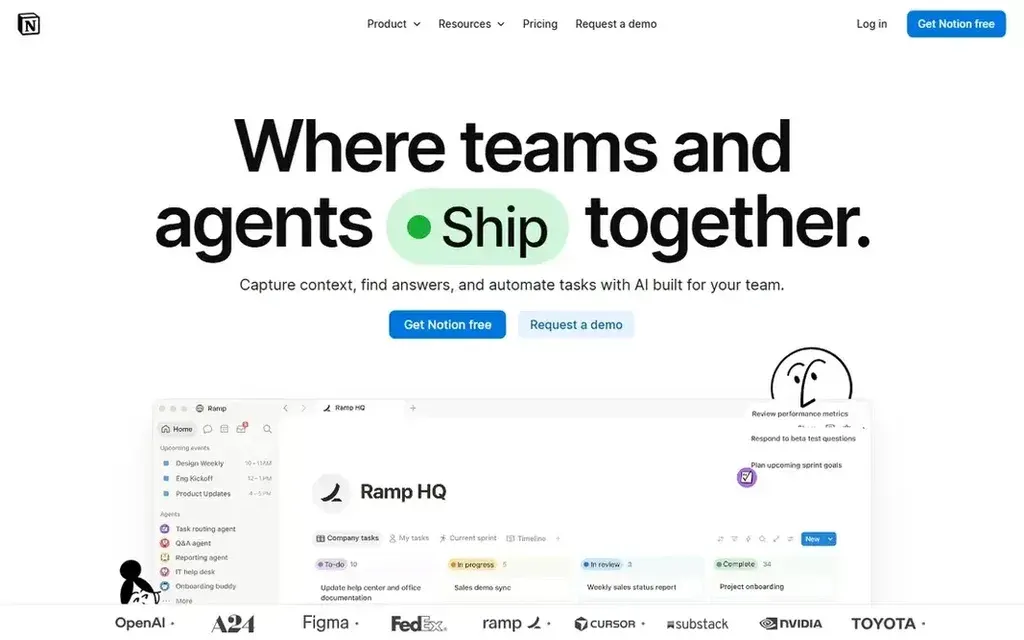
Notion makes the most sense for all-in-one workspace with calendar views. Students can use it to produce a personal dashboard that contains a calendar view alongside notes, assignment trackers, and reading lists. Notion is not a dedicated calendar app, so its calendar features are less advanced than those in Google Calendar or Fantastical.
What to check first: Calendar is not the core feature.
It also needs initial setup to be handy, which can be a hurdle during busy weeks. In practice, if you want a calendar that works from day one, choose a dedicated app instead. On cost, Notion starts like this: $10 per member per month. A free plan is available with Notion.
- Configurable pages and databases
- AI tools for search and automation
- Needs setup to work well
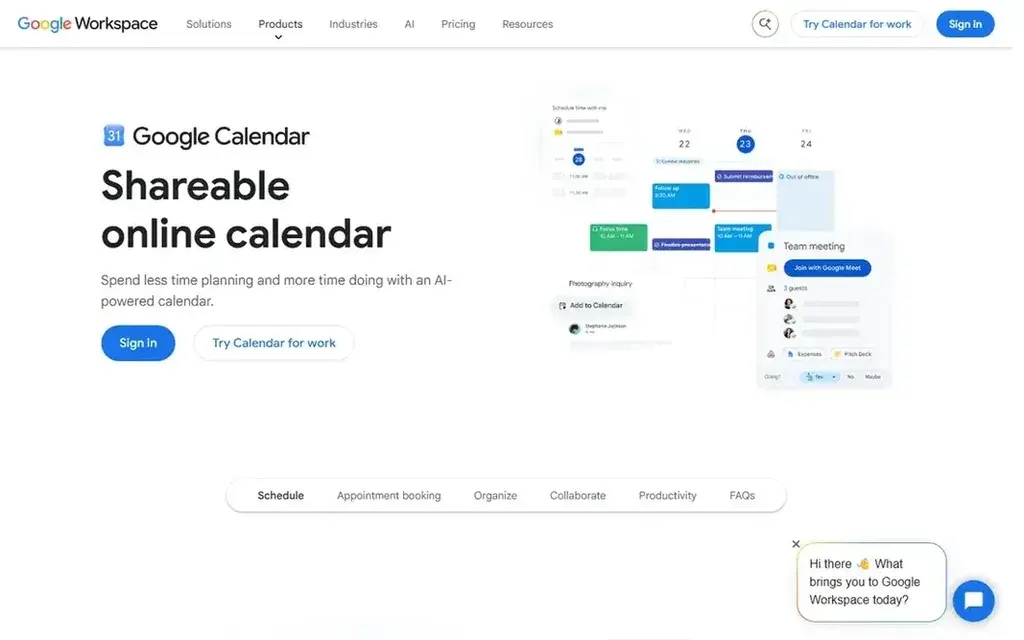
Google Calendar is a good fit for shared schedules and cross-device sync. Google Calendar is a shareable online calendar for scheduling meetings and appointments. It syncs across phones, tablets, and computers, so your class schedule is available wherever you are.
The calendar is primarily for events, so task tracking is entry-level and may not replace a dedicated to-do app. More specifically, some advanced features need a Google account and work best within the Google ecosystem. No starting price is listed for Google Calendar here; confirm pricing on the vendor site. Trial and free access: Not stated.
What to check first: Advanced features need a Google account.
- Syncs across devices
- Plugs into Google Workspace
- Restricted built-in task management
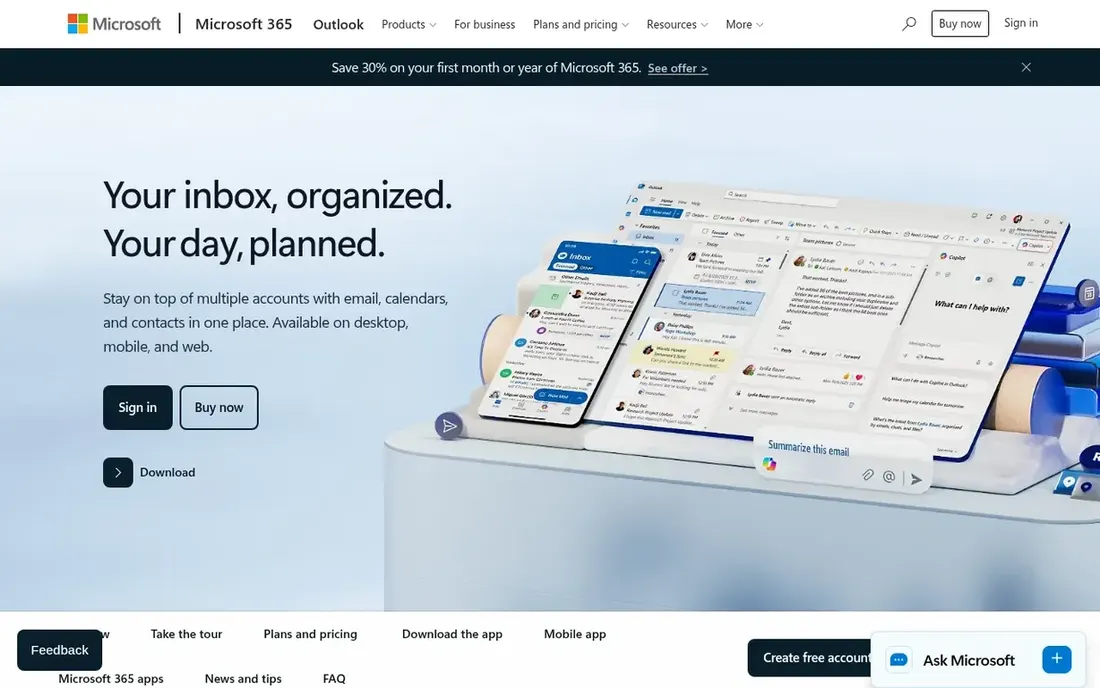
Microsoft Outlook targets email and calendar in one place. Microsoft Outlook is a personal email and calendar app that also supplies access to Office Online apps like Word, Excel, and PowerPoint.
Outlook can feel heavy if you only need a straightforward calendar, and its best features are tied to the Microsoft ecosystem. For students, the primary draw is having email and calendar together: you can see class schedules alongside messages from instructors and group members. On cost, Microsoft Outlook starts like this: $1.99 per month. As for free access: Free trial.
Watch-outs: Best experience within Microsoft ecosystem.
- Familiar interface for plenty of students
- Merges email and calendar
- Can feel heavy for calendar-only use
Think of Todoist for task management with calendar integration. Todoist is a to-do list app for organizing work and life.
It suits students who think in tasks first and want a steady system for tracking deadlines across courses. Starting cost for Todoist: $5 per month. Todoist has a free plan.
Honest limits: Calendar is not the primary view.
- Capable to-do list features
- Connects with calendars
- Advanced features may need a premium plan
How the list was put together
What to check before you buy
- Confirm the entry price on the vendor page. For Fantastical and Google Calendar that means a quote rather than a fixed price.
- Read the fine print on the free plans from Fantastical, Notion and Todoist; seat, project and feature caps differ.
- Take the trial from Morgen and Microsoft Outlook and push a live task through it before you pay.
- Read the limits listed for Fantastical first: Apple platforms only.
- Pick one real project and run it in Google Calendar first; a small pilot shows fit faster than a checklist.
- Map your must-have features to a specific Fantastical plan before you compare prices.
FAQ
Is Fantastical the right pick for everyone comparing calendar app for students?
No single tool suits every team. Fantastical comes first because it fits natural language event creation, while Morgen suits AI daily planning and time blocking and Notion suits all-in-one workspace with calendar views. Match the tool to your own size, budget and workflow before deciding.
What is the cheapest option for calendar app for students in this list?
On published monthly entry prices, Microsoft Outlook is the lowest here at $1.99 per month. Entry price is only part of the cost, because seats, add-ons and billing terms can change the total.
Which calendar app for students have a free plan?
Fantastical, Notion and Todoist offer a free plan in this list. Free plans usually cap users, projects or features, so check the limits on the vendor page. Several others offer a trial instead.
Can I try these tools before paying?
Often, yes. Fantastical, Notion and Todoist have a free plan and Morgen and Microsoft Outlook offer a free trial. Use your own data and a real task during the test, and check what the free tier or trial limits before you rely on it.
Do I need an AI planner as a student?
An AI planner like Morgen can help if you juggle several calendars and want to time block study sessions. For more straightforward needs, a standard calendar like Google Calendar is enough.
Sources
- https://flexibits.com/fantastical
- https://www.morgen.so
- https://www.notion.so
- https://calendar.google.com
- https://www.microsoft.com/en-us/microsoft-365/outlook/email-and-calendar-software-microsoft-outlook
- https://todoist.com