Best Calendar Apps in India in 2026: 8 Apps Compared
Compare the best calendar apps in India for Indian holidays, IST time zones, shared family schedules, booking pages, and work and study planning in 2026.
- Editor's choice
 Google Calendar
Everyday personal and shared schedules
Starts atFreeVisit calendar.google.comFull review - Great alternative
 Zoho Calendar
Zoho users and team schedules in India
Starts atFreeVisit zoho.comFull review - Also consider
 Outlook Calendar
Microsoft 365 workplaces
Starts atFreeVisit outlook.live.comFull review
TL;DR:
- We found Google Calendar and Zoho Calendar are the strongest starting points in India, thanks to local holiday calendars, wide device support, and free plans.
- Apple Calendar suits iPhone and Mac users, while Outlook Calendar fits offices that already run on Microsoft 365.
- Calendly and Zoho Bookings matter when other people need to book you, since they remove the back-and-forth over meeting times.
- Indian holiday support, IST handling, and regional language or calendar views vary, so check those details before you switch.
- Most people do not need a paid plan at first, since the free tiers cover personal schedules, sharing, and reminders well.
Quick comparison
| Tool | Best for | Starts at | Free plan? | |
|---|---|---|---|---|
| Google Calendar | Everyday personal and shared schedules | Free | Yes | Visit |
| Zoho Calendar | Zoho users and team schedules in India | Free | Yes | Visit |
| Outlook Calendar | Microsoft 365 workplaces | Free | Yes | Visit |
 Apple Calendar | iPhone, iPad, and Mac users | Free | Yes | Visit |
 Calendly | Letting clients book meeting times | Free | Yes | Visit |
 Notion Calendar | Schedules beside notes and tasks | Free | Yes | Visit |
 Fantastical | Fast natural language event entry | See website | Free trial | Visit |
 Zoho Bookings | Appointment booking for services | Free | Yes | Visit |
The best calendar apps in india
We focused on apps that work well with Indian holidays, IST time zones, and the phones and workplaces people in India actually use.
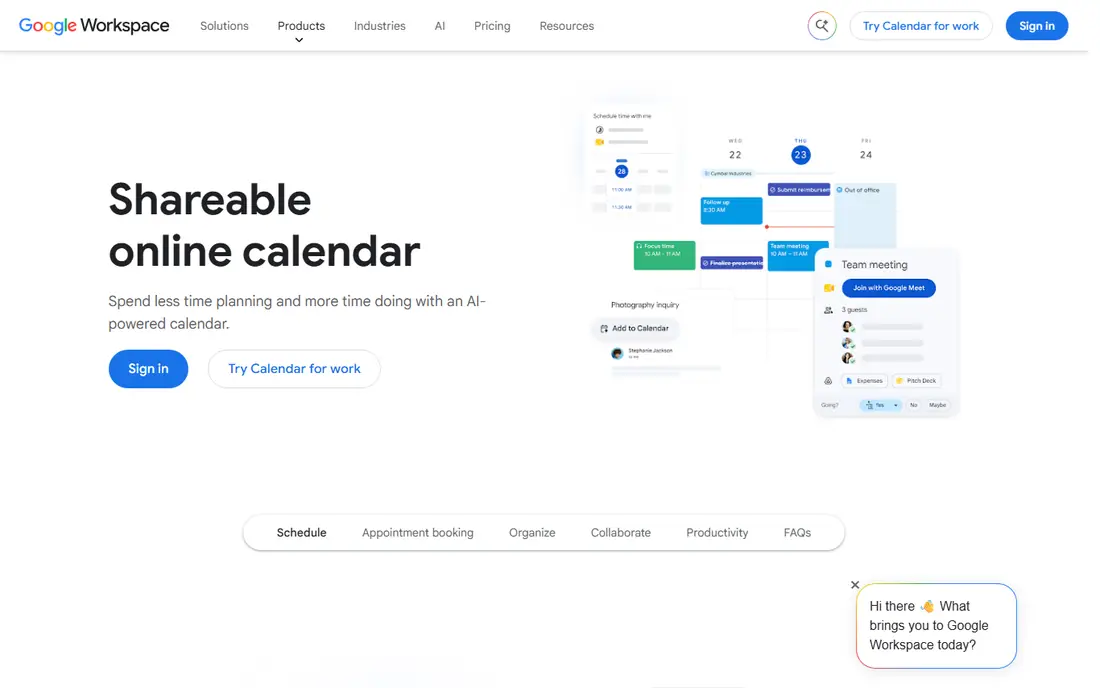
Google Calendar is the default for a reason, and in India that reason includes practical details. You can add Indian holidays, share calendars with family or a team, and get reminders that work across Android, iPhone, and the web. Gmail integration means flight and meeting details can land on the calendar without manual typing, and Meet links keep video calls one tap away.
The personal plan is free with a Google account, which covers most students, families, and small teams. Paid Google Workspace plans add more booking pages and admin controls, but most readers will not need them at first. The trade-off is a plain look and fewer design flourishes than Fantastical or Notion Calendar, yet for reliability and sharing, it remains our pick for most people.
- Indian holiday calendars
- Gmail and Meet integration
- Strong sharing and reminders
- Advanced booking pages need a paid Workspace plan
- Design is plain compared with some rivals
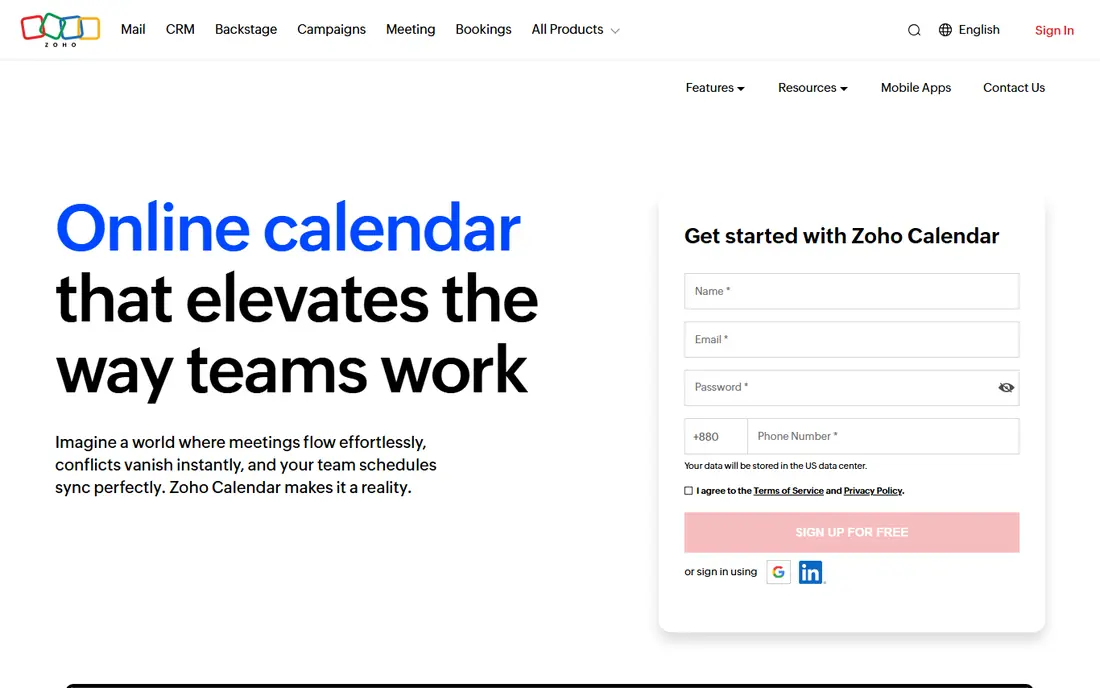
Zoho Calendar makes sense if your work already lives in Zoho, since it sits beside Zoho Mail, CRM, and other Zoho apps without extra sync tools. For teams in India working with clients abroad, the multiple time zone view helps avoid early morning or late night mistakes, and group calendars keep a whole team on the same page.
A free tier covers personal use, with paid Zoho plans adding more storage and admin features. The honest weakness is sync: bringing in Google or Outlook calendars can feel slower than using those apps directly, and the design is less polished than Google Calendar. If you are already a Zoho household or office, those trade-offs are worth it for the deep links inside the suite.
- Strong Zoho Mail and CRM links
- Multiple time zone views
- Team calendars
- External sync with Google or Outlook can lag
- Interface feels dated in places
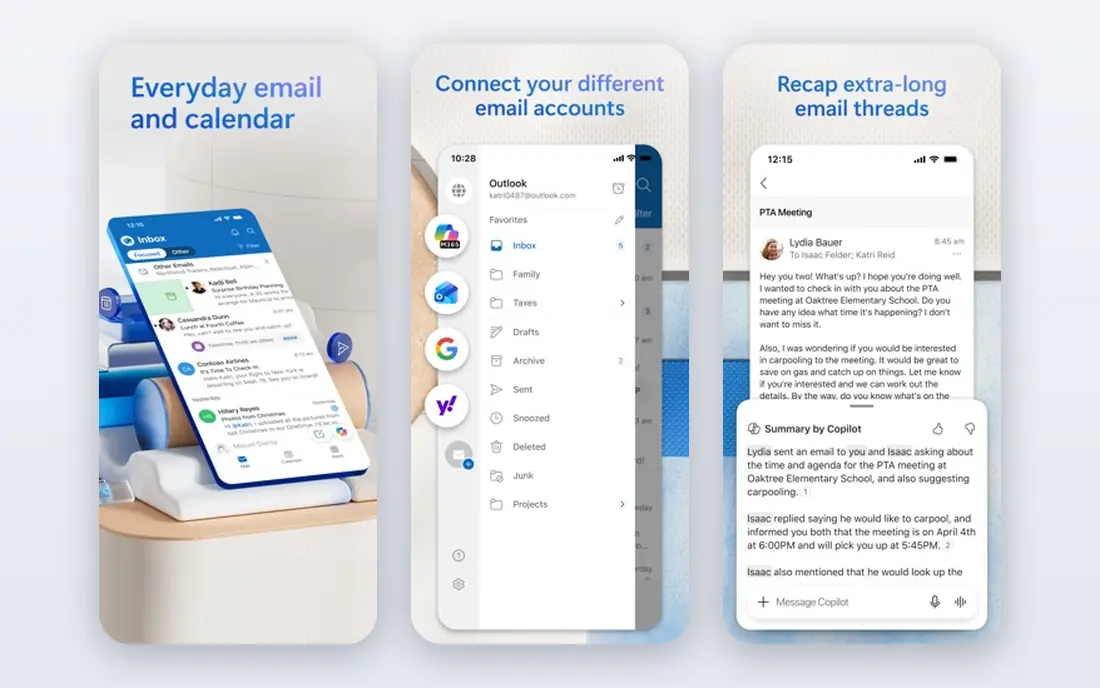
Outlook Calendar suits offices, colleges, and teams that already use Outlook email and Teams. You can move from an email thread to a meeting invite without switching apps, and shared work calendars, rooms, and Teams links are built in. For a workplace in India, that tight link between mail, calendar, and video calls saves daily friction.
A free Outlook account gives you a usable calendar, while Microsoft 365 plans add more storage and business features. For purely personal or family use, Google Calendar is simpler and friendlier, since Outlook still feels built for work first. In a Microsoft workplace, though, Outlook Calendar is the path of least resistance.
- Email and calendar in one place
- Teams integration
- Strong work scheduling
- Personal features feel work-first
- Some booking tools need a paid plan
Apple Calendar is free and built in on iPhone, iPad, and Mac, which makes it the easiest choice if you already live in that world. Events sync through iCloud, Siri can create events from spoken phrases, and shared family calendars work well for school runs, festivals, and appointments. You do not need to install anything or learn a new system.
The limit is cross-platform life. Android and Windows users get a thinner experience through iCloud on the web, and Apple Calendar lacks the booking pages and team tools that Calendly or Zoho Bookings offer. If your household or office is mostly Apple, it is excellent. If it is mixed, Google Calendar will cause fewer sharing headaches.
- Built into Apple devices
- Siri event creation
- Clean sync across Apple hardware
- Weaker on Android and Windows
- Fewer booking and team features
Calendly solves a specific Indian work problem: scheduling calls across IST and other time zones without a long email chain. You share a link, the other person picks a time you are actually free, and the event lands on your calendar with the right time zone conversion. That matters for freelancers, tutors, consultants, and sales teams talking to clients abroad.
The free plan covers one event type and basic booking, which is enough to test it with clients. Paid plans add more event types, team routing, and branding controls. Calendly is not a full personal calendar, so use it beside Google, Zoho, or Outlook Calendar, not instead of one. Paired that way, it removes the most tedious part of scheduling.
- Booking links that respect your availability
- Time zone handling
- Calendar sync
- Free plan limits event types
- Branding and advanced routing need paid plans
Notion Calendar, formerly Cron, appeals to students and knowledge workers who already keep notes, tasks, and docs in Notion. Your schedule sits next to your work, so a meeting, a project deadline, and the notes for both are easy to find together. It syncs with Google Calendar, which means you do not have to abandon a calendar you already use.
The free plan is usable for personal schedules, with paid Notion plans adding team features. The catch is setup: if you do not use Notion, the calendar alone is less compelling than Google Calendar, and offline support is thinner. For Notion users, though, it turns a scattered week into one connected workspace.
- Calendar beside Notion notes and docs
- Clean design
- Google Calendar sync
- Needs a Notion setup to shine
- Offline use is limited
Fantastical is the calendar for people who create many events and hate tapping through forms. Type a phrase such as a meeting title, day, and time, and Fantastical parses it into a proper event. Views are clear and attractive, and on Apple devices it feels like a polished upgrade over the built-in app, with weather and time zone details in view.
Pricing is listed on the Flexibits site, so we mark it as See website, and the free option is a trial rather than a lasting free tier. That subscription cost is hard to justify if you only need basic scheduling, and Android users will find less to love. For heavy Apple calendar users who value speed, it can still be worth the price.
- Natural language parsing
- Attractive day, week, and month views
- Strong Apple integration
- No lasting free plan
- Best features need a subscription
- Android support is limited
Zoho Bookings fits clinics, salons, tutors, coaches, and small service businesses in India that need customers to book a slot. You set working hours and services, share a booking page, and clients pick a time, get reminders, and can reschedule without calling you. That reduces no-shows and phone tag, which is a real cost for a small business.
A free tier covers basic booking, with paid plans adding more staff, services, and integrations. For personal scheduling it is too much, and the setup takes longer than Calendly for a single user. For a service business already using Zoho, or one that needs multi-staff booking, it is a strong, India-friendly choice.
- Booking pages for services
- Reminders and rescheduling
- Zoho integration
- Overkill for personal use
- Design and setup take time to learn
How we picked these
We compared official feature and pricing pages for calendar apps widely used in India, and we checked for Indian holiday calendars, IST and multi-time-zone support, sharing, reminders, and mobile apps on Android and iOS. We favored apps with a usable free tier and a clear upgrade path, and we included booking tools only where they solve a real scheduling problem for Indian users, such as client bookings across time zones.
How to choose a calendar app in India
Start with the devices and workplaces you already use, since a calendar that syncs badly will fail no matter how pretty it looks. If your family and office are on Google, start with Google Calendar. If your office runs Microsoft 365, Outlook Calendar will fit with less setup. If your business runs on Zoho, Zoho Calendar and Zoho Bookings together cover both internal schedules and customer bookings.
Check the local details before you commit. Add the Indian holiday calendar, test a shared calendar with a family member or colleague, and try creating an event in IST for a contact in another time zone. Those three tests reveal most problems early.
Sharing and booking without the email chain
A calendar should reduce messages, not create them. Shared family calendars handle school holidays and festivals, team calendars handle leave and meetings, and a booking link handles client calls. Pick the mix that cuts your own email chain, and keep personal and work calendars separate but visible together, so a festival or a deadline never surprises you.
FAQ
Which calendar app is best for most people in India?
Google Calendar is our pick for most people, because it is free, widely shared, and handles Indian holidays, reminders, and Meet links well. Zoho Calendar is a close second for Zoho users, and Apple Calendar wins for households that are mostly on Apple devices.
Does Google Calendar include Indian holidays?
Yes. You can add a Holidays in India calendar from the calendar settings, which covers national and many regional holidays. Check the list for your state, since regional holidays vary, and add local observances manually where needed.
Can I schedule meetings across IST and other time zones?
Yes, all the main apps here support time zones. Google Calendar, Zoho Calendar, Outlook Calendar, and Calendly all convert times for attendees, but you should still confirm the time in the invite message for important calls, since daylight saving changes abroad can confuse a first meeting.
Is Calendly free to use in India?
Calendly offers a free plan with one event type and basic booking, which is enough for many freelancers. Paid plans add more event types, team features, and branding, and prices are listed on the Calendly site in US dollars, so check the current conversion before subscribing.
What is the difference between Zoho Calendar and Zoho Bookings?
Zoho Calendar is for your own schedule and team calendars, while Zoho Bookings is for letting customers book appointments with you. A service business often needs both: Calendar for staff schedules, Bookings for the public booking page.
Do these apps work on both Android and iPhone?
Google Calendar, Zoho Calendar, Outlook Calendar, Calendly, and Notion Calendar work on both, with web access as well. Apple Calendar is strongest on Apple devices, and Fantastical is also Apple-first, so mixed-device households should favor Google or Zoho Calendar.