6 Best Calendar Software for Freelancers for 2026, Vetted and Compared
Compare 6 best calendar software for freelancers, with prices, free plans and who each fits. Each tool is judged on the same checks. Skim the table first.
- Editor's choice
 Motion
AI-driven planning across work
Starts at$19 per seat a monthVisit usemotion.comFull review - Great alternative
 Calendly
Client booking and meeting follow-up
Starts at$10 per seat per monthVisit calendly.comFull review - Also consider
 Google Calendar
Shared scheduling across devices
Starts atSee websiteVisit calendar.google.comFull review
Direct answer
For AI-driven planning across work, Motion is where this list starts. Listed starting prices: Motion from $19 per seat a month, Calendly from $10 per seat per month and Notion Calendar from $10 per member a month. If your case is different, Calendly suits client booking and meeting follow-up and Google Calendar suits shared scheduling across devices. The remaining 3 options are covered below with prices and limits.
TL;DR:
- Top of the list is Motion, which targets AI-driven planning across work.
- Check the limits for Calendly before you commit: not a full project or task manager.
- Microsoft Outlook has the lowest monthly starting price in this list: $1.99 per month.
- Only 3 of the 6 tools have a free plan (Calendly, Notion Calendar, Reclaim.ai), so check the caps.
- For AI time blocking for tasks and habits, Reclaim.ai is worth a look.
Last checked November 2026. Prices and plan details were read from the vendors' own pages in November 2026; vendors change plans often, so confirm the current price on the vendor site before you buy.
Quick comparison
| Tool | Best for | Starts at | Free plan? | |
|---|---|---|---|---|
| Motion | AI-driven planning across work | $19 per seat a month | Free trial | Visit |
| Calendly | Client booking and meeting follow-up | $10 per seat per month | Yes | Visit |
| Google Calendar | Shared scheduling across devices | See website | Not stated | Visit |
 Notion Calendar | Connecting calendars with Notion | $10 per member a month | Yes | Visit |
 Microsoft Outlook | Email and calendar in one place | $1.99 a month | Free trial | Visit |
 Reclaim.ai | AI time blocking for tasks and habits | $10 per seat per month | Yes | Visit |
Calendar Software for Freelancers compared in detail
Short on time? The summary and table above give the quick view of 6 calendar software for freelancers, and the profiles that follow give the detail behind each entry.
Motion was built for AI-driven planning across work. Freelancers who want their task list and calendar to inform each other may find that breadth handy, since planning and scheduling sit in one place.
In daily use, choose Motion when you want AI-assisted planning to include tasks and projects along with your schedule. The starting price for Motion: $19 per seat per month. Free options: Free trial.
Trade-offs to know: More than a calendar alone.
- AI-assisted planning features
- Wide set of work tools in one app
- Large feature set can take time to learn
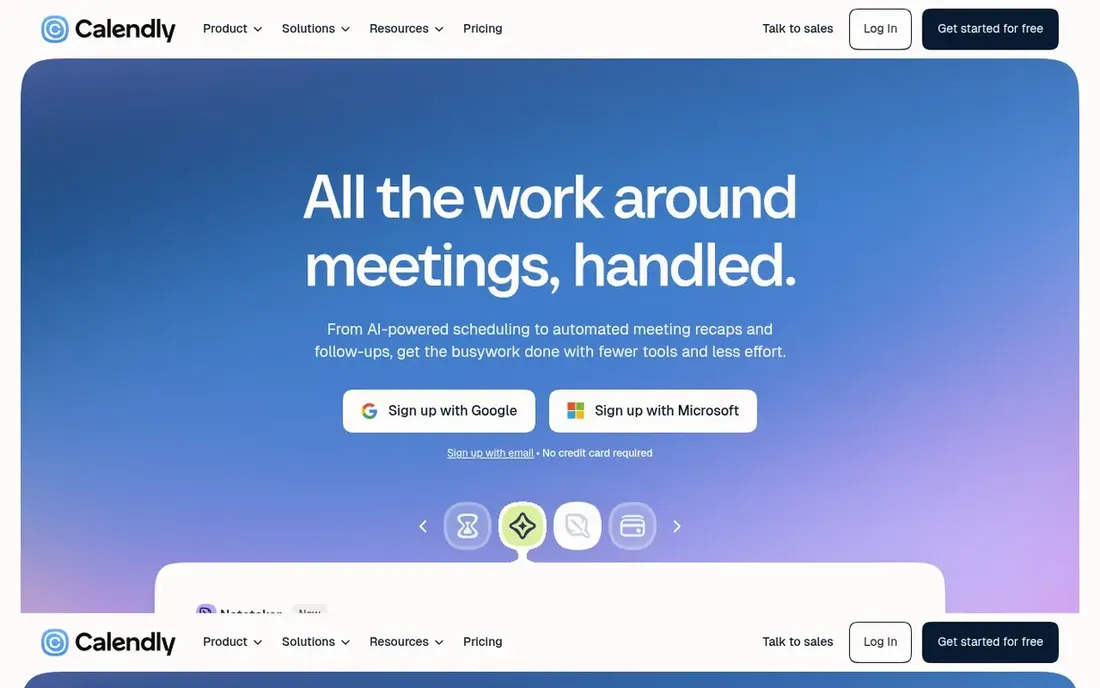
For client booking and meeting follow-up, Calendly is a natural candidate. For freelancers, the appeal is the client-facing side: letting people book time without a back-and-forth email chain and keeping the surrounding details organized.
Honest limits: Not a full project or task manager.
Choose Calendly when client booking and meeting follow-up are the recurring pain points you want to remove. Calendly is built around meetings instead of around managing projects, tasks or your entire working day. On cost, Calendly starts like this: $10 per seat per month. Calendly includes a free tier.
- Deals with contact management around meetings
- Handles meeting prep and follow-up
- Less handy if you seldom take bookings
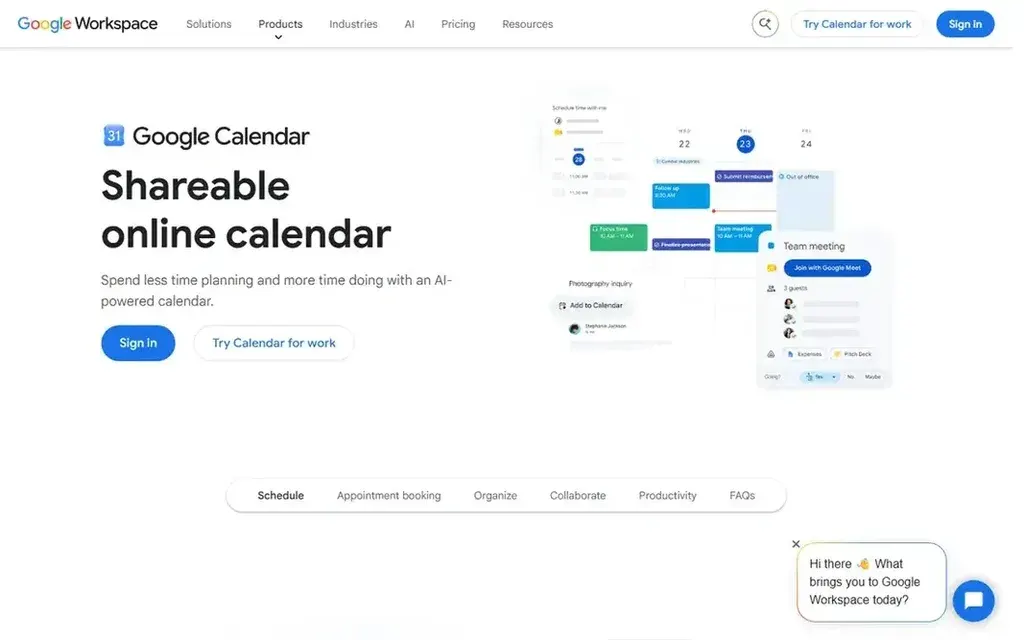
Google Calendar is a good fit for shared scheduling across devices. Google Calendar is a shareable online calendar made for scheduling meetings and appointments. The vendor positions it for both business and personal life within Google Workspace.
From a buyer's view, choose Google Calendar when a shared, straightforward calendar is the core need. Also, for freelancers, that makes it a practical base calendar: you can keep client meetings, deadlines and personal events in one place and share selected calendars with clients or collaborators. Its limits display up when you want deep automation or client-facing booking built in, since the vendor frames those needs around the wider workspace and scheduling tools. Pricing for Google Calendar is not stated here, so ask the vendor for current figures. Free plan details: Not stated.
Trade-offs to know: Less built-in automation than AI tools.
- Works for business and personal use
- Scheduling and appointment features
- Advanced features tie into a broader workspace
Notion Calendar makes the most sense for connecting calendars with Notion. Notion Calendar is described by the vendor as beautifully designed and completely integrated with Notion and Google Calendar. Choose Notion Calendar when your workspace already lives in Notion and you want the schedule to follow.
More specifically, freelancers who already organize projects, notes and client details in Notion can keep their schedule close to that work rather than switching contexts. It is not positioned as a client booking or AI scheduling engine, which means other tools may handle those jobs better. Starting cost for Notion Calendar: $10 per member per month. Notion Calendar includes a free tier.
Watch-outs: Most valuable only within the Notion ecosystem.
- Integrated with Notion and Google Calendar
- Handy if you already work in Notion
- Fewer standalone scheduling features
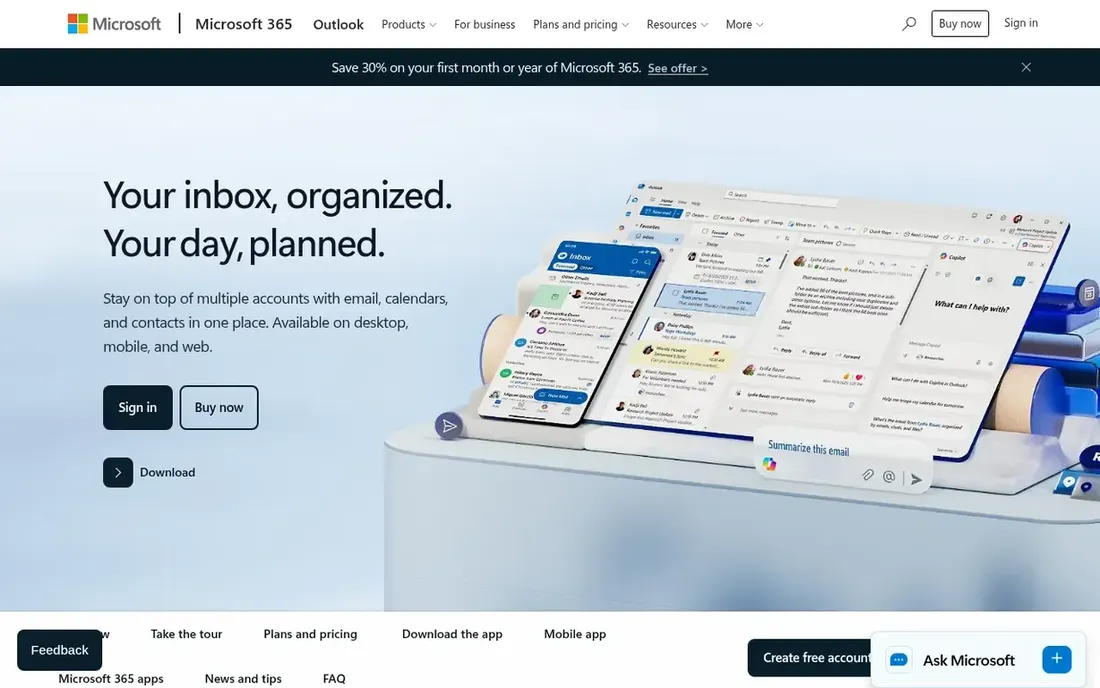
Microsoft Outlook works best for email and calendar in one place. Microsoft Outlook is a personal email and calendar application from Microsoft 365. The vendor also points to Office Online apps such as Word, Excel and PowerPoint.
What to check first: Interface can feel heavy for straightforward needs.
Pick Outlook when email and calendar belong together in your daily routine. In daily use, freelancers who already run their client communication through email may prefer keeping messages and appointments in a single app, which reduces switching between tools. In practice, if you primarily want fast scheduling links or AI-driven time blocking, a focused scheduling tool may serve you better. The tradeoff is that Outlook is a wide productivity application instead of a light calendar. The experience is most cohesive inside the Microsoft ecosystem. On cost, Microsoft Outlook starts like this: $1.99 per month. On free options: Free trial.
- Familiar business productivity setup
- Comes with Office Online apps
- Best experience tied to the Microsoft ecosystem
Reclaim.ai is designed for AI time blocking for tasks and habits. Reclaim.ai is an AI-powered calendar app that the vendor says auto-schedules tasks, habits, meetings and breaks, and it works on top of Google Calendar or Outlook Calendar. As for the details, if you prefer to place every block by hand, the automation may feel unnecessary.
In daily use, since Reclaim builds on an existing calendar, it is a layer instead of a replacement. The automatic scheduling may need adjustment before it matches how you actually work. From a buyer's view, for freelancers, that means protecting focus time for billable work whereas still leaving room for calls and rest. Reclaim.ai pricing: $10 per seat per month. Free access exists with Reclaim.ai.
Drawbacks to consider: Relies on an existing calendar underneath.
- Brings meetings and breaks to the plan
- Works with Google and Outlook calendars
- Automation needs tuning to match your habits
How we compared the tools
Selection started from tools commonly considered for calendar software for freelancers, then narrowed to 6 that have clear pricing information or a clear quote process. Treat prices as a snapshot: vendors change plans often, so check the vendor site for the figure that applies today. We ordered the tools by general fit, then by how clearly pricing is shown, then by free access. A buyer with unusual needs may reorder them.
What to check before you buy
- Confirm the entry price on the vendor page. For Google Calendar that means a quote rather than a fixed price.
- Read the fine print on the free plans from Calendly, Notion Calendar and Reclaim.ai; seat, project and feature caps differ.
- Run a trial of Motion and Microsoft Outlook with real work before paying for a year; your own workflow is the best test.
- Before choosing Motion, weigh its main limit: large feature set can take time to learn.
- Run a one or two week pilot of Motion with the people who will use it every day.
- Read the plan comparison for Notion Calendar carefully; key features often start on a higher tier.
FAQ
What is the cheapest option for calendar software for freelancers in this list?
On published monthly entry prices, Microsoft Outlook is the lowest here at $1.99 per month. Entry price is only part of the cost, because seats, add-ons and billing terms can change the total. Prices, free plan details and limits for all 6 tools in this calendar software for freelancers roundup sit on the individual cards above.
Is Motion the right pick for everyone comparing calendar software for freelancers?
No single tool suits every team. Motion comes first because it fits AI-driven planning across work, while Calendly suits client booking and meeting follow-up and Google Calendar suits shared scheduling across devices. Match the tool to your own size, budget and workflow before deciding.
Do these tools publish their prices?
Not all of them. Google Calendar publishes no starting price, so expect a quote request for it. The rest, Motion included, show a starting price, though seats and billing terms still change the final cost.
Should freelancers use a booking tool or a primary calendar?
Most freelancers benefit from a central calendar for daily planning plus a scheduling layer for client bookings.
Can I try these tools before paying?
Often, yes. Calendly, Notion Calendar and Reclaim.ai have a free plan and Motion and Microsoft Outlook offer a free trial. Use your own data and a real task during the test, and check what the free tier or trial limits before you rely on it.
Do I need a calendar that integrates with my notes?
If you already organize client work in Notion, Notion Calendar keeps your schedule close to those notes and integrates with Google Calendar.
Sources
- https://www.usemotion.com
- https://calendly.com
- https://calendar.google.com
- https://www.notion.com/product/calendar
- https://www.microsoft.com/en-us/microsoft-365/outlook/email-and-calendar-software-microsoft-outlook
- https://reclaim.ai