6 Best File Sharing Software for Freelancers for 2026, Vetted and Compared
Best file sharing software for freelancers in 2026: 6 contenders with entry costs and free tiers. We note where every tool falls short. Full profiles inside.
- Editor's choice
 WeTransfer
Sending large files rapidly
Starts atSee websiteVisit wetransfer.comFull review - Great alternative
 pCloud
Secure storage with straightforward sharing
Starts atSee websiteVisit pcloud.comFull review - Also consider
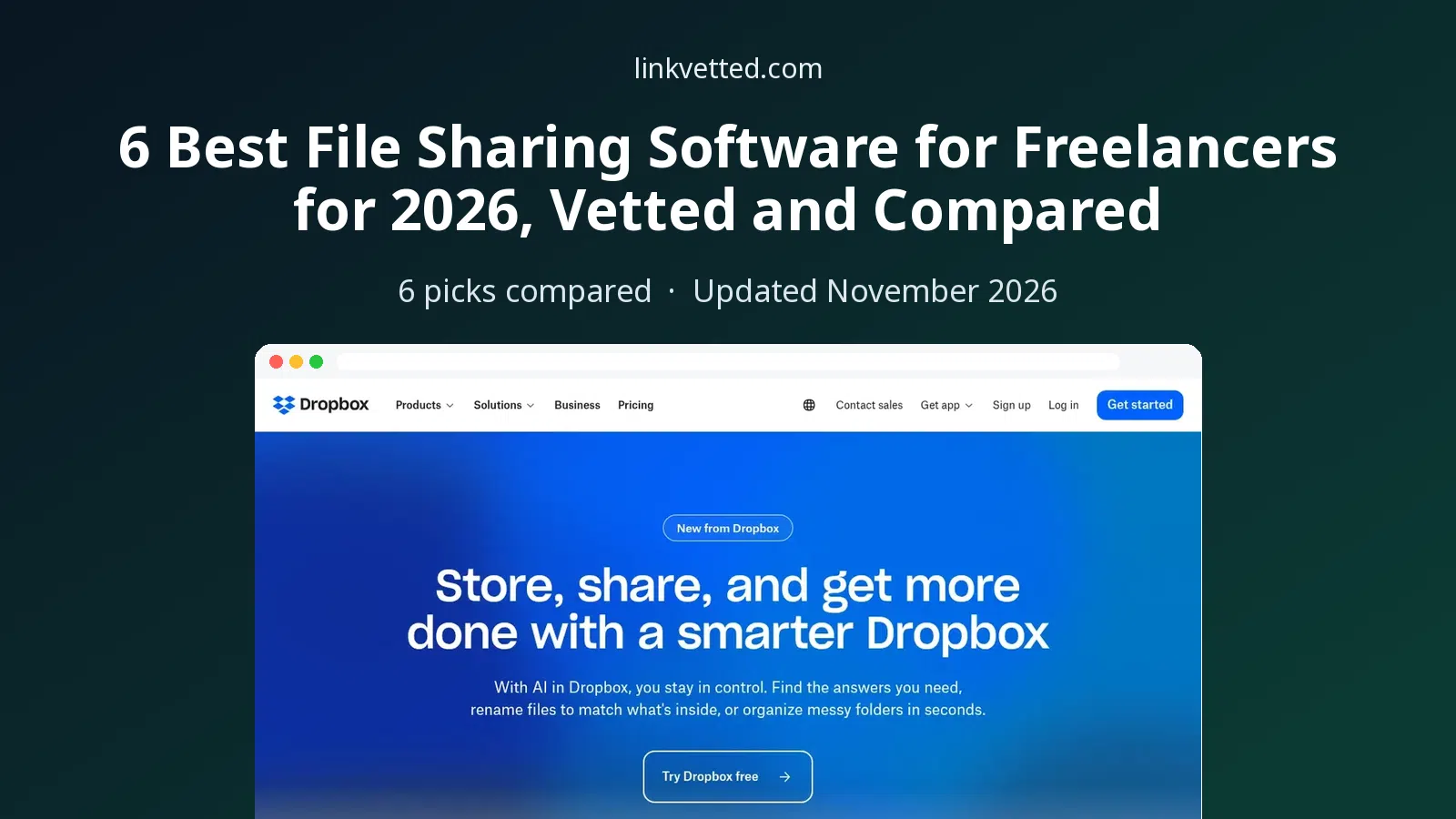
 Dropbox
Everyday syncing and client file sharing
Starts at$9.99 a monthVisit dropbox.comFull review
Direct answer
Our first pick is WeTransfer, best for sending large files rapidly. Listed starting prices: Dropbox from $9.99 a month and Sync.com from $4.50 per user a month. For a different need, pCloud covers secure storage with straightforward sharing and Dropbox covers everyday syncing and client file sharing. Details, prices and limits for the rest of the 6 tools are below.
TL;DR:
- WeTransfer sits first on this list: sending large files rapidly.
- For privacy-focused freelancers and sensitive files, Sync.com is worth a look.
- What to know about Box first: aimed more at organizations than solo users.
- WeTransfer, Sync.com and the 4 others all need a premium plan or a trial, since no free plan is listed.
- Sync.com has the lowest monthly starting price in this list: $4.50 per user per month.
Last checked November 2026. Prices and plan details were read from the vendors' own pages in November 2026; vendors change plans often, so confirm the current price on the vendor site before you buy.
Quick comparison
| Tool | Best for | Starts at | Free plan? | |
|---|---|---|---|---|
| WeTransfer | Sending large files rapidly | See website | Not stated | Visit |
| pCloud | Secure storage with straightforward sharing | See website | Not stated | Visit |
| Dropbox | Everyday syncing and client file sharing | $9.99 a month | Free trial | Visit |
 Box | Content-heavy client workflows and automation | See website | Not stated | Visit |
 Google Drive | Freelancers working inside Google Workspace | See website | Not stated | Visit |
 Sync.com | Privacy-focused freelancers and sensitive files | $4.50 per user a month | Free trial | Visit |
File Sharing Software for Freelancers compared in detail
LinkVetted put together this guide to file sharing software for freelancers for readers who want a clear shortlist without reading every vendor page. It compares 6 tools on starting price, free plans, who each one suits and where each one falls short.
Pick WeTransfer if this describes you: sending large files rapidly. WeTransfer is a file transfer service built for sending large files, photos and videos rapidly and securely. It notes that recipients do not need an account.
Where it is weaker: Continuing storage and sync are restricted.
Pick WeTransfer when the job is getting a big file to a client quick. Freelancers who deliver video edits, photo sets or design bundles to clients will recognize the appeal: upload, add a message, send a link. As for the details, WeTransfer is a transfer tool instead of a full cloud workspace, so it is not the place to keep a living project archive or sync working files across devices. Check the vendor site for WeTransfer pricing; none is listed in this comparison. Free access: Not stated.
- Deals with photos and videos
- No account needed to send
- Not a full document workspace
pCloud serves secure storage with straightforward sharing. pCloud is storage-first, so document co-editing and deep collaboration features are restricted compared to suite-based drives.
For everyday use, choose pCloud when secure storage and straightforward sharing are the priorities and you do not need a full productivity suite. Freelancers whose clients expect to edit files in the browser may need Google Drive or OneDrive instead. No starting price is listed for pCloud here; confirm pricing on the vendor site. Free options: Not stated.
Where it is weaker: Fewer built-in office tools.
- Store
- Straightforward sharing model
- Collaboration features are entry-level
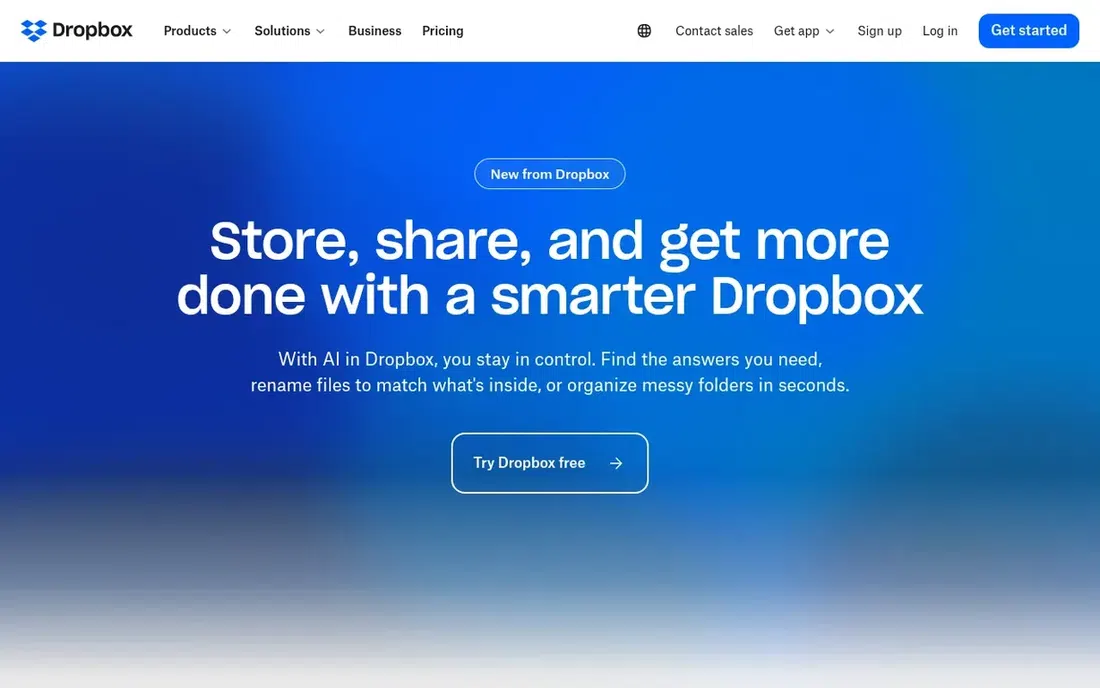
Dropbox is aimed squarely at everyday syncing and client file sharing. For freelancers, that means a familiar folder structure on your computer that stays in step with clients and collaborators, plus links you can send for review or delivery.
Starting cost for Dropbox: $9.99 per month. As for free access: Free trial.
Watch-outs: Storage fills up with large media.
- Syncs files across devices
- Straightforward shareable links
- Advanced controls sit behind premium levels
Box is a good fit for content-heavy client workflows and automation. Freelancers handling regulated or confidential client material, like legal, financial or healthcare content, may value that structure.
What to check first: Aimed more at organizations than solo users.
On top of that, consider Box when client work involves structured workflows and sensitive documents. In daily use, Box is oriented toward organizational content management, so solo freelancers with straightforward needs may find the setup heavier than necessary. No starting price is listed for Box here; confirm pricing on the vendor site. Free options: Not stated.
- Workflow automation features
- Internal and external collaboration
- Setup can feel heavy for small jobs
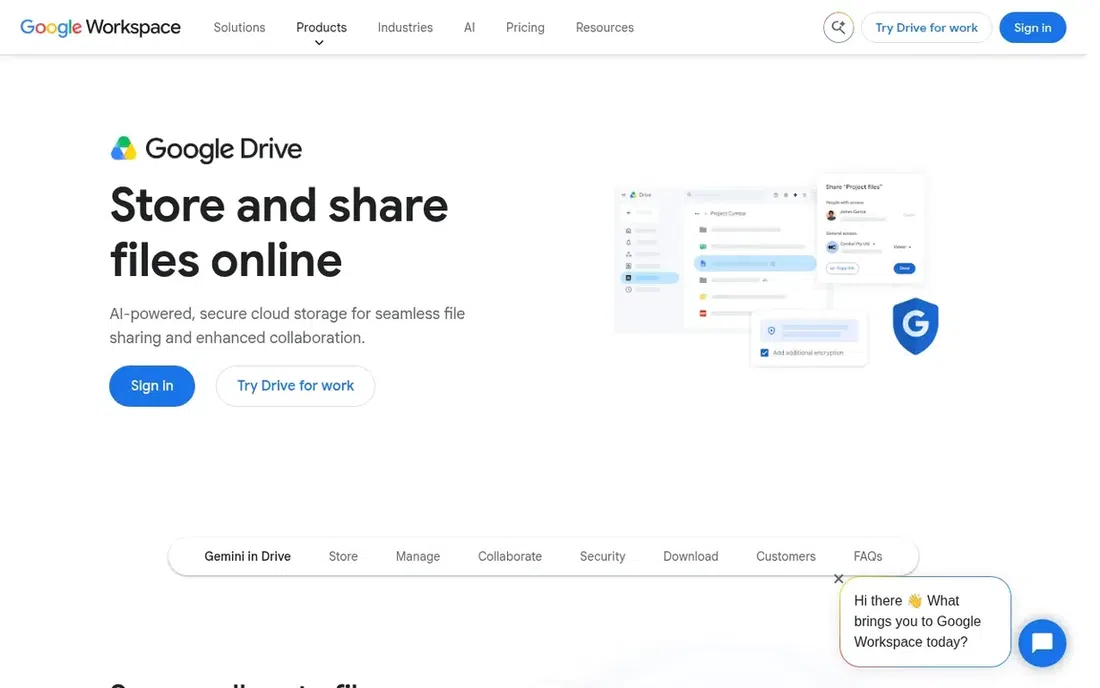
Google Drive is aimed squarely at freelancers working inside Google Workspace. Freelancers working primarily with Microsoft Office or large creative files may find Drive less natural, and permission settings take some getting used to.
Downsides: Sharing permissions can confuse newcomers.
Pick Google Drive when your daily work already runs through Google apps and you want sharing to stay in that ecosystem. If your clients live in Microsoft 365, OneDrive normally feels more smooth. Check the vendor site for Google Drive pricing; none is listed in this comparison. Trial and free access: Not stated.
- Tight integration with Google apps
- Secure cloud storage and sharing
- Less natural for Microsoft-centric clients
For privacy-focused freelancers and sensitive files, Sync.com is a natural candidate. Consider Sync.com when confidentiality is a selling point in your work and you want storage and sharing built around security instead of around a document suite. As for the details, sync.com sits outside the biggest office ecosystems, so integrations and extras are fewer than with Google or Microsoft drives.
Downsides: Fewer integrations than mainstream drives.
On top of that, freelancers whose clients expect shared editing inside those suites may find the fit awkward. Sync.com supplies secure cloud storage and collaboration geared toward keeping users connected whereas protecting their files. Starting cost for Sync.com: $4.50 per user per month. Free plan details: Free trial.
- Collaboration and sharing features
- Suited to confidential client work
- Smaller ecosystem than major suites
Selection criteria
Pre-purchase checklist
- Confirm the entry price on the vendor page. For WeTransfer, pCloud, Box and Google Drive that means a quote rather than a fixed price.
- Use real work to test the free trial from Dropbox and Sync.com, rather than a demo project.
- Before choosing WeTransfer, weigh its main limit: not a full document workspace.
- Check whether Sync.com bills monthly or annually, and what cancelling early costs.
- Confirm that Box connects to the apps your team already uses, on the plan you would actually buy.
FAQ
How do freelancers send large files to clients?
For repeat clients, a shared folder in a storage service is frequently more practical since files stay available. Many freelancers use both approaches.
Can I try these tools before paying?
Often, yes. Dropbox and Sync.com offer a free trial. Use your own data and a real task during the test, and check what the free tier or trial limits before you rely on it.
Do freelancers need a premium file sharing plan?
Not always, but storage limits and sharing controls frequently push regular client work toward premium tiers. Confirm current plan details on each vendor site before deciding.
What is the best file sharing software for freelancers overall?
The first pick on this list is WeTransfer, because it suits sending large files rapidly. pCloud is better for secure storage with straightforward sharing, and Dropbox for everyday syncing and client file sharing. Check price and limits against your own needs before choosing.
How are the tools for file sharing software for freelancers ordered?
WeTransfer sits first and Sync.com last because the order follows typical fit for file sharing software for freelancers, then price clarity and free access. It is a judgement call, so read each profile for fit and limits.
Do these tools publish their prices?
Not all of them. WeTransfer, pCloud, Box and Google Drive publish no starting price, so expect a quote request for those. The rest, Dropbox included, show a starting price, though seats and billing terms still change the final cost.
Sources
- https://wetransfer.com
- https://www.pcloud.com
- https://www.dropbox.com
- https://www.box.com
- https://workspace.google.com/products/drive
- https://www.sync.com