Best Enterprise File Sharing Platforms in 2026: 8 Tools Compared
Compare the best enterprise file sharing platforms for 2026, from Box and Dropbox to Egnyte and Tresorit, by security, controls, storage and price today.
- Editor's choice
 Box
Governed enterprise content
Starts atSee websiteVisit box.comFull review - Great alternative
 Dropbox Business
Simple cross-company sharing
Starts atSee websiteVisit dropbox.comFull review - Also consider
 Google Drive
Google Workspace teams
Starts atSee websiteVisit google.comFull review
TL;DR:
- Box leads on governance and compliance depth, while Dropbox leads on simple cross-company sharing.
- Google Drive and OneDrive make sense when your company already lives in Workspace or Microsoft 365.
- Tresorit suits teams that want end-to-end encryption where the provider cannot read files.
- Egnyte suits hybrid teams with files both in the cloud and on local servers.
- Check SSO, audit logs, link controls and data residency before price, since security gaps cost more later.
Quick comparison
| Tool | Best for | Starts at | Free plan? | |
|---|---|---|---|---|
| Box | Governed enterprise content | See website | Free trial | Visit |
| Dropbox Business | Simple cross-company sharing | See website | Free trial | Visit |
| Google Drive | Google Workspace teams | See website | Free trial | Visit |
 Microsoft OneDrive | Microsoft 365 teams | See website | Free trial | Visit |
 Egnyte | Hybrid cloud and local files | See website | Free trial | Visit |
 ShareFile | Client document workflows | See website | Free trial | Visit |
 Tresorit | End-to-end encrypted sharing | See website | Free trial | Visit |
 Sync.com | Private cloud storage | See website | Free trial | Visit |
The best enterprise file sharing platforms
Enterprise file sharing is about control as much as storage. Permissions, audit trails, external link rules and compliance certifications decide whether a tool passes a security review. We compared official pricing pages, security pages and feature documentation for platforms serving enterprises in 2026.
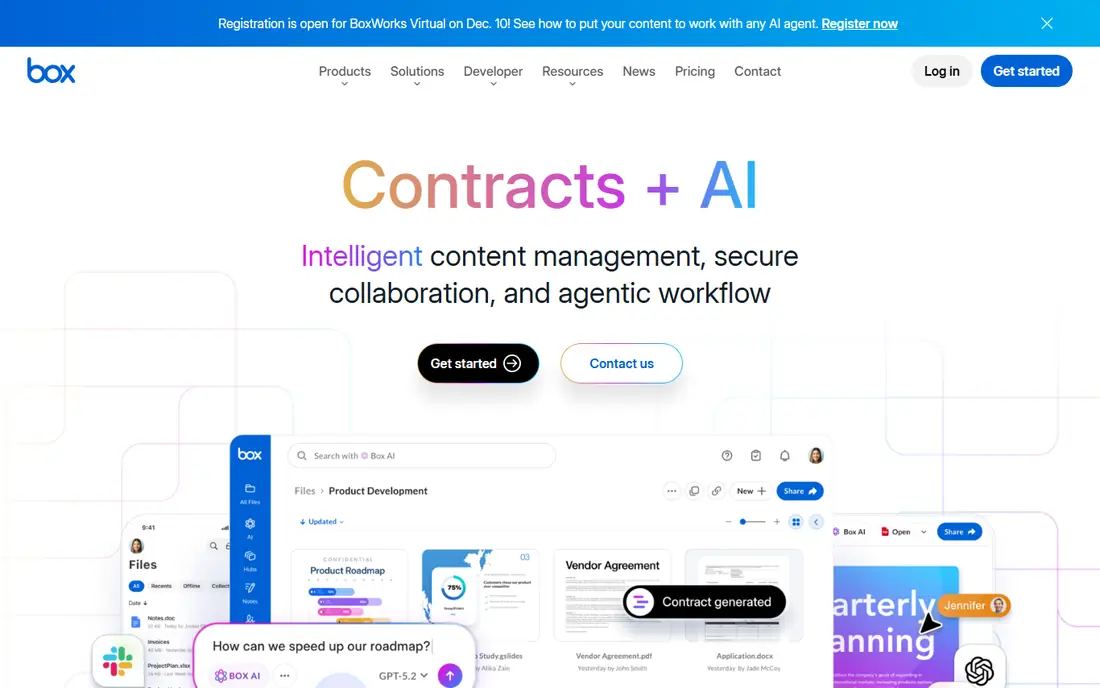
Box is built for companies that must govern content, not only store it. Retention policies, legal holds, classification, watermarking on higher plans and detailed audit logs help legal, finance and life sciences teams meet compliance duties. Integrations with Microsoft 365, Google Workspace, Salesforce and Slack keep Box inside daily workflows.
Published business plans start at low per-user prices, with enterprise and governance features priced higher. Small teams may find Box more platform than needed, and Shield security add-ons increase cost. For regulated enterprises that need defensible content control, Box is the strongest default.
- Strong governance, retention and compliance options
- Granular permissions
- Broad enterprise integrations
- Advanced security features sit on higher plans
- Pricing rises with governance add-ons
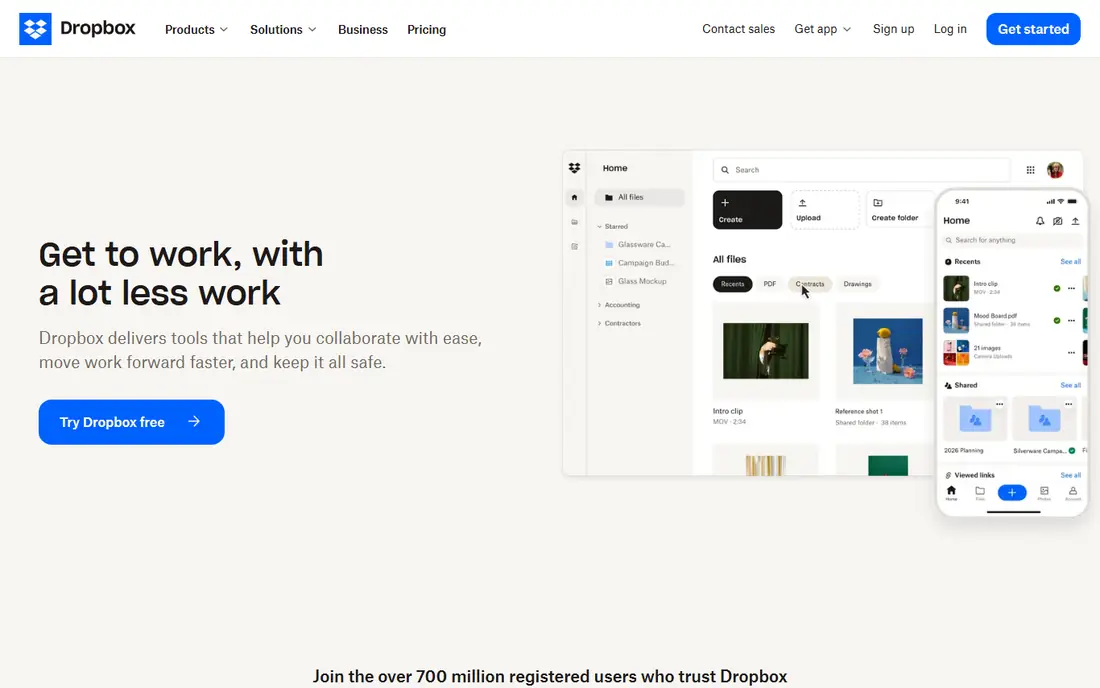
Dropbox Business wins on ease. Employees and clients already know how it works, shared folders and links are simple, and sync is fast across devices. For companies that share files with many outside partners, that familiarity reduces training and support requests.
Governance has improved, but Box and Egnyte still offer deeper content controls for regulated work. Published business tiers cover storage and team features, with an enterprise tier quoted separately. Choose Dropbox when usability and external sharing matter more than heavy compliance tooling.
- Easy sharing inside and outside the company
- Fast sync
- Familiar interface for clients
- Governance depth trails Box and Egnyte
- Enterprise tier is quote-based

Google Drive is the natural file platform for companies already using Gmail, Docs and Calendar. Real-time collaboration in Docs, Sheets and Slides is a genuine advantage over file-only tools, and Workspace admin controls cover sharing rules, DLP and audit logs. Pooled storage on business plans suits teams with uneven storage needs.
Sharing mistakes are the main risk, since a single link setting can expose a folder widely. Admins should set default sharing rules, review external sharing regularly, and train teams on link types. For Workspace companies, Drive is usually the lowest-friction enterprise choice.
- Built into Google Workspace
- Real-time Docs collaboration
- Strong admin controls in Workspace
- Sharing controls need careful admin setup
- Client-side encryption options are limited to certain plans
OneDrive for Business, paired with SharePoint, is the file platform for Microsoft 365 companies. Personal files live in OneDrive, team files live in SharePoint sites, and Office apps edit in real time. Purview adds DLP, retention and compliance controls for enterprises that need them.
The split between OneDrive and SharePoint confuses teams that expect one folder tree. Planning site structure, permissions and naming before migration prevents a messy library later. For companies already paying for Microsoft 365, OneDrive and SharePoint together are hard to beat on value.
- Included with Microsoft 365 business plans
- SharePoint team sites
- Purview compliance tools
- SharePoint structure confuses some teams
- Best value only inside Microsoft 365
Egnyte suits companies with files in two places: cloud collaboration for office teams and local servers for large files, legacy systems or data residency needs. Its platform governs both, with permissions, audit logs, sensitive-content detection and ransomware protection. Construction, life sciences and financial firms are common users.
Business pricing on published pages starts above basic cloud storage, reflecting governance features. Hybrid setup needs more planning than a pure cloud tool, including which folders sync locally and which stay cloud-only. For hybrid estates, Egnyte is the most complete option here.
- Hybrid cloud and on-prem support
- Content governance and ransomware detection
- Granular permissions
- Published pricing is higher than basic cloud storage
- Setup takes planning for hybrid use
ShareFile, from Progress, goes beyond file transfer into client work. Firms can request documents through branded portals, track what clients have sent, collect approvals and add e-signatures. Accounting, legal and financial services firms use it to run client onboarding and ongoing document exchange in one place.
For pure internal collaboration, ShareFile is narrower than Box or Drive, since its strength is client-facing workflows. Published plans are per user with a minimum user count on some tiers, so small firms should confirm total cost. For client document work, ShareFile is a purpose-built fit.
- Client portals and document requests
- E-signature workflows
- Accounting and legal firm focus
- Portal focus suits client work more than internal collaboration
- Pricing varies by plan
Tresorit is the privacy-first pick. Files are encrypted on the user device before upload, so Tresorit itself cannot read them, a model called zero-knowledge encryption. Secure rooms, access controls, audit logs and data residency options help firms in legal, healthcare and finance meet strict confidentiality duties.
Encryption has trade-offs, including limits on server-side content search and some preview features compared with unencrypted platforms. Published business pricing sits above basic cloud storage, which reflects the security model. When confidentiality is the top requirement, Tresorit is the clearest choice.
- True end-to-end encryption
- Provider cannot read stored files
- Granular access and audit controls
- Encryption limits some server-side search and preview features
- Pricing above basic storage
Sync.com offers encrypted cloud storage with a simpler, lower-cost shape than Tresorit or Box. Files are protected with end-to-end encryption, storage per user is generous on business plans, and sharing, backup and team folders cover common needs. Small and mid-size companies that want private storage without enterprise complexity fit well.
Large enterprises may miss deeper governance, DLP and integration depth. Sync.com is best viewed as secure storage with sharing, not as a full content governance platform. For privacy-minded teams with straightforward needs, it offers strong value.
- End-to-end encryption included
- Generous storage per user
- Simple sharing and backup
- Collaboration and governance features trail Box and Egnyte
- Fewer enterprise integrations
How we picked these
We compared official pricing, security and feature pages for file sharing platforms marketed to enterprises in 2026. We favored tools with SSO, audit logs, link controls, encryption and compliance certifications. We left out consumer-only storage and virtual data rooms built only for single deals, since they do not serve daily enterprise sharing.
How to choose an enterprise file sharing platform
Start with your existing suite. Workspace companies should test Drive first, and Microsoft 365 companies should test OneDrive and SharePoint first, since bundling often beats a separate tool on cost and adoption. Only add a separate platform when governance, encryption or client workflow needs justify it.
Security checklist before purchase
Confirm SSO and SAML, multi-factor authentication, granular permissions, link expiry and password options, and audit logs that feed your SIEM if you use one. Check encryption at rest and in transit, plus customer-managed keys if your policy requires them. Ask about data residency, retention, legal hold and breach notification terms in writing.
Migration and adoption
Audit current file shares, permissions and duplicate folders before moving anything. Migrate in phases by team, keep old shares read-only during the switch, and train teams on link sharing rules on day one. Measure adoption by active sharing and external link use, not only by licenses bought.
Cost drivers to model
Model per-user price, storage overages, governance add-ons and implementation help together. A platform that looks cheap per user can grow costly with Shield, DLP or key management add-ons. Compare total cost for your actual user count and storage, not for a generic ten-person example.
FAQ
What is the best file sharing platform for enterprises?
Box is the best default for governed enterprise content, while Drive and OneDrive suit companies already in those suites. Dropbox suits simple external sharing, and Tresorit suits strict confidentiality. Match the platform to your compliance needs and existing tools, not only to storage price.
Is Dropbox Business secure enough for enterprise use?
Dropbox Business offers encryption, SSO, admin controls and audit features that suit many enterprises. Regulated firms with heavy retention, classification or DLP needs may still prefer Box, Egnyte or Tresorit. Run your security checklist against Dropbox before deciding, especially for sensitive data.
What is the difference between OneDrive and SharePoint?
OneDrive holds personal work files for each user, while SharePoint holds team and company files in sites. Both sit inside Microsoft 365 and share permissions and compliance tools. Plan which files belong in each place, since mixing them without rules creates confusion.
Do enterprise file sharing platforms support end-to-end encryption?
Some do, notably Tresorit and Sync.com, which encrypt files so the provider cannot read them. Box, Drive and OneDrive offer strong encryption and customer-managed key options, but not the same provider-blind model by default. Choose based on whether provider-blind privacy is a requirement or a preference.
How much storage do enterprise plans include?
Storage varies widely, from per-user allowances to pooled team storage to unlimited on some enterprise tiers. Check whether storage is per user or pooled, and what overage costs apply. Large media, design and engineering teams should model real usage, not headline allowances.
Can I control external sharing with clients?
Yes, all platforms here offer link controls, but depth varies. Look for link expiry, passwords, download limits, domain allowlists and audit logs for external shares. Set company-wide defaults first, then allow exceptions by team, so client sharing stays convenient without becoming open by default.