Best Enterprise File Sync and Share Software for 2026: Our 5 Vetted Picks
5 products for the best enterprise file sync and share software, ranked by fit, with starting costs and free tiers. Short verdicts, no fluff. See which fits.
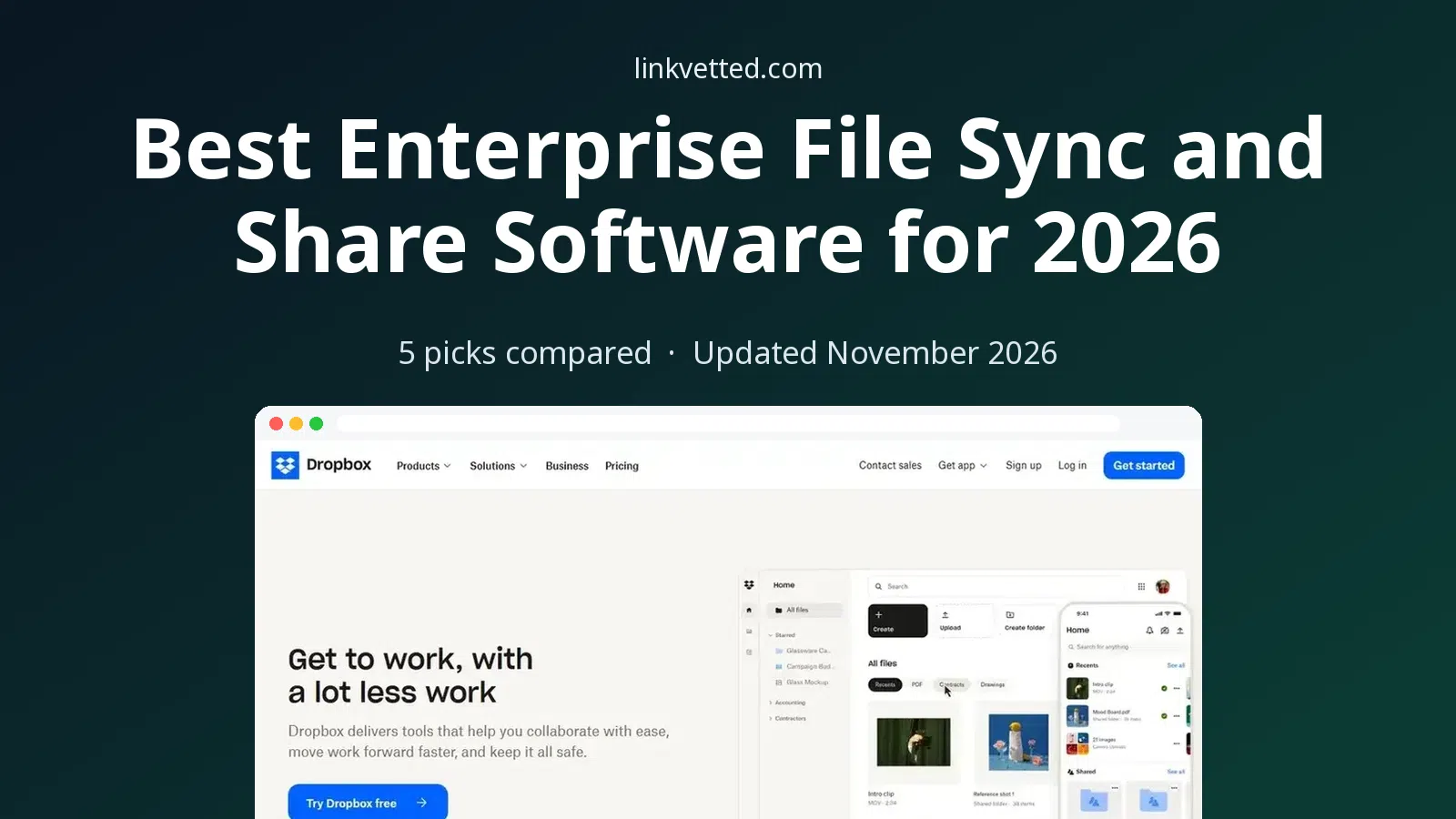
- Editor's choice
 Google Drive
Straightforward secure sharing in Google Workspace
Starts atSee websiteVisit workspace.google.comFull review - Great alternative
 Egnyte
Governance of large files and sensitive content
Starts at$22 per user a monthVisit egnyte.comFull review - Also consider
 Dropbox Business
Teams wanting storage plus eSignature tools
Starts atSee websiteVisit dropbox.comFull review
Direct answer
Start with Google Drive if you need straightforward secure sharing in Google Workspace. Listed starting prices: Egnyte from $22 per user a month and M-Files from €65 per seat a month. Alternatives: Egnyte for governance of large files and sensitive content, and Dropbox Business for teams wanting storage plus eSignature tools. The remaining 2 options are covered below with prices and limits.
TL;DR:
- Google Drive takes the first slot, best suited to simple secure sharing in Google Workspace.
- Starting prices begin at $22 per user per month with Egnyte.
- The main caution on Dropbox Business: advanced governance is lighter than dedicated platforms.
- M-Files fits document management with context and workflows.
- None of the 5 tools, from Google Drive to M-Files, has a free plan, so budget for a subscription or use a trial.
Last checked November 2026. Prices and plan details were read from the vendors' own pages in November 2026; vendors change plans often, so confirm the current price on the vendor site before you buy.
Quick comparison
| Tool | Best for | Starts at | Free plan? | |
|---|---|---|---|---|
| Google Drive | Straightforward secure sharing in Google Workspace | See website | Not stated | Visit |
| Egnyte | Governance of large files and sensitive content | $22 per user a month | Free trial | Visit |
| Dropbox Business | Teams wanting storage plus eSignature tools | See website | Not stated | Visit |
 Microsoft SharePoint | Organizations standardized on Microsoft 365 | See website | Not stated | Visit |
 M-Files | Document management with context and workflows | €65 per seat a month | Not stated | Visit |
Our 5 picks for enterprise file sync and share software
If you are comparing enterprise file sync and share software, this page covers 5 tools in one place: what each is best for, what it costs to start, whether it has a free plan, and the main limit to know about.
Google Drive
Best for: Straightforward secure sharing in Google Workspace
Google Drive makes the most sense for straightforward secure sharing in Google Workspace. It suits organizations already working in Google's productivity tools and teams that value low-friction collaboration.
Watch-outs: Governance depth is restricted without extras.
As for the details, setup is fast, and sharing with people outside the organization is uncomplicated. Pricing for Google Drive is not stated here, so ask the vendor for current figures. Trial and free access: Not stated.
- Simple for external users to work with
- Straightforward file sharing and cloud storage
- Less suited to complicated document workflows
Egnyte is a good fit for governance of large files and sensitive content. Egnyte presents itself as an AI context layer and content cloud for enterprises, giving AI the business context it needs, supporting collaboration on massive files and governing sensitive content on one secure system.
The product is geared toward governed enterprise deployments, so smaller teams may find it heavier than needed. Starting cost for Egnyte: $22 per user per month. As for free access: Free trial.
Points against: Feature breadth can need planning to adopt.
- Governs sensitive content on one system
- Offers business context for AI initiatives
- Positioned toward bigger, governed deployments
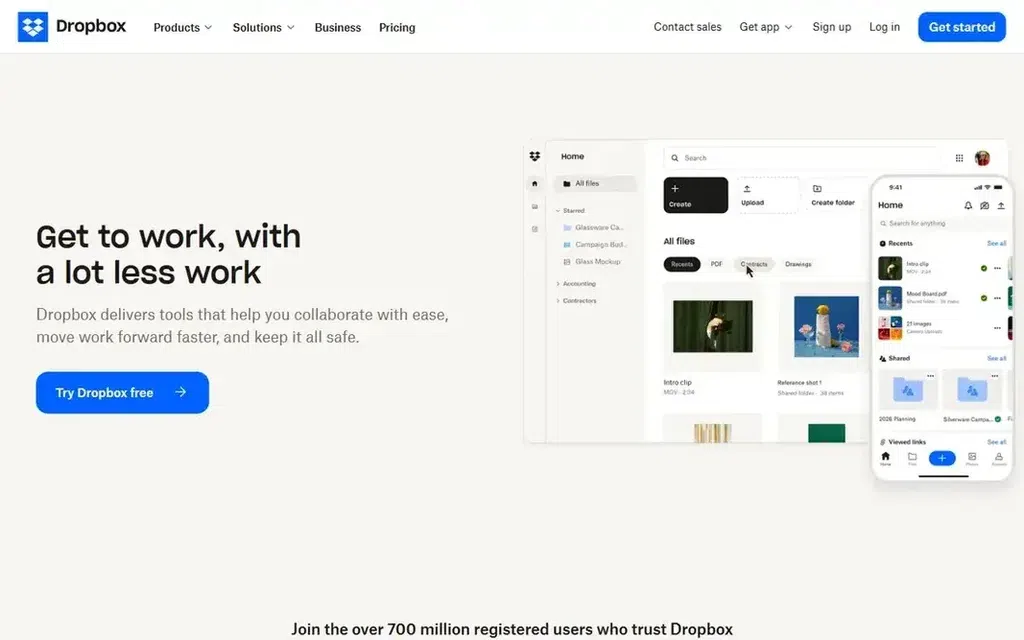
Dropbox Business makes the most sense for teams wanting storage plus eSignature tools. Organizations with plenty of external collaborators commonly appreciate how rapidly files can be shared.
The main drawbacks: Collaboration depth trails suite-based tools.
Its governance and workflow depth is modest compared to systems built around enterprise content control. From a buyer's view, Dropbox Business goes beyond storage with products for cloud storage and sharing, eSignature, document tracking and backup. Dropbox Business shows no starting price here, so confirm the cost on the vendor site. Free options: Not stated.
- Backup products for added protection
- Cloud storage and sharing in one place
- Advanced governance is lighter than dedicated systems
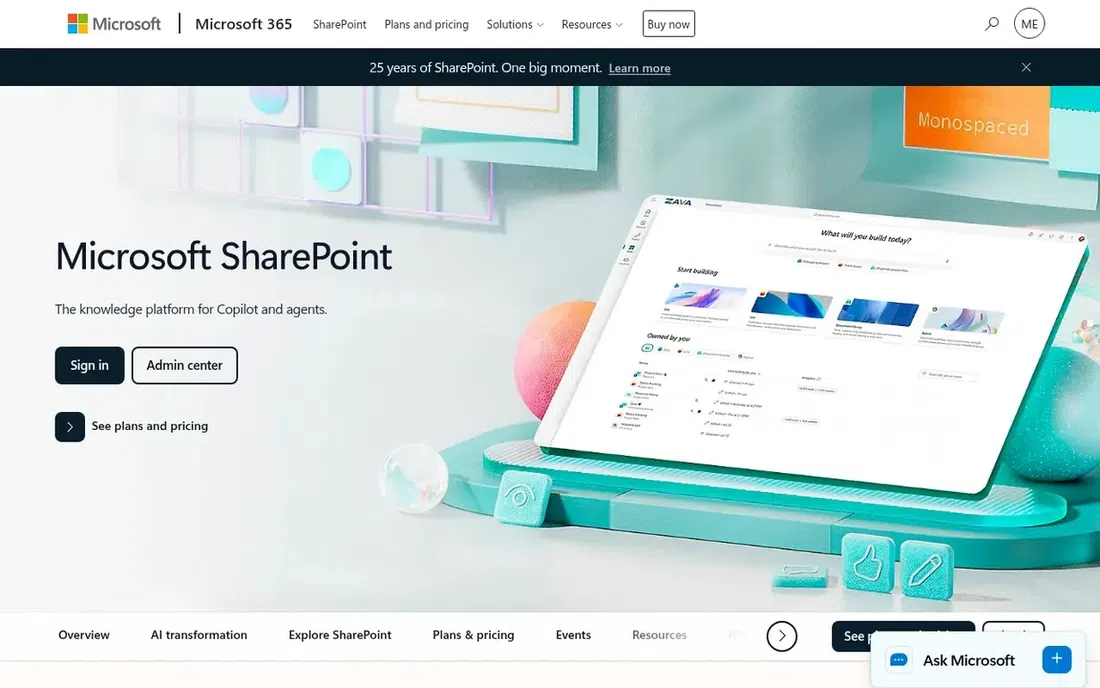
Microsoft SharePoint is built with organizations standardized on Microsoft 365 in mind. SharePoint is Microsoft's collaboration and content management system, used to produce, share and govern trusted knowledge across Microsoft 365. It merges communication, automation and AI experiences in one environment, so documents and team sites live alongside the tools people already use.
Limits to weigh: Administration can be complicated for smaller teams.
Its depth includes administrative overhead, and teams outside the Microsoft ecosystem may find setup and governance more effort than lighter tools require. Organizations wanting more straightforward sharing with less configuration frequently look at Google Drive or Dropbox Business instead. This comparison lists no price for Microsoft SharePoint; ask the vendor. Free options: Not stated.
- Deep collaboration and content management features
- Sharing and governance built into one system
- Best value assumes a Microsoft 365 environment
M-Files is built with document management with context and workflows in mind. M-Files is an AI-powered document management system that helps organize documents in context, automate workflows and cut risk with secure management.
The emphasis is on structure and control over content. From a buyer's view, since it centers on managed documents, M-Files is less natural for ad hoc file sharing across large groups. M-Files pricing: €65 per seat per month. Free access: Not stated.
Honest limits: Document-centric instead of general file sharing.
- Organizes documents in context
- Aims to cut risk with secure management
- Adoption needs process discipline
How we chose
We compared the tools on published pricing, free plan or trial availability, feature coverage for enterprise file sync and share software, and the limits each vendor documents. Where a vendor does not publish a price, the entry says quote. Where a price depends on seats or billing term, the entry says so. The order reflects how well each tool fits the most common buying scenario for enterprise file sync and share software, then price clarity, then free plan access. It is a starting point, not a verdict.
A buyer's checklist
- Ask Google Drive, Dropbox Business and Microsoft SharePoint for a written quote, since no starting price is shown.
- Run a trial of Egnyte with real work before paying for a year; your own workflow is the best test.
- Before choosing Google Drive, weigh its main limit: governance depth is limited without extras.
- Total up the real monthly cost of Microsoft SharePoint, including add-ons, extra users and usage-based fees.
- Ask M-Files which support channels and response times come with the plan you would buy.
FAQ
Does any tool for enterprise file sync and share software here have a free plan?
A permanent free plan is not offered by Google Drive, M-Files or the other tools here. Egnyte offer a trial. Plan a short evaluation period instead.
What is the cheapest option for enterprise file sync and share software in this list?
On published monthly entry prices, Egnyte is the lowest here at $22 per user per month. Entry price is only part of the cost, because seats, add-ons and billing terms can change the total. For the full picture, the cards above cover all 5 entries of this enterprise file sync and share software list, including price, free plan and limits.
What separates enterprise file sync and share from consumer storage?
Enterprise products add governance, administrative controls and integration with business systems on top of entry-level storage and sharing. They are designed for IT oversight of who can access content and how it is shared.
Can I try these options before paying?
Often, yes. Egnyte offers a free trial. Use your own data and a real task during the test, and check what the free tier or trial limits before you rely on it. Prices, free plan details and limits for all 5 tools in this enterprise file sync and share software roundup sit on the individual cards above.
Do these tools publish their prices?
Not all of them. Google Drive, Dropbox Business and Microsoft SharePoint publish no starting price, so expect a quote request for those. The rest, Egnyte included, show a starting price, though seats and billing terms still change the final cost.
Sources
- https://workspace.google.com/products/drive
- https://www.egnyte.com
- https://www.dropbox.com/business
- https://www.microsoft.com/en-us/microsoft-365/sharepoint/collaboration
- https://www.m-files.com