Best File Repair Software in 2026: 8 Tools Compared
We compared the best file repair software for videos, photos, documents and archives to help you fix corrupt files and know when a file cannot be saved.
- Editor's choice
 Wondershare Repairit
Many file types in one tool
Starts atSee websiteVisit repairit.wondershare.comFull review - Great alternative
 Stellar File Repair Toolkit
Video, photo and document repair
Starts atSee websiteVisit stellarinfo.comFull review - Also consider
 DataNumen Office Repair
Corrupt Office documents
Starts atSee websiteVisit datanumen.comFull review
TL;DR:
- No repair tool can fix every corrupt file, so start with a copy of the damaged file and never repair the only original.
- The best tool depends on file type, since video, photo, Word document and ZIP repairs use different methods.
- Preview before paying is a key test, since a tool that shows a preview is more likely to save a usable file.
- Our pick for most people is Wondershare Repairit for its breadth, with Stellar as a strong option for video and photo work.
Quick comparison
| Tool | Best for | Starts at | Free plan? | |
|---|---|---|---|---|
| Wondershare Repairit | Many file types in one tool | See website | Free trial | Visit |
| Stellar File Repair Toolkit | Video, photo and document repair | See website | Free trial | Visit |
| DataNumen Office Repair | Corrupt Office documents | See website | Free trial | Visit |
 Remo Repair | Video and photo repair | See website | Free trial | Visit |
 Kernel File Repair | Office and database file repair | See website | Free trial | Visit |
 SysTools File Repair | Outlook and Office files | See website | Free trial | Visit |
 Hetman File Repair | Photo and image repair | See website | Free trial | Visit |
 DiskInternals ZIP Repair | Damaged ZIP archives | See website | Free trial | Visit |
The best file repair software
File repair software tries to rebuild the structure of a damaged file so it opens again. Success depends on how badly the file is damaged, whether data is missing or only headers are broken, and whether you have a backup. We compared official feature pages, supported file types, preview options and pricing for tools that are still sold in 2026.
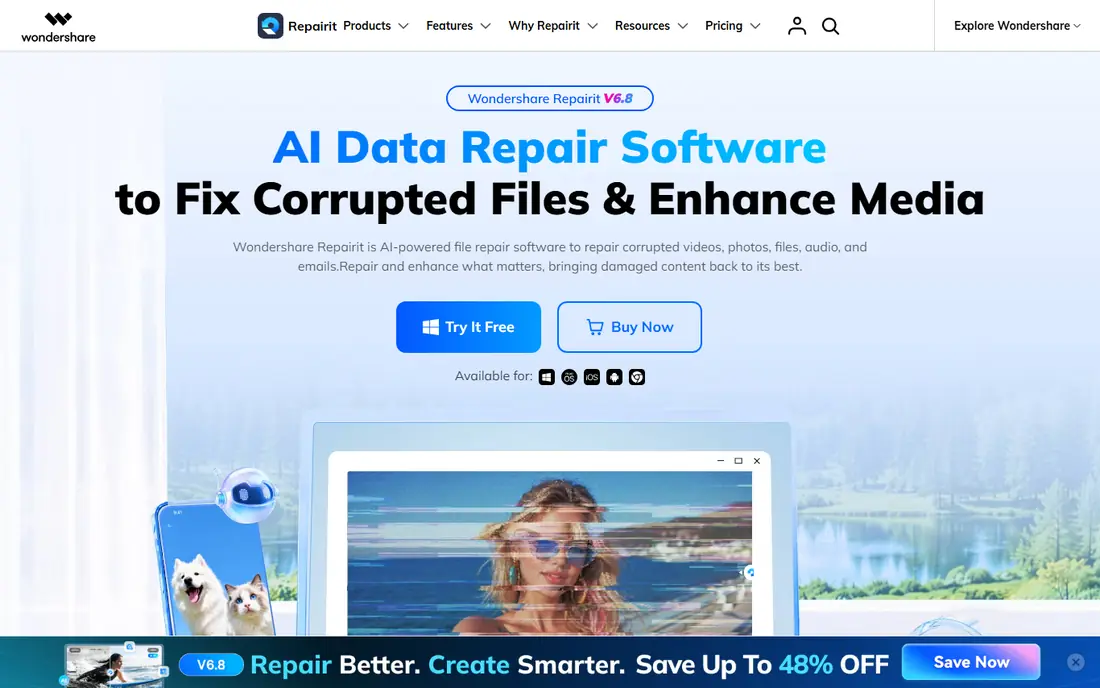
Repairit is our pick for most people because it covers many file types in one app. Instead of buying separate tools for video, photos and documents, you can try one tool across the files you actually have. Preview before saving is useful, since it lets you check whether the repaired file looks right before you pay for the full version.
The honest limit is that no tool in this list guarantees a fix. If large parts of a video are missing, the repaired file may play with gaps or artefacts. Always work on a copy, try the preview, and keep the original untouched so another tool can try a different method if the first one fails.
- Covers video, photo, document, audio and email files
- Preview before saving
- Batch repair options
- Full saving needs a paid licence
- Very badly damaged files may still fail
Stellar bundles repair tools for different file types, which suits a user with a mix of damaged videos, photos and documents. Its video repair tool is often used for files that stop playing after a camera battery failure or an interrupted transfer, while its photo and document tools handle header and structure damage. A long history in data recovery also means its support docs are detailed.
Pricing needs care, since a toolkit can cost more than a single purpose tool if you only need one file type. Check which modules are included in the licence you buy, and test the preview for each file type you need. For a varied repair job, the bundle can still be cheaper than buying three separate apps.
- Separate tools for video, photo and Office files
- Preview options
- Long history in data recovery
- Toolkit pricing can be higher than a single tool
- Interface varies by module
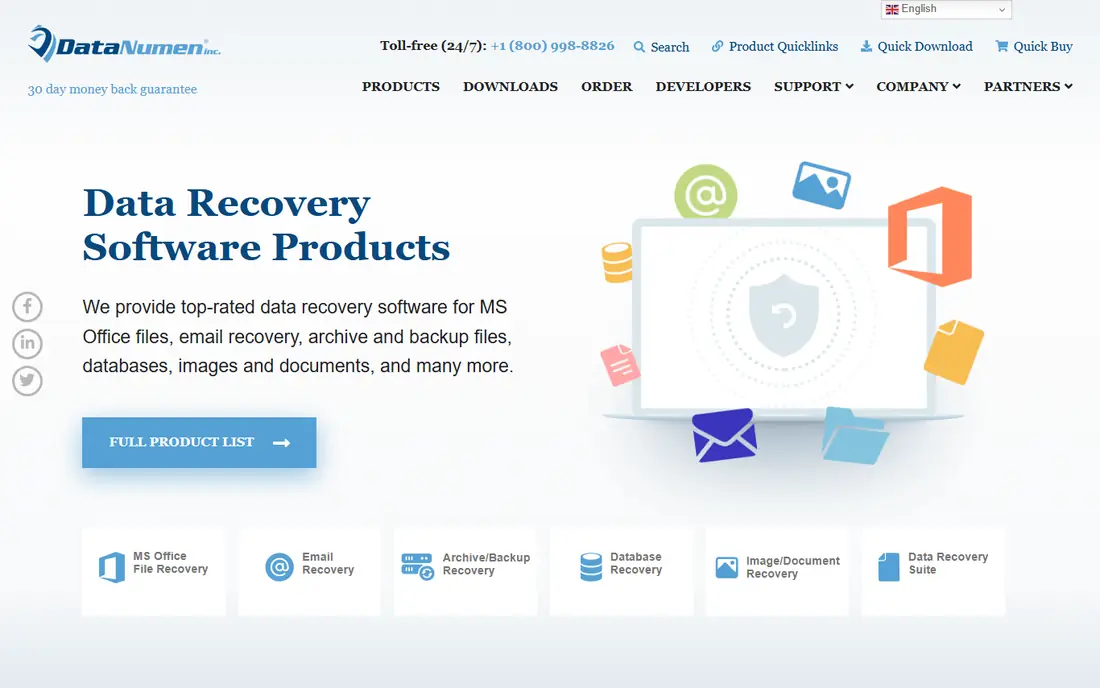
DataNumen focuses on Office files, and that focus is its strength. Word, Excel, PowerPoint and Outlook files each have their own repair quirks, and a tool built for those formats can rebuild document structure more reliably than a general tool. If a spreadsheet will not open or a Word file shows an error, this is a sensible first try.
The trade off is breadth. DataNumen will not help much with a damaged video or photo, so you need another tool for those. Its interface is also plain, with less polish than Repairit or Stellar. Judge it on results, not looks, and use the preview to confirm that tables, formatting and data survive the repair.
- Focused on Word, Excel, PowerPoint and Outlook files
- High recovery rates claimed for Office formats
- Preview options
- Narrow focus beyond Office
- Interface is utilitarian
Remo Repair is best known for video and photo work. For video, it can use a healthy reference file from the same camera to rebuild a damaged video, which helps when a recording stops suddenly. That reference method often works better than a generic repair, since it gives the tool a correct header to copy from.
Document repair is not its strength, so keep a separate Office tool in mind if you need both. As with other tools here, you usually need a paid licence to save the repaired file, though you can often preview first. Try the reference file method with a short clip from the same device before running a long video through it.
- Video repair with reference file option
- Photo repair for common formats
- Simple workflow
- Limited document repair
- Paid licence needed to save
Kernel, from Nucleus Technologies, offers a large catalogue of repair tools for Office files, Outlook data, Access databases and other formats. That range suits IT staff and businesses that see different corrupt files across a network. Each tool is focused on one format, which can improve results for that format.
The catalogue is also the drawback for home users. Finding the right product among many similar names takes care, and pricing varies by tool. Identify your exact file type and error message first, then match it to the specific Kernel tool. A trial preview will confirm whether that tool handles your file before you buy.
- Wide range of Office and database repair tools
- Preview before saving
- Business and home options
- Many separate products can confuse buyers
- Pricing varies by tool
SysTools is a practical choice for Windows users with Outlook or Office problems. A corrupt PST file can block access to years of email, and a dedicated Outlook repair tool can often rebuild it when Outlook itself refuses to open it. Office repair tools in the same range handle Word and Excel files with similar structure damage.
Video and photo users should look elsewhere, since SysTools is not built for those formats. Also confirm Windows version support, since older tools may not match the newest Windows release. For an Outlook problem on a Windows PC, it is a focused and sensible option.
- Outlook PST and Office repair tools
- Preview of recovered items
- Windows focused workflow
- Mostly Windows tools
- Limited video and photo repair
Hetman File Repair focuses on images, which makes it a good second tool when a photo will not open or shows only part of the image. JPEG damage often affects headers or a portion of the image data, and a dedicated photo tool can rebuild enough structure to recover a viewable photo. Preview is important here, since a repaired photo may still have visible damage.
Do not expect it to fix videos or Office files well. Its value is in photo work, especially for photographers and families with damaged memory card files. Always copy the damaged photos to a computer first, and never repair files directly on the original memory card, since writing to that card can overwrite recoverable data.
- Photo repair for JPEG and other image formats
- Preview of repaired images
- Simple interface
- Narrower file range
- Less suited to video or documents
ZIP files fail in a specific way. A download error or a bad sector can break the archive index, even though many files inside are still intact. DiskInternals ZIP Repair tries to rebuild the archive and extract the files it can read, which is often enough to save most of a download or backup. It is a niche tool, but it does that niche well.
Its limits are clear. It will not repair a video, a photo or a Word file on its own, and it cannot invent data that is truly gone. If only a few files in the archive matter, try extracting them individually after repair, and check each one opens correctly. For a damaged ZIP, this focused tool often beats a general repair app.
- Focused on ZIP archive repair
- Can extract files from damaged archives
- Free trial preview
- Only helps with ZIP files
- Cannot fix files that are missing large parts
How we picked these
We compared official feature pages, supported file types, preview options and pricing for file repair tools still sold in 2026. We weighted file type coverage, preview before payment, ease of use for non technical users, and honest limits. We excluded data recovery tools that only undelete files, since repair and recovery are different jobs, and we excluded tools with no clear vendor site.
What to do before you try to repair a file
Stop and make a copy first. Copy the damaged file to another folder or drive, and run the repair tool on the copy. If the original is on a memory card or USB drive, image the card or copy files to a computer before any repair, since further writes can make recovery harder.
Check the simple causes first
Confirm the file is not simply incomplete. A video that stopped downloading, a document saved during a power cut, or a file copied from a failing drive may be truncated rather than corrupt in a repairable way. Try opening the file in another app, check its size against the expected size, and look for a backup, a cloud version or an email copy. A backup, if one exists, is almost always better than a repaired file.
FAQ
What is the best file repair software?
Wondershare Repairit is our pick for most people because it covers video, photo, document and other file types in one tool. Stellar File Repair Toolkit is a strong alternative for video and photo work, while DataNumen suits Office documents. The best tool depends on your file type, so match the tool to the file before buying.
Can corrupt files always be repaired?
No. Repair tools can rebuild headers and structure, but they cannot restore data that was never written or that has been overwritten. A preview that looks clean is a good sign, while a file with large missing sections may only partly recover. Always keep the original copy and try a second tool if the first result is poor.
Is file repair software safe to use?
Reputable tools from the vendors in this list are safe when downloaded from their official sites, but avoid cracked or unknown repair tools, which may carry malware. Work on a copy of the damaged file, keep antivirus software active, and do not grant a repair tool access to files it does not need.
What is the difference between file repair and data recovery?
File repair fixes a file that exists but will not open correctly, by rebuilding its structure. Data recovery finds files that were deleted or lost from a drive. Some vendors sell both kinds of tools, so check whether the product you buy repairs files, recovers deleted files, or does both.
Should I repair a file on the original memory card?
No. Copy files from the card to a computer first, then repair the copy. Writing to a failing card can overwrite data that another tool might have recovered. If the card itself is failing, stop using it and consider a data recovery specialist for important photos or videos.
How much does file repair software cost?
Most tools in this list use paid licences with a free trial or preview, and prices vary by file types covered and licence length. Check the vendor site for the current price, since a single file tool costs less than a toolkit. Only pay after a preview shows a usable repaired file.