Best 1099 E-File Service in 2026: 8 Services Compared
Compare the best 1099 e-file service options for small businesses, with per-form pricing, state filing, recipient delivery and TIN matching in one guide.
- Editor's choice
 Tax1099
Accounting integrations
Starts at$2.99 per formVisit tax1099.comFull review - Great alternative
 eFile4Biz
Full-service filing
Starts at$3.40 per formVisit efile4biz.comFull review - Also consider
 TaxBandits
Multi-entity filing
Starts at$2.75 per formVisit taxbandits.comFull review
TL;DR:
- Count your forms first, because per-form pricing falls sharply at higher volumes.
- Check whether state filing and recipient delivery are included or charged separately.
- Use TIN matching before filing to reduce notices and corrections.
- Keep a copy of every filed form and acceptance notice for at least four years.
Quick comparison
| Tool | Best for | Starts at | Free plan? | |
|---|---|---|---|---|
| Tax1099 | Accounting integrations | $2.99 per form | No | Visit |
| eFile4Biz | Full-service filing | $3.40 per form | Yes | Visit |
| TaxBandits | Multi-entity filing | $2.75 per form | No | Visit |
 Yearli | Bundled federal, state and recipient filing | $6.49 per form | Yes | Visit |
 1099Online | Low-cost small batches | $0.74 per form | Yes | Visit |
 Avalara 1099 and W-9 | W-9 collection plus filing | $3.10 per form | No | Visit |
 TaxFormHero | Variable-volume filing | $1.99 per form | No | Visit |
 Track1099 | Simple contractor filing | See website | Free trial | Visit |
The best 1099 e-file services
For most small businesses, the right service is the one that files accurately, handles state copies and gets recipient copies out on time. The services below cover those basics at different price points.
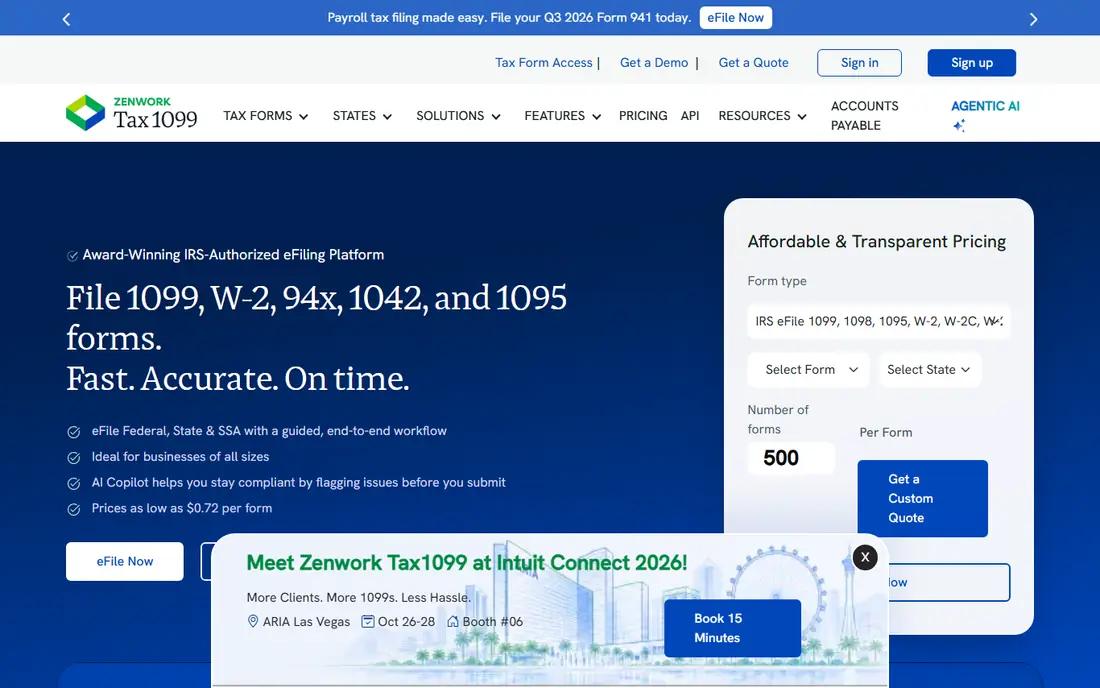
Tax1099 fits a business or accounting team that files for several clients and wants data to flow from accounting software. Imports, bulk entry and team roles reduce manual typing, and recipient e-delivery can replace some mailed copies.
The starting price is higher than the cheapest pay-per-form rivals for a batch of only a few forms. That gap narrows at volume, and the integration time saved may matter more than a small per-form difference.
- QuickBooks and Xero imports
- Team plans
- E-delivery options
- Higher cost for very small batches
- State fees vary
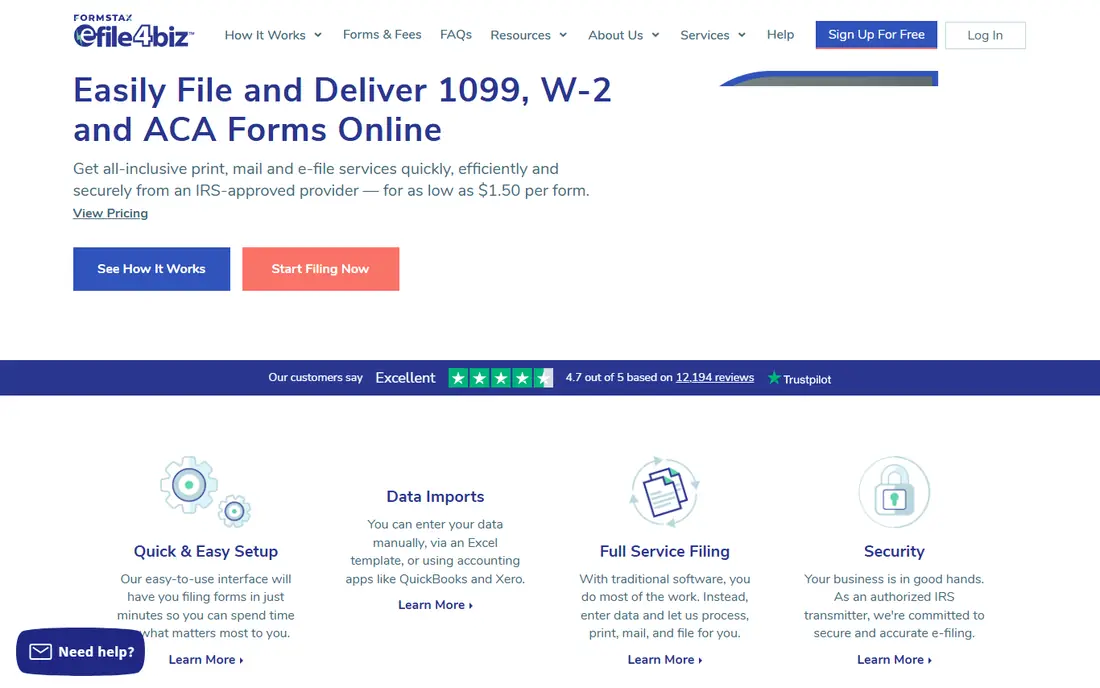
eFile4Biz works well for an owner who wants to enter data once and let the service handle federal filing, printing and mailing. It supports a wide range of 1099, W-2 and related forms, and it integrates with QuickBooks and Xero for imports.
The trade-off is that the most convenient package is not the cheapest per form. Owners should compare e-file only, e-file with print and mail, and print and mail only before checkout, since the right package depends on how recipients prefer copies.
- Wide form coverage
- Print and mail service
- IRS-authorized transmitter
- Per-form cost is mid-range
- Plus plans add annual fees
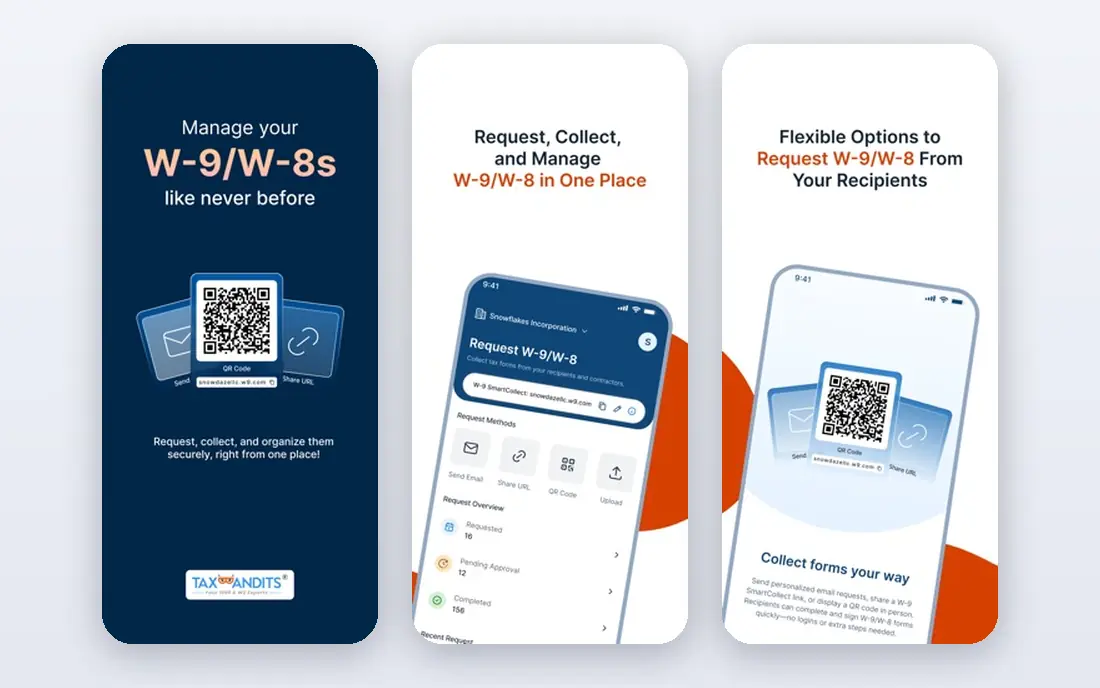
TaxBandits suits a business that files for more than one entity or EIN and wants those filings kept separate but managed in one account. State filing, recipient delivery options and corrections are part of the workflow, which helps at year-end.
The dashboard can feel busy at first because it covers many form types and options. A first-time filer should run one small batch, confirm state and recipient steps, and then file the rest.
- Multiple businesses and EINs
- State filing
- Free corrections
- Interface has many options
- Add-on costs need checking
Yearli fits an owner who wants one bundled price that covers federal filing, applicable state reporting and recipient delivery. That bundle removes the need to add each step at checkout, which can reduce mistakes for a busy year-end.
The per-form price is higher than bare e-file services, so it makes less sense for a large volume filer who only needs federal filing. For a small batch where convenience matters, the bundle can still be good value.
- Bundled service
- Recipient mail and online retrieval
- Clear workflow
- Higher per-form price
- Peak pricing can apply
1099Online appeals to a small business that files a handful of 1099-NEC or 1099-MISC forms and wants a low entry cost. Excel import speeds up entry, and real-time TIN matching can catch name and number problems before filing.
The form range is narrower than full-service rivals, so a business with unusual forms should confirm coverage first. For a straightforward contractor batch, the simple workflow and low starting price are clear strengths.
- Low starting price
- Excel import
- Real-time TIN matching option
- Fewer form types than some rivals
- Support depth varies
Avalara 1099 and W-9 fits a business that struggles to collect W-9 forms from vendors before filing season. It can request, track and store W-9 data, then use that data for filing, which reduces last-minute chasing.
The weakness is that costs and features depend on the exact plan and add-ons, so buyers should confirm the full checkout total. Teams already using Avalara for tax work will find the shared workflow easier to adopt.
- W-9 requests and tracking
- E-delivery
- E-corrections
- Price adds up with add-ons
- Best for Avalara users
TaxFormHero suits a filer whose volume changes year to year and who does not want an annual subscription. Pay-per-form pricing falls with volume, and state filing, print and mail, and TIN matching are available as add-ons.
As a less widely known service, it deserves a careful first check. Confirm the forms you need, test the import with a small batch, and keep acceptance notices in a safe place, as you should with any filing service.
- No signup fee
- Volume pricing
- State and mail add-ons
- Newer and less widely known
- Form range needs checking
Track1099 works for a small business that mainly files 1099-NEC forms for contractors and wants a simple path from vendor list to filing. The workflow stays close to the task, without the extra modules of a full payroll platform.
The drawback is less visible pricing and fewer advanced features for complex filings. Confirm the price for your form count and delivery choice before you enter a full vendor list.
- Simple workflow
- Contractor tracking
- E-file and delivery
- Pricing is less visible
- Fewer advanced features
How we picked these
Our method was practical. We checked official pricing and feature pages, IRS-authorized transmitter claims, form coverage, state filing and recipient delivery options, and public reviews for each service. We favored services that are sold and supported in October 2026, that clearly state per-form or bundle pricing, and that support the common 1099 forms small businesses file. Prices change by volume and add-ons, so we note where a price is a starting or bundled rate. Note: this article gives general buying guidance, not tax advice. Filing deadlines, form rules and state duties vary, so confirm them with a tax professional or the IRS for your situation.
How to choose a 1099 e-file service without overpaying
Start with a count, not a brand. List how many 1099-NEC, 1099-MISC and other forms you will file, how many need state filing, and how many recipients need a mailed copy versus an emailed copy. A service that looks cheap for e-file only can cost more once state and mail charges are added, while a bundled service can cost more if you only need federal filing.
Next, check the steps that cause corrections. Confirm that the service supports your form types, imports from your accounting software or a spreadsheet, and offers TIN matching or a clear review step. Enter one vendor, check the preview, and confirm the name, taxpayer number, amounts and boxes before filing the full batch. A short review at this stage prevents most correction fees.
Finally, plan for records and deadlines. Save the filed forms, acceptance notices and recipient delivery proof in one folder, and note your state deadlines separately from the federal deadline. If you file for other businesses, use a service with separate business profiles and user roles, so one client's data does not mix with another's.
A final check before you submit can save the most time of all. Print or preview the full batch, sort it by recipient name, and scan for duplicate vendors, missing taxpayer numbers and amounts that look far higher or lower than last year. Check that each vendor address matches the address on file, since a mailed copy sent to an old address creates a second job later. If your service offers a validation step, run it and fix every error it flags, even if the error looks small. A correction costs time, may cost a fee, and can confuse a recipient who already used the first copy for their own tax return. A careful preview is dull work, but it is the work that keeps January calm.
If you use an accountant, ask how they want the data before you file. Some accountants prefer to review the batch inside the filing service, while others prefer a spreadsheet export they can check first. Agree on that workflow in December, not in late January, so no one duplicates work or files a batch the accountant has not reviewed. That single agreement prevents the most common year-end confusion, where an owner files early and an accountant later finds a missing vendor or a wrong amount that then needs a correction.
FAQ
When should I start 1099 filing?
Start collecting W-9 forms and payment totals well before year-end, and aim to file in January. Early preparation leaves time to fix missing taxpayer numbers and to confirm state duties before deadlines.
What is the difference between 1099-NEC and 1099-MISC?
Form 1099-NEC generally reports payments to nonemployees for services, while 1099-MISC reports other payments such as rents and prizes. Check current IRS instructions for your payment type, since the right form depends on the facts.
Do I need to file state copies?
Many states require a copy or a separate filing, and rules vary by state and form. Confirm each state where a recipient lives or works, and check whether your service files that state directly.
What happens if a TIN is wrong?
A wrong name and taxpayer number combination can lead to a notice and a correction filing. TIN matching before filing, plus a careful preview review, reduces that risk and saves correction costs.
Can recipients get copies by email?
Yes, if the recipient consents to electronic delivery and the service supports secure e-delivery. Otherwise, use mailed copies and keep proof of mailing for your records.
What records should I keep after filing?
Keep copies of filed forms, acceptance notices, state filing proof and recipient delivery proof in one folder for at least four years. That folder makes an IRS or state question far easier to answer later.