Top 6 DWG File Viewer Software for 2026 (Prices and Free Plans)
Need the best DWG file viewer software? We compare 6 tools on cost, free access and who each suits. Limits and pricing notes included. Straight answers.
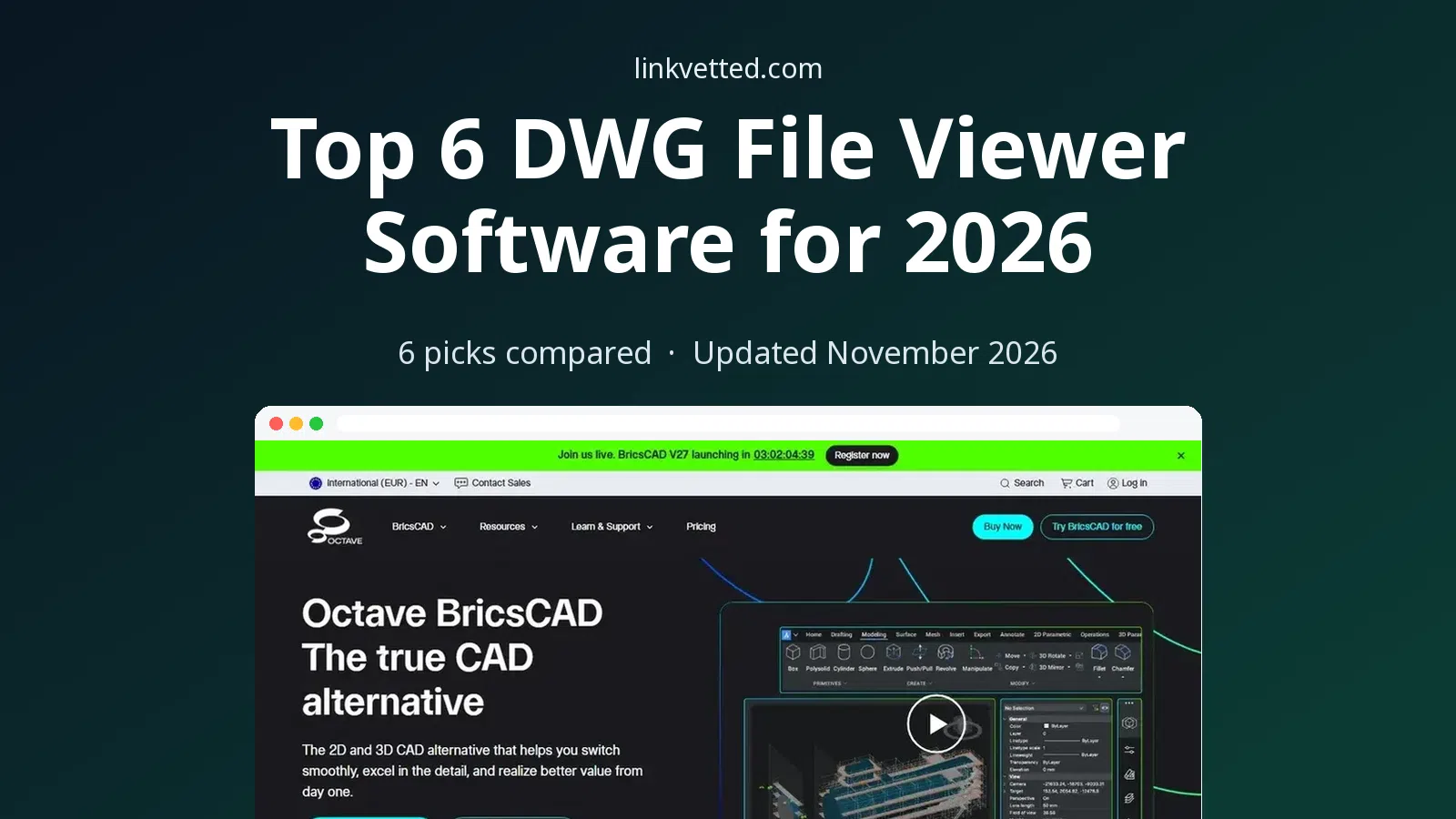
- Editor's choice
 BricsCAD
Native DWG drafting and 3D
Starts at€330 a yearVisit bricsys.comFull review - Great alternative
 nanoCAD
Budget-friendly professional CAD
Starts atSee websiteVisit nanocad.comFull review - Also considerDWG TrueView
Free DWG file viewing
Starts atSee websiteVisit autodesk.comFull review
Direct answer
This list puts BricsCAD first for native DWG drafting and 3D. Listed starting prices: BricsCAD from €330 a year and ZWCAD from $899.00. For a different need, nanoCAD covers low-cost professional CAD and DWG TrueView covers free DWG file viewing. The remaining 3 options are covered below with prices and limits.
TL;DR:
- BricsCAD is the opening pick, best for native DWG drafting and 3D.
- What to know about BricsCAD first: learning curve for advanced modules.
- For 2D CAD design and drafting, DraftSight is worth a look.
- A permanent free plan is missing from all 6 tools, BricsCAD and DraftSight included; plan for a trial or a premium start.
- Pricing for nanoCAD, DWG TrueView, AutoCAD and DraftSight is quote-based, which adds a sales step before you can compare cost.
Last checked November 2026. Prices and plan details were read from the vendors' own pages in November 2026; vendors change plans often, so confirm the current price on the vendor site before you buy.
Quick comparison
| Tool | Best for | Starts at | Free plan? | |
|---|---|---|---|---|
| BricsCAD | Native DWG drafting and 3D | €330 a year | Free trial | Visit |
| nanoCAD | Budget-friendly professional CAD | See website | Not stated | Visit |
| DWG TrueView | Free DWG file viewing | See website | Not stated | Visit |
 AutoCAD | Full DWG design and editing | See website | Not stated | Visit |
 ZWCAD | All-in-one CAx options | $899.00 | Free trial | Visit |
 DraftSight | 2D CAD design and drafting | See website | Not stated | Visit |
DWG File Viewer Software profiles
This LinkVetted guide covers 6 options for DWG file viewer software. Each profile lists a starting price, free plan details, strengths and drawbacks, so you can drop poor fits quickly.

Think of BricsCAD for native DWG drafting and 3D. It is built for users who want DWG compatibility without switching file formats, and it scales from entry-level drafting to specialized workflows. Worth adding: the breadth of modules means a ramp-up time, and advanced features need the appropriate product level.
It is a premium tool with a trial period instead of a free viewer. Choose BricsCAD when you need production drafting and modeling in DWG format, not just file review. Starting cost for BricsCAD: €330 per year. As for free access: Free trial.
Drawbacks to consider: Ramp-up time for advanced modules.
- Single native-DWG system
- BIM and mechanical
- Premium software with trial only
nanoCAD makes the most sense for low-cost professional CAD. Consider nanoCAD when budget and DWG compatibility are key, and confirm that needed extensions are supported.
Trade-offs to know: Smaller ecosystem than major CAD.
It is marketed as a budget-friendly choice for precise design work. It is a premium product instead of a viewer. nanoCAD does not show a starting price in this comparison, so check the vendor site for current pricing. Free plan details: Not stated.
- Full DWG compatibility
- Positioned as budget-friendly
- Premium license required
DWG TrueView
Best for: Free DWG file viewing

Where DWG TrueView fits: free DWG file viewing. It takes care of DWG, DWF, and DXF formats and is intended for reviewing drawings, checking layouts, and sharing files without a full CAD license.
Watch-outs: Not a full design tool.
DWG TrueView does not show a starting price in this comparison, so check the vendor site for current pricing. As for free access: Not stated.
- Available as a downloadable viewer
- Browser-based viewing option
- Restricted editing capability
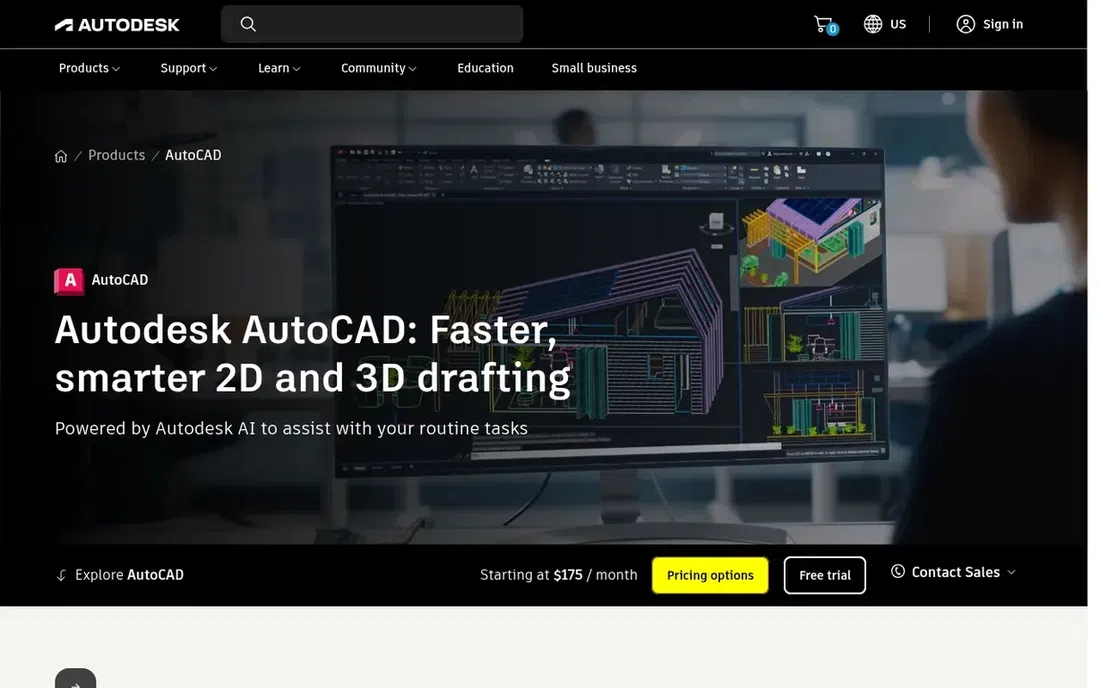
Pick AutoCAD if this describes you: full DWG design and editing. If you only have to open, measure, and print DWG files, a lighter viewer is a better fit.
The software is heavier and more complicated than a dedicated viewer, and it needs a premium subscription. It supports 2D drafting and 3D modeling with a wide toolset, and current versions add AI automation and shared DWG collaboration across desktop and web. AutoCAD shows no starting price here, so confirm the cost on the vendor site. Free plan details: Not stated.
Honest limits: Needs a premium subscription.
- Thorough drafting and design tools
- AI automation features in current release
- Overkill for straightforward viewing
ZWCAD is aimed squarely at all-in-one CAx options. ZWCAD from ZWSOFT is part of an all-in-one CAx options portfolio that comes with CAD software for design and drafting. It gives you a DWG-compatible environment and is positioned for professionals seeking a dependable alternative CAD system.
In practice, the product family spans multiple tools, so capabilities rely on the specific edition you choose. It is commercial software instead of a free viewer. In daily use, pick ZWCAD when you need a full CAD environment and value an integrated vendor portfolio, not when straightforward file viewing is the goal. On cost, ZWCAD starts like this: $899.00. Trial and free access: Free trial.
The main drawbacks: Feature depth varies by product.
- Established vendor with global reach
- Wide CAx option portfolio
- Premium software
DraftSight is designed for 2D CAD design and drafting. DraftSight is a 2D CAD design and drafting application from Dassault Systemes. It supplies professional-grade 2D tools and works with DWG files, making it a good match for drafters and designers who primarily produce and edit 2D drawings.
Also, consider DraftSight when your work centers on 2D drafting and DWG compatibility, and look elsewhere for heavy 3D or BIM requirements. Beyond that, DraftSight is oriented toward 2D work, so 3D modeling needs may need a different tool. It is a premium product instead of a free viewer. No starting price is listed for DraftSight here; confirm pricing on the vendor site. Trial and free access: Not stated.
Drawbacks to consider: premium subscription required.
- DWG file compatibility
- Familiar CAD interface
- Restricted 3D capability
How we compared the tools
For each of the 6 tools we noted price, free plan or trial, fit for DWG file viewer software and the main limit, using vendor pages and documentation. Where a price is missing, the vendor does not list one publicly or ties it to a quote. Always confirm before budgeting. Tools are placed by general fit for DWG file viewer software, with price clarity and free access as tie-breakers. A different team can reasonably rank them differently.
What to check before you buy
- Confirm the entry price on the vendor page. For nanoCAD, DWG TrueView, AutoCAD and DraftSight that means a quote rather than a fixed price.
- Run a trial of BricsCAD and ZWCAD with real work before paying for a year; your own workflow is the best test.
- Read the limits listed for BricsCAD first: ramp-up time for advanced modules.
- Before you load data into AutoCAD, check what an export looks like and who can run it.
- Involve the people who will use nanoCAD daily; a short pilot beats a long feature checklist.
FAQ
Do these tools publish their prices?
Not all of them. nanoCAD, DWG TrueView, AutoCAD and DraftSight publish no starting price, so expect a quote request for those. The rest, BricsCAD included, show a starting price, though seats and billing terms still change the final cost.
Is BricsCAD the right pick for everyone comparing DWG file viewer software?
No single tool suits every team. BricsCAD comes first because it fits native DWG drafting and 3D, while nanoCAD suits affordable professional CAD and DWG TrueView suits free DWG file viewing. Match the tool to your own size, budget and workflow before deciding.
How are the tools for DWG file viewer software ordered?
BricsCAD sits first and DraftSight last because the order follows typical fit for DWG file viewer software, then price clarity and free access. It is a judgement call, so read each profile for fit and limits.
Can I try these options before paying?
Often, yes. BricsCAD and ZWCAD offer a free trial. Use your own data and a real task during the test, and check what the free tier or trial limits before you rely on it.
Sources
- https://www.bricsys.com
- https://nanocad.com
- https://www.autodesk.com/viewers
- https://www.autodesk.com/products/autocad
- https://www.zwsoft.com
- https://www.draftsight.com