Choosing Encrypted File Transfer Software in 2026: 5 Options Compared
5 options for the best encrypted file transfer software, with entry costs, free tiers and the buyer each one serves. Prices and drawbacks included. Facts only.
- Editor's choiceThru
Controlled file-based data exchanges
Starts at$99 a monthVisit thruinc.comFull review - Great alternative
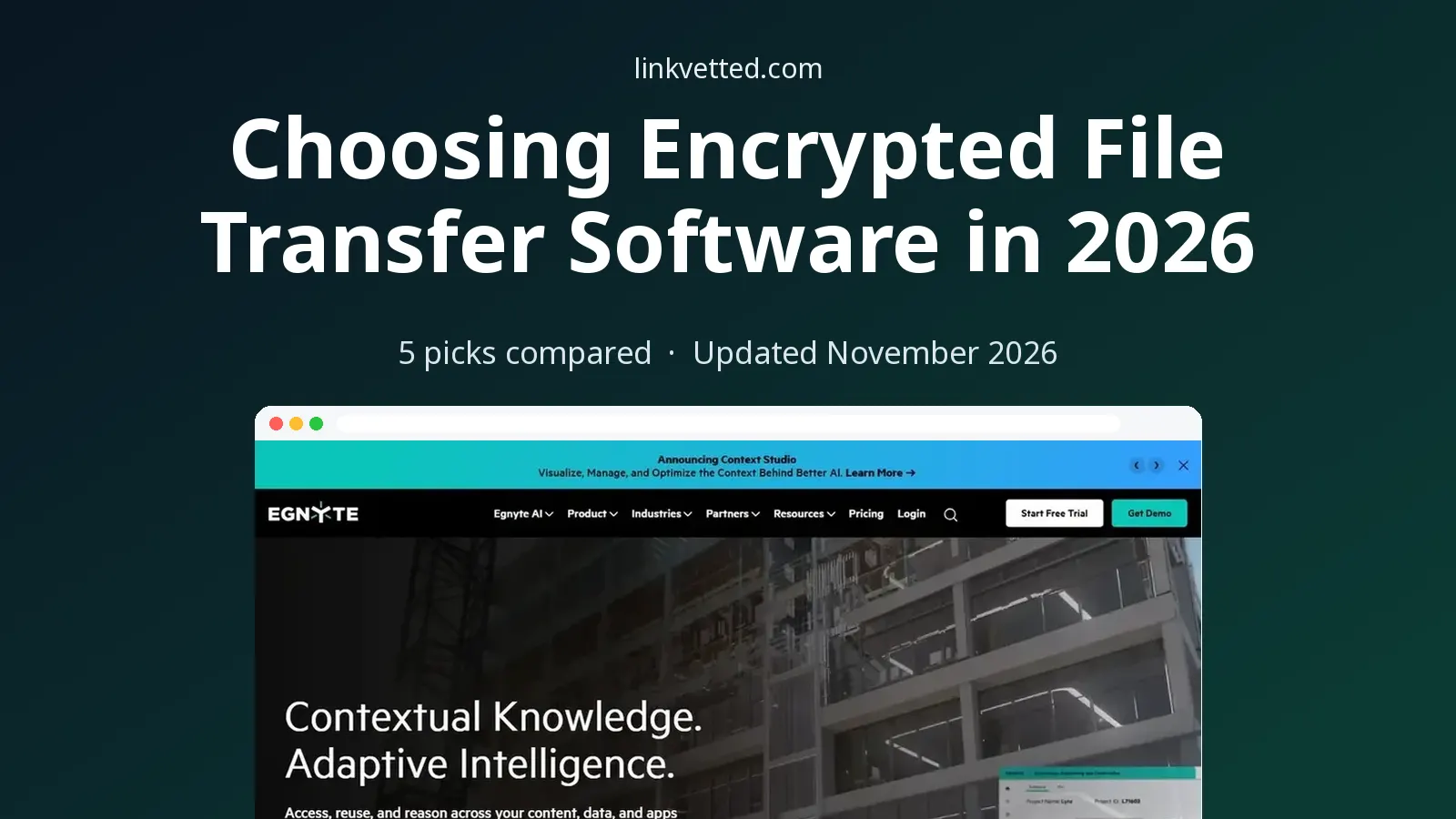
 Egnyte
Large-file collaboration with content governance
Starts at$22 per user a monthVisit egnyte.comFull review - Also consider
 Virtru
End-to-end encryption for email and files
Starts at$119 a monthVisit virtru.comFull review
Direct answer
Our first pick is Thru, best for controlled file-based data exchanges. Listed starting prices: Thru from $99 a month, Egnyte from $22 per user a month and Virtru from $119 a month. Look at Egnyte for large-file collaboration with content governance, and at Virtru for end-to-end encryption for email and files. The full list of 5 tools follows, with prices and free plan facts.
TL;DR:
- Thru sits first on this list: controlled file-based data exchanges.
- None of the 5 tools, from Thru to Progress MOVEit, has a free plan, so budget for a subscription or use a trial.
- Starting prices begin at $16.50 per user per month with ShareFile.
- Progress MOVEit is the one to check for automatic managed file transfer.
- What to know about Egnyte first: wide system may exceed straightforward transfer needs.
Last checked November 2026. Prices and plan details were read from the vendors' own pages in November 2026; vendors change plans often, so confirm the current price on the vendor site before you buy.
Quick comparison
| Tool | Best for | Starts at | Free plan? | |
|---|---|---|---|---|
| Thru | Controlled file-based data exchanges | $99 a month | Free trial | Visit |
| Egnyte | Large-file collaboration with content governance | $22 per user a month | Free trial | Visit |
| Virtru | End-to-end encryption for email and files | $119 a month | No | Visit |
 ShareFile | Secure document workflows and sharing | $16.50 per user a month | Free trial | Visit |
| Progress MOVEit | Automatic managed file transfer | See website | Not stated | Visit |
The full encrypted file transfer software list
This LinkVetted guide covers 5 options for encrypted file transfer software. Each profile lists a starting price, free plan details, strengths and drawbacks, so you can drop poor fits quickly.
Thru
Best for: Controlled file-based data exchanges
Thru serves controlled file-based data exchanges. Exchange workflows need planning before rollout.
Thru is specialized around managed file transfer, so teams wanting a general collaboration workspace or straightforward ad hoc sharing may prefer a broader system. Starting cost for Thru: $99 per month. As for free access: Free trial.
Downsides: Needs planning around exchange workflows.
- Control and automate file transfers
- Compliance and visibility focus
- Specialized scope may not suit general collaboration

Egnyte works best for large-file collaboration with content governance. Egnyte describes itself as a content cloud that helps companies collaborate on large files and govern sensitive content on one secure system. Its messaging also emphasizes giving AI systems business context.
Also, Egnyte is a wide content system, so teams that only need occasional encrypted file sends may find it heavier than necessary. Beyond that, consider a dedicated transfer tool when automation of system-to-system exchanges is the primary need, and choose Egnyte when governed content collaboration is central. Entry price for Egnyte: $22 per user per month. Free plan details: Free trial.
Limits to weigh: Wide system may exceed straightforward transfer needs.
- Single secure system
- Governance of sensitive content
- Governance features require configuration
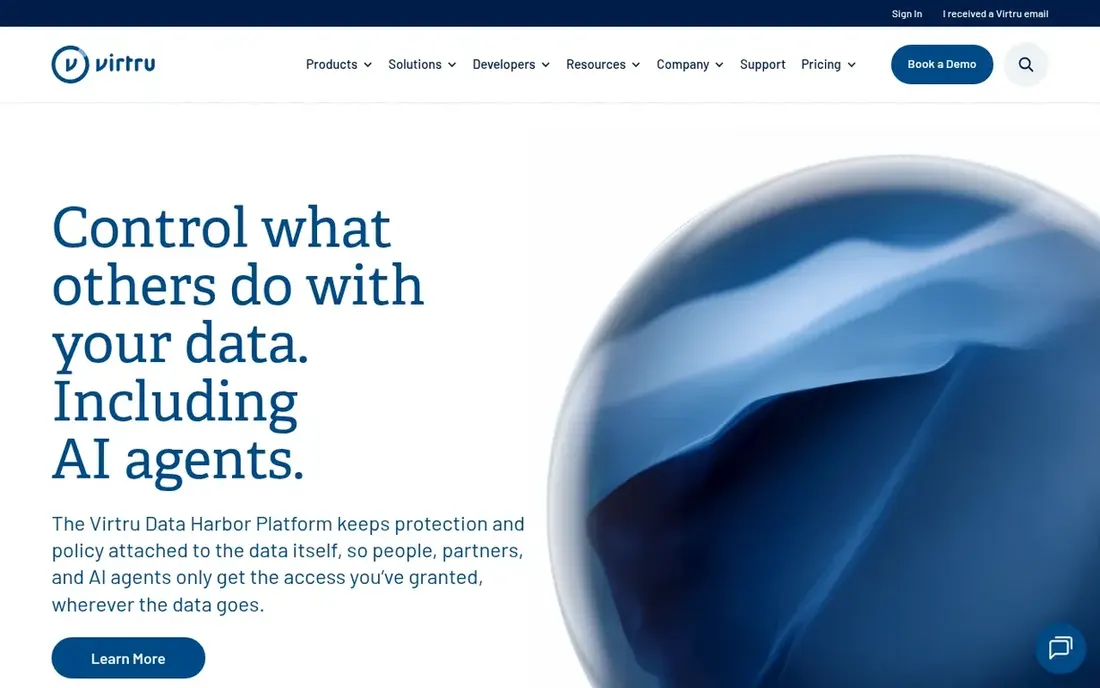
In short, Virtru is for end-to-end encryption for email and files. Its positioning targets enterprise and defense-oriented buyers who require persistent protection around shared content.
It suits teams that send sensitive material through everyday collaboration channels and want encryption and access rules to follow the content instead of rely on the destination system. Entry price for Virtru: $119 per month. Virtru does not include a free plan.
Where it shines: files and apps. The main drawbacks: Concentrated on encryption instead of wide storage.
- Geared toward enterprise and defense needs
- Includes email
- Large transfers may need a companion product
In short, ShareFile is for secure document workflows and sharing. Choose ShareFile when secure, straightforward document exchange is the core requirement.
Points against: Narrower scope than full content systems.
Worth adding: organizations needing deep governance across plenty of content types should weigh broader tools. What you pay to start with ShareFile: $16.50 per user per month. Free access: Free trial.
- Collaboration without sacrificing security
- Straightforward sharing focus
- Advanced automation may need other tools
Progress MOVEit
Best for: Automatic managed file transfer
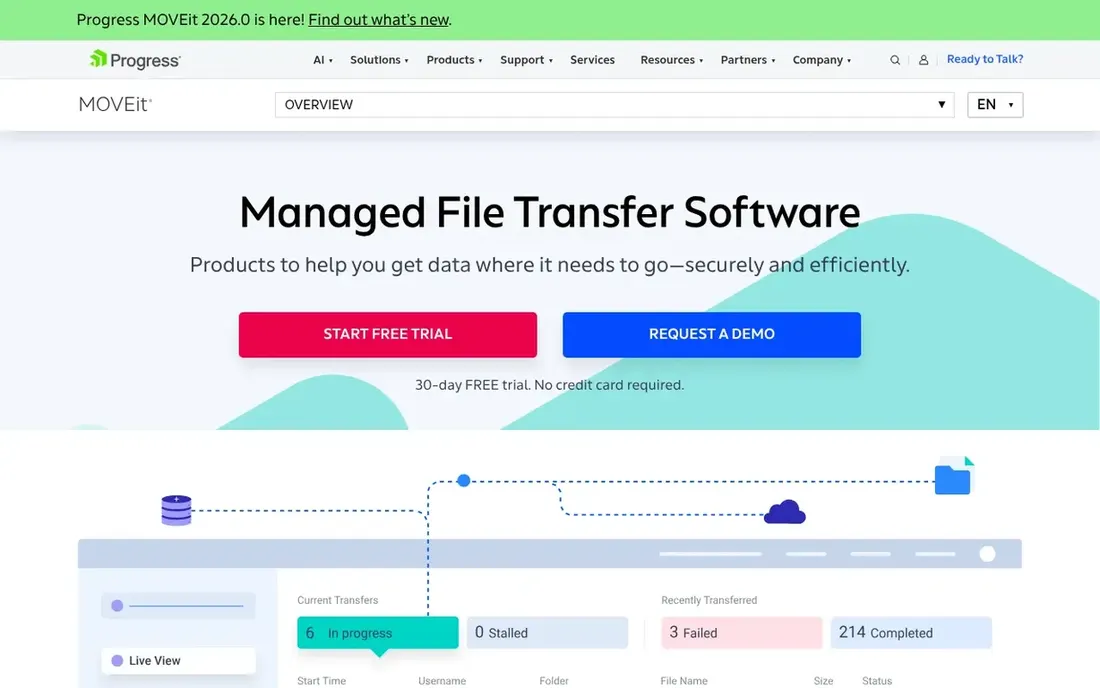
Progress MOVEit works best for automatic managed file transfer. Progress MOVEit is described as automatic and secure managed file transfer software for sensitive data.
In daily use, pick MOVEit when automation and control of sensitive data movement are the priority. MOVEit is built around managed transfer workflows, so it is not the natural choice for teams seeking a straightforward collaboration workspace or wide content management. This comparison lists no price for Progress MOVEit; ask the vendor. Free access: Not stated.
Watch-outs: Centred on transfer workflows, not general collaboration.
- Aimed at sensitive data movement
- Workflow automation without scripting
- Setup suits organizations with defined processes
How we built this list
Pre-purchase checklist
- Confirm the entry price on the vendor page. For Progress MOVEit that means a quote rather than a fixed price.
- Take the trial from Thru, Egnyte and ShareFile and push a live task through it before you pay.
- Before choosing Thru, weigh its main limit: specialized scope may not suit general collaboration.
- Ask Egnyte about contract length, onboarding fees and user minimums before you sign.
- Test how quickly Progress MOVEit answers a pre-sales question; it hints at how support will feel later.
FAQ
Does any tool for encrypted file transfer software here have a free plan?
No tool in this list, Thru and Progress MOVEit included, has a permanent free plan. Thru, Egnyte, ShareFile offer a trial. Trials and quotes are the usual route, so plan a short evaluation period.
Can I try these options before paying?
Often, yes. Thru, Egnyte and ShareFile offer a free trial. Use your own data and a real task during the test, and check what the free tier or trial limits before you rely on it.
Do these tools publish their prices?
Not all of them. Progress MOVEit publishes no starting price, so expect a quote request for it. The rest, Thru included, show a starting price, though seats and billing terms still change the final cost.
What should encrypted file transfer software contain?
Look for capable encryption in transit and at rest, access controls that follow shared content, and audit visibility. Beyond that, automation and workflow features matter if you move files on schedules or between systems.
How are the tools for encrypted file transfer software ordered?
The order follows typical fit for encrypted file transfer software, with Thru first and Progress MOVEit last, then price clarity and free access. It is editorial judgement, not a score, so another team could rank the tools differently.
Sources
- https://www.thruinc.com
- https://www.egnyte.com
- https://www.virtru.com
- https://www.sharefile.com
- https://www.progress.com/moveit