Best File Transfer Software for Photographers in 2026: Prices, Free Plans and 5 Picks
Searching for the best file transfer software for photographers? Here are 5 options with prices and free plans. Pros and cons for every tool. Facts only.
- Editor's choice
 Google Drive
Integrated cloud storage with Google Workspace
Starts atSee websiteVisit drive.google.comFull review - Great alternative
 Filemail
Quick large-file transfers with no account
Starts atSee websiteVisit filemail.comFull review - Also consider
 Dropbox
Steady cloud storage and cross-device sharing
Starts at$9.99 a monthVisit dropbox.comFull review
Direct answer
Start with Google Drive if you need integrated cloud storage with Google Workspace. Listed starting prices: Dropbox from $9.99 a month and Pixieset from $8 a month. Filemail is better for quick large-file transfers with no account, and Dropbox is better for dependable cloud storage and cross-device sharing. The remaining 2 options are covered below with prices and limits.
TL;DR:
- Google Drive is the opening pick, best for integrated cloud storage with Google Workspace.
- The lowest published monthly entry price here is $8 per month, from Pixieset.
- Adobe Creative Cloud suits Creative workflows with integrated cloud storage.
- A fair warning about Dropbox: storage limits on entry-level accounts.
Last checked November 2026. Prices and plan details were read from the vendors' own pages in November 2026; vendors change plans often, so confirm the current price on the vendor site before you buy.
Quick comparison
| Tool | Best for | Starts at | Free plan? | |
|---|---|---|---|---|
| Google Drive | Integrated cloud storage with Google Workspace | See website | Not stated | Visit |
| Filemail | Quick large-file transfers with no account | See website | Free trial | Visit |
| Dropbox | Steady cloud storage and cross-device sharing | $9.99 a month | Free trial | Visit |
 Pixieset | Client galleries and photography business tools | $8 a month | Yes | Visit |
| Adobe Creative Cloud | Creative workflows with integrated cloud storage | See website | Not stated | Visit |
File Transfer Software for Photographers, one by one
LinkVetted compared 5 file transfer software for photographers. The goal is a practical shortlist: published prices, free plan facts, best-fit use cases and honest limits for every entry.
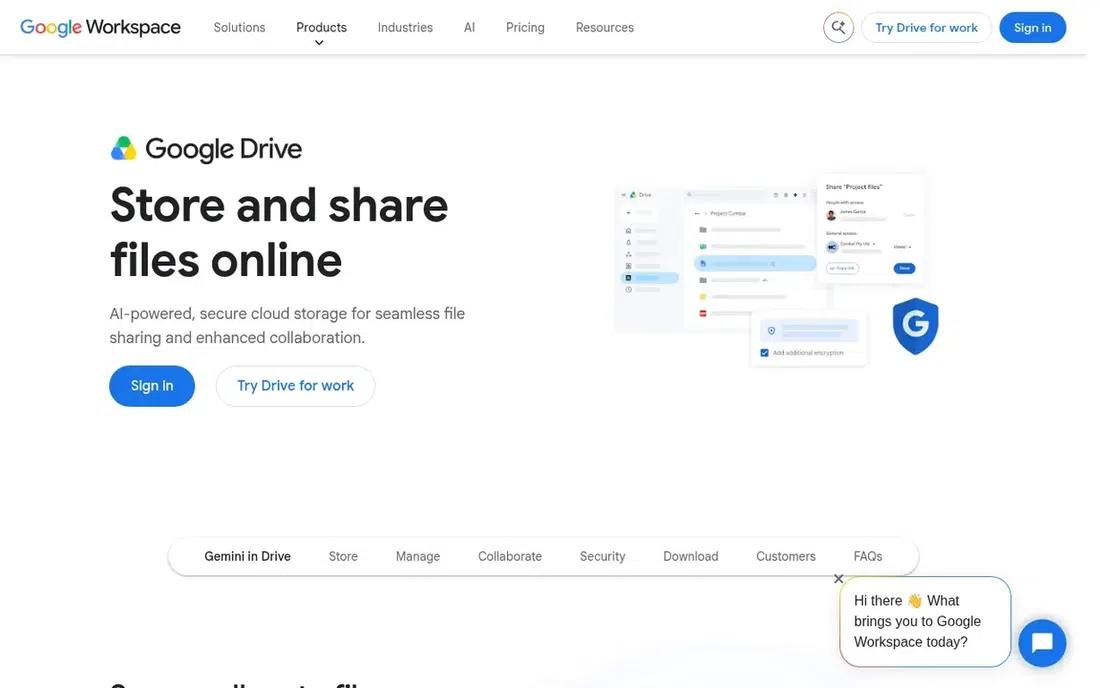
For integrated cloud storage with Google Workspace, Google Drive is a natural candidate. For client-facing galleries with proofing and sales, a photography-specific tool is commonly a better fit. Google Drive is a cloud storage and file sharing system that is part of Google Workspace.
Downsides: Storage shared across Google services.
It does well for photographers who already use Google tools and want to store, organize, and share files with clients or collaborators through a familiar interface. Client access can need a Google account or careful permission settings, which may confuse some recipients. Google Drive does not show a starting price in this comparison, so check the vendor site for current pricing. Free plan details: Not stated.
- Links up with Google apps
- Accessible from any device
- Interface can be complicated for clients
Filemail is designed for quick large-file transfers with no account. Filemail concentrates on transfer rather than long-term storage or client galleries, and files may expire after a period.
Downsides: Transfers may expire.
Also, for continuing client access or proofing, a gallery system or cloud storage service is more suitable. Filemail does not show a starting price in this comparison, so check the vendor site for current pricing. As for free access: Free trial.
- Secure transfer choices
- Supports very large files
- Not a full storage or gallery option

Think of Dropbox for dependable cloud storage and cross-device sharing. Dropbox is a cloud storage and file sharing service that lets photographers store, sync, and share files from any device. It is well suited for photographers who want a dependable central hub for RAW files, client proofs, and project backups, with easy sharing via links and folder permissions.
On top of that, the service may feel restricted for photographers who require client gallery features like proofing or sales, since it concentrates on storage and sharing instead of presentation. Worth adding: consider a dedicated gallery product if client delivery and commerce are priorities. Entry price for Dropbox: $9.99 per month. As for free access: Free trial.
Honest limits: Storage limits on entry-level accounts.
- Syncs files across devices
- Widely used and supported
- Advanced features need premium plans
Pixieset serves client galleries and photography business tools. It is a strong match for photographers who want to deliver refined galleries, run client relationships, and sell prints or digital downloads in one place.
Drawbacks to consider: Centred on client delivery.
As for the details, Pixieset is built around client gallery delivery instead of general file transfer. So it may not suit photographers who just have to send a fast file to a collaborator. On cost, Pixieset starts like this: $8 per month. You can start on Pixieset without paying.
- Integrated website and CRM
- Beautiful client galleries
- Not general file transfer
Adobe Creative Cloud
Best for: Creative workflows with integrated cloud storage
Adobe Creative Cloud works best for Creative workflows with integrated cloud storage. Adobe Creative Cloud is a collection of professional creative software including Photoshop and Lightroom, with cloud storage for assets. Creative Cloud is not designed as a primary file transfer or client gallery tool, and sharing choices are less adaptable for external recipients.
Photographers who already edit in Adobe apps can use its cloud services to store and share files within their existing workflow. Photographers needing straightforward large-file sends or client proofing should use a dedicated service. Adobe Creative Cloud does not show a starting price in this comparison, so check the vendor site for current pricing. Free plan details: Not stated.
Trade-offs to know: Needs subscription for full access.
- Tight integration with Adobe tools
- Cloud storage for assets
- Not a standalone transfer service
How we built this list
LinkVetted used vendor pricing pages and product documentation as the base, then compared plans, free access and documented limits for 5 tools. Plan names, prices and limits change often. Treat the figures here as a starting point and verify them with the vendor. The order reflects how well each tool fits the most common buying scenario for file transfer software for photographers, then price clarity, then free plan access. It is a starting point, not a verdict.
What to confirm before you sign up
- Get a written quote from Google Drive, Filemail and Adobe Creative Cloud; the list shows no starting price for them.
- Test the free plan from Pixieset against your real workload before relying on it.
- Take the trial from Filemail and Dropbox and push a live task through it before you pay.
- Before choosing Google Drive, weigh its main limit: storage shared across Google services.
- Add up seats, add-ons and usage charges for Adobe Creative Cloud before comparing it with cheaper entries.
- Confirm the exact Google Drive plan that includes your must-have features.
FAQ
Is Google Drive the right pick for everyone comparing file transfer software for photographers?
No single tool suits every team. Google Drive comes first because it fits integrated cloud storage with Google Workspace, while Filemail suits fast large-file transfers with no account and Dropbox suits reliable cloud storage and cross-device sharing. Match the tool to your own size, budget and workflow before deciding.
Do these tools publish their prices?
Not all of them. Google Drive, Filemail and Adobe Creative Cloud publish no starting price, so expect a quote request for those. The rest, Dropbox included, show a starting price, though seats and billing terms still change the final cost.
Can I try these tools before paying?
Often, yes. Pixieset has a free plan and Filemail and Dropbox offer a free trial. Use your own data and a real task during the test, and check what the free tier or trial limits before you rely on it.
How are the tools for file transfer software for photographers ordered?
Google Drive sits first and Adobe Creative Cloud last because the order follows typical fit for file transfer software for photographers, then price clarity and free access. It is a judgement call, so read each profile for fit and limits.
Sources
- https://drive.google.com
- https://www.filemail.com
- https://www.dropbox.com
- https://pixieset.com
- https://www.adobe.com/creativecloud.html