Best File Syncing Software for 2026: Our 5 Vetted Picks
5 products for the best file syncing software, ranked by fit, with starting costs and free tiers. Each pick comes with its main catch. See which fits.
- Editor's choice
 Sync.com
Privacy-first secure cloud storage
Starts at$4.50 per user a monthVisit sync.comFull review - Great alternative
 pCloud
Everyday secure storage across devices
Starts atSee websiteVisit pcloud.comFull review - Also consider
 Google Drive
Teams inside Google Workspace
Starts atSee websiteVisit workspace.google.comFull review
Direct answer
Sync.com comes first here, mainly for privacy-first secure cloud storage. pCloud fits everyday secure storage across devices; Google Drive fits teams inside Google Workspace. Listed starting prices: Sync.com from $4.50 per user a month, Dropbox from $9.99 per month and Egnyte from $22 per user per month. The full list of 5 tools follows, with prices and free plan facts.
TL;DR:
- The list opens with Sync.com, aimed at privacy-first secure cloud storage.
- Check the limits for Google Drive before you commit: best value comes with a Workspace subscription.
- The lowest published monthly entry price here is $4.50 per user per month, from Sync.com.
- Egnyte is the one to check for enterprises governing large content sets.
Last checked November 2026. Prices and plan details were read from the vendors' own pages in November 2026; vendors change plans often, so confirm the current price on the vendor site before you buy.
Quick comparison
| Tool | Best for | Starts at | Free plan? | |
|---|---|---|---|---|
| Sync.com | Privacy-first secure cloud storage | $4.50 per user a month | Free trial | Visit |
| pCloud | Everyday secure storage across devices | See website | Not stated | Visit |
| Google Drive | Teams inside Google Workspace | See website | Not stated | Visit |
 Dropbox | Straightforward cross-device syncing and sharing | $9.99 per month | Free trial | Visit |
 Egnyte | Enterprises governing large content sets | $22 per user per month | Free trial | Visit |
The 5 tools in detail
If you are comparing file syncing software, this page covers 5 tools in one place: what each is best for, what it costs to start, whether it has a free plan, and the main limit to know about.
For privacy-first secure cloud storage, Sync.com is a natural candidate. Sync.com markets secure cloud storage and collaboration built to keep users connected whereas staying private.
Where it is weaker: Brand less familiar than the largest providers.
Sync.com makes most sense when security and privacy outrank ecosystem convenience. Price to start with Sync.com: $4.50 per user per month. On free options: Free trial.
- Storage and collaboration in one service
- Security-focused positioning
- Less emphasis on wide app integrations
pCloud makes the most sense for everyday secure storage across devices. For personal and light business syncing, pCloud keeps things straightforward.
For everyday use, the homepage stresses secure storage and access from anywhere. Check the vendor site for pCloud pricing; none is listed in this comparison. Trial and free access: Not stated.
Strengths: Clear focus on secure storage. Where it falls short: Not positioned for enterprise governance.
- Manages files
- Sync and share from any device
- Fewer workplace collaboration features
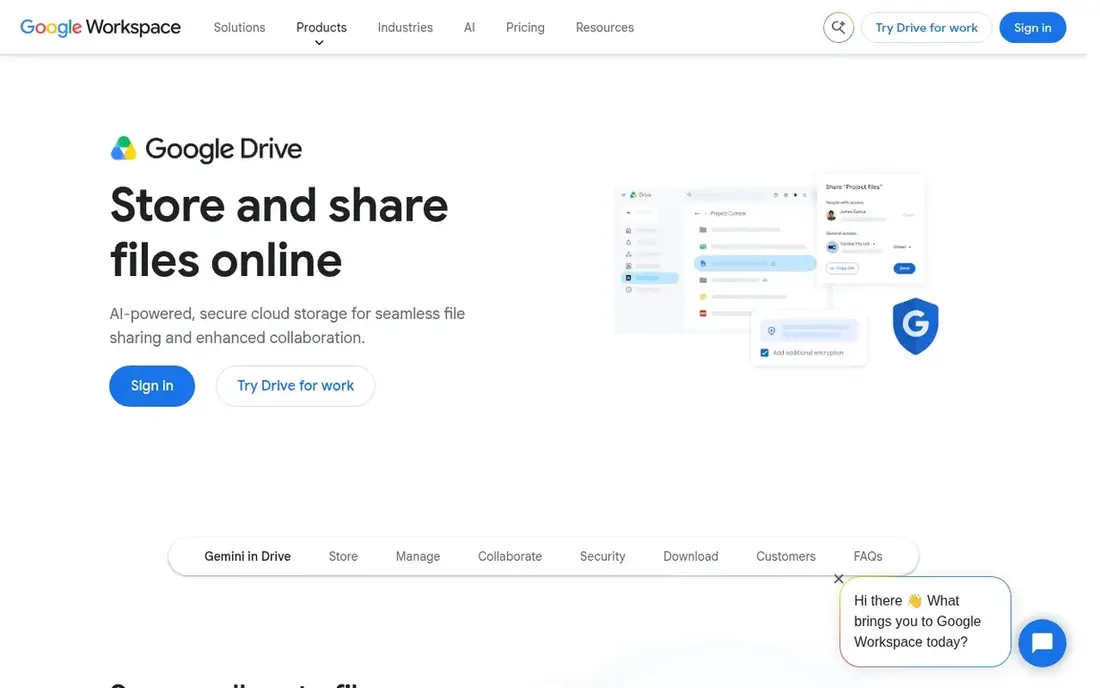
Google Drive makes the most sense for teams inside Google Workspace. Google Drive performs best when you accept the Google ecosystem instead of mixing it with other suites.
Points against: Best value includes a Workspace subscription.
No starting price is listed for Google Drive here; confirm pricing on the vendor site. As for free access: Not stated.
- Tight integration with Google Workspace apps
- Live collaboration on documents
- Storage is shared across Google services
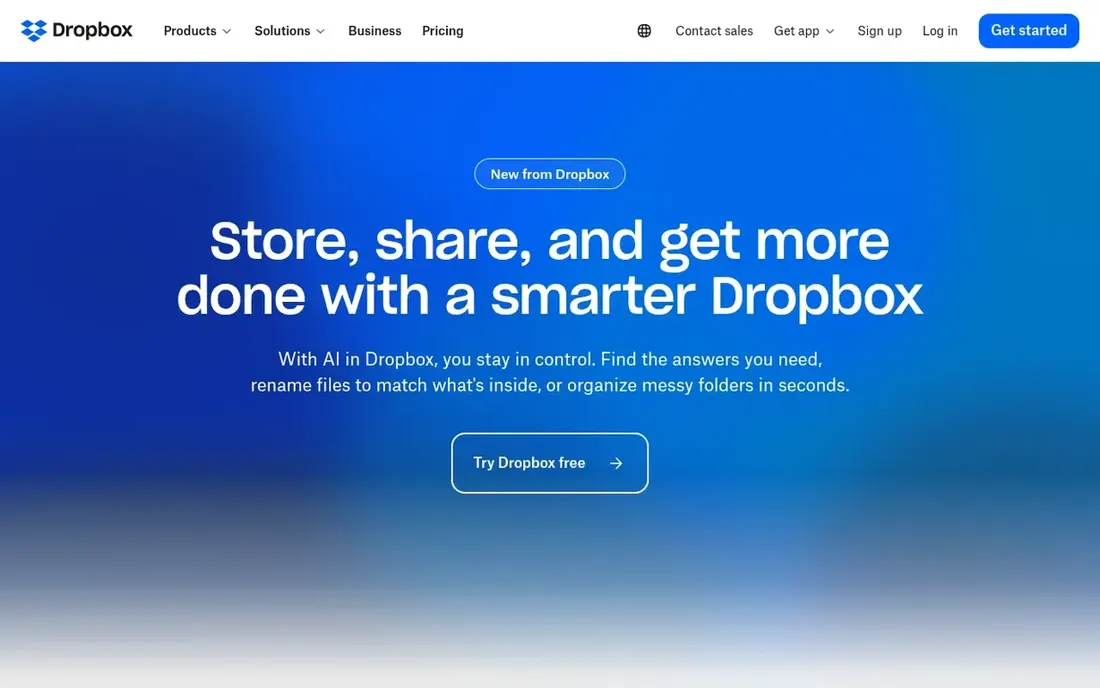
Pick Dropbox if this describes you: straightforward cross-device syncing and sharing. For very large media libraries or strict compliance needs, Dropbox may push you toward higher business levels. Some buyers prefer deeper integration with an existing productivity suite.
Drawbacks to consider: Advanced admin tools sit in business offerings.
Strengths: Mature sync that manages everyday folders well. Dropbox is a cloud storage and syncing service built around keeping files available on every device you use. Its homepage flags storing, syncing, signing and sharing files, which makes it a natural fit for freelancers, small teams and anyone who wants sharing to feel easy. If your priority is dependable sync with minimal setup, Dropbox is a sensible starting point. The starting price for Dropbox: $9.99 per month. Free options: Free trial.
- Works across plenty of devices and products
- Solid file sharing and signing features
- Storage levels can feel limiting for large libraries
Egnyte is built with enterprises governing large content sets in mind. Small teams and individuals will likely find Egnyte heavier than necessary, and more straightforward syncing tools include everyday needs.
Downsides: Enterprise focus may overwhelm small users.
What you pay to start with Egnyte: $22 per user per month. Trial and free access: Free trial.
- Enterprise-oriented content cloud
- Made for massive files and sensitive content
- Setup assumes IT involvement
How the list was put together
We compared the tools on published pricing, free plan or trial availability, feature coverage for file syncing software, and the limits each vendor documents. Figures are shown as the vendors publish them. Billing terms, seat minimums and add-ons can change the real cost. Tools are placed by general fit for file syncing software, with price clarity and free access as tie-breakers. A different team can reasonably rank them differently.
Pre-purchase checklist
- Get a written quote from pCloud and Google Drive; the list shows no starting price for them.
- Take the trial from Sync.com, Dropbox and Egnyte and push a live task through it before you pay.
- Before choosing Sync.com, weigh its main limit: less emphasis on wide app integrations.
- Make sure Egnyte lets you export your data in a format another tool can read.
- Ask Google Drive whether prices are locked for the first term and what happens at renewal.
FAQ
Is Sync.com the right pick for everyone comparing file syncing software?
No single tool suits every team. Sync.com comes first because it fits privacy-first secure cloud storage, while pCloud suits everyday secure storage across devices and Google Drive suits teams inside Google Workspace. Match the tool to your own size, budget and workflow before deciding.
Does any tool for file syncing software here have a free plan?
No tool in this list, Sync.com and Egnyte included, has a permanent free plan. Sync.com, Dropbox, Egnyte offer a trial. Trials and quotes are the usual route, so plan a short evaluation period.
Which file syncing tool is best for a small team?
Start with Sync.com if you need privacy-first secure cloud storage. pCloud is the better match for everyday secure storage across devices, and Google Drive for teams inside Google Workspace. The best choice depends on budget, team size and workflow.
What is the cheapest option for file syncing software in this list?
On published monthly entry prices, Sync.com is the lowest here at $4.50 per user per month. Entry price is only part of the cost, because seats, add-ons and billing terms can change the total.
Do these tools publish their prices?
Not all of them. pCloud and Google Drive publish no starting price, so expect a quote request for those. The rest, Sync.com included, show a starting price, though seats and billing terms still change the final cost.
Sources
- https://www.sync.com
- https://www.pcloud.com
- https://workspace.google.com/products/drive
- https://www.dropbox.com
- https://www.egnyte.com