Best File Sharing Software with Version Control in 2026: Prices, Free Plans and 6 Picks
Compare 6 picks for the best file sharing software with version control, with prices, free plans and who each fits. Strengths and gaps are listed per tool.
- Editor's choice
 Egnyte
Enterprises handling large files and governance
Starts at$22 per user a monthVisit egnyte.comFull review - Great alternative
 ShareFile
Secure document sharing and client workflows
Starts at$16.50 per user per monthVisit sharefile.comFull review - Also consider
 Box
Organizations needing governed content and workflows
Starts atSee websiteVisit box.comFull review
Direct answer
Our first pick is Egnyte, best for enterprises handling large files and governance. Listed starting prices: Egnyte from $22 per user a month, ShareFile from $16.50 per user per month and M-Files from €65 per seat a month. ShareFile is the stronger choice for secure document sharing and client workflows, while Box suits organizations needing governed content and workflows. All 6 tools are compared below on price, free plan and limits.
TL;DR:
- Egnyte takes the first slot, best suited to enterprises handling large files and governance.
- The cheapest monthly starting price in the list is $16.50 per user per month, offered by ShareFile.
- Dropbox Business is the one to check for teams wanting straightforward sharing plus version recovery.
- One limit worth knowing about Google Drive: advanced controls need extra setup.
- None of the 6 tools, from Egnyte to Dropbox Business, has a free plan, so budget for a subscription or use a trial.
Last checked November 2026. Prices and plan details were read from the vendors' own pages in November 2026; vendors change plans often, so confirm the current price on the vendor site before you buy.
Quick comparison
| Tool | Best for | Starts at | Free plan? | |
|---|---|---|---|---|
| Egnyte | Enterprises handling large files and governance | $22 per user a month | Free trial | Visit |
| ShareFile | Secure document sharing and client workflows | $16.50 per user per month | Free trial | Visit |
| Box | Organizations needing governed content and workflows | See website | Not stated | Visit |
 Google Drive | Teams already working in Google Workspace | See website | Not stated | Visit |
 M-Files | Document-heavy teams needing contextual organization | €65 per seat a month | Not stated | Visit |
 Dropbox Business | Teams wanting straightforward sharing plus version recovery | See website | Not stated | Visit |
File Sharing Software with Version Control, one by one
LinkVetted compared 6 tools for file sharing software with version control. The goal is a practical shortlist: published prices, free plan facts, best-fit use cases and honest limits for every entry.
Egnyte is built with enterprises handling large files and governance in mind. Egnyte positions itself as an AI context layer and content cloud for enterprises, with tools to collaborate on massive files and govern sensitive content on one secure system. Its version control and governance features suit bigger organizations that run substantial file volumes across teams.
Drawbacks to consider: Enterprise orientation may overwhelm small teams.
As for the details, the enterprise focus means smaller teams may find the system more than they need, and setup demands administrative attention. Choose Egnyte when large-file collaboration and content governance are genuine operational requirements. Price to start with Egnyte: $22 per user per month. Free options: Free trial.
- Context layer for AI use cases
- Collaboration on very large files
- Configuration needs administrative attention
ShareFile serves secure document sharing and client workflows. Organizations that prioritize secure delivery over wide content management will find it well aligned.
As for the details, choose ShareFile when secure file exchange with clients is the primary requirement. What you pay to start with ShareFile: $16.50 per user per month. Free plan details: Free trial.
Honest limits: Workflow customization takes planning.
- Aimed at confidential file exchange
- Security-focused sharing and collaboration
- Narrower scope than full content systems
Box was built for organizations needing governed content and workflows. Its version tracking and governance features suit organizations that require to control sensitive content whereas collaborating internally and externally.
Limits to weigh: Feature depth may exceed small team needs.
In daily use, if you only need entry-level sharing with version history, a more straightforward storage tool may be enough. Box does not show a starting price in this comparison, so check the vendor site for current pricing. Trial and free access: Not stated.
- Protection for sensitive data
- Content management with workflow automation
- Setup can require administrative effort
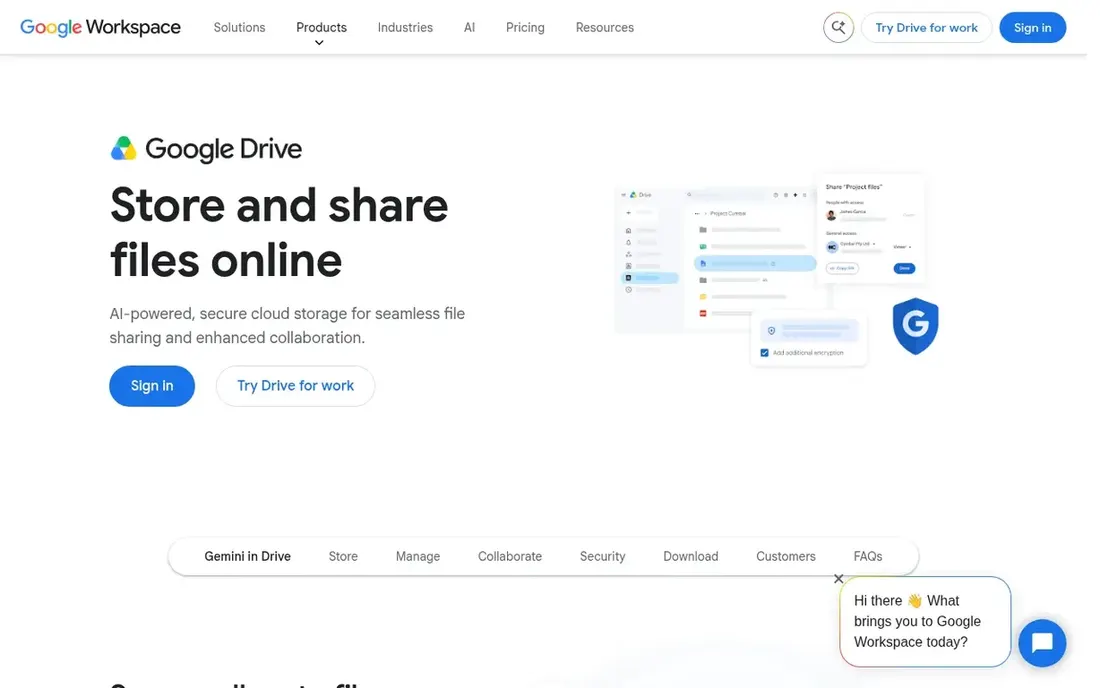
For teams already working in Google Workspace, Google Drive is a natural candidate. Its version control is convenient but not a full document management system, so retention rules and audit needs may call for additional configuration or a different system.
Teams with complicated compliance requirements should compare dedicated content management tools. Pick Google Drive when straightforward sharing and collaborative editing are the core needs. Google Drive does not show a starting price in this comparison, so check the vendor site for current pricing. Free options: Not stated.
Trade-offs to know: Advanced controls need extra setup.
- Straightforward sharing with other users
- Built-in version history for documents
- Less suited to heavy governance needs
M-Files is a good fit for document-heavy teams needing contextual organization. M-Files is an AI-powered document management system that helps organizations organize documents in context, automate workflows and cut risk. Its metadata-driven approach provides solid version control since documents are tracked by what they are instead of only where they sit.
Also, M-Files is a document management system first, so teams seeking light file sharing may find it heavier than necessary, and successful adoption relies on consistent processes. For straightforward storage and sharing, a mainstream cloud drive is simpler. Starting cost for M-Files: €65 per seat per month. Free options: Not stated.
Limits to weigh: Document management focus may exceed straightforward sharing.
- Risk reduction through secure management
- Documents organized in context
- Adoption needs process discipline
Dropbox Business
Best for: Teams wanting straightforward sharing plus version recovery
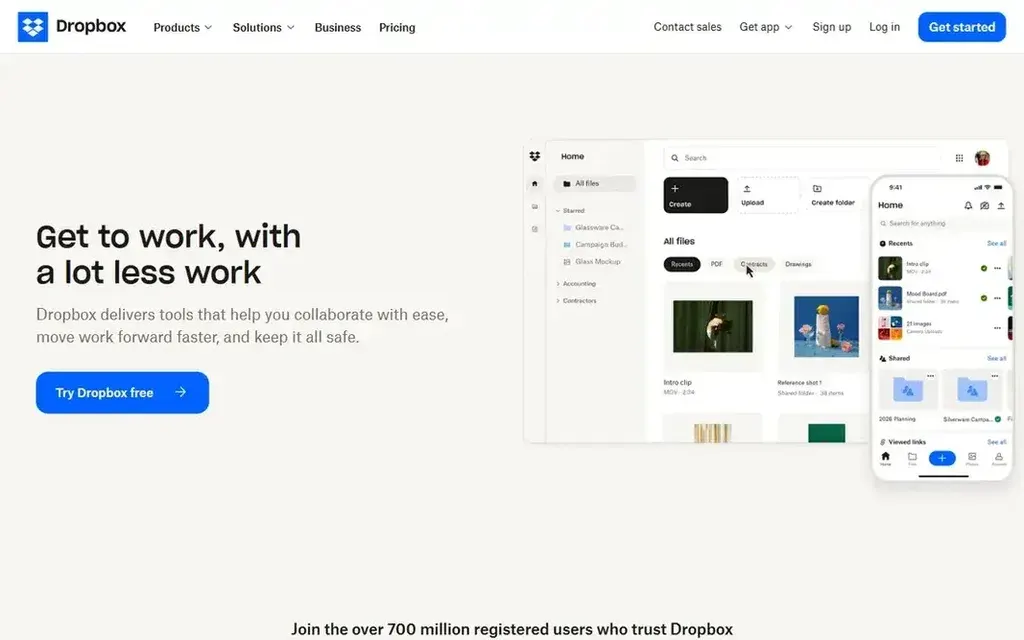
Dropbox Business targets teams wanting straightforward sharing plus version recovery. Its file version history and recovery tools make it a practical fit for teams that share files often and have to roll back accidental edits or deletions.
Where it falls short: Version history depth varies by setup.
Choose Dropbox Business when ease of sharing and everyday version recovery matter most. For everyday use, the product is less specialized for strict document control, and deeper governance and retention features rely on the setup you choose. Dropbox Business does not show a starting price in this comparison, so check the vendor site for current pricing. Free plan details: Not stated.
- ESignature support in one place
- Broad sharing and sync coverage across devices
- Advanced governance sits in higher levels
How we compared the tools
LinkVetted used vendor pricing pages and product documentation as the base, then compared plans, free access and documented limits for 6 tools. Prices and plan limits come from vendor pages and can change, so confirm them on the vendor site before you buy. The order reflects how well each tool fits the most common buying scenario for file sharing software with version control, then price clarity, then free plan access. It is a starting point, not a verdict.
Before you commit
- Get a written quote from Box, Google Drive and Dropbox Business; the list shows no starting price for them.
- Run a trial of Egnyte and ShareFile with real work before paying for a year; your own workflow is the best test.
- Before choosing Egnyte, weigh its main limit: enterprise orientation may overwhelm small teams.
- Ask whether Egnyte integrates with your current software, and whether that comes standard or as an add-on.
- Check whether Box bills monthly or annually, and what cancelling early costs.
FAQ
When should I choose a document management system instead?
Pick a system like M-Files or Box when documents need structured metadata, automatic workflows and more solid governance. These products suit regulated or document-heavy teams where straightforward storage does not supply enough control.
Do these tools publish their prices?
Not all of them. Box, Google Drive and Dropbox Business publish no starting price, so expect a quote request for those. The rest, Egnyte included, show a starting price, though seats and billing terms still change the final cost.
Can I try these tools before paying?
Often, yes. Egnyte and ShareFile offer a free trial. Use your own data and a real task during the test, and check what the free tier or trial limits before you rely on it.
How do I evaluate version control before buying?
Ask vendors how numerous versions are kept, how restoration works and whether history applies to synced and shared files. Also confirm audit and retention choices, since these vary by system and configuration.
How are the tools for file sharing software with version control ordered?
The order follows typical fit for file sharing software with version control, with Egnyte first and Dropbox Business last, then price clarity and free access. It is editorial judgement, not a score, so another team could rank the tools differently.
Does any tool for file sharing software with version control here have a free plan?
No tool in this list, Egnyte and Dropbox Business included, has a permanent free plan. Egnyte, ShareFile offer a trial. Trials and quotes are the usual route, so plan a short evaluation period.
Sources
- https://www.egnyte.com
- https://www.sharefile.com
- https://www.box.com
- https://workspace.google.com/products/drive
- https://www.m-files.com
- https://www.dropbox.com/business