Best File Sharing Software for Business in 2026: 8 Tools Compared
Compare the best file sharing software for business in 2026, with secure sharing, admin controls and pricing for small teams and large companies alike.
- Editor's choice
 Google Drive
Google Workspace teams
Starts at$7 per user per monthVisit google.comFull review - Great alternative
 Dropbox Business
Cross-platform sync
Starts at$15 per user per monthVisit dropbox.comFull review - Also consider
 Box
Regulated industries
Starts at$15 per user per monthVisit box.comFull review
TL;DR:
- Google Drive and OneDrive give the best value when your team already pays for Google Workspace or Microsoft 365.
- Box and Egnyte stand out for regulated work, with detailed permissions, retention controls and audit trails.
- Tresorit and Sync.com suit teams that want end-to-end encryption as the default, not an add-on.
- Dropbox Business remains a strong choice for cross-platform sync and large media files.
- ShareFile is the most client-focused pick, thanks to its portals and built-in e-signature tools.
Quick comparison
| Tool | Best for | Starts at | Free plan? | |
|---|---|---|---|---|
| Google Drive | Google Workspace teams | $7 per user per month | No | Visit |
| Dropbox Business | Cross-platform sync | $15 per user per month | No | Visit |
| Box | Regulated industries | $15 per user per month | No | Visit |
 OneDrive for Business | Microsoft 365 teams | $6 per user per month | No | Visit |
 ShareFile | Client portals | See website | No | Visit |
 Egnyte | Hybrid file storage | See website | No | Visit |
 Tresorit | Maximum privacy | See website | No | Visit |
 Sync.com | Encrypted team storage | See website | No | Visit |
The best file sharing software for business
We compared official pricing pages, admin controls, sharing settings and security pages to find the best file sharing platform for business use, including a strong file sharing service for small business buyers.
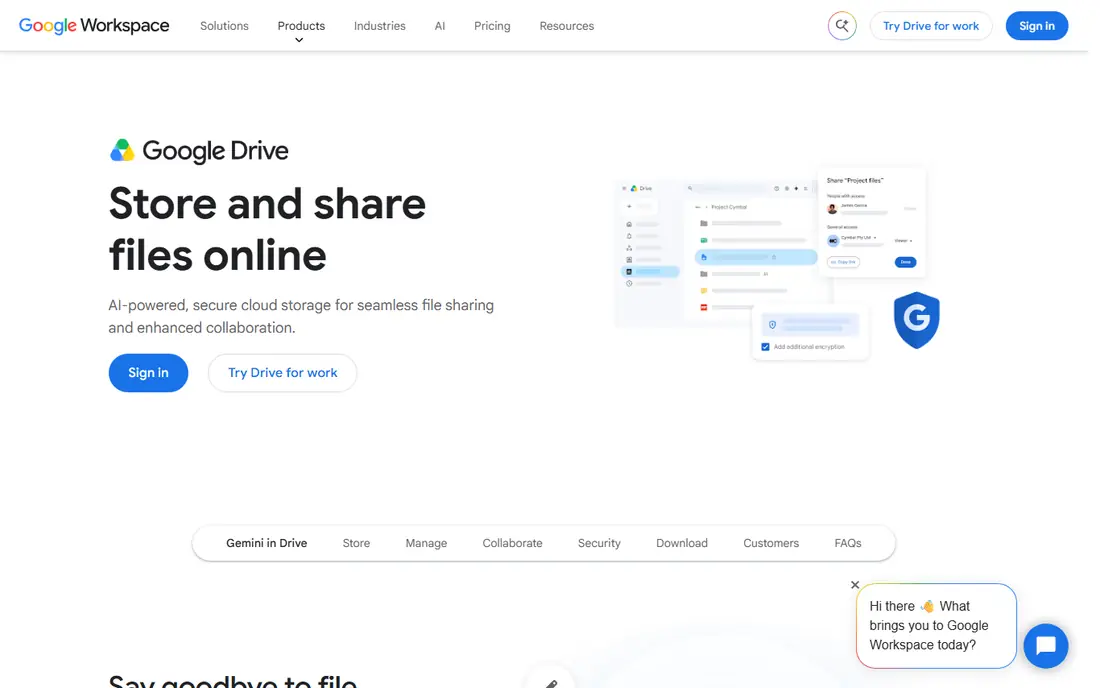
Google Drive works best when your team already lives in Gmail and Google Docs. Files open straight in the browser, comments stay attached to the document, and version history makes it easy to undo a bad edit. For a small business, that closeness between email, calendar and storage removes a lot of daily friction.
The catch is control at scale. Basic plans lack some of the detailed retention and loss prevention tools that larger firms need, so growing teams often need to move up a tier. Sharing settings are clear, but admins should still set defaults for external links and train staff not to share folders too widely.
- Fast real-time editing in Docs, Sheets and Slides
- Simple sharing controls
- Strong search across files
- Storage limits depend on the Workspace plan
- Advanced data loss prevention sits on higher plans
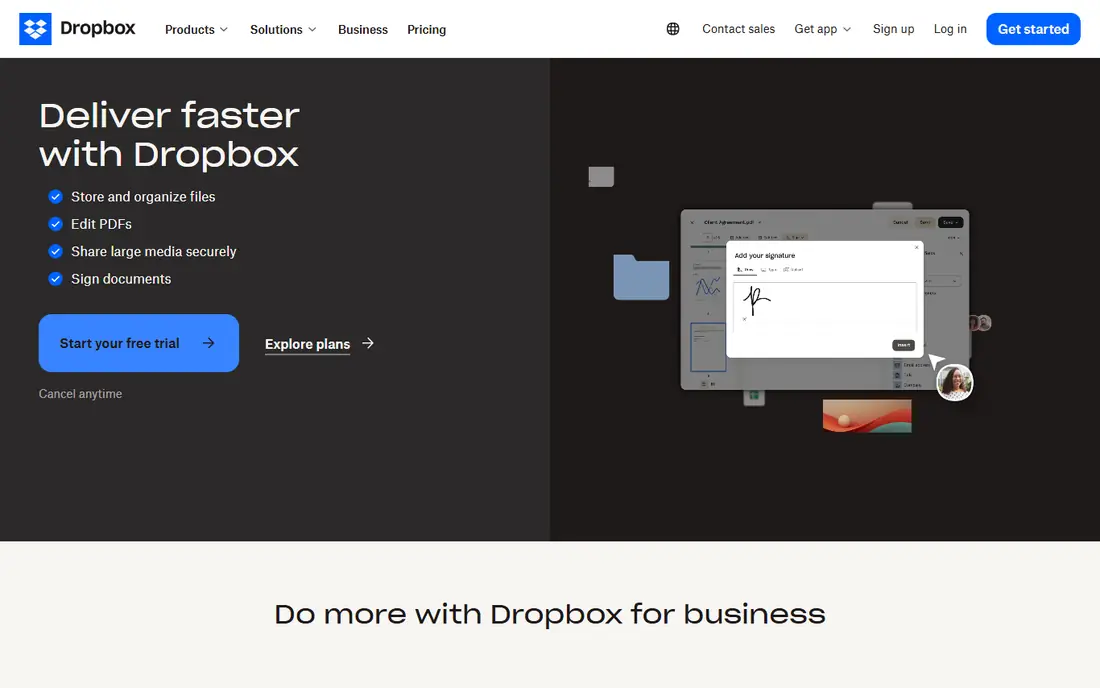
Dropbox Business has earned its place through sync that simply works. Large design files, video drafts and photo folders move between devices without constant manual uploads, and Smart Sync lets staff see files without filling a laptop drive. Teams that mix operating systems will notice the benefit right away.
It is not the cheapest option, and firms with strict compliance needs may want a rival with deeper governance features. For creative teams, marketing agencies and distributed small businesses, the time saved on file handling often justifies the price.
- Dependable sync across Windows, Mac and mobile
- Smart Sync saves local disk space
- Clear link controls
- Business pricing is higher than some rivals
- Advanced security tools sit on higher plans

Box is built for companies that must prove how files were handled. Admins can set retention periods, restrict downloads, watermark previews and review activity logs. That level of control matters in health care, finance and legal work, where a casual share can create real risk.
Smaller teams may find Box more formal than they need, and the learning curve is steeper than Google Drive or Dropbox. If audits, client confidentiality and long-term records matter more than speed alone, Box is a sensible shortlist pick.
- Detailed permissions and retention rules
- Wide compliance coverage
- Many enterprise integrations
- The interface can feel busy for new users
- Some useful features require higher tiers
OneDrive for Business makes most sense inside a Microsoft shop. Documents edited in Word or Excel save straight to the cloud, Teams chats link to the same files, and IT teams manage access from one admin centre. For firms already paying for Microsoft 365, the added cost is often small.
The trade-off is complexity. Personal OneDrive, SharePoint and Teams libraries can overlap, so admins should map out where team files live before rollout. Once that structure is set, it is a steady and well-supported choice.
- Tight fit with Word, Excel, Teams and Outlook
- Strong admin tools through Microsoft 365
- Familiar desktop sync
- Sharing settings can confuse new admins
- The best controls need higher Microsoft 365 plans
ShareFile focuses on the exchange between a business and its clients. Accountants, law firms and advisers can ask clients for documents through a portal, track what is missing, and collect signatures without a separate tool. That workflow focus sets it apart from general storage services.
It is less suited as a general team drive for creative work, and buyers should request a clear quote before committing. If client onboarding and secure document requests are daily tasks, ShareFile can replace several separate tools.
- Branded client portals
- Built-in e-signatures
- Workflow tools for requesting documents
- Pricing is not shown as a single simple list
- The interface feels dated in places
Egnyte suits firms that cannot move everything to the cloud at once. It can connect existing file servers with cloud storage, so teams keep local access where needed while gaining cloud sharing and governance. Architecture, engineering and manufacturing firms often fall into this group.
The honest catch is effort. Egnyte rewards a planned rollout, with clear folder rules and permission groups, and it may feel heavy for a five-person team with simple needs. For mixed environments, that flexibility is hard to match.
- Works with on-premises storage and the cloud
- Ransomware detection
- Detailed governance controls
- Pricing requires a quote on many plans
- Setup takes more planning than consumer-style tools
Tresorit takes a privacy-first approach. Files are encrypted before they leave a device, so even the provider cannot read them in plain form. That design appeals to legal teams, health providers and firms handling board papers or deal documents.
The price reflects that focus, and teams that need deep real-time co-editing may prefer a mainstream suite. When confidentiality is the main requirement, Tresorit is one of the strongest options in this list.
- End-to-end encryption by design
- Data rooms for sensitive deals
- Granular access controls
- Higher cost per user than basic storage
- Collaboration features are narrower than Google or Microsoft
Sync.com offers encrypted storage at a price that small businesses can justify. Teams get password-protected links, expiry dates and access controls without paying enterprise rates. It is a good fit for firms that want privacy but do not need a full content platform.
The limits show up in integrations. Sync.com does not match the app catalogues of larger rivals, and heavy document collaboration is better handled elsewhere. As a secure place to store and share files, it does its job well.
- End-to-end encryption included
- Unlimited transfer limits on team plans
- Simple sharing links
- Third-party integrations are fewer than Dropbox or Box
- Real-time editing is limited
How we picked these
We compared official feature pages, pricing pages, security documentation and public reviews for each service. We favoured tools that are actively sold to businesses in 2026, offer admin controls, and provide clear sharing permissions. We did not claim hands-on testing, and we used See website where a vendor does not publish a single starting price.
What to check before you choose a business file sharing service
Start with who needs access and from where. A team that works in one office has different needs from a distributed team sharing files with clients every day. Map your main file types, from contracts to video, and check upload limits, sync speed and mobile access before you sign.
Security and control
Look for encryption in transit and at rest, two-factor sign-in, link expiry, password protection and download controls. Admins should be able to see who accessed a file, remove access quickly when staff leave, and set retention rules. If you work under HIPAA, FINRA or similar rules, ask the vendor for its current compliance documents.
Cost and storage
Compare cost per user, included storage and what happens when you exceed it. Some plans pool storage across a team, while others give a fixed amount per user. Check whether e-signatures, advanced security or extra storage are included or sold separately, since those add-ons change the real monthly cost.
Migration and daily habits
Move files in stages, starting with active projects, then archives. Keep the old system read-only for a month so staff can find anything that was missed. Name folders clearly, set sharing defaults to the most private option that still allows work, and review external shares each quarter. Small habits like these prevent the slow spread of open links that causes most sharing problems.
Train staff on two rules: share with named people where possible, and use links only for short-term external access. Show them how to set expiry dates and passwords, and how to check who has access to a folder. A short training session at rollout saves far more time than fixing a data leak later, and it helps new joiners follow the same pattern from day one.
FAQ
What is the best file sharing platform for business?
There is no single winner for every firm. Google Drive and OneDrive suit teams already in those ecosystems, Box suits regulated firms, and Dropbox suits cross-platform creative teams. Match the tool to your existing software and your compliance needs first.
What is the best file sharing service for small business?
For a small team, Google Drive, Dropbox Business and Sync.com are good starting points. Google Drive is strong for collaboration, Dropbox for sync, and Sync.com for encrypted storage at a lower cost. Start with a small pilot group before moving all files.
Is free file sharing safe for business use?
Free personal plans often lack admin controls, audit logs and support, so they are a poor fit for client or regulated files. A paid business plan gives you control over sharing, offboarding and retention. Use free plans only for low-risk internal drafts.
How much storage does a small business need?
Many small teams manage well with pooled storage of several terabytes, but video and design firms need far more. Check your current total file size, then allow room for growth over two years. Pooled plans are often better than strict per-user limits.
Can I share files with clients who do not have an account?
Yes, most services here allow link sharing with password protection and expiry dates. ShareFile goes further with branded portals. Always set an expiry date for sensitive links and review shared links each quarter.