Best File Reader Software for 2026: Our 6 Vetted Picks
6 tools for the best file reader software, compared on pricing, free plans and best-fit use. Trade-offs are spelled out for each entry. Checked this month.
- Editor's choice
 ABBYY FineReader PDF
OCR and scanned document conversion
Starts at$16 per monthVisit abbyy.comFull review - Great alternativeGoogle Chrome
Fast in-browser PDF viewing
Starts atSee websiteVisit google.comFull review - Also consider
 Soda PDF
Desktop and online PDF access
Starts atSee websiteVisit sodapdf.comFull review
Direct answer
ABBYY FineReader PDF comes first here, mainly for OCR and scanned document conversion. Listed starting prices: ABBYY FineReader PDF from $16 per month and PDFelement from $6.99 per week. Alternatives: Google Chrome for fast in-browser PDF viewing, and Soda PDF for desktop and online PDF access. The remaining 3 options are covered below with prices and limits.
TL;DR:
- ABBYY FineReader PDF is the opening pick, best for OCR and scanned document conversion.
- PDFelement fits Everyday PDF editing and signing.
- The lowest published monthly entry price here is $16 per month, from ABBYY FineReader PDF.
- ABBYY FineReader PDF, PDFelement and the 4 others all need a premium plan or a trial, since no free plan is listed.
- The main caution on ABBYY FineReader PDF: OCR focus may be overkill for plain reading.
Last checked November 2026. Prices and plan details were read from the vendors' own pages in November 2026; vendors change plans often, so confirm the current price on the vendor site before you buy.
Quick comparison
| Tool | Best for | Starts at | Free plan? | |
|---|---|---|---|---|
| ABBYY FineReader PDF | OCR and scanned document conversion | $16 per month | Free trial | Visit |
| Google Chrome | Fast in-browser PDF viewing | See website | Not stated | Visit |
| Soda PDF | Desktop and online PDF access | See website | Not stated | Visit |
 Nitro PDF Pro | Business PDF workflows and eSign | See website | Free trial | Visit |
| Apple Preview | Mac users reading images and PDFs | See website | Not stated | Visit |
 PDFelement | Everyday PDF editing and signing | $6.99 per week | Not stated | Visit |
Every option for file reader software explained
Choosing file reader software usually comes down to price, fit and limits. This LinkVetted guide sets 6 tools side by side on those three points, with the facts kept short and checkable.
Pick ABBYY FineReader PDF if this describes you: OCR and scanned document conversion. ABBYY FineReader PDF is a PDF editor powered by ABBYY's AI-based OCR technology, used to convert files for example PDF to Excel or Word and to edit, share and collaborate.
It suits readers who handle scanned documents and need the text inside them to become searchable or editable. Entry price for ABBYY FineReader PDF: $16 per month. As for free access: Free trial.
Where it falls short: Conversion quality depends on source files. What ABBYY FineReader PDF does well: Edit.
- Share and collaborate
- AI-based OCR technology
- OCR focus may be overkill for plain reading
Google Chrome
Best for: Fast in-browser PDF viewing
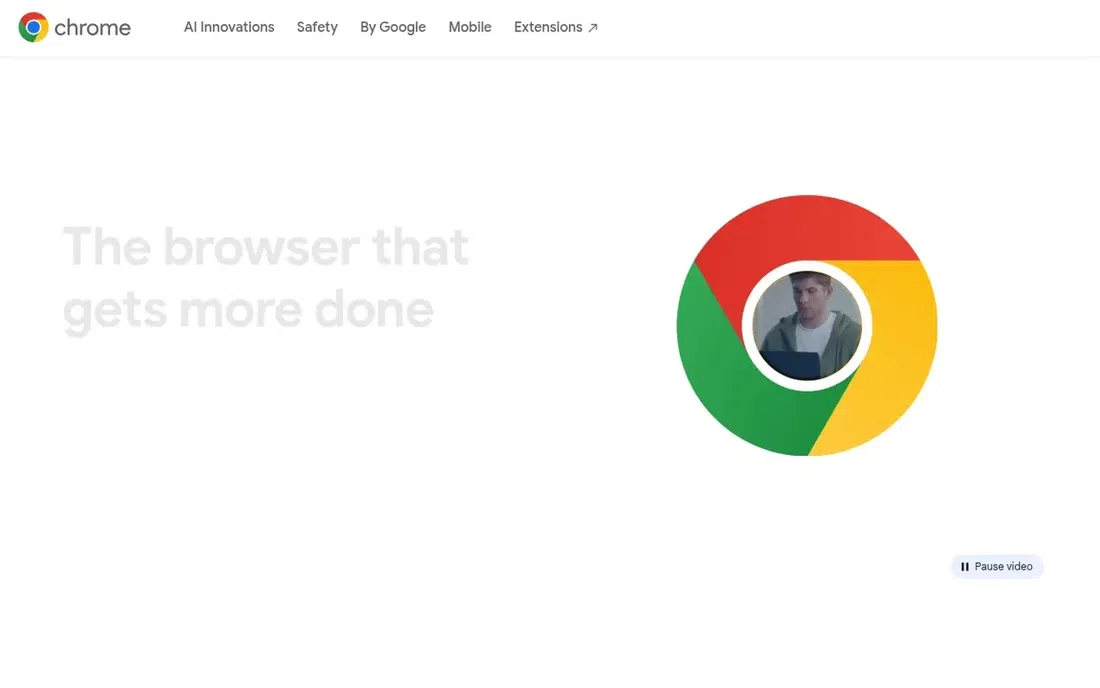
Google Chrome makes the most sense for quick in-browser PDF viewing. Google Chrome is the official web browser from Google, described as quick, secure and configurable.
The main drawbacks: Limited document editing.
It opens PDF files straight in the browser. For everyday use, use Chrome for fast viewing and turn to another tool when a document needs real changes. Google Chrome does not show a starting price in this comparison, so check the vendor site for current pricing. As for free access: Not stated.
- Configurable browser
- Built-in PDF viewing
- Not a dedicated document app
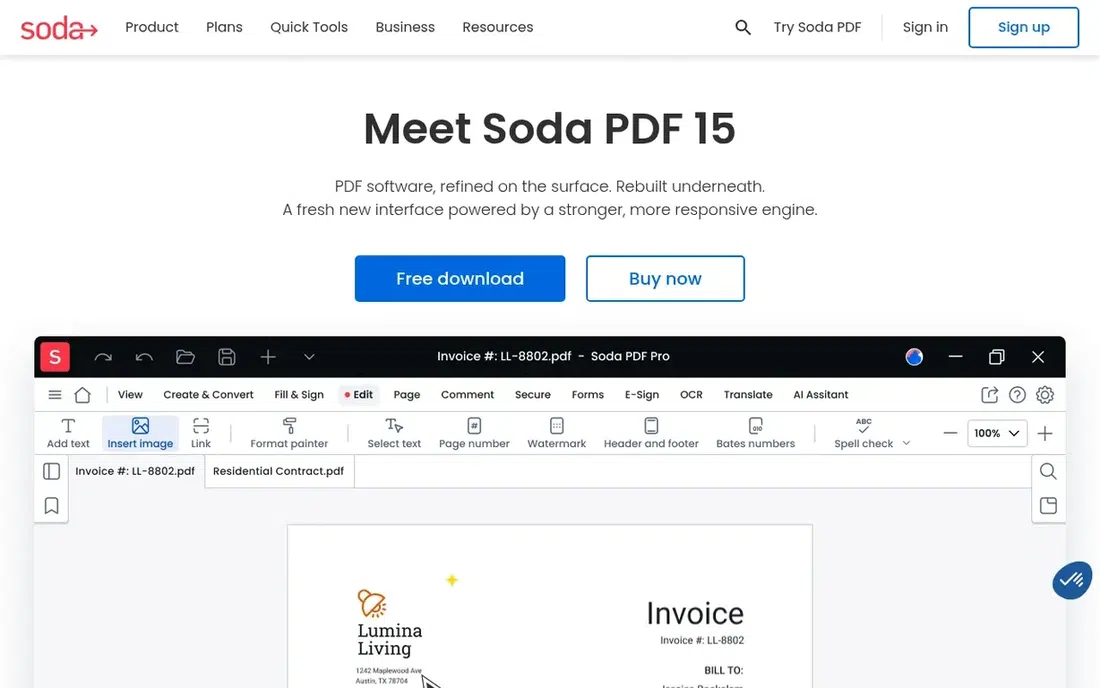
Soda PDF targets desktop and online PDF access. Since the product spans desktop and online environments, the exact tools you see can differ based on where you are working, and online access relies on a connection.
Limits to weigh: Online use relies on connectivity.
More specifically, pick Soda PDF when adaptability across devices matters more than a single fixed setup. Soda PDF shows no starting price here, so confirm the cost on the vendor site. Free options: Not stated.
- Desktop and online choices
- Tools to modify PDF files
- Feature spread varies by environment
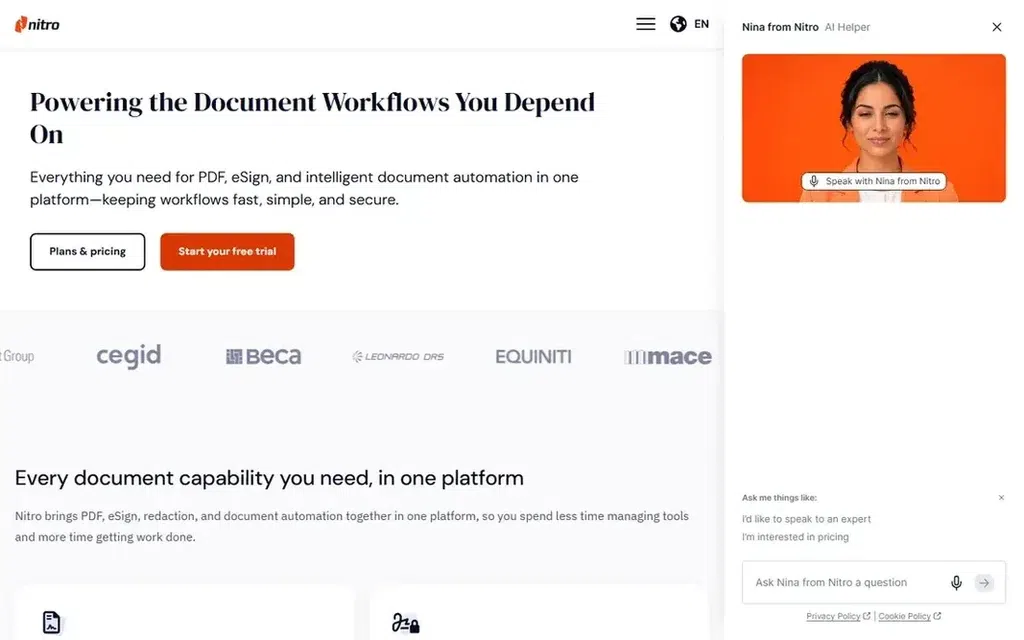
Nitro PDF Pro is a good fit for business PDF workflows and eSign. Nitro PDF Pro is positioned as PDF and eSign software for firms, with messaging around simplifying document workflows, productivity and data security. If your reading needs sit inside a broader document process, this is the natural starting point among the choices here.
Where it falls short: Business focus may exceed casual needs.
Consider Nitro when document handling is a recurring part of your work. Worth adding: if you only open the occasional PDF and never sign or route documents, a more straightforward reader or your browser may be enough. Pricing for Nitro PDF Pro is not stated here, so ask the vendor for current figures. Trial and free access: Free trial.
- Emphasizes data security
- Merges PDF work with eSign
- Heavier than a simple viewer
Apple Preview
Best for: Mac users reading images and PDFs
Apple Preview is built with Mac users reading images and PDFs in mind. Preview is tied to macOS, so it is not a choice on Windows or Android.
Honest limits: Mac only.
Its conversion and OCR capabilities are narrower than dedicated document suites. This comparison lists no price for Apple Preview; ask the vendor. Free access: Not stated.
- Straightforward viewing workflow
- Built into macOS
- Fewer advanced conversion tools
Think of PDFelement for Everyday PDF editing and signing. For everyday use, PDFelement is built around editing instead of reading alone, so the interface carries more choices than an entry-level viewer. For everyday use, the multi-environment availability helps when the same file needs attention in different places.
On top of that, if you seldom modify documents, a lighter reader is easier to live with. Choose PDFelement when editing and signing are regular tasks. The experience can also vary between desktop, mobile and web. The starting price for PDFelement: $6.99 per week. Free options: Not stated.
Limits to weigh: Feature depth varies by product.
- Build
- Mobile and web access
- Editor focus beyond straightforward reading
Selection criteria
Things to verify first
- Get a written quote from Google Chrome, Soda PDF, Nitro PDF Pro and Apple Preview; the list shows no starting price for them.
- Use real work to test the free trial from ABBYY FineReader PDF and Nitro PDF Pro, rather than a demo project.
- Read the limits listed for ABBYY FineReader PDF first: OCR focus may be overkill for plain reading.
- Before rolling out Nitro PDF Pro, verify the integrations your workflow depends on.
- Look at which plan of Soda PDF unlocks the features you need; entry tiers are often cut down.
FAQ
Is ABBYY FineReader PDF the right pick for everyone comparing file reader software?
No single tool suits every team. ABBYY FineReader PDF comes first because it fits OCR and scanned document conversion, while Google Chrome suits quick in-browser PDF viewing and Soda PDF suits desktop and online PDF access. Match the tool to your own size, budget and workflow before deciding.
Do these tools publish their prices?
Not all of them. Google Chrome, Soda PDF, Nitro PDF Pro and Apple Preview publish no starting price, so expect a quote request for those. The rest, ABBYY FineReader PDF included, show a starting price, though seats and billing terms still change the final cost.
Can I try these options before paying?
Often, yes. ABBYY FineReader PDF and Nitro PDF Pro offer a free trial. Use your own data and a real task during the test, and check what the free tier or trial limits before you rely on it.
Which tool is a good match for scanned documents?
Start with ABBYY FineReader PDF if you need OCR and scanned document conversion. Google Chrome is the better match for fast in-browser PDF viewing, and Soda PDF for desktop and online PDF access. The best choice depends on budget, team size and workflow.
How are the tools for file reader software ordered?
The order follows typical fit for file reader software, with ABBYY FineReader PDF first and PDFelement last, then price clarity and free access. It is editorial judgement, not a score, so another team could rank the tools differently.
Sources
- https://www.abbyy.com/finereader
- https://www.google.com/chrome
- https://www.sodapdf.com
- https://www.gonitro.com
- https://support.apple.com/guide/preview/welcome/mac
- https://pdf.wondershare.com