Best Field Force Management Software in 2026: 8 Tools Compared
Compare the best field force management software for trades and home services, with scheduling, dispatch, invoicing, mobile apps and pricing weighed up.
- Editor's choice
 Jobber
Small and growing service crews
Starts at$29 per monthVisit getjobber.comFull review - Great alternative
 Housecall Pro
Growing home service businesses
Starts at$59 per monthVisit housecallpro.comFull review - Also consider
 ServiceTitan
Large residential contractors
Starts atSee websiteVisit servicetitan.comFull review
TL;DR:
- Jobber and Housecall Pro are the best starting points for small to mid-size home service crews, with clear monthly pricing and 14-day trials.
- ServiceTitan suits large residential contractors that need deep dispatch, marketing and reporting and can pay per-technician pricing.
- ServiceM8 and Service Fusion help crews that hate per-user pricing, with a free tier and flat unlimited-user plans respectively.
- Price by crew size and structure, not just the headline plan, since per-user fees overtake flat plans as teams grow.
Quick comparison
| Tool | Best for | Starts at | Free plan? | |
|---|---|---|---|---|
| Jobber | Small and growing service crews | $29 per month | Free trial | Visit |
| Housecall Pro | Growing home service businesses | $59 per month | Free trial | Visit |
| ServiceTitan | Large residential contractors | See website | No | Visit |
 ServiceM8 | Solo operators and small crews | Free | Yes | Visit |
 Service Fusion | Teams wanting unlimited users | $208 per month | No | Visit |
 Workiz | Home services with call help | See website | No | Visit |
 FieldEdge | HVAC and plumbing with QuickBooks | See website | No | Visit |
 Salesforce Field Service | Enterprises already on Salesforce | $175 per user per month | No | Visit |
The best field force management software
We compared official pricing pages, feature documentation and public reviews for field force and field service tools that schedule jobs, dispatch technicians, handle invoicing and support mobile work in the field. The picks cover solo operators through enterprise fleets.
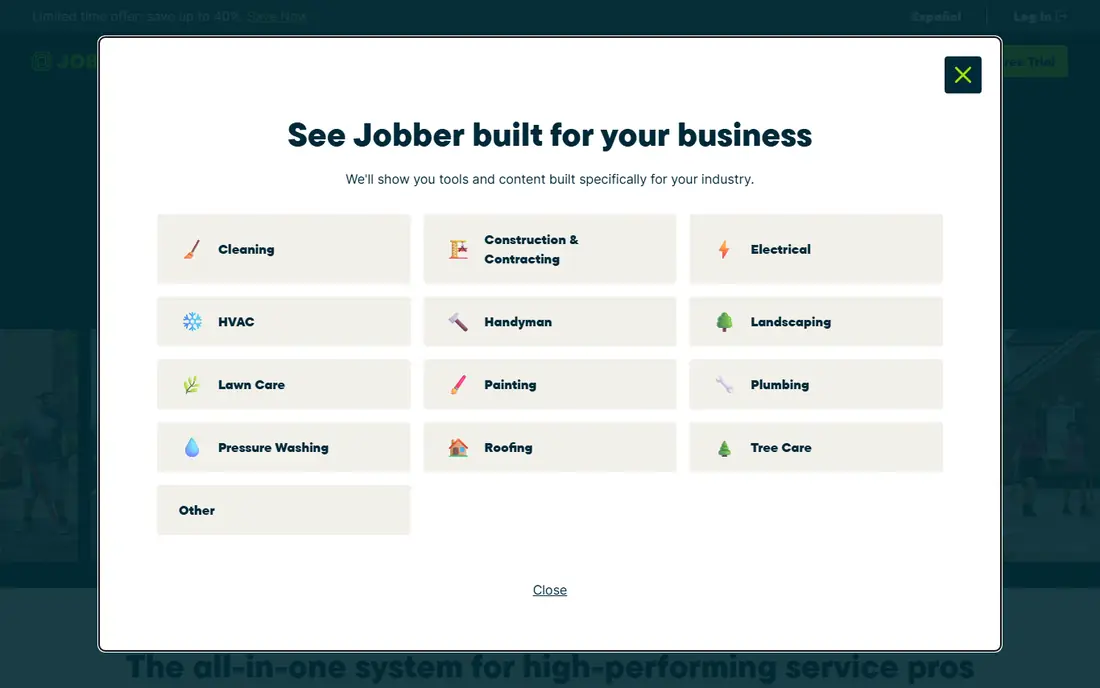
Jobber is our pick for most small and growing service businesses. Its Core plan starts at $29 per month billed annually, with scheduling, quoting, invoicing, client notifications and a mobile app for field staff. The interface is easy for owners and technicians alike, and a 14-day trial lets a crew test a real week of jobs before paying. Yard care, cleaning, plumbing and general contracting teams all fit its workflow.
The limits are tier gates and scale. GPS tracking and deeper automation sit on higher plans, and per-user pricing means a 15-person crew pays materially more than a solo operator. Still, for crews up to about 15 people that want a clear price and a fast start, Jobber is the safest default. Compare the Connect and Grow tiers against your actual user count before choosing.
- Clear tiered pricing
- Drag-and-drop scheduling
- Quoting, invoicing and client reminders in one place
- GPS and advanced features need higher tiers
- Per-user costs grow with crew size
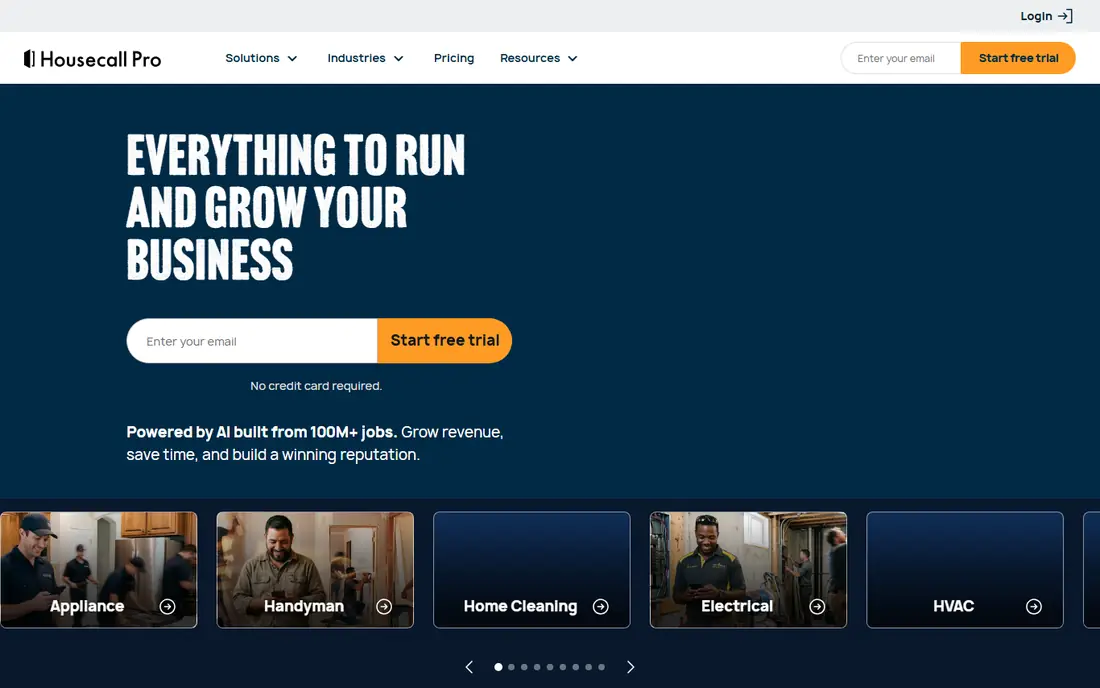
Housecall Pro fits home service businesses that want scheduling, dispatch, invoicing and customer communication without enterprise complexity. Its Basic plan starts at $59 per month billed annually, with higher tiers adding users, flat-rate catalogs, service agreements and marketing tools. Automated texts, review requests and online booking help small crews look polished and win repeat work, and a 14-day trial covers a realistic test.
The pricing catch is user caps. Extra users past a plan cap add monthly fees, so a growing crew should model the price at 10 and 20 users, not just at signup. Job costing is also lighter than at ServiceTitan or Service Fusion. For residential HVAC, plumbing, electrical and cleaning teams in the 1 to 15 technician range, Housecall Pro is a strong, friendly choice.
- Strong customer communication and review tools
- Flat-rate pricing and service agreements
- Easy onboarding
- Extra users add cost past plan caps
- Job costing is lighter than ServiceTitan
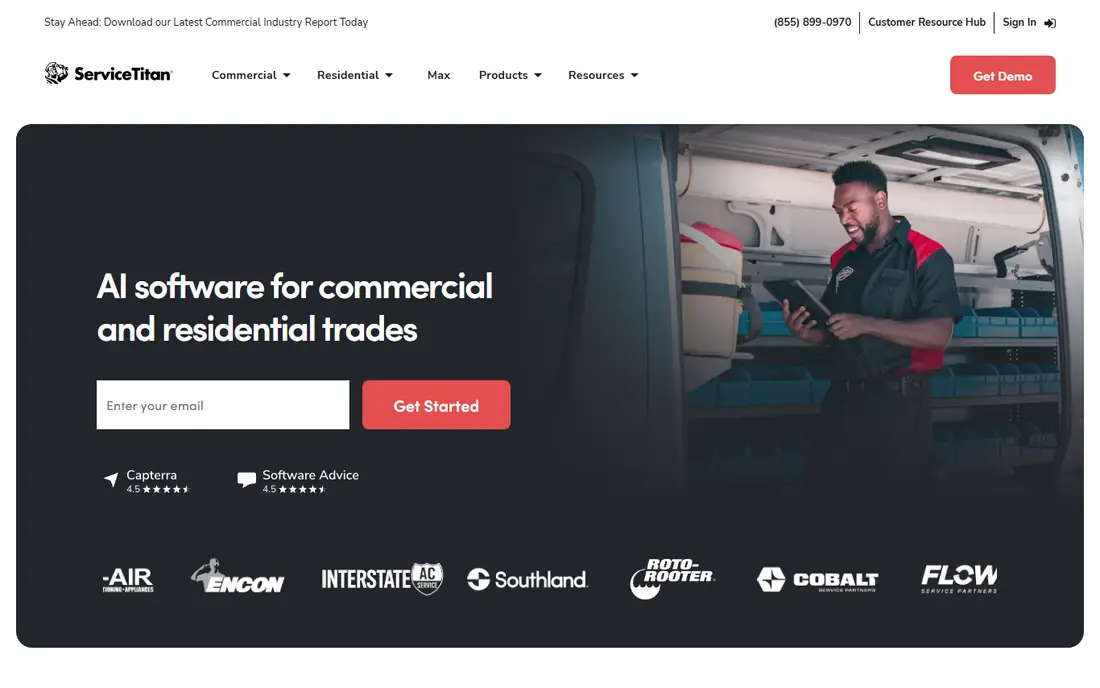
ServiceTitan is built for large residential and commercial contractors running 10 or more technicians. It combines advanced dispatch boards, call tracking and booking, pricebook and flat-rate tools, marketing automation, financing and deep reporting, so managers can see revenue per technician, call conversion and job profitability in one system. Franchises and multi-location operators benefit most from that depth.
The cost is the barrier. Pricing is quote-only and commonly reported per technician per month, with setup and training that take real staff time. Small crews will pay for capacity they never use and face a steeper learning curve. If your operation has dedicated office staff and growth targets that demand tight dispatch and marketing control, ServiceTitan earns its price. Otherwise start with Jobber or Housecall Pro.
- Deepest dispatch, marketing and reporting for large fleets
- Call booking and financing tools
- Strong integrations
- Quote-only per-technician pricing
- Long setup and training
- Overkill for small crews
ServiceM8 is the budget-friendly pick for solo operators and small crews. Its free tier covers a single user with a job limit, and paid plans start at $29 per month, with higher tiers for growing teams. Dispatch, job cards, quoting, invoicing and client communication are covered, and the mobile app is built for technicians working job to job. For a new trade business testing software, the free start removes the risk.
ServiceM8 feels more functional than polished next to Housecall Pro, and its marketing suite is lighter. High-volume dispatch and complex reporting also favor larger platforms. If low cost and a fast start matter more than a slick dashboard, ServiceM8 is an excellent first system, and its paid tiers stay affordable as a small crew grows.
- Free tier for solo use
- Per-job pricing option
- Unlimited users on paid plans in many configurations
- Interface is functional rather than polished
- Advanced marketing tools are thinner
Service Fusion suits teams tired of watching per-user bills climb. Its Starter plan starts at $208 per month billed annually with unlimited users, and higher tiers add dispatch, inventory and reporting depth. That flat model wins for crews with many office staff, part-time technicians or seasonal workers, where per-user pricing would punish headcount. Job costing is also stronger than at several mid-market rivals.
The starting price is higher than Jobber or Housecall Pro, so solo operators will not save money here. Its mobile app and interface are solid but less polished than the leaders. For a mid-size shop with 10 or more logins that needs job costing and predictable billing, Service Fusion is a smart, cost-stable pick.
- Unlimited users on every tier
- Stronger job costing than many rivals
- Flat monthly pricing
- Higher starting price than Jobber or Housecall Pro
- Mobile experience is more modest
Workiz targets home service businesses that lose jobs to missed calls. Its platform covers scheduling, dispatch, quoting, invoicing and payments, plus call answering and lead follow-up tools that help small teams capture after-hours work. Locksmiths, garage door technicians, appliance repairers and smaller field service crews often pick Workiz for that call-handling edge.
Pricing transparency is the weakness: Workiz has moved toward quote-led plans in recent listings, so buyers must request a quote and confirm what is included. Add-ons can also raise the bill. If missed calls are your biggest leak, Workiz deserves a demo with your real call volume. If price clarity matters most, Jobber or Housecall Pro publish cleaner starting figures.
- AI call answering and lead tools
- Scheduling and invoicing for small crews
- Month-to-month options in many plans
- Pricing is less transparent than Jobber
- Some advanced features are paid add-ons
FieldEdge is built for HVAC, plumbing and electrical contractors that run on QuickBooks. It covers dispatch, scheduling, quoting with flat-rate pricing, invoicing and customer history, with a tight QuickBooks sync that keeps office accounting and field jobs aligned. Shops that already live in QuickBooks often find FieldEdge reduces double entry and reconciliation work.
FieldEdge pricing is quote-based, commonly reported in a per-user monthly range, and its sweet spot is narrower than Jobber or Housecall Pro. General contractors, yard care firms and cleaning companies will find broader tools a better fit. For QuickBooks-heavy HVAC and plumbing shops, FieldEdge is a focused, practical choice worth quoting beside ServiceTitan.
- Strong QuickBooks integration
- Dispatch and flat-rate pricing for HVAC and plumbing
- Office and field apps
- Pricing is quote-based
- Best fit is narrow to HVAC, plumbing and electrical trades
Salesforce Field Service is the enterprise pick for companies already running Salesforce. Dispatcher plans start at $175 per user per month billed annually, with Technician and Field Service Plus tiers above that, covering intelligent scheduling, dispatch, mobile field work, asset history and service contracts. For large fleets with complex territories, skills matching and contract obligations, that scheduling depth is hard to match.
Outside Salesforce, it is a poor first choice. Cost, complexity and admin needs are high, and small crews will not use its optimization power. Companies already invested in Salesforce, with dedicated admins and large field teams, get the most value. Everyone else should choose a trade-focused tool that starts faster and costs less.
- Deep scheduling optimization and asset tracking
- Dispatcher and Technician plans
- Fits large Salesforce estates
- Expensive and complex outside Salesforce
- Needs admin capacity to run well
How we picked these
We compared official pricing pages, feature documentation and public reviews for field service tools available in October 2026, keeping only products with scheduling, dispatch, mobile field apps and invoicing for real trade and home service work. We weighted pricing transparency, crew-size fit, mobile quality and accounting integrations, and listed quote-based pricing as See website. We did not claim hands-on testing.
How to choose field force software
Start with crew size and job type. Solo operators and crews under five do well with Jobber, Housecall Pro or ServiceM8, while crews over 15 with dedicated office staff should weigh ServiceTitan, Service Fusion or Salesforce Field Service. Map your week: same-day repairs, recurring maintenance, installs or multi-day projects each stress different features.
Next, test the field app where work happens. Give technicians a real day of jobs on a phone with poor signal, and check offline access, photo capture, signatures and on-site payments. An office dashboard that looks great but frustrates technicians will fail, since adoption in the field decides whether jobs get recorded at all.
Finally, model total cost for a year. Add per-user fees, payment processing, marketing add-ons and implementation to the plan price, and check contract length and exit terms. Confirm QuickBooks or Xero sync, review automation and dispatch rules in the trial, and pilot with one crew before moving the whole fleet.
FAQ
What is field force management software?
It is software that schedules jobs, dispatches technicians, tracks job status, handles quoting and invoicing, and gives field staff a mobile app for job details, photos and payments. It replaces whiteboards, texts and paper job sheets for trade and home service businesses.
How much does field service software cost?
Small crew plans start at $29 per month for Jobber and $59 per month for Housecall Pro, while Service Fusion starts at $208 per month with unlimited users. ServiceTitan and Salesforce Field Service are quote-based or per-user priced for larger fleets, so total cost depends heavily on crew size.
Is Jobber or Housecall Pro better?
Jobber is cheaper for solo operators and strong on quoting and scheduling simplicity. Housecall Pro is strong on customer communication, review requests and service agreements for growing residential teams. Both offer 14-day trials, so test a real week of jobs on each.
Do I need ServiceTitan for a small business?
Usually not. ServiceTitan fits large contractors with 10 or more technicians and dedicated office staff. Small crews get most of what they need from Jobber, Housecall Pro or ServiceM8 at a fraction of the cost and setup effort.
Does field service software work offline?
Many mobile apps cache job details for low-signal areas, but offline depth varies by product and plan. Test photo capture, signatures and invoice creation with signal off during a trial before committing a field crew.