Best File Collaboration Software for Video Editors in 2026: Prices, Free Plans and 5 Picks
Best file collaboration software for video editors: 5 tools compared on price, free plans and fit. Concise write-ups of every option. Narrow your shortlist.
- Editor's choiceDropbox Replay
Markup and comments on assets
Starts atSee websiteVisit dropbox.comFull review - Great alternativeBlackmagic Cloud
Remote DaVinci Resolve collaboration
Starts atSee websiteVisit blackmagicdesign.comFull review - Also considerSigniant Media Shuttle
Quick large-file transfers
Starts at$13,000 a yearVisit signiant.comFull review
Direct answer
If you need markup and comments on assets, Dropbox Replay is the first tool to look at here. Listed starting prices: Signiant Media Shuttle from $13,000 a year. Alternatives: Blackmagic Cloud for remote DaVinci Resolve collaboration, and Signiant Media Shuttle for quick large-file transfers. The other 2 tools in the list cover narrower or pricier cases.
TL;DR:
- This list starts with Dropbox Replay, which is built for markup and comments on assets.
- For centralized review and approval, Frame.io is worth a look.
- Dropbox Replay, Blackmagic Cloud, Aspera and Frame.io: pricing is by quote only, so plan time for a sales conversation.
- What to know about Dropbox Replay first: best value if already on Dropbox.
Last checked November 2026. Prices and plan details were read from the vendors' own pages in November 2026; vendors change plans often, so confirm the current price on the vendor site before you buy.
Quick comparison
| Tool | Best for | Starts at | Free plan? | |
|---|---|---|---|---|
| Dropbox Replay | Markup and comments on assets | See website | Not stated | Visit |
| Blackmagic Cloud | Remote DaVinci Resolve collaboration | See website | Not stated | Visit |
| Signiant Media Shuttle | Quick large-file transfers | $13,000 a year | No | Visit |
| Aspera | Secure large-file transfer at scale | See website | Not stated | Visit |
 Frame.io | Centralized review and approval | See website | Not stated | Visit |
File Collaboration Software for Video Editors, one by one
LinkVetted compared 5 file collaboration software for video editors. The goal is a practical shortlist: published prices, free plan facts, best-fit use cases and honest limits for every entry.
Dropbox Replay
Best for: Markup and comments on assets
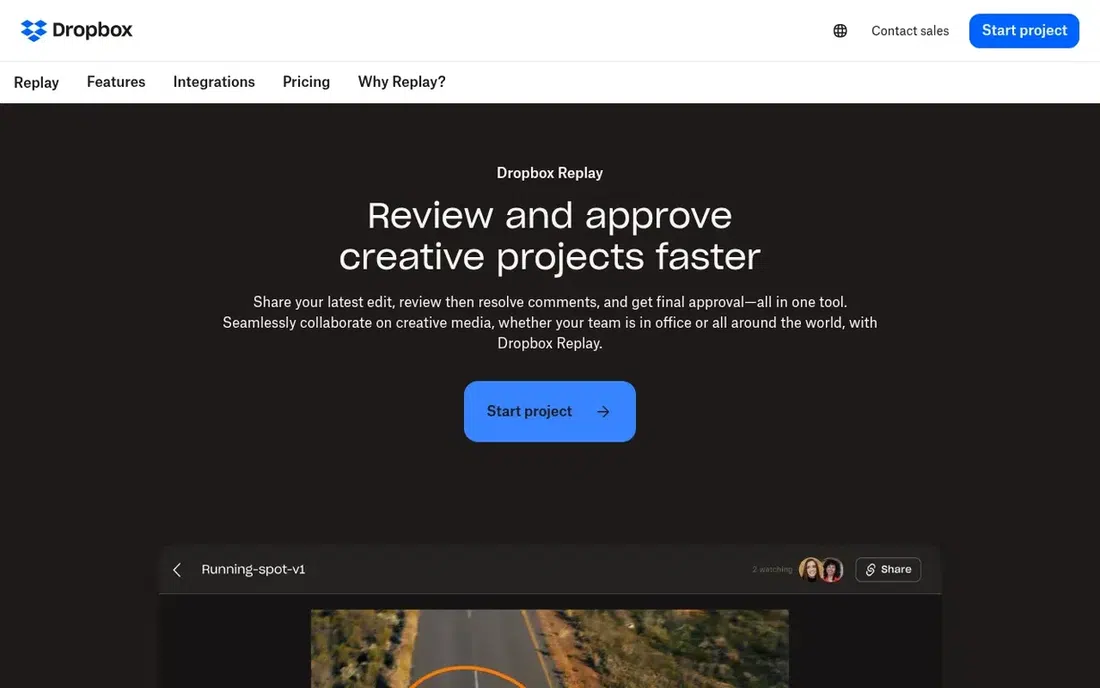
Think of Dropbox Replay for markup and comments on assets. Dropbox Replay lets teams mark up, comment, and finalize video, image, and audio assets all in one place.
Check the vendor site for Dropbox Replay pricing; none is listed in this comparison. Trial and free access: Not stated.
Points against: Review features tied to the Dropbox ecosystem.
- Comments and finalization in one place
- Suits existing Dropbox workflows
- Best value if already on Dropbox
Blackmagic Cloud
Best for: Remote DaVinci Resolve collaboration
Choose Blackmagic Cloud for remote DaVinci Resolve collaboration. Blackmagic Cloud is connected to DaVinci Resolve, which merges professional video editing, color correction, visual effects, and audio post production in a single application for Mac, Windows, and Linux. Setting up cloud projects also needs planning around media and access.
Where it is weaker: Most handy within Resolve.
As for the details, pick Blackmagic Cloud when Resolve is your primary editing application and you want collaboration built around it. The collaboration benefits are most solid for teams already editing in DaVinci Resolve; mixed-tool studios may need a separate review layer. This comparison lists no price for Blackmagic Cloud; ask the vendor. Free options: Not stated.
- Single application for edit, color, VFX, audio
- Supports remote post-production workflows
- Cloud setup layers on configuration steps
Signiant Media Shuttle
Best for: Quick large-file transfers
Signiant Media Shuttle was built for quick large-file transfers. Signiant Media Shuttle is built to send and transfer large files quick, with branded portals, no bandwidth caps, and full storage adaptability.
Media Shuttle is a transfer tool rather than a review and approval system. So teams that require frame-accurate comments may pair it with another service. Entry price for Signiant Media Shuttle: $13,000 a year. There is no free plan with Signiant Media Shuttle.
Limits to weigh: Transfer-focused instead of review-focused.
- Branded portals for clients
- Send any-size files globally
- Needs setup of portals and permissions
Aspera
Best for: Secure large-file transfer at scale
Think of Aspera for secure large-file transfer at scale. IBM Aspera offers quick, secure large-file transfer that eliminates slow, unreliable data movement and supports demanding workflows in hybrid and multi-cloud environments. Aspera is oriented toward enterprise infrastructure, so small editing teams may find it more complicated than necessary.
The main drawbacks: Overkill for small teams.
It takes care of transfer instead of creative review, meaning comments and approvals need another tool. Consider it when secure, high-speed movement of large media is a core requirement. Aspera does not show a starting price in this comparison, so check the vendor site for current pricing. Free options: Not stated.
- Supports hybrid and multi-cloud workflows
- Secure large-file transfer
- Enterprise-oriented setup
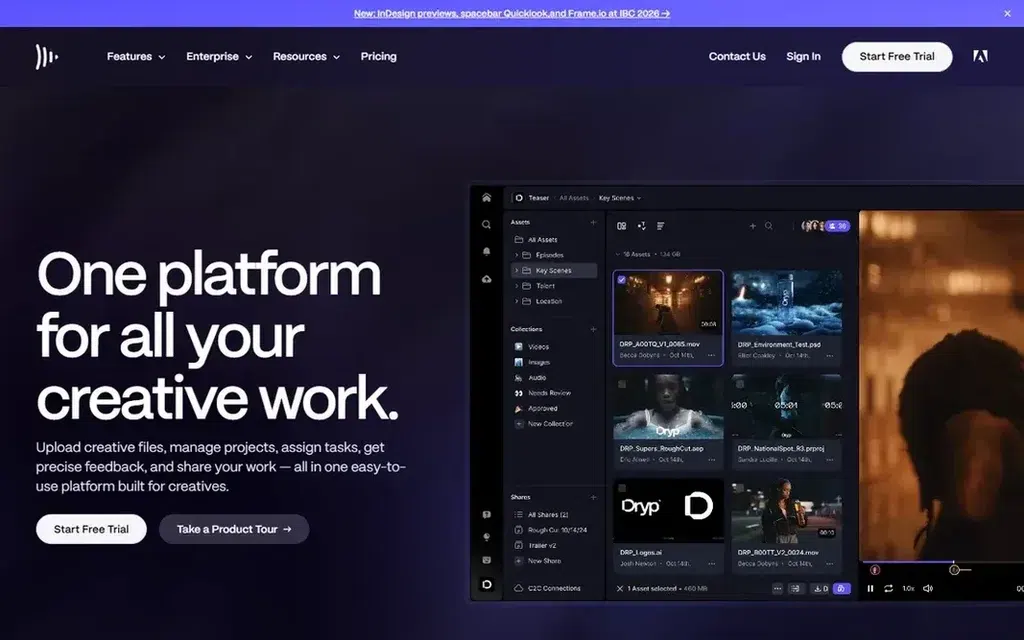
Pick Frame.io if this describes you: centralized review and approval. It is made for creative teams that require to deliver work quicker, with review and approval happening in the same place as asset storage.
In practice, video editors who on a regular basis exchange cuts with producers, clients, or colorists will find it suits tightly into post-production review loops. From a buyer's view, if your studio already standardizes on a different review tool, check how Frame.io integrates before committing. This comparison lists no price for Frame.io; ask the vendor. Free access: Not stated.
Honest limits: Requires team adoption.
- Secure system for creative delivery
- Merges files, feedback, people
- May overlap with editing suite tools
How we chose
Things to verify first
- Get a written quote from Dropbox Replay, Blackmagic Cloud, Aspera and Frame.io; the list shows no starting price for them.
- Read the limits listed for Dropbox Replay first: best value if already on Dropbox.
- Test the integrations you rely on with Dropbox Replay before committing; some connectors sit on upper tiers.
- Look at the help docs and support options for Frame.io before you commit.
- Find out whether the entry plan of Signiant Media Shuttle covers your must-haves or only a trimmed-down version.
FAQ
Does any tool for file collaboration software for video editors here have a free plan?
A permanent free plan is not offered by Dropbox Replay, Frame.io or the other tools here. Plan a short evaluation period instead.
How are the tools for file collaboration software for video editors ordered?
The order follows typical fit for file collaboration software for video editors, with Dropbox Replay first and Frame.io last, then price clarity and free access. It is editorial judgement, not a score, so another team could rank the tools differently.
Do these tools publish their prices?
Not all of them. Dropbox Replay, Blackmagic Cloud, Aspera and Frame.io publish no starting price, so expect a quote request for those. The rest, Signiant Media Shuttle included, show a starting price, though seats and billing terms still change the final cost.
Is Dropbox Replay the right pick for everyone comparing file collaboration software for video editors?
No single tool suits every team. Dropbox Replay comes first because it fits markup and comments on assets, while Blackmagic Cloud suits remote DaVinci Resolve collaboration and Signiant Media Shuttle suits fast large-file transfers. Match the tool to your own size, budget and workflow before deciding.
How does Blackmagic Cloud fit into collaboration?
Blackmagic Cloud is tied to DaVinci Resolve, which merges editing, color, VFX, and audio in one application. It is most handy for teams that already edit in Resolve and want project collaboration without leaving that environment.
What is the best file collaboration software for video editors?
Dropbox Replay comes first here and is built for markup and comments on assets. Buyers with other needs may prefer Blackmagic Cloud (for remote DaVinci Resolve collaboration) or Signiant Media Shuttle (for quick large-file transfers). Compare costs and limits first.
Sources
- https://www.dropbox.com/replay
- https://www.blackmagicdesign.com/products/davinciresolve
- https://www.signiant.com/products/media-shuttle
- https://www.ibm.com/products/aspera
- https://frame.io