Best Video Conferencing Apps for Small Business in 2026: 8 Apps Compared
Compare the best video conferencing app for small business for meetings, clients and teams, with free plans, pricing, recording and features for 2026.

- Editor's choice
 Zoom
Most small businesses
Starts atFreeVisit zoom.usFull review - Great alternative
 Google Meet
Google Workspace teams
Starts atFreeVisit meet.google.comFull review - Also consider
 Microsoft Teams
Microsoft 365 teams
Starts atFreeVisit microsoft.comFull review
TL;DR:
- Zoom is our top pick for most small businesses, because clients know it, and its Pro plan removes the free 40-minute group limit.
- Google Meet is the best value if your team already uses Google Workspace, since Meet comes with email, Drive, and Calendar.
- Microsoft Teams suits businesses already on Microsoft 365, while Webex and GoTo Meeting suit teams that need strong admin controls.
- Free plans work for short meetings, but recording, larger groups, and longer calls usually need a paid plan.
Quick comparison
| Tool | Best for | Starts at | Free plan? | |
|---|---|---|---|---|
| Zoom | Most small businesses | Free | Yes | Visit |
| Google Meet | Google Workspace teams | Free | Yes | Visit |
| Microsoft Teams | Microsoft 365 teams | Free | Yes | Visit |
 Webex | Secure business meetings | Free | Yes | Visit |
 GoTo Meeting | Simple client meetings | See website | Yes | Visit |
 Whereby | Browser meetings | Free | Yes | Visit |
 Jitsi Meet | Free open meetings | Free | Yes | Visit |
 Zoho Meeting | Small team value | Free | Yes | Visit |
The best video conferencing apps for small business
We compared meeting limits, recording, ease of joining, and cost for a small team. The best app is often the one your clients can join without help, not the one with the longest feature list.
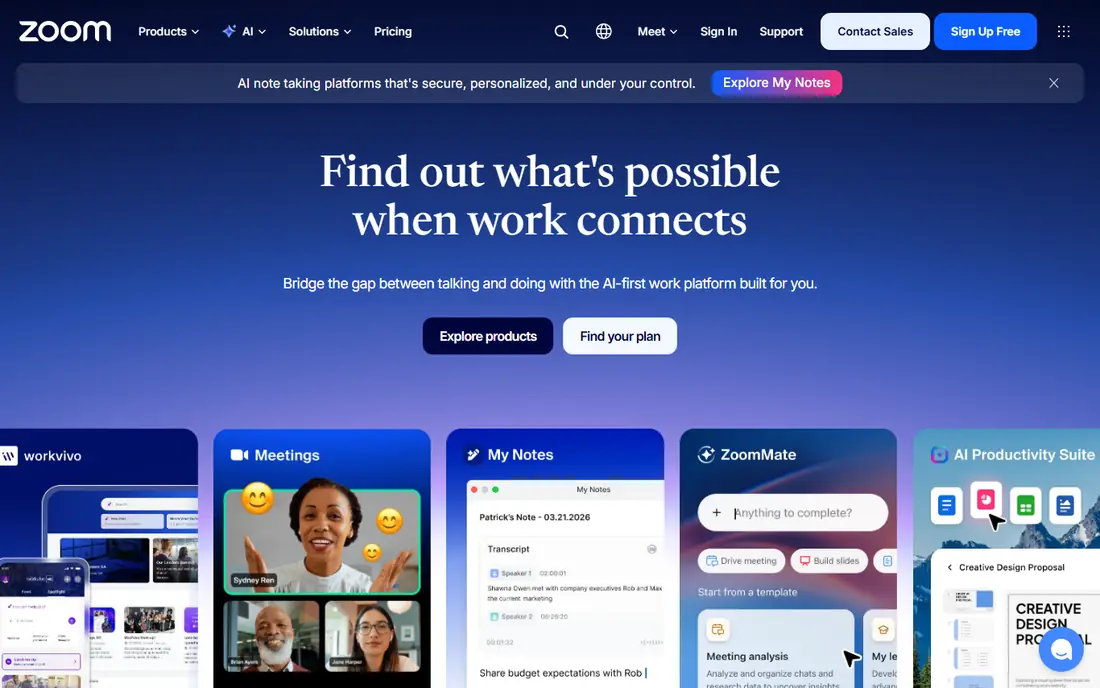
Zoom is our pick for most small businesses because familiarity matters. Clients, partners, and new hires usually know how to join a Zoom link, which cuts support time before a meeting. Video and audio quality are strong, and paid plans add cloud recording, longer meetings, and AI summaries.
The free Basic plan works for short calls with up to 100 participants, but group meetings end after 40 minutes. Pro is recently listed at $14.16 per user per month billed annually, or $16.99 billed monthly. If you host long client calls daily, Pro is worth the cost. If you only meet briefly, the free plan may be enough.
- Clients know how to join
- Reliable video and audio
- Cloud recording on paid plans
- Free group meetings end at 40 minutes
- Paid costs rise with hosts
- Add-ons can add up
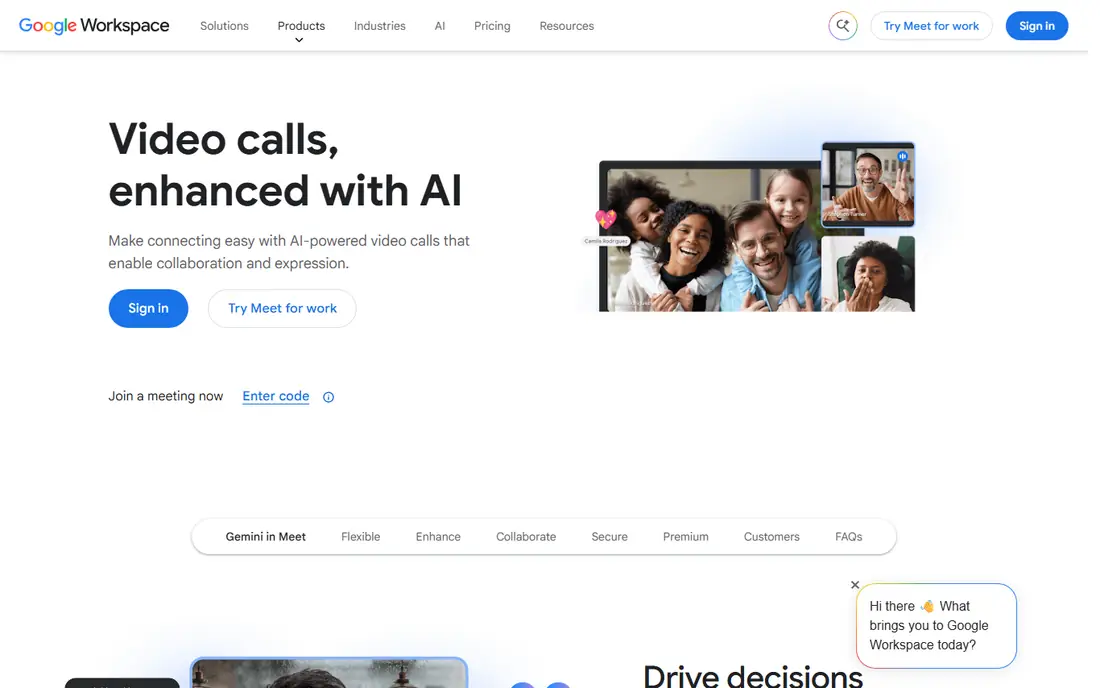
Google Meet suits teams already using Gmail, Calendar, and Drive. Meetings open in a browser, links sit in calendar invites, and paid Workspace plans add recording, larger groups, and longer meetings. Business Starter is recently listed at $7 per user per month billed annually, with Standard at $14 and Plus at $22.
The free plan allows group meetings up to 60 minutes with up to 100 participants, which is generous for short internal calls. Recording and breakout rooms need paid plans, so check the tier you need before you rely on those features. For a Google-based small business, Meet gives the best value per dollar.
- No install for browser meetings
- Google Calendar integration
- Included with Workspace
- Free group meetings end at 60 minutes
- Recording needs a paid Workspace plan
- Fewer webinar tools
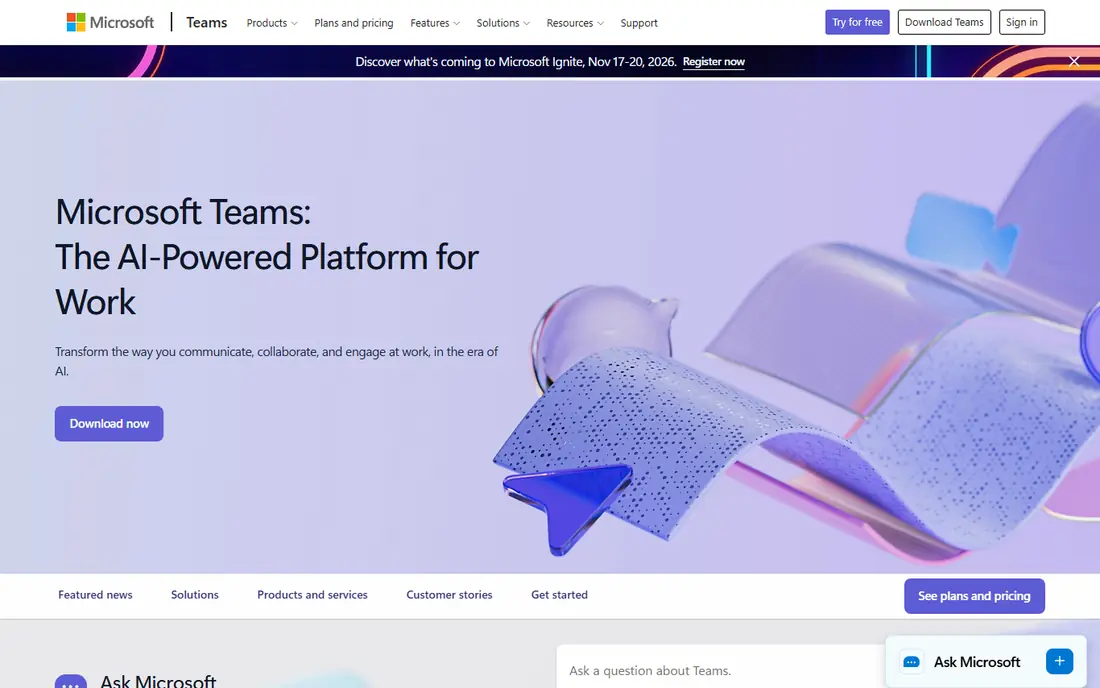
Microsoft Teams fits businesses that already live in Microsoft 365. Meetings, chat, files, and calendars sit in one app, so a team can move from a chat to a call to a shared document without switching tools. Admin controls and security options also suit businesses with compliance needs.
The catch is weight. Teams can feel heavy if you only need a simple video call, and its full value comes with a Microsoft 365 plan. Guest clients can join, but the flow is less simple than Zoom or Meet for a first-time caller. If your business already pays for Microsoft 365, Teams is the logical meeting app.
- Chat, files, and meetings in one app
- Microsoft 365 integration
- Strong admin controls
- Can feel heavy for simple calls
- Full value needs Microsoft 365
- Guest joining takes care
Webex from Cisco suits small businesses that need strong security and admin control, such as firms handling sensitive client data. Meetings are reliable, admin tools are deep, and webinar options help for client events. The free plan covers basic meetings, while paid plans add recording, larger groups, and advanced controls.
The trade-off is feel. Webex can seem more formal than Zoom or Meet, and new users may need a short guide to join and use controls. If security and admin oversight are top priorities, Webex is a strong pick. If ease of joining matters most, start with Zoom or Meet.
- Strong security and admin controls
- Reliable large meetings
- Webinar options
- Interface can feel formal
- Free plan has limits
- Some features need paid plans
GoTo Meeting is built for straightforward client meetings. Hosts can start a meeting fast, share a screen, and use drawing tools to walk a client through a document or design. Phone dial-in options help when a client has weak internet or prefers to call in.
The free plan is limited, and paid pricing varies, so check the current plan before you commit. GoTo Meeting also offers fewer team chat tools than Teams or Zoom, so it suits meeting-first businesses rather than teams that want an all-in-one chat and meeting app.
- Simple meeting setup
- Screen sharing and drawing tools
- Reliable audio options
- Pricing varies by plan
- Fewer chat tools than Teams
- Free plan is limited
Whereby stands out for guest ease. Guests join from a browser without downloading an app, and hosts can use a custom room link that feels more personal than a random meeting ID. That simplicity helps for client calls, interviews, and sales meetings where a smooth first join matters.
The free plan limits participants and rooms, so larger teams need a paid plan. Recording and advanced controls also sit in paid tiers. Whereby fits small businesses that host many one-to-one or small-group client calls and want a clean browser experience.
- No download for guests
- Custom meeting rooms
- Simple hosting
- Free plan limits participants and rooms
- Fewer enterprise controls
- Recording is paid
Jitsi Meet is the free, open-source option in this list. Anyone can start a meeting in a browser, and guests do not need an account. That makes it useful for community groups, nonprofits, and small businesses that need a no-cost meeting link without a subscription.
The trade-off is support and polish. There is no built-in business support line, and recording, branding, and admin controls need setup or self-hosting. Jitsi Meet suits teams that are comfortable with open-source tools and want a free meeting option, while most client-facing businesses will prefer Zoom or Meet.
- Free and open source
- No account needed for guests
- Browser-based meetings
- No built-in business support
- Features depend on self-hosting
- Recording needs setup
Zoho Meeting suits small teams that already use Zoho apps, or that want a lower-cost paid meeting tool. Paid plans are generally cheaper than Zoom or Webex, and webinar options help for training or client events. Integration with Zoho CRM and other Zoho tools can also save time for sales teams.
The catch is familiarity. Clients may know Zoom better, so a first Zoho Meeting join can need a short explanation. The free plan is also limited for regular business use. If cost and Zoho integration matter most, Zoho Meeting is a good value pick.
- Low-cost paid plans
- Webinar options
- Zoho app integration
- Smaller user base than Zoom
- Free plan is limited
- Clients may need a short guide
How we picked these
We compared official pricing pages, meeting limits, recording options, and joining ease for each app. We favored apps that still work in October 2026, offer a real free start, and suit teams of fewer than 50 people. We did not claim hands-on lab testing. We also weighed client familiarity, since a meeting app that clients struggle to join costs time on every call.
How to choose a video app for a small business
Start with how your clients meet you, then check cost at your real team size. A cheap app that confuses clients is not cheap after lost meetings.
Count hosts, not just staff
Most paid plans charge per host, not per viewer. If only three people host meetings, you may need only three paid licenses, even with a larger team. Check that detail before you compare monthly totals.
Test joining, recording, and screen sharing
Run a test meeting with a client-style guest who has never used the app. Check joining from a phone and a browser, screen sharing, and recording playback. A tool that passes your internal test but fails for a guest will cause problems on real calls.
Check security and privacy settings
Set a waiting room, require a passcode for client meetings, and control who can share a screen. Read the privacy terms for recording and AI summaries, and tell clients when a meeting is recorded. Good settings protect both your business and your clients.
FAQ
What is the best video conferencing app for small business?
Zoom is our top pick for most small businesses, because clients know it and it handles long meetings well on paid plans. Google Meet is best if you already use Google Workspace, and Microsoft Teams is best if you already use Microsoft 365.
Is Zoom free for small business?
Zoom offers a free Basic plan with group meetings up to 40 minutes and up to 100 participants. Pro removes the 40-minute limit and adds cloud recording, recently listed at $14.16 per user per month billed annually.
Can I use Google Meet for free?
Yes, Google Meet offers a free plan with group meetings up to 60 minutes and up to 100 participants. Paid Google Workspace plans add longer meetings, recording, and larger groups, starting recently at $7 per user per month.
Which app is easiest for clients to join?
Zoom and Google Meet are usually easiest, because most clients have used one or both. Whereby is also easy, since guests join from a browser without a download. Always send a test link before an important client call.
Do I need a paid plan for recording?
In most apps, yes. Zoom, Google Meet, Webex, and GoTo Meeting place cloud recording in paid plans, though local recording may be available on some plans. Check the recording rules for your chosen plan before you promise a recording to a client.