Field Activity Management Software in 2026: The 5 Best Options Side by Side
Need the best field activity management software? We compare 5 tools on cost, free access and who each suits. Real limits included. Reviewed in November 2026.
- Editor's choice
 Kickserv
Managing jobs, customers, communication, and payments
Starts at$60 a monthVisit kickserv.comFull review - Great alternative
 FieldEdge
Tracking customers, dispatches, and service history
Starts atSee websiteVisit fieldedge.comFull review - Also consider
 Housecall Pro
Home service firms seeking an all-in-one option
Starts at$59 per monthVisit housecallpro.comFull review
Direct answer
Kickserv is the first pick on this list for managing jobs, customers, communication, and payments. Listed starting prices: Kickserv from $60 a month and Housecall Pro from $59 per month. FieldEdge is better for tracking customers, dispatches, and service history, and Housecall Pro is better for home service firms seeking an all-in-one option. The remaining 2 options are covered below with prices and limits.
TL;DR:
- This list starts with Kickserv, which is built for managing jobs, customers, communication, and payments.
- Neither Kickserv nor Microsoft Dynamics 365 Field Service, nor any of the other 3 tools, has a permanent free plan; trials and quotes are the norm.
- One limit worth knowing about FieldEdge: demo request required to evaluate.
- For the cheapest start, look at Housecall Pro: $59 per month.
Last checked November 2026. Prices and plan details were read from the vendors' own pages in November 2026; vendors change plans often, so confirm the current price on the vendor site before you buy.
Quick comparison
| Tool | Best for | Starts at | Free plan? | |
|---|---|---|---|---|
| Kickserv | Managing jobs, customers, communication, and payments | $60 a month | Free trial | Visit |
| FieldEdge | Tracking customers, dispatches, and service history | See website | No | Visit |
| Housecall Pro | Home service firms seeking an all-in-one option | $59 per month | Free trial | Visit |
| ServiceNow Field Service Management | Complicated, workflow-driven field service operations | See website | Not stated | Visit |
| Microsoft Dynamics 365 Field Service | AI-assisted scheduling and automatic service reminders | See website | Not stated | Visit |
Field Activity Management Software, one by one
This LinkVetted guide covers 5 options for field activity management software. Each profile lists a starting price, free plan details, strengths and drawbacks, so you can drop poor fits quickly.
In short, Kickserv is for managing jobs, customers, communication, and payments. If you need AI-driven scheduling or complicated workflows, consider Microsoft Dynamics 365 Field Service or ServiceNow Field Service Management.
The feature set is narrower than enterprise suites, so companies needing advanced automation or deep customization may outgrow it. On top of that, Kickserv field service management software offers management of jobs, customers, communication, and payments for home service companies. Kickserv cost at the entry level: $60 per month. Free access: Free trial.
Trade-offs to know: Smaller feature set than enterprise suites.
- Job and customer management
- Payment handling for home service firms
- May lack advanced automation
Choose FieldEdge for tracking customers, dispatches, and service history. FieldEdge offers efficient ways to track customers, dispatches, service history, and more with its field service management software and field service app.
Drawbacks to consider: Demo request required to evaluate.
It suits field service firms that want dispatch and customer history tracked in one place and are prepared to request a demo to evaluate the fit. No starting price is listed for FieldEdge here; confirm pricing on the vendor site. FieldEdge does not include a free plan.
- Service history at hand
- Field service app included
- May be more than entry-level scheduling needs
Housecall Pro is aimed squarely at home service companies seeking an all-in-one option. Solo operators or very small teams may find more features than they need, and some workflows take time to learn.
What to check first: Some workflows may need learning time.
Starting cost for Housecall Pro: $59 per month. Trial and free access: Free trial.
- Merges scheduling and business management
- Designed for home service companies
- May be more than solo operators need
ServiceNow Field Service Management
Best for: Complicated, workflow-driven field service operations
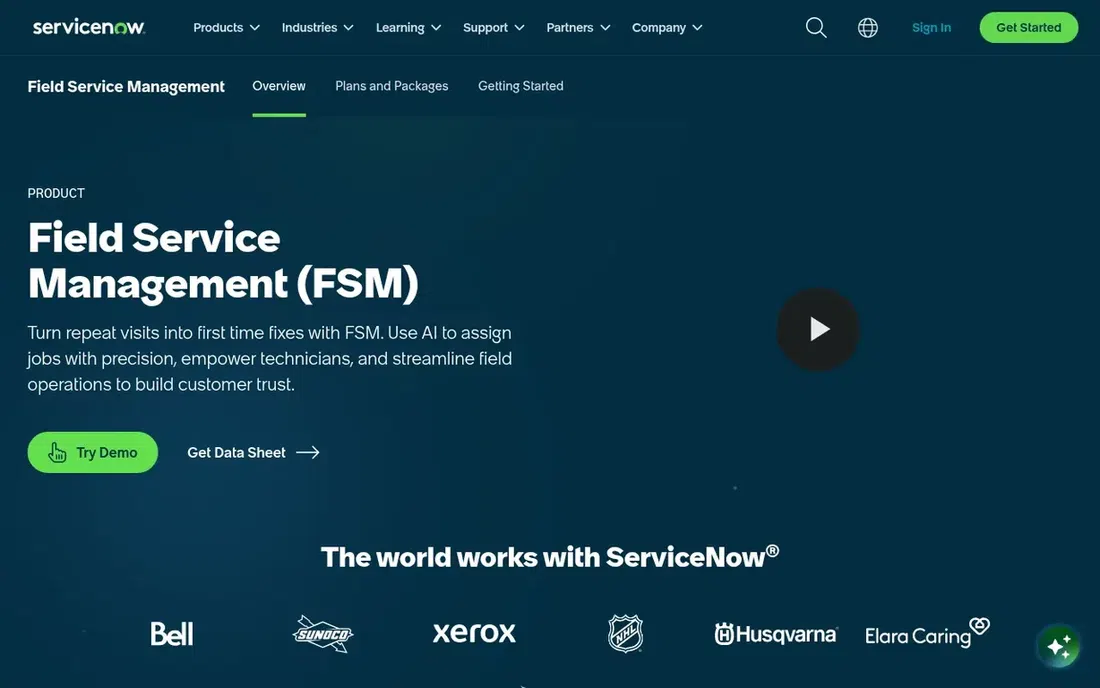
ServiceNow Field Service Management is aimed squarely at complicated, workflow-driven field service operations. If you mainly need fast quoting and payments for a small crew, a more straightforward trade-focused tool may be a better fit.
Drawbacks to consider: May be more than small teams need.
Pricing for ServiceNow Field Service Management is not stated here, so ask the vendor for current figures. Trial and free access: Not stated.
- Digital workflows for employees and customers
- Supports customizable service processes
- Can need significant setup effort
Microsoft Dynamics 365 Field Service
Best for: AI-assisted scheduling and automatic service reminders
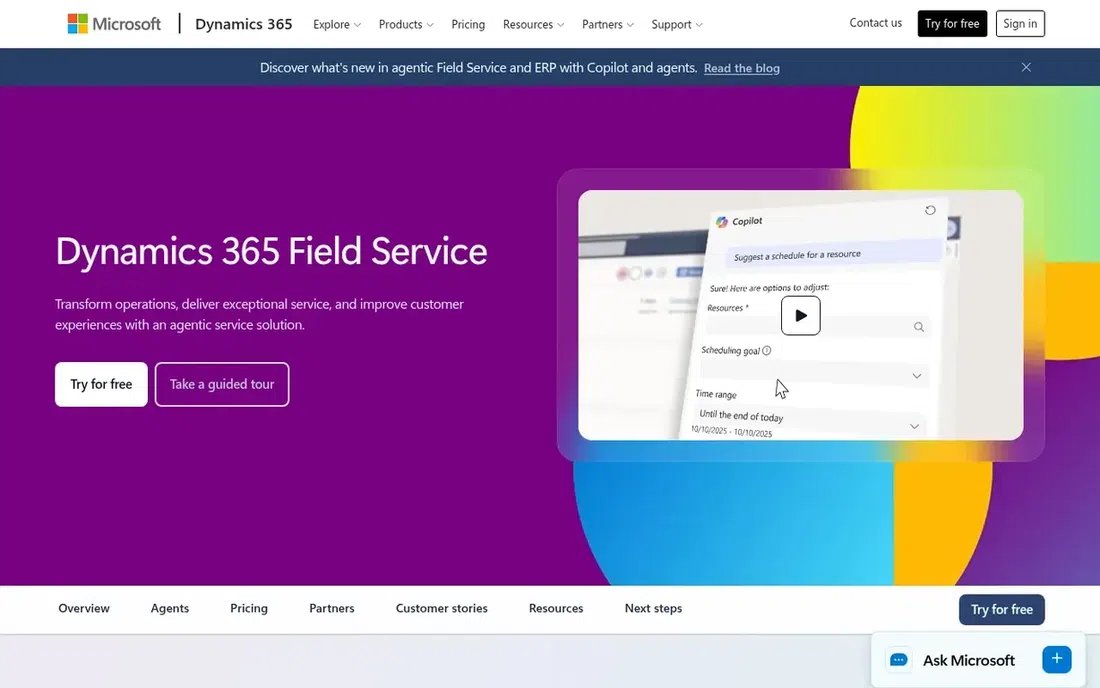
Choose Microsoft Dynamics 365 Field Service for AI-assisted scheduling and automatic service reminders. It fits organizations already comfortable with Microsoft business applications that want scheduling automation and reminders built into a broader system.
If you need a lightweight tool concentrated on quoting and invoicing for a small service business, a more straightforward choice may be simpler to adopt. Pricing for Microsoft Dynamics 365 Field Service is not stated here, so ask the vendor for current figures. Free options: Not stated.
Watch-outs: May need Microsoft ecosystem familiarity.
- AI-driven self-service scheduling
- Automatic service reminders
- Configuration can take time
How we chose
What to confirm before you sign up
- Ask FieldEdge, ServiceNow Field Service Management and Microsoft Dynamics 365 Field Service for a written quote, since no starting price is shown.
- Take the trial from Kickserv and Housecall Pro and push a live task through it before you pay.
- Before choosing Kickserv, weigh its main limit: may lack advanced automation.
- Compare total cost, not headline price: for Kickserv, add extra seats, add-ons and any usage-based charges.
- Let daily users try Housecall Pro on real work; their feedback beats any feature checklist.
FAQ
How are the tools for field activity management software ordered?
The order follows typical fit for field activity management software, with Kickserv first and Microsoft Dynamics 365 Field Service last, then price clarity and free access. It is editorial judgement, not a score, so another team could rank the tools differently.
Do these tools publish their prices?
Not all of them. FieldEdge, ServiceNow Field Service Management and Microsoft Dynamics 365 Field Service publish no starting price, so expect a quote request for those. The rest, Kickserv included, show a starting price, though seats and billing terms still change the final cost.
Can I try these options before paying?
Often, yes. Kickserv and Housecall Pro offer a free trial. Use your own data and a real task during the test, and check what the free tier or trial limits before you rely on it.
Can field activity software track service history?
Service history helps technicians see past work and helps managers maintain customer records, so check how each tool keeps and displays that information.
Does any tool for field activity management software here have a free plan?
A permanent free plan is not offered by Kickserv, Microsoft Dynamics 365 Field Service or the other tools here. Kickserv, Housecall Pro offer a trial. Plan a short evaluation period instead.
Sources
- https://www.kickserv.com
- https://www.fieldedge.com
- https://www.housecallpro.com
- https://www.servicenow.com/products/field-service-management.html
- https://www.microsoft.com/en-us/dynamics-365/products/field-service